
Level 1 7 tutorials 1h 51min
Web Foundations and Semantic HTML
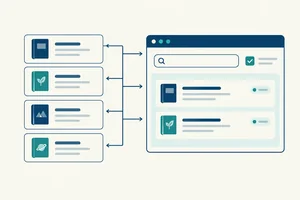
Start with how browsers display web pages, then create meaningful HTML documents using a local editor. Semantic structure and native accessibility come first because styling and interactivity depend on a usable foundation.
What you will learn
- Explain the roles of browsers, servers, URLs, HTML, CSS, and JavaScript.
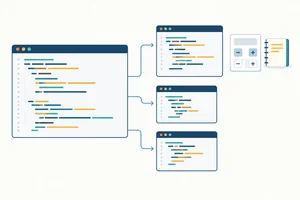
- Create and link local HTML files, use relative paths, and inspect a page with browser developer tools.
- Structure documents with metadata, landmarks, headings, lists, links, and images with appropriate text alternatives.
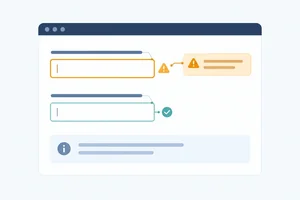
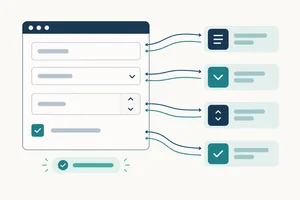
- Build forms with associated labels, suitable input types, and native validation.
-
 Tutorial 1:
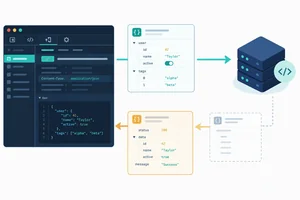
How Browsers Display Web Pages
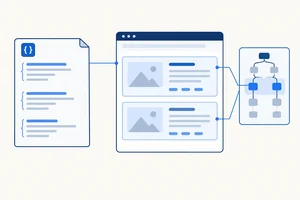
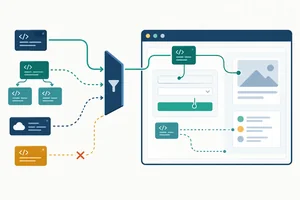
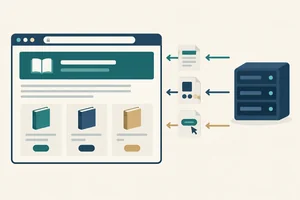
Explain how a browser obtains and displays a web page, and distinguish the responsibilities of HTML, CSS, and JavaScript.
Tutorial 1:
How Browsers Display Web Pages
Explain how a browser obtains and displays a web page, and distinguish the responsibilities of HTML, CSS, and JavaScript.
-
 Tutorial 2:
Create and Inspect a Local HTML Page
Create a complete HTML document in your own editor, open it in a browser, and inspect how its elements relate to the displayed page.
Tutorial 2:
Create and Inspect a Local HTML Page
Create a complete HTML document in your own editor, open it in a browser, and inspect how its elements relate to the displayed page.
-
 Tutorial 3:
Link Local Pages with Relative Paths
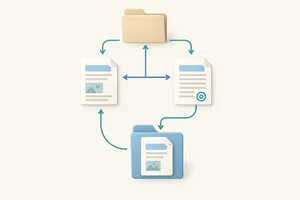
Connect local pages with reliable links, check keyboard navigation, and explain how native elements communicate a control's name and role.
Tutorial 3:
Link Local Pages with Relative Paths
Connect local pages with reliable links, check keyboard navigation, and explain how native elements communicate a control's name and role.
-
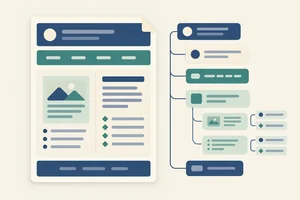 Tutorial 4:
Organize Content with Semantic HTML
Organize an unstyled page into meaningful regions, headings, and lists so its structure remains understandable without visual styling.
Tutorial 4:
Organize Content with Semantic HTML
Organize an unstyled page into meaningful regions, headings, and lists so its structure remains understandable without visual styling.
-
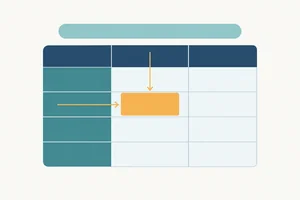 Tutorial 5:
Build Accessible Data Tables
Build a semantic data table with a descriptive caption and clear row and column header associations, without using tables for page layout.
Tutorial 5:
Build Accessible Data Tables
Build a semantic data table with a descriptive caption and clear row and column header associations, without using tables for page layout.
-
 Tutorial 6:
Add Images with Appropriate Alt Text
Add an image of your own to a local page and provide an appropriate text alternative based on what the image contributes.
Tutorial 6:
Add Images with Appropriate Alt Text
Add an image of your own to a local page and provide an appropriate text alternative based on what the image contributes.
-
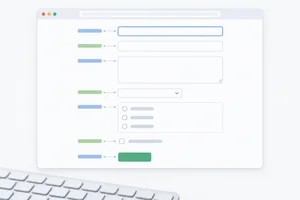 Tutorial 7:
Build Accessible Forms with Native Validation
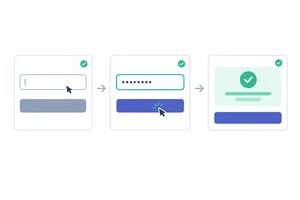
Build a labeled, keyboard-usable form whose native controls expose meaningful names, roles, and states, then check browser validation locally with fictional input.
Tutorial 7:
Build Accessible Forms with Native Validation
Build a labeled, keyboard-usable form whose native controls expose meaningful names, roles, and states, then check browser validation locally with fictional input.