Step 1 of 7
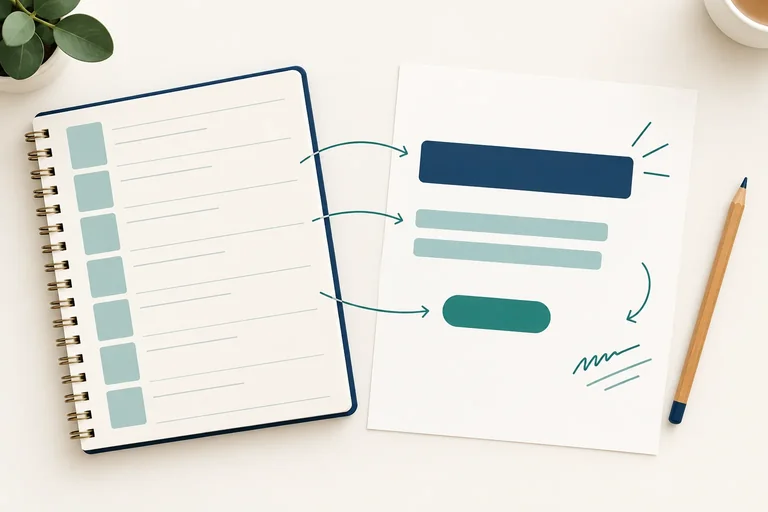
Turn features into relevant benefits
Translate confirmed Clearweek product features into one practical, audience-relevant benefit without inventing outcomes.

Learning path · Level 2 · Tutorial 2
Write a short marketing message with a benefit-led headline, persuasive body copy, credible support, and a clear call to action.
 Turn features into relevant benefits
Translate confirmed Clearweek product features into one practical, audience-relevant benefit without inventing outcomes. 3 min
 Make claims the evidence can support
Decide whether to keep, narrow, or remove a claim based on the supplied evidence. 3 min
 Lead with a clear benefit
Draft a headline that communicates one relevant, supportable benefit in a practical, calm, and encouraging voice. 2 min
 Build body copy that explains why
Develop a short body passage that links an audience need, a supported benefit, and relevant product evidence. 3 min
 Make the next action clear
Write a CTA that accurately describes the supplied next step without implying an unintended commitment. 2 min
 Edit for clarity and easy scanning
Revise benefit-led marketing copy for direct language, easy scanning, and accurate supported meaning. 2 min
 Write and review a complete message
Integrate the supplied brief, product specification, and prior copywriting techniques into a complete, reviewable marketing message. 5 min
Step 1 of 7
Translate confirmed Clearweek product features into one practical, audience-relevant benefit without inventing outcomes.
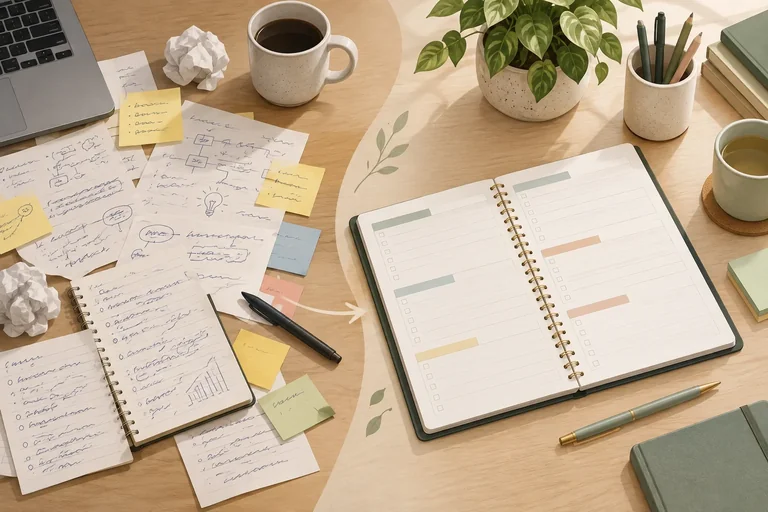
Freelance workers in this brief keep weekly commitments across separate notes. Their practical need is to see those commitments together.
A feature describes what an offer has. A benefit explains why that feature matters to this audience. Connect them with a practical use:
Feature -> practical use -> audience benefit
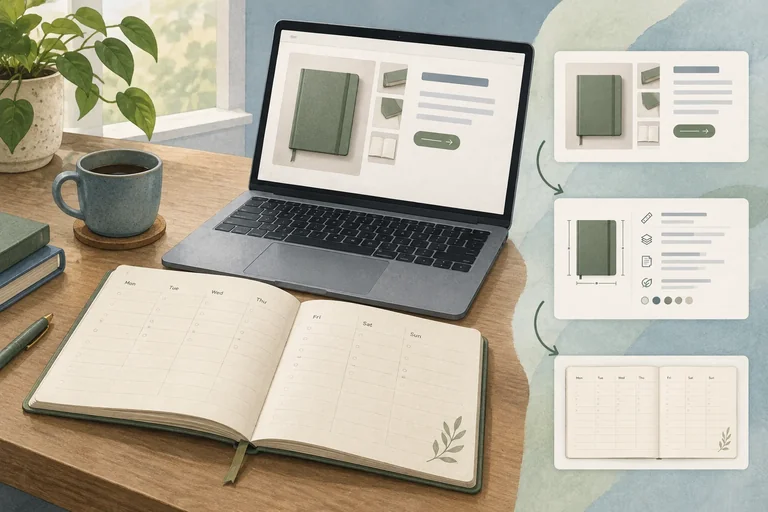
The Case product specification confirms these features of the Clearweek desk planner: 50 undated weekly sheets, 7 day columns per sheet, and 1 priority box with space for 3 priorities.
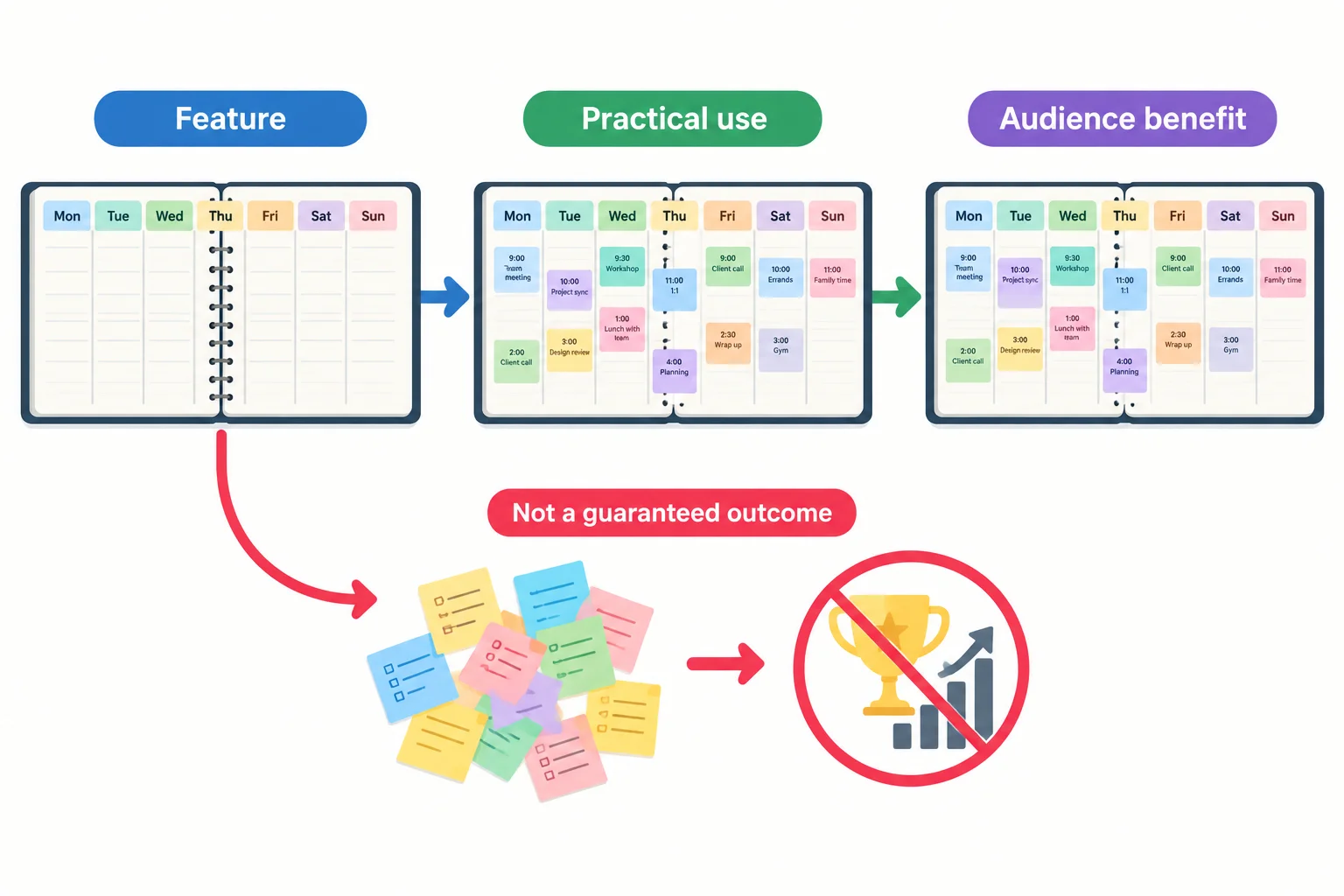
A feature supports a practical use. The practical use makes the audience benefit believable; it does not promise guaranteed productivity.
Use the brief to choose one main benefit, not a list of every feature. For this consideration-stage message, the most relevant benefit is helping freelancers see their weekly commitments together.
The feature is the proof point inside the chain. The benefit is the useful result for the reader. A feature by itself can sound like a specification; a benefit without a feature can sound ungrounded.
Example
Feature -> practical use -> audience benefit
7 day columns per sheet -> put commitments for each day into one weekly view -> see weekly commitments together instead of across separate notes
This is a functional, audience-relevant benefit. It stays close to what the planner layout can help the reader do. It does not claim that the planner will guarantee more productivity or a specific result.
Tip
Keep the middle of the chain concrete. Describe what the feature lets someone do before explaining why that use matters to this audience.
Match each Clearweek feature to its most relevant practical use.
Tap an item and then its matching pair.
Write one chain for the Clearweek desk planner in this format:
Feature -> practical use -> audience benefit
Choose 1 confirmed feature. Make the audience benefit relevant to freelance workers who need to see scattered weekly commitments together. Do not add a promise of guaranteed productivity, time savings, or another unsupported outcome.
Write at least 60 characters (0/60).
Step 2 of 7
Decide whether to keep, narrow, or remove a claim based on the supplied evidence.
A claim is a statement a reader could rely on. Its scope must not exceed its evidence.
For Clearweek desk planner, the Case product specification confirms only these product facts: 50 undated weekly sheets, 7 day columns per sheet, and 1 priority box with space for 3 priorities.
A directly verifiable product fact repeats one of those details. A grounded functional benefit explains a practical use of a confirmed feature. A performance promise, such as saving time or guaranteeing productivity, needs additional evidence about results.
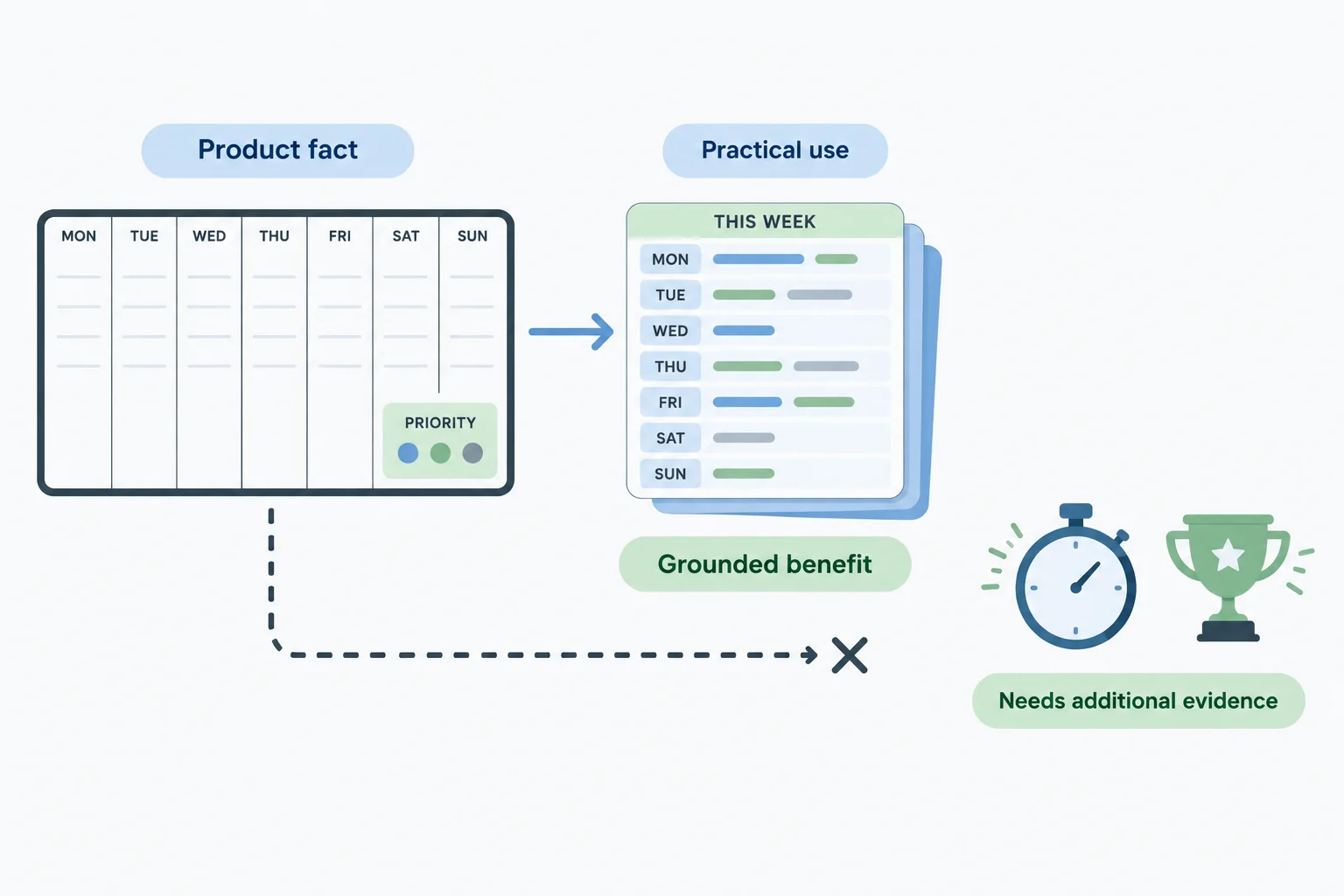
The Case product specification supports claims about the planner and its practical use. It does not prove performance outcomes. Product diagrams illustrate the specification; they are not separate evidence of effectiveness.
Match a claim to the exact scope of the Case product specification. Then choose one action:
A cautious-sounding word does not create evidence. “May save hours” still claims a time-saving result, so it needs evidence about time savings.
Compare the wording with what the specification can actually establish.
| Claim | Claim type | Specification support | Action |
|---|---|---|---|
| “Includes 50 undated weekly sheets.” | Product fact | Exact quantity and format | Keep |
| “The 7 day columns provide a place to see a week’s commitments together.” | Functional benefit | Weekly layout supports this use | Keep |
| “Keeps every deadline under control.” | Broad outcome | Does not establish every result | Narrow |
| “May save you hours every week.” | Performance promise | No time-saving evidence | Remove |
| “Has 1 priority box with space for 3 priorities.” | Product fact | Exact layout detail | Keep |
Tip
Use a qualifier to state a real limit in available evidence, not to disguise an unsupported outcome. If the evidence does not address an outcome at all, choose a claim the evidence does address.
What is the best action for this claim?
“Clearweek desk planner may save you hours every week.”
The Case product specification confirms 50 undated weekly sheets, 7 day columns per sheet, and 1 priority box with space for 3 priorities.
Review these claims:
A. “Clearweek desk planner includes 50 undated weekly sheets.”
B. “Clearweek desk planner will guarantee a more productive week.”
C. “The 7 day columns give you a place to see a week’s commitments together.”
In 2–4 sentences, identify which claims the specification supports. Then revise or remove claim B, and explain why changing it to “may guarantee” would not fix the evidence problem.
Write at least 120 characters (0/120).
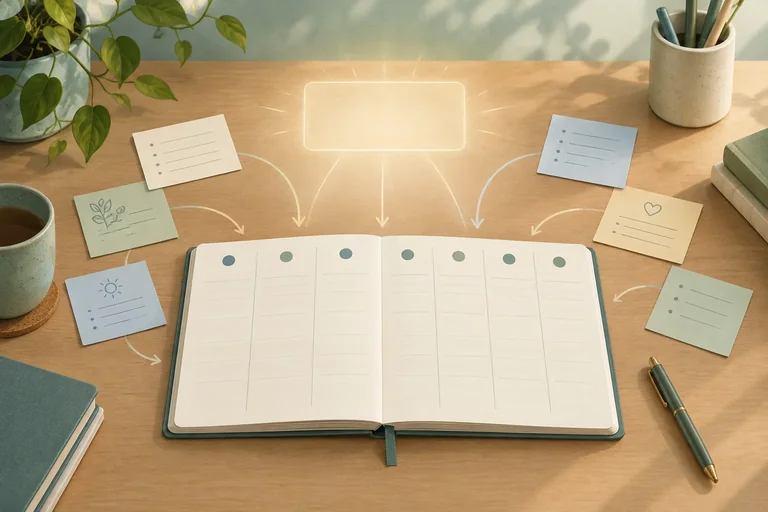
Step 3 of 7
Draft a headline that communicates one relevant, supportable benefit in a practical, calm, and encouraging voice.
A benefit-led headline starts with a useful outcome for the reader, not just the product name or a feature. For this brief, the audience needs to see weekly commitments that are scattered across separate notes.
Choose one main benefit: seeing those commitments together. The supporting logic is:
Feature -> practical use -> audience benefit
7 day columns per sheet -> place commitments across a week -> see weekly commitments together.
The headline can foreground the final benefit. It does not need to name freelance workers if the task or need is clear. Keep the outcome grounded in the Case product specification; do not turn it into a promise of guaranteed productivity.
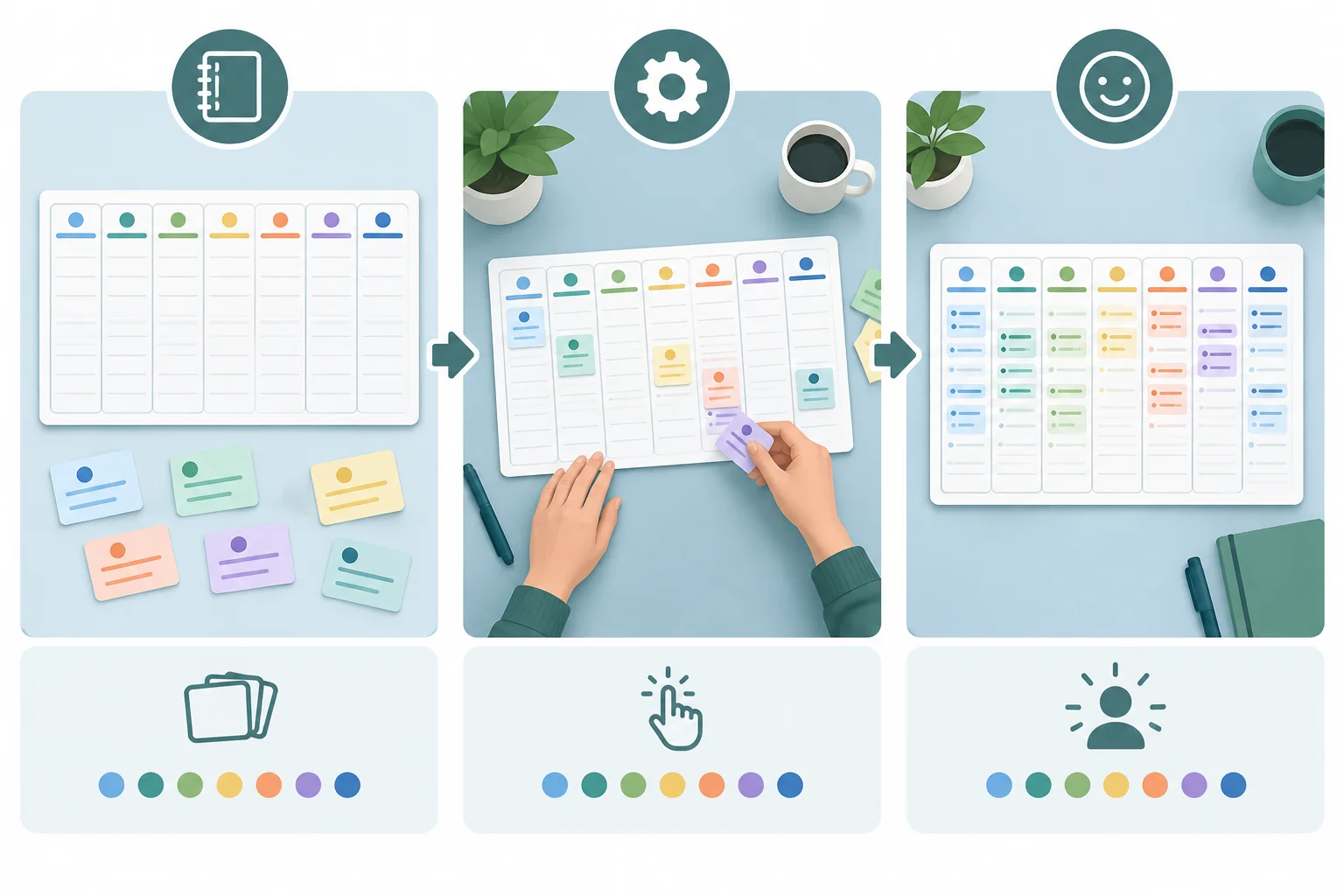
The layout supports a practical use—placing commitments across a week—which supports the benefit of seeing them together.
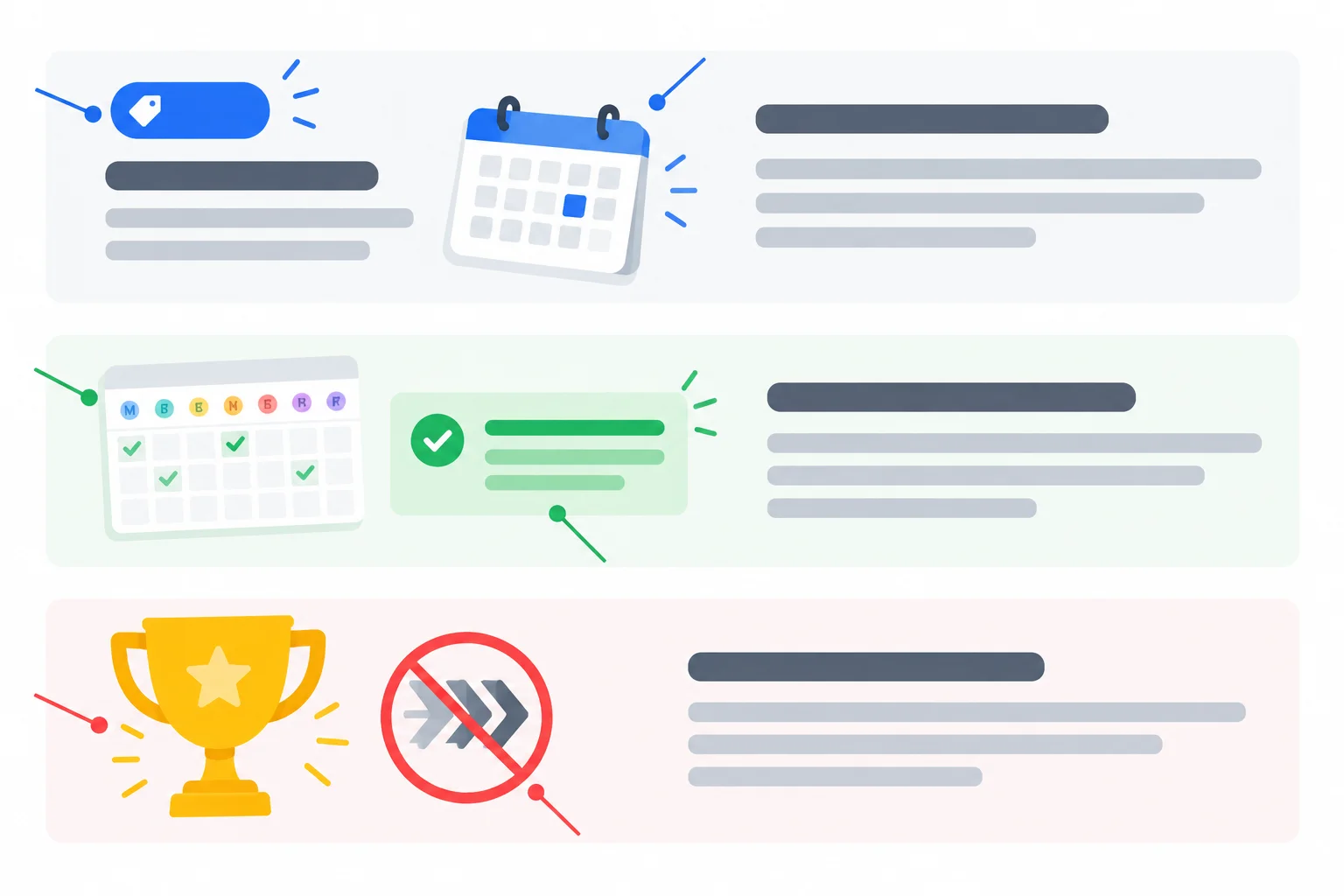
A strong headline makes the useful outcome clear while staying within the boundary of what the product specification can support.
Example
Feature-only: “Clearweek desk planner with 50 undated weekly sheets.”
This is a confirmed feature, but it leaves the reader to work out why it matters.
Benefit-led: “Plan the week from one clear view.”
This leads with a concrete task and benefit. The 7 day columns support the idea of a weekly view.
Unsupported promise: “Get more done every week with Clearweek.”
The Case product specification does not establish a productivity result. Avoid certainty, superlatives, and vague praise such as “the ultimate planner.”
Tip
Use practical, calm, encouraging words: clear, together, week, plan, and view. Prefer familiar language over hype. One focused benefit is stronger than a list of features or several competing outcomes.
Arrange the blocks into a coherent benefit-led headline.
Your sentence
Available words
Write an original 4–12 word headline for the Clearweek desk planner. Lead with one relevant, supportable benefit for people whose weekly commitments are scattered across separate notes. Use practical, calm, encouraging language. Do not write a feature-only headline or promise a productivity result.
Write at least 12 characters (0/12).
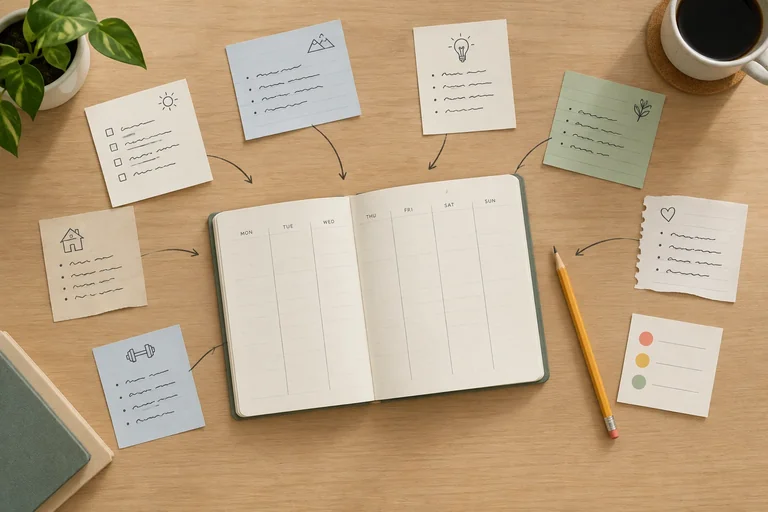
Step 4 of 7
Develop a short body passage that links an audience need, a supported benefit, and relevant product evidence.
A short body passage makes the headline believable. Use this flexible scaffold:
A call to action (CTA) is that next-action prompt. For now, treat it as the end point of the message flow; its wording comes later. The scaffold does not require four sentences or visible labels. A strong two-sentence passage can combine the situation, benefit, and evidence.
Keep the difficulty factual and calm: scattered commitments are inconvenient, not a personal failure.
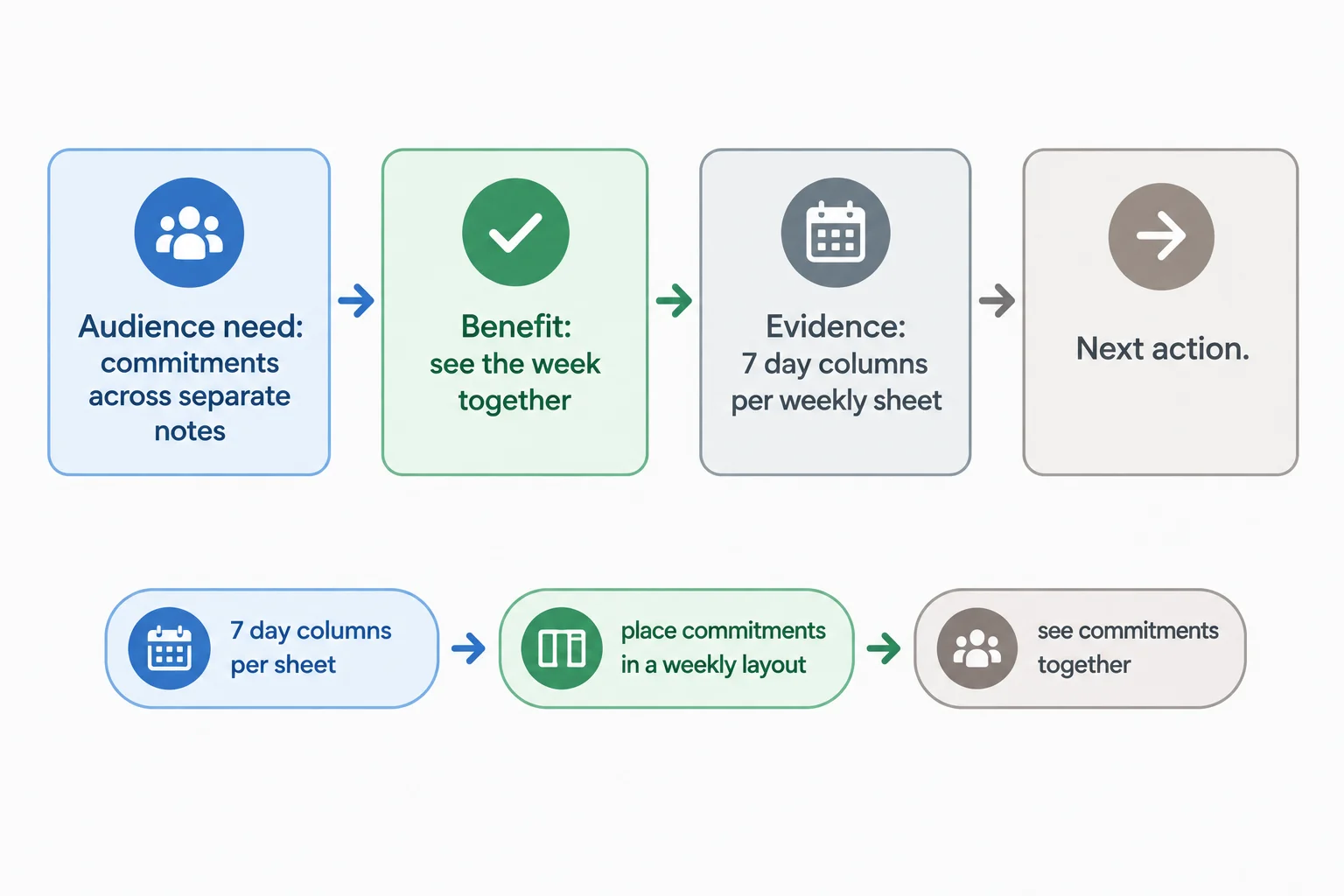
Use evidence to explain the benefit, not to list every product fact.
Example
This fragment develops a benefit-led headline without repeating it word for word.
Headline
See your week in one place.
Body copy
When commitments are spread across separate notes, it can be hard to view the week at once. Clearweek desk planner gives each weekly sheet 7 day columns, helping you bring those commitments together in one weekly layout.
The first sentence acknowledges a practical audience need. The second sentence connects the feature—7 day columns per weekly sheet—to the benefit of bringing commitments together.
That feature is evidence from the Case product specification. It appears beside the benefit it supports. Details such as 50 sheets or the priority box may be useful elsewhere, but adding them here would not strengthen this specific claim.
Put these lines into the order that creates the clearest short-message progression.
Draft Body copy in 2 short sentences for this Headline:
See your week in one place.
Write for freelance workers whose commitments are scattered across separate notes. Develop the headline by connecting the confirmed feature, 7 day columns per weekly sheet, to the benefit. Keep the voice practical, calm, and encouraging. Do not add a CTA yet, and do not promise productivity results.
Write at least 120 characters (0/120).
Step 5 of 7
Write a CTA that accurately describes the supplied next step without implying an unintended commitment.
A call to action (CTA) tells the reader what to do next. For this consideration-stage message, the desired action is to view the Clearweek desk planner details.
Use a concrete verb and name a destination the reader can understand. The CTA must promise only what the destination delivers: the fictional planner details page shows the product specification and a sample sheet. It requires no sign-up and does not place an order.
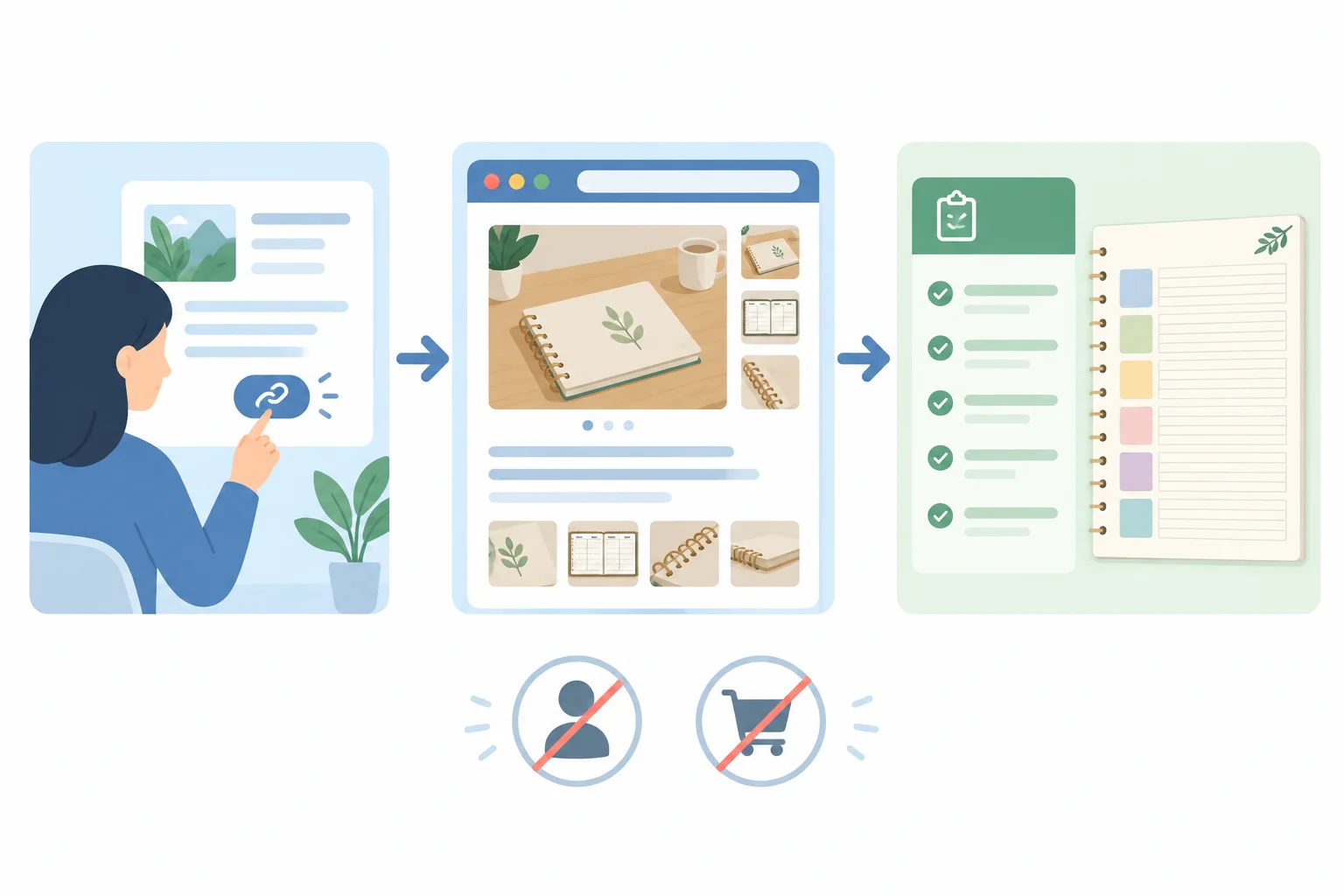
The reader's expectation from the CTA should match the planner details page: view information, with no sign-up or order.
Choose wording based on what the reader will actually receive. A vague CTA leaves the destination unclear. A purchase or account CTA creates an expectation the page cannot meet.
Nearby clarification is useful only when the CTA alone could leave an important commitment unclear. Here, a short note can state that viewing details requires no sign-up.
Compare each CTA with the supplied destination before choosing one.
| CTA wording | Reader expectation | Match? |
|---|---|---|
| View planner details | View product information | Yes |
| Learn more | Unclear next step | Not specific enough |
| Buy the planner now | Begin a purchase | No |
| Create an account to view | Sign up first | No |
Tip
If needed, place this clarification near the CTA: “See the product specification and a sample sheet. No sign-up required.” It explains the next step without inventing urgency or a commitment.
Which CTA has a mismatch with the supplied planner details page?
The planner details page shows the product specification and a sample sheet. It requires no sign-up and does not place an order.
A draft CTA says: “Start your order.”
Write two short lines:
Write at least 35 characters (0/35).
Step 6 of 7
Revise benefit-led marketing copy for direct language, easy scanning, and accurate supported meaning.
Editing is not just making copy shorter. It makes the message easier to follow while protecting its supported meaning.
Give each section one job:
Cut vague praise, jargon, repeated ideas, and filler. Keep the facts, any needed qualification, and the accurate next step. For example, do not cut “may” if it keeps a claim within the available evidence.
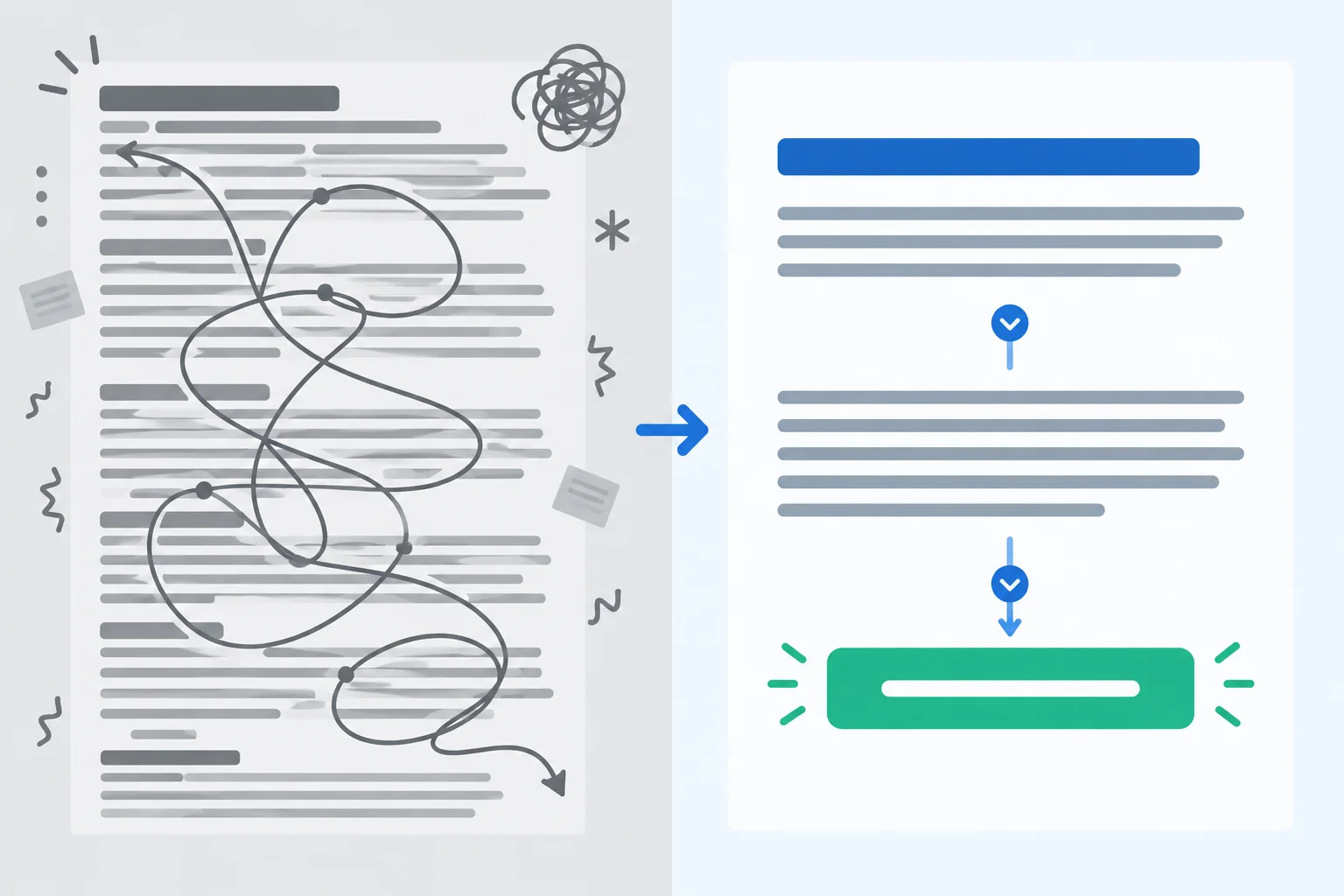
A clearer reading order helps the reader find the benefit, the supporting facts, and the next action without changing the claim.
Tip
Use line breaks when they separate different jobs in the message. Do not add breaks just to make a short message look longer. A brief list is useful only when the reader needs to compare several distinct facts.
Compare the two versions below. The revision removes unsupported praise and repeated wording, but it keeps the practical benefit, the product facts, the qualification, and the full CTA expectation.
Example
Before
Headline
Get the Clearweek desk planner for a highly effective, simple way to finally get your whole week together.
Body copy
If your weekly commitments are scattered across separate notes, this practical planner may help you see everything in one very useful weekly place. With 50 undated weekly sheets, 7 day columns per sheet, and 1 priority box with space for 3 priorities, it gives you a clear, simple place to see your week together.
CTA
Click here to view planner details and learn more. No sign-up is required, and viewing does not place an order.
After
Headline
See your weekly commitments together
Body copy
When commitments live on separate notes, Clearweek desk planner may help you bring them into one weekly view. Each of its 50 undated weekly sheets has 7 day columns and 1 priority box for 3 priorities.
CTA
View planner details to see the product specification and a sample sheet. No sign-up is required, and viewing does not place an order.
The revised headline leads with one useful benefit. The body does not repeat that benefit; it explains it with product facts. The CTA replaces a vague command with the destination and preserves the no-sign-up, no-order information.
Rewrite the cluttered message below as a 50–90 word message, excluding the section labels. Use the labels Headline, Body copy, and CTA.
Remove jargon, unsupported certainty, and repetition. Preserve the product facts, the qualification, the practical, calm, encouraging voice, and the exact next-step expectations. Do not add a productivity result or any new product fact.
Headline
A better, more organized and more productive week starts now
Body copy
Clearweek desk planner is an easy-to-use planning solution that may help freelance workers whose commitments are scattered across notes see every commitment in one place. Its 50 undated weekly sheets contain 7 day columns per sheet and 1 priority box with space for 3 priorities, so you can see your week in one place without missing anything.
CTA
Click here to view planner details. You can view the product specification and sample sheet; no sign-up is required and viewing does not place an order.
Write at least 260 characters (0/260).
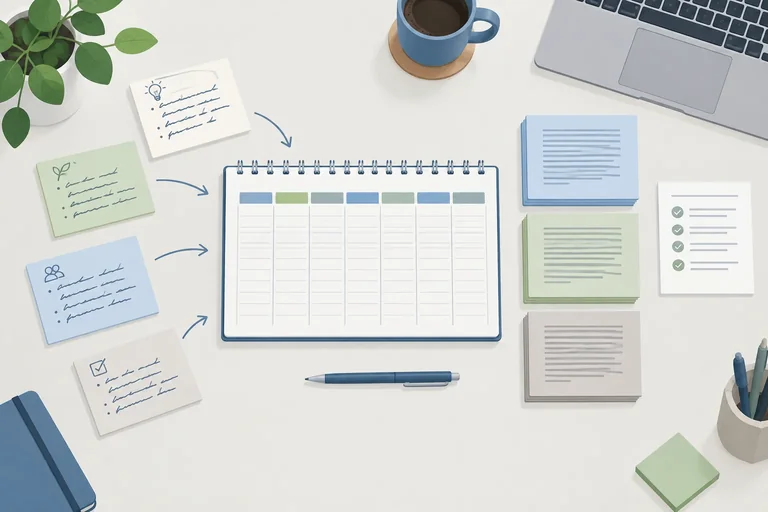
Step 7 of 7
Integrate the supplied brief, product specification, and prior copywriting techniques into a complete, reviewable marketing message.
Bring the brief, message, and evidence together without turning the message into a list of specifications. The reader-facing message has 3 labeled parts: Headline, Body copy, and CTA. It focuses on one useful benefit for freelance workers who need to see scattered weekly commitments together.
Keep the supporting rationale separate. An Evidence note is for your review: it names the factual support behind the claim and makes clear what you chose not to promise.
For this exercise, the reader-facing message must contain 50–90 words, excluding the section labels and Evidence note.
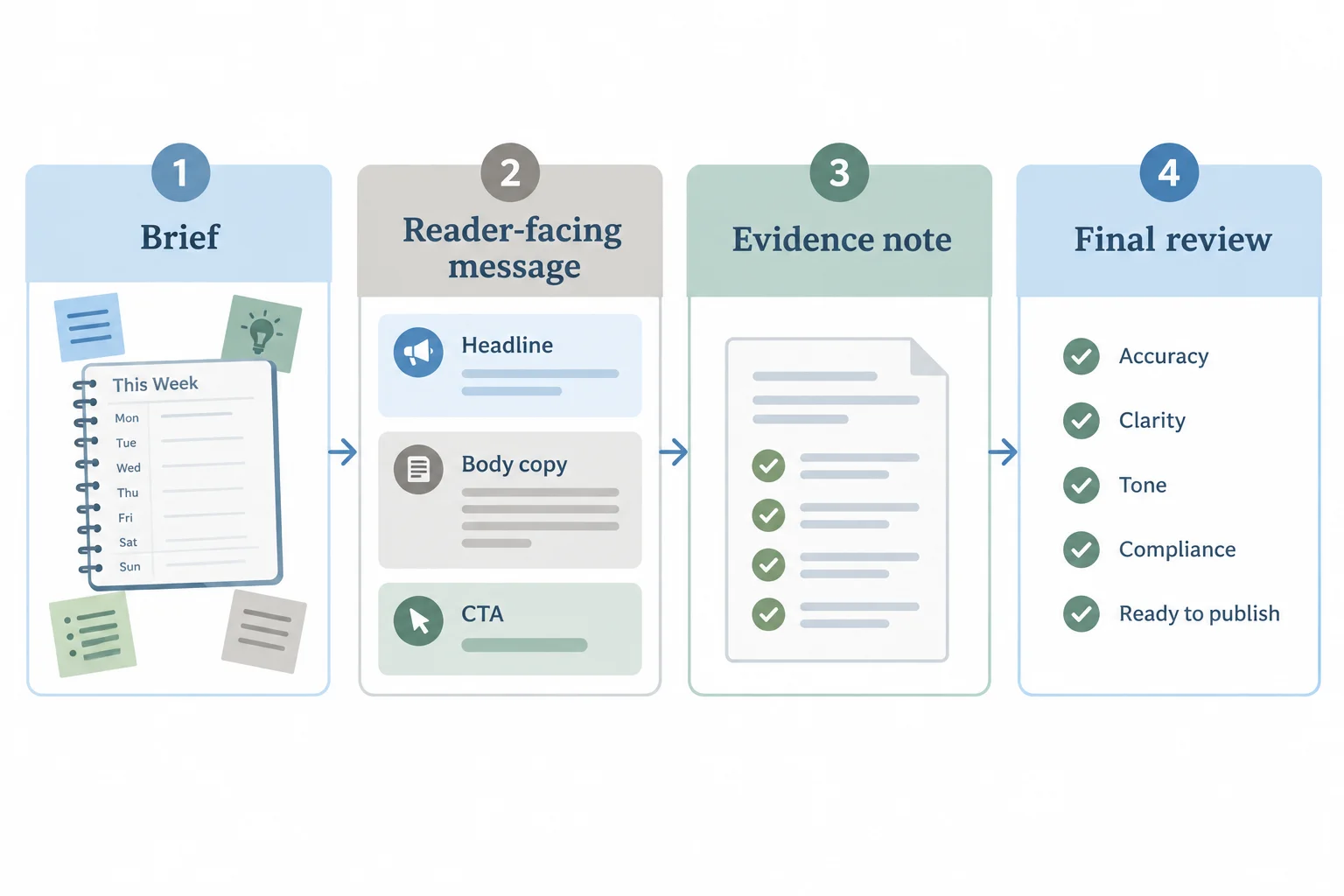
Use the structure as a guide for your own wording, not as finished copy.
Before you submit, make one final pass through these 5 checks:
The Case product specification supports the product facts. A product diagram can illustrate those facts, but it is not independent evidence of effectiveness.
Tip
Write an Evidence note after the reader-facing message. Name the Case product specification, connect it to the factual support you used, and identify one unsupported performance promise you avoided or removed. Do not put this rationale in the marketing message itself.
Create the complete message from the supplied brief.
Audience: freelance workers whose weekly commitments are scattered across separate notes; they need to see those commitments together.
Brand voice: practical, calm, and encouraging.
Confirmed facts: 50 undated weekly sheets; 7 day columns per sheet; 1 priority box with space for 3 priorities.
Desired action: viewing the planner details page, which shows the product specification and a sample sheet. It requires no sign-up and does not place an order.
In one response, write these labels and sections:
Headline
Body copy
CTA
Evidence note
The reader-facing Headline, Body copy, and CTA together must be 50–90 words, excluding labels and the Evidence note. Before submitting, self-check all 5 criteria from the previous screen and revise until each one is met.
Write at least 280 characters (0/280).
Summary
Use this reusable process whenever you draft a short benefit-led message.
Congratulations! You completed: Write Benefit-Led Marketing Copy
Thousands of online courses in video, ebooks and audiobooks.
To test your knowledge during online courses
Generated directly from your cell phone's photo gallery and sent to your email

Download our app via QR Code or the links below:.



Carry knowledge in your pocket.
Download the Cursa app.
There are hundreds of free courses available, with a free certificate of completion that is saved in your mobile image gallery.
Download the app to access the Course Completion Certificate for Free.


+ 10 million
students

Free and Valid
Certificate

60 thousand free
exercises

4.8/5 rating in
app stores

Free courses in
video and ebooks