Step 1 of 7
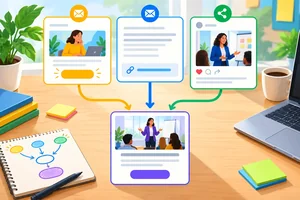
Choose Which Links to Tag
Decide which Northstar Studio links are inbound campaign links and which internal links should remain untagged.

Learning path · Level 5 · Tutorial 2
Create and audit consistently tagged campaign links using a manual naming register or a free URL builder. Explain how tagging choices affect the grouping and interpretation of campaign traffic.
 Choose Which Links to Tag
Decide which Northstar Studio links are inbound campaign links and which internal links should remain untagged. 1 min
 Assign Each Parameter a Clear Role
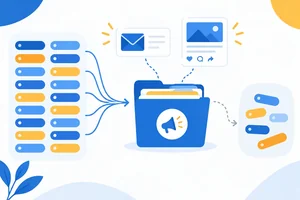
Select source, medium, campaign, and optional content values that accurately describe Northstar Studio’s newsletter and organic LinkedIn workshop distribution. 2 min
 Define Names That Stay Consistent
Set a reusable UTM naming vocabulary and see how small label variations can split a shared campaign into separate reporting groups. 2 min
 Assemble a Valid Tagged URL
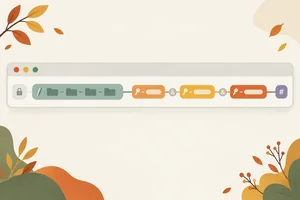
Construct valid campaign URLs by adding ordered UTM query parameters while preserving existing query values and fragments. 3 min
 Keep a Reusable Campaign-Link Register
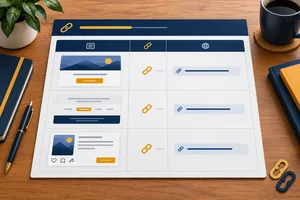
Document each campaign distribution link with consistent naming decisions and a completed tagged URL. 2 min
 Audit Links Before Distribution
Audit campaign links for structural, privacy, and parameter-preservation risks before distribution. 2 min
 Build and Check the Final Link Set
Build an auditable three-link campaign-link register for Northstar Studio and explain how consistent labels support future campaign grouping. 3 min
Step 1 of 7
Decide which Northstar Studio links are inbound campaign links and which internal links should remain untagged.
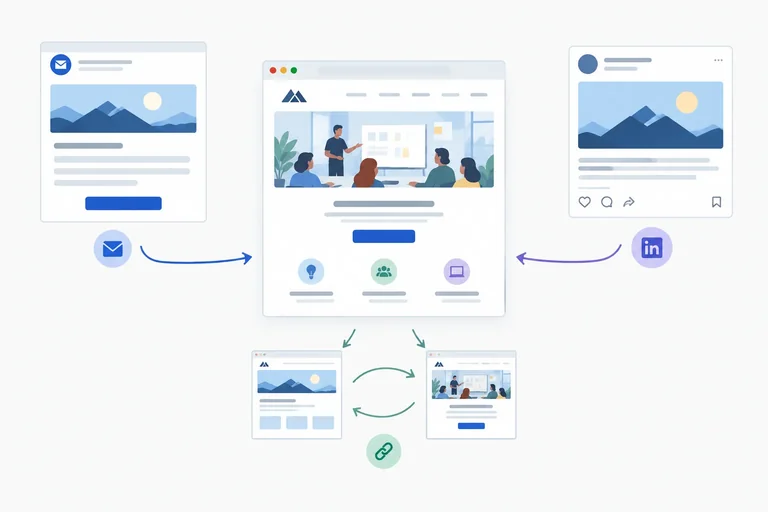
Campaign UTMs are labels added to inbound campaign links: links placed outside a website that bring people to a destination. Compatible analytics tools can use the labels to identify the stated source, medium, and campaign.
For Northstar Studio, a link in its monthly newsletter or an organic social post can be an inbound campaign link when it leads people to the free Autumn Workshop destination.
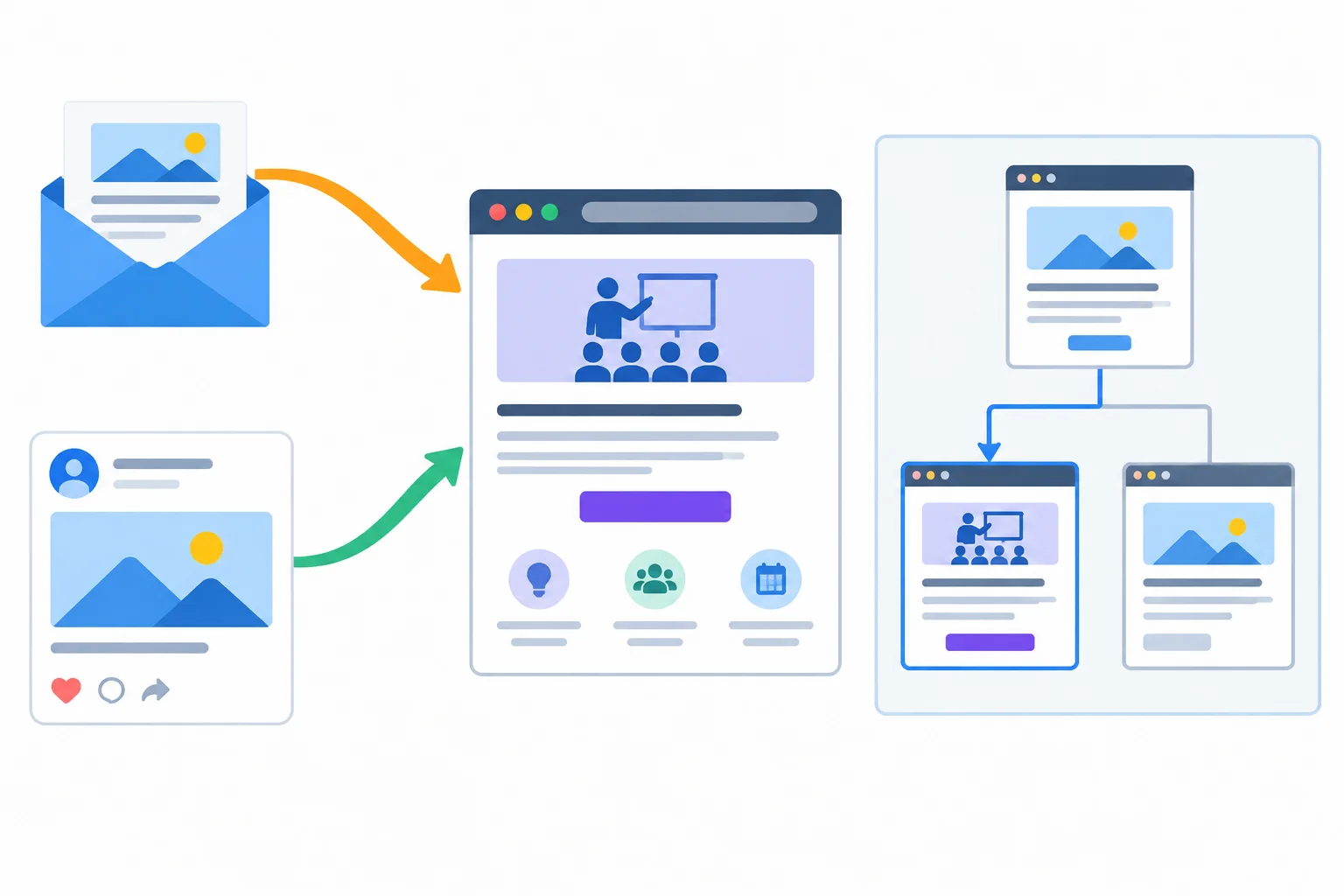
Tag campaign links that arrive from an external distribution context; treat movement within the site differently.
Use campaign UTMs when a distribution link is carrying a message to the destination—for example, a newsletter link or an organic social link promoting the Autumn Workshop.
Do not add campaign UTMs to internal navigation, such as a menu, a homepage button, or a link between Northstar Studio pages. An internal click is not a new external campaign arrival. Adding campaign labels there can contaminate campaign information and make later interpretation harder.
Example
Appropriate: a monthly newsletter invites subscribers to the Autumn Workshop and links to the workshop destination.
Not appropriate: a visitor is already on Northstar Studio’s homepage and selects a “Workshop” navigation link. That internal link should remain untagged.
Warning
UTMs label a link; they do not install analytics, replace consent requirements, or guarantee that a visit will be recorded. A labeled URL is only one part of responsible measurement.
Northstar Studio has three links that lead to its workshop destination:
For each link, state whether it should receive campaign UTMs. Then explain why the navigation link needs a different treatment.
Write at least 90 characters (0/90).
Step 2 of 7
Select source, medium, campaign, and optional content values that accurately describe Northstar Studio’s newsletter and organic LinkedIn workshop distribution.
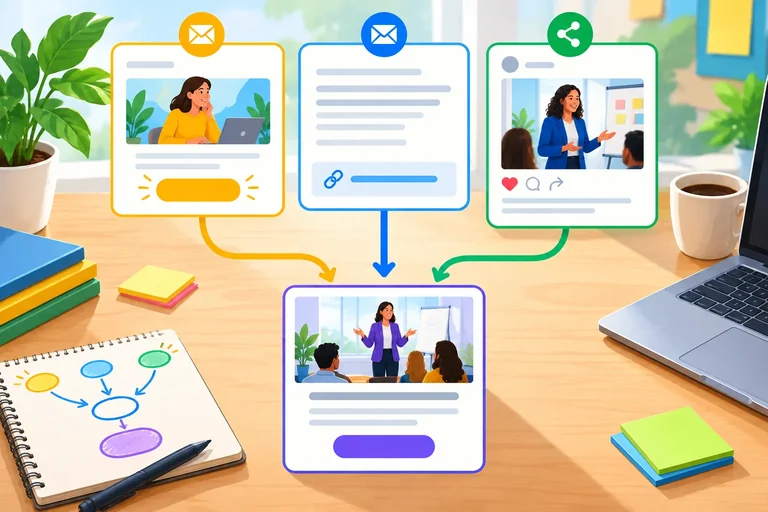
Northstar Studio is promoting one free Autumn Workshop through three inbound distribution contexts:
Each link needs labels that describe where it was distributed, what kind of channel delivered it, and which initiative it supports. A fourth label can distinguish the individual placement when that distinction is useful.
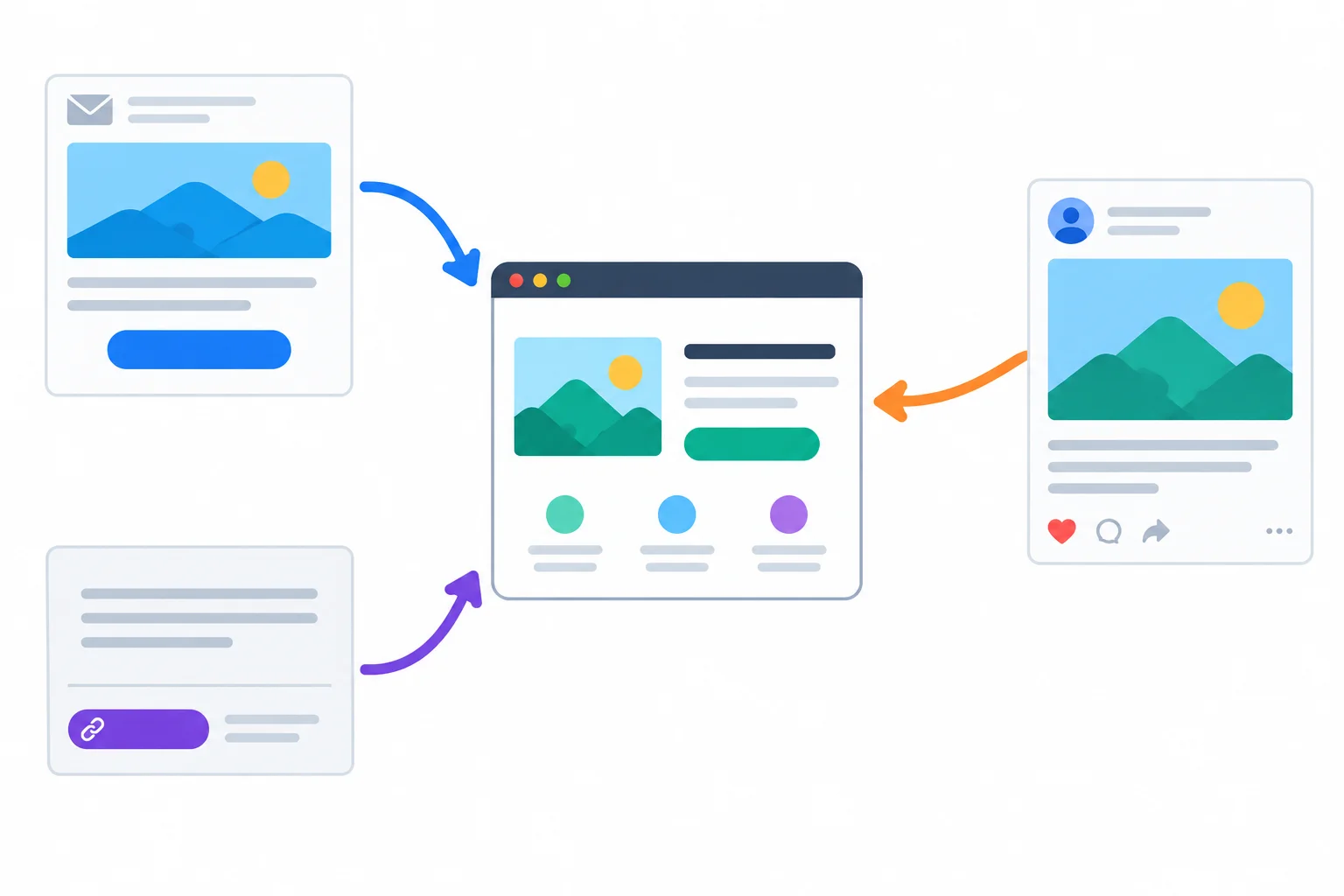
The distribution context can change from link to link even when all links promote the same workshop.
Use the same four parameter roles for every campaign-link decision. The first three are this tutorial’s standard core set. Add content only when you need to tell otherwise similar placements apart.
Values for the Northstar Studio scenario
| Parameter | Role | Newsletter hero | Newsletter footer | Organic LinkedIn post |
|---|---|---|---|---|
| utm_source | Referring platform or publisher | newsletter | newsletter | |
| utm_medium | Traffic mechanism or channel type | social | ||
| utm_campaign | Shared initiative | autumn_workshop | autumn_workshop | autumn_workshop |
| utm_content | Optional placement distinction | hero_button | footer_link | feed_post |
Match each UTM parameter to its role.
Tap an item and then its matching pair.
Match each distribution context to its complete parameter assignment.
Tap an item and then its matching pair.
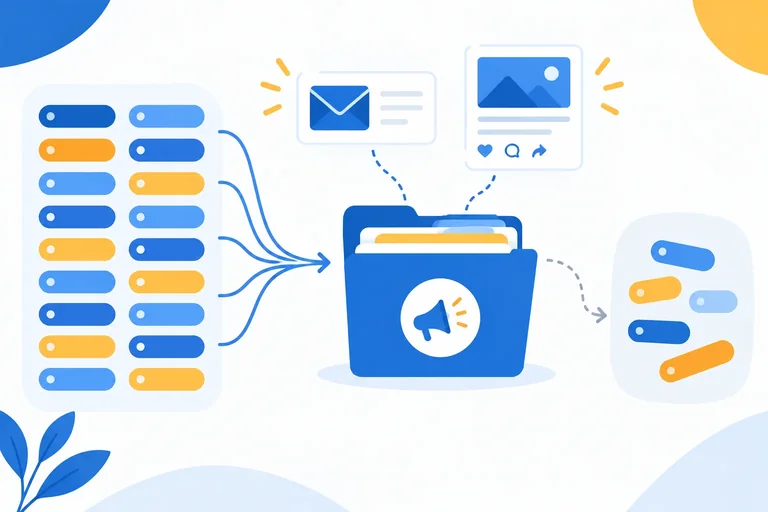
Step 3 of 7
Set a reusable UTM naming vocabulary and see how small label variations can split a shared campaign into separate reporting groups.
Before links are distributed, set a small naming vocabulary that everyone reuses. This prevents each sender or channel from inventing a near-match.
For this workshop, values use lowercase ASCII letters and underscores between words. Keep the approved source, medium, and campaign names exactly as defined. A content value can describe a useful placement difference without changing the campaign name.
Use this approved vocabulary for Northstar Studio’s Autumn Workshop.
| Field | Rule or approved value |
|---|---|
| Formatting | lowercase ASCII; underscores between words |
| utm_source | newsletter or linkedin |
| utm_medium | email or social |
| utm_campaign | autumn_workshop |
| utm_content | hero_button, footer_link, or feed_post |
Keep utm_campaign=autumn_workshop stable wherever the same workshop is promoted. Source and medium retain the channel context, while content distinguishes placements such as a newsletter hero button and footer link.
Do not create a new campaign spelling merely because the placement or channel changes.
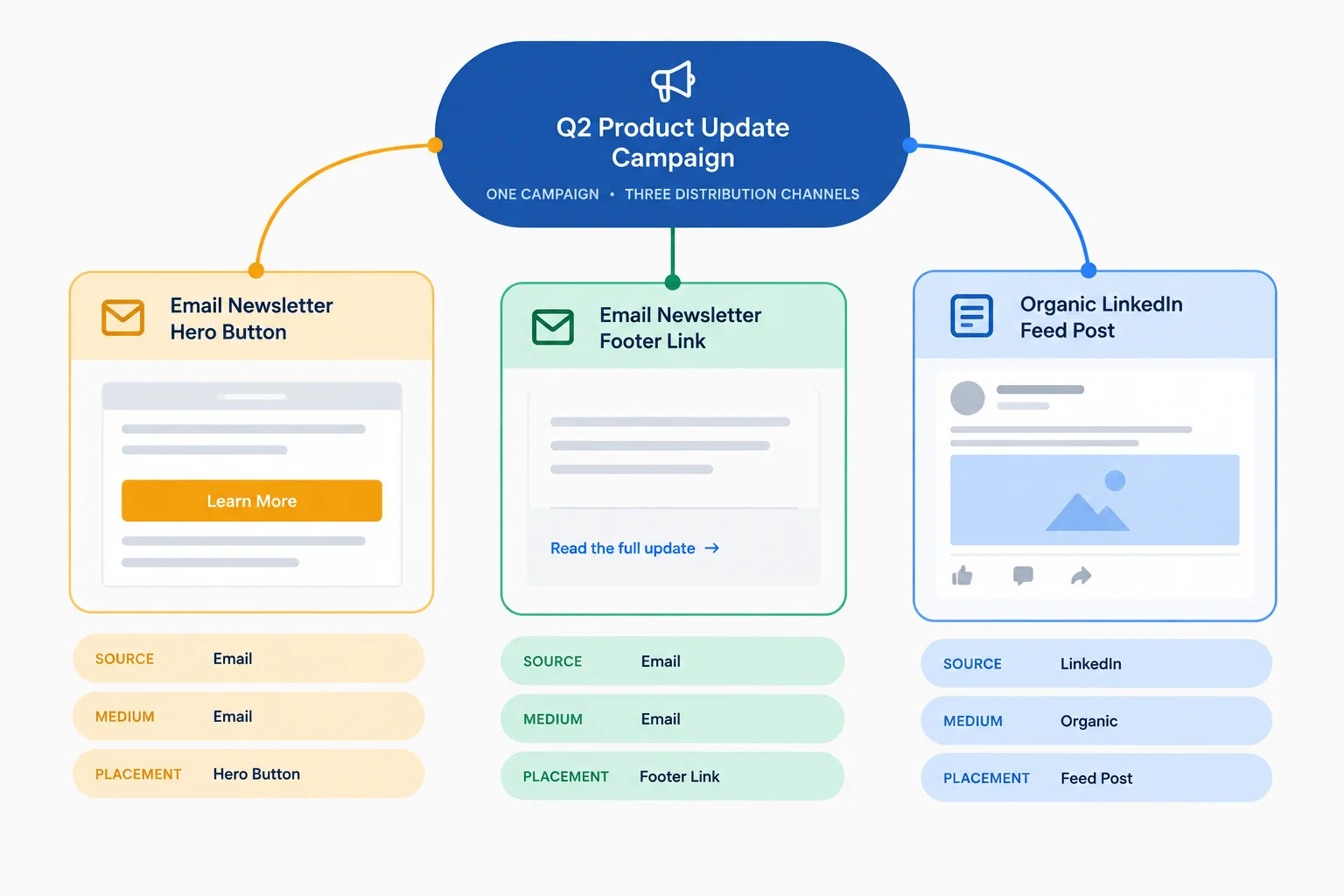
Use source, medium, and content to preserve meaningful differences while the campaign label remains stable.
Tip
A spelling or capitalization change can appear as a separate raw label in reporting. For example, autumn_workshop, Autumn_Workshop, and autumn-workshop may be harder to compare as one initiative.
Changing the rules for future links does not automatically repair labels already collected. Set the naming key first, then reuse it.
True or false: Two newsletter placements promoting the same workshop should use different campaign labels so their performance can be distinguished.
Two raw records were intended for one Northstar Studio workshop initiative:
Newsletter; medium Email; campaign Autumn_Workshop; content hero_buttonlinkedin; medium social; campaign autumn-workshop; content feed_postUsing the naming key, write the normalized source, medium, campaign, and content values for each record. Then name the two raw campaign labels that could split one campaign grouping.
Write at least 80 characters (0/80).
Step 4 of 7
Construct valid campaign URLs by adding ordered UTM query parameters while preserving existing query values and fragments.
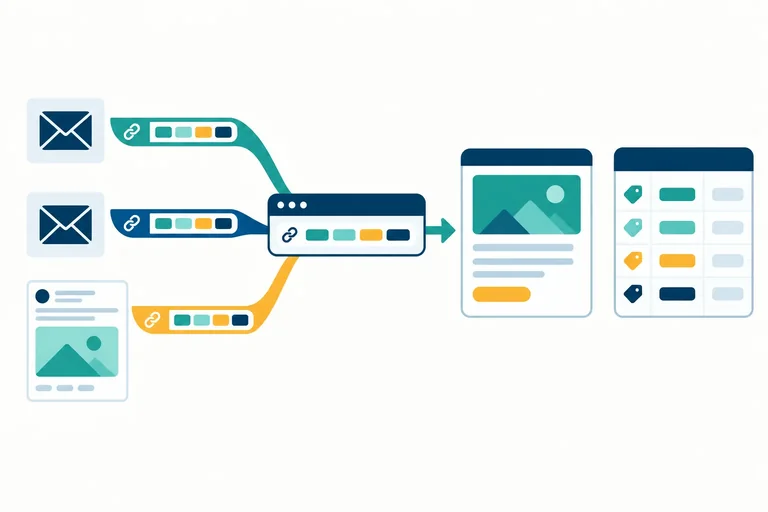
A tagged URL keeps the destination URL unchanged and adds query parameters as key=value pairs. For this workshop, write the core pairs in this order: utm_source, utm_medium, then utm_campaign. Add utm_content only when a placement needs to be distinguished.
The destination URL is the page people should reach. The tagged URL is that same destination plus its labels. These labels describe the distribution link; they do not change the page itself.
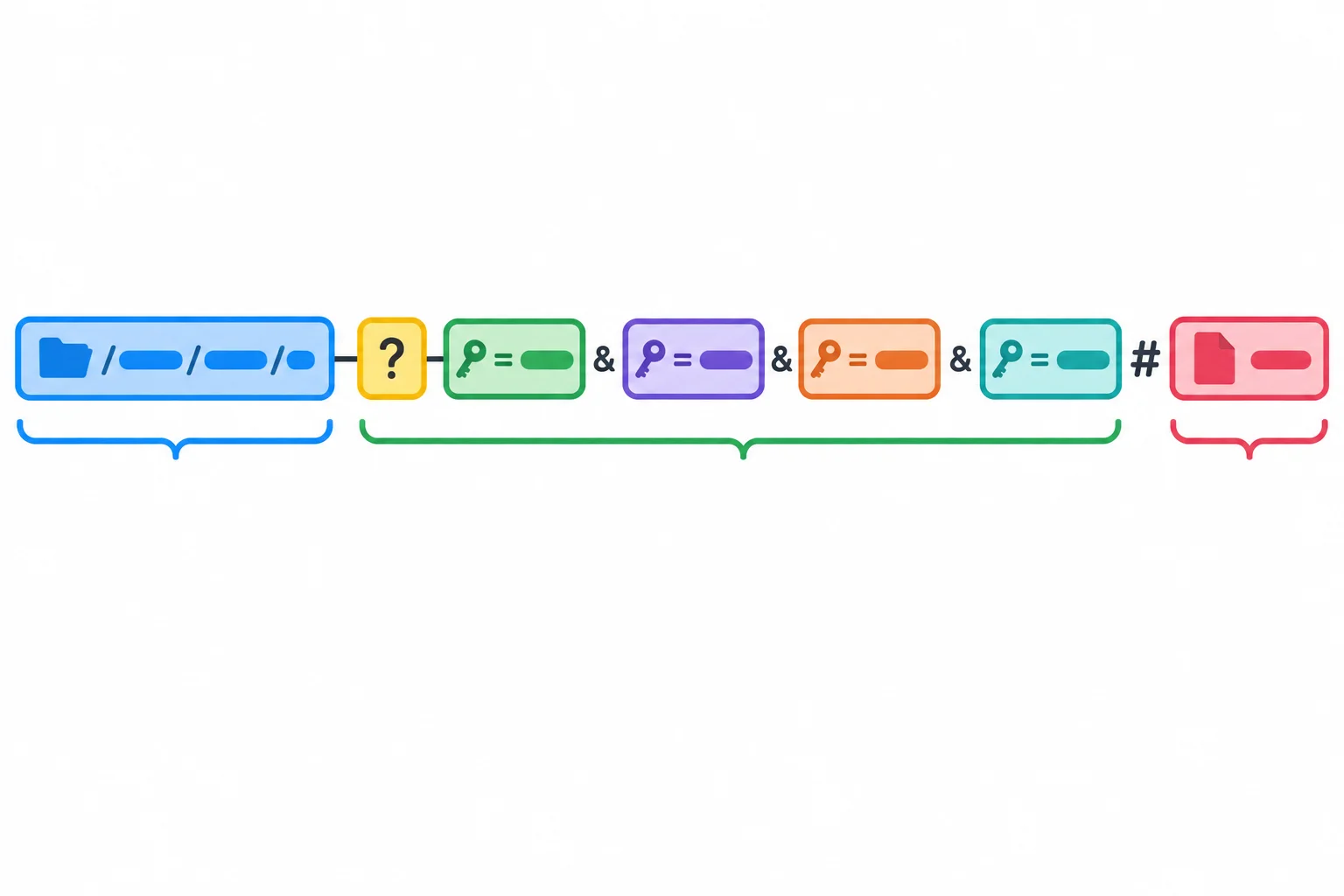
The query begins after ?. Parameter pairs are separated by &. A fragment beginning with # comes after the complete query.
When the destination has no query yet, add one ? before the first UTM pair. Then use literal & between every later pair. Use only one query-starting question mark, keep the required key order, and do not repeat a UTM key.
You can assemble this manually in a note or browser address field; no programming, account, or live campaign is needed.
A newsletter hero-button link uses the unchanged destination, then the four ordered labels.
https://northstar.example/workshop?utm_source=newsletter&utm_medium=email&utm_campaign=autumn_workshop&utm_content=hero_buttonA destination can already contain functional information. Preserve it exactly. The supplied destination https://northstar.example/workshop?lang=en#details already has a query value and a fragment.
Append the UTM query pairs after lang=en with &, not another ?. Keep the fragment at the end, after every query pair:
https://northstar.example/workshop?lang=en&[UTM pairs]#details
A free campaign URL builder can help assemble the address, but it does not choose the labels or replace a final structure check.
Warning
Use the approved lowercase underscore-separated values whenever possible. If a value truly must contain a space or ampersand in another context, encode the character inside that value: utm_content=top%20banner and utm_content=story%26video.
%26 represents data inside a value; a literal & separates parameter pairs. Encode a character once only. Do not percent-encode the entire completed URL.
Complete the tagged URL for the organic LinkedIn post using the approved values and standard key order.
https://northstar.example/workshop?lang=en&&&#details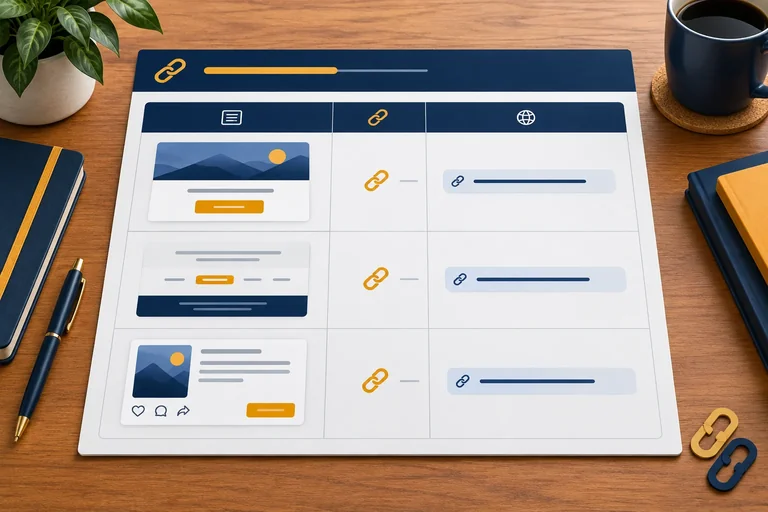
Step 5 of 7
Document each campaign distribution link with consistent naming decisions and a completed tagged URL.
A campaign-link register is a reusable record of every distribution link you plan to share. It connects the distribution context, the destination URL, the approved tag values, and the completed tagged URL.
Use one row for each distinct link. The monthly newsletter needs separate rows for its hero button and footer link because their placement values differ, even though much of their tagging stays the same. You can keep the register in your own notes or spreadsheet; no account, upload, or live campaign is needed.
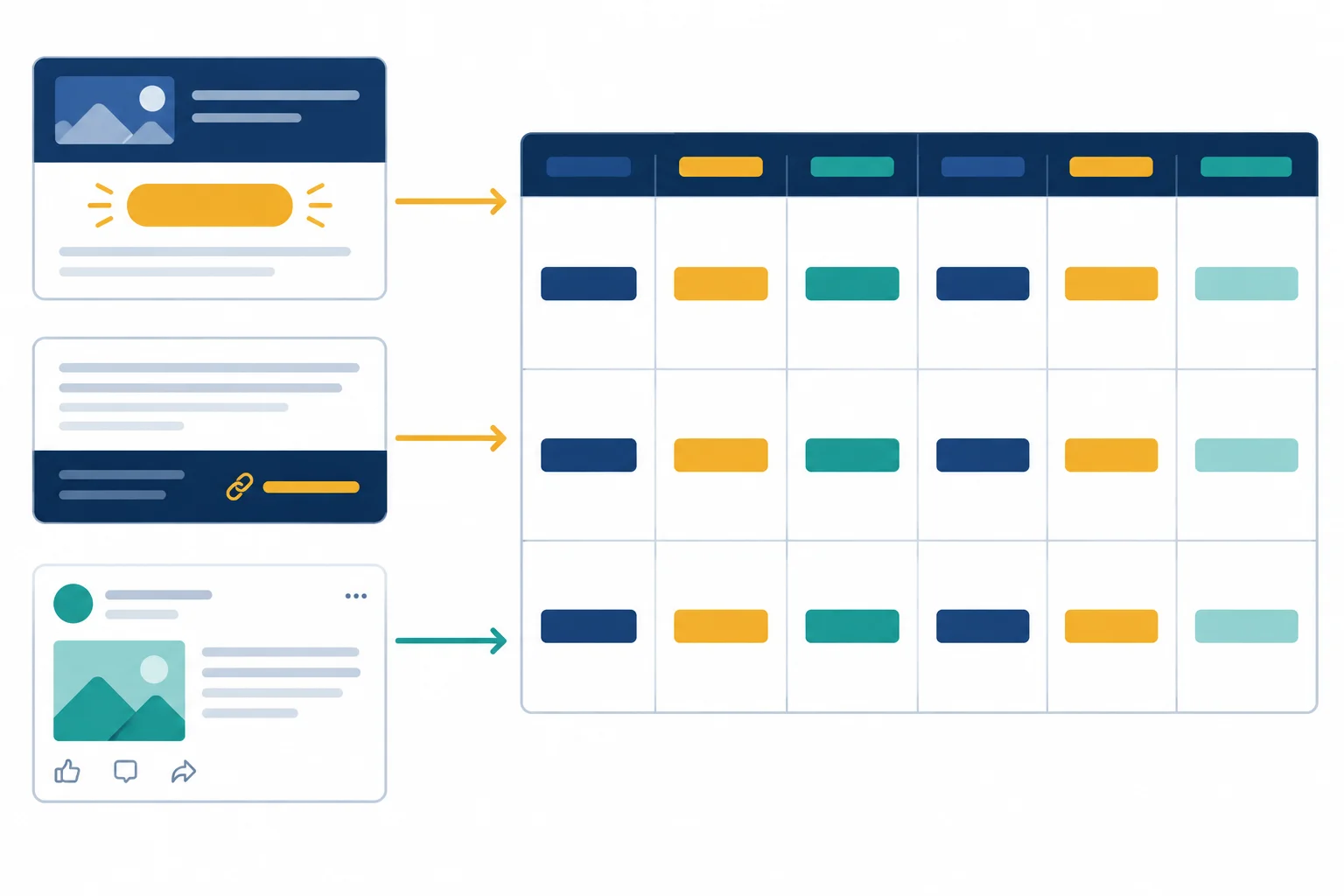
Record the link’s context and naming decisions together, so a completed tagged URL can be checked and reused.
This is one completed row for the organic LinkedIn post. A register makes the choice behind the URL visible: the post’s context, its unchanged destination, its approved labels, and its placement distinction.
| Distribution context | Destination URL | utm_source | utm_medium | utm_campaign | utm_content |
|---|---|---|---|---|---|
| Organic LinkedIn post | https://northstar.example/workshop | social | autumn_workshop | feed_post |
The completed URL belongs in the same row. It lets you compare the planned values with the final assembled address before distribution.
| Tagged URL | Distribution context |
|---|---|
| https://northstar.example/workshop?utm_source=linkedin&utm_medium=social&utm_campaign=autumn_workshop&utm_content=feed_post | Organic LinkedIn post |
Example
Keep a short approved naming key beside the register:
newsletter / emaillinkedin / socialautumn_workshophero_button and footer_linkfeed_postThe register is the source of these decisions. You may assemble a URL manually or use a free builder, but check that the builder output matches the recorded values.
Create the register entry for the monthly newsletter’s hero button using the tutorial destination URL and approved naming key. Then state which values remain unchanged when you add the newsletter footer placement.
Write one pipe-separated register row in this order:
Distribution context | Destination URL | utm_source | utm_medium | utm_campaign | utm_content | Tagged URL
On the next line, write: “Unchanged for footer:” followed by the values that stay the same.
Write at least 120 characters (0/120).

Step 6 of 7
Audit campaign links for structural, privacy, and parameter-preservation risks before distribution.
Before distribution, compare the tagged URL with its campaign-link register row. Check the destination URL and distribution context first, then inspect the address itself:
utm_source, utm_medium, and utm_campaign.utm_content appears only when the recorded placement needs distinction.?, later pairs use &, and no UTM key is repeated.#.This is a structural audit: it can catch mistakes in the address before anyone receives it.
Use this correct structure as an audit reference. The existing lang=en query is preserved, UTM pairs follow it, and the fragment remains last.
https://northstar.example/workshop?lang=en&utm_source=newsletter&utm_medium=email&utm_campaign=autumn_workshop&utm_content=hero_button#details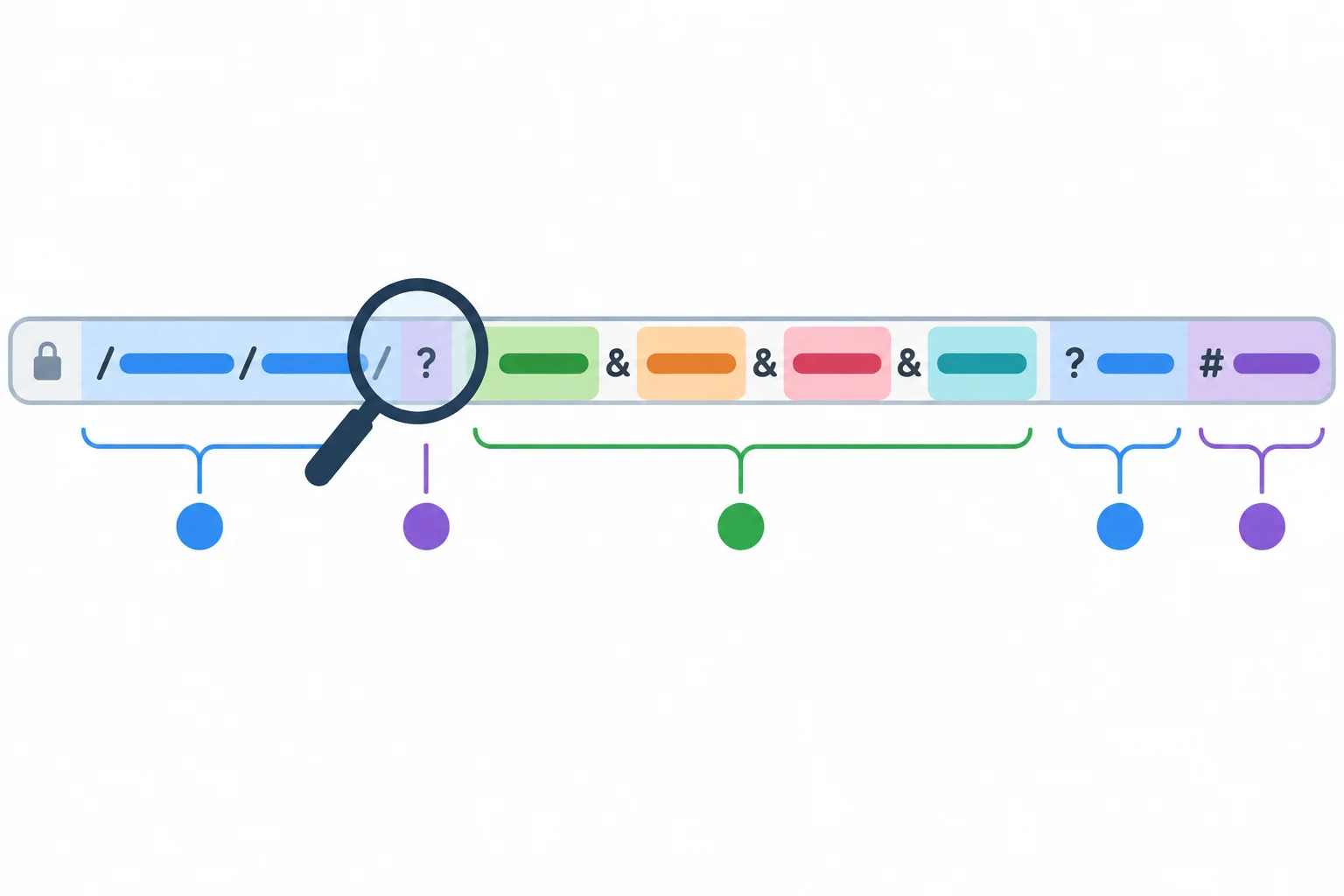
Audit punctuation and placement: one query begins after ?, parameter pairs are separated by &, and #details stays after the full query.
Warning
Tag values can appear in browser history, logs, copied links, and analytics systems. Never put personal information, person-level identifiers, or confidential details in a UTM value. A label such as customer_48392 is not an appropriate content value. Use a non-personal placement label, such as hero_button, when that distinction is needed.
A redirect or link wrapper can change the address between distribution and the destination. Compare the expected tagged URL with the final address you can actually inspect.
Expected tagged URL:
https://northstar.example/workshop?utm_source=linkedin&utm_medium=social&utm_campaign=autumn_workshop&utm_content=feed_post

Address after a wrapper:
https://northstar.example/workshop?utm_source=linkedin&utm_medium=social&utm_campaign=autumn_workshopUse the strongest claim supported by the check you performed.
| Check | What you can report |
|---|---|
| Text-based structural check | The URL follows the chosen syntax and naming rules. |
| Authorized live URL check | The destination opens and the visible final address preserves the expected parameters. |
| Analytics verification | Requires separate authorized verification; a complete address alone does not prove collection. |
Match each audit finding to the most appropriate correction or follow-up check.
Tap an item and then its matching pair.
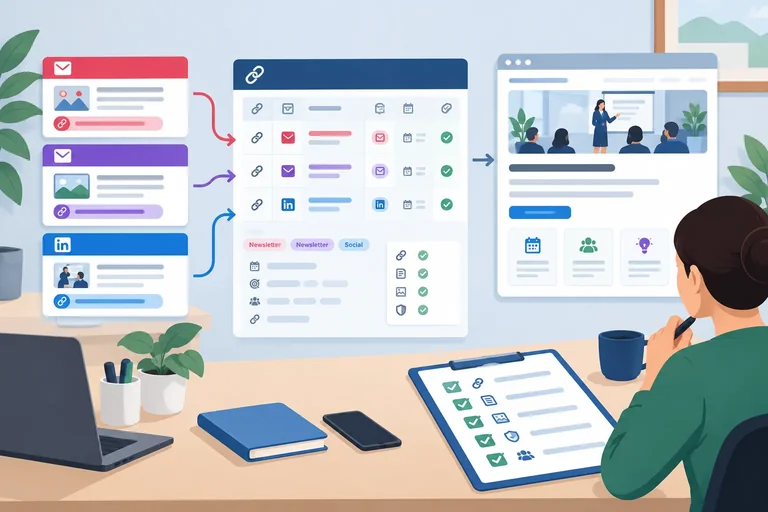
Step 7 of 7
Build an auditable three-link campaign-link register for Northstar Studio and explain how consistent labels support future campaign grouping.
You are ready to assemble the final set for Northstar Studio’s free Autumn Workshop. Use one campaign-link register row for each distinct distribution link. The two newsletter placements share their source, medium, and campaign, but their content values distinguish the buttons. The organic LinkedIn post uses its own approved source-and-medium pair while keeping the campaign shared.
Build the tagged URLs manually in your own notes or spreadsheet. These are fictional practice addresses; no live campaign is required.
Use these three planned rows. Complete the final column yourself during the application task.
| Distribution context | Destination URL | utm_source | utm_medium | utm_campaign | utm_content |
|---|---|---|---|---|---|
| Monthly newsletter: hero button | https://northstar.example/workshop | newsletter | autumn_workshop | hero_button | |
| Monthly newsletter: footer link | https://northstar.example/workshop | newsletter | autumn_workshop | footer_link | |
| Organic LinkedIn feed post | https://northstar.example/workshop?lang=en#details | social | autumn_workshop | feed_post |
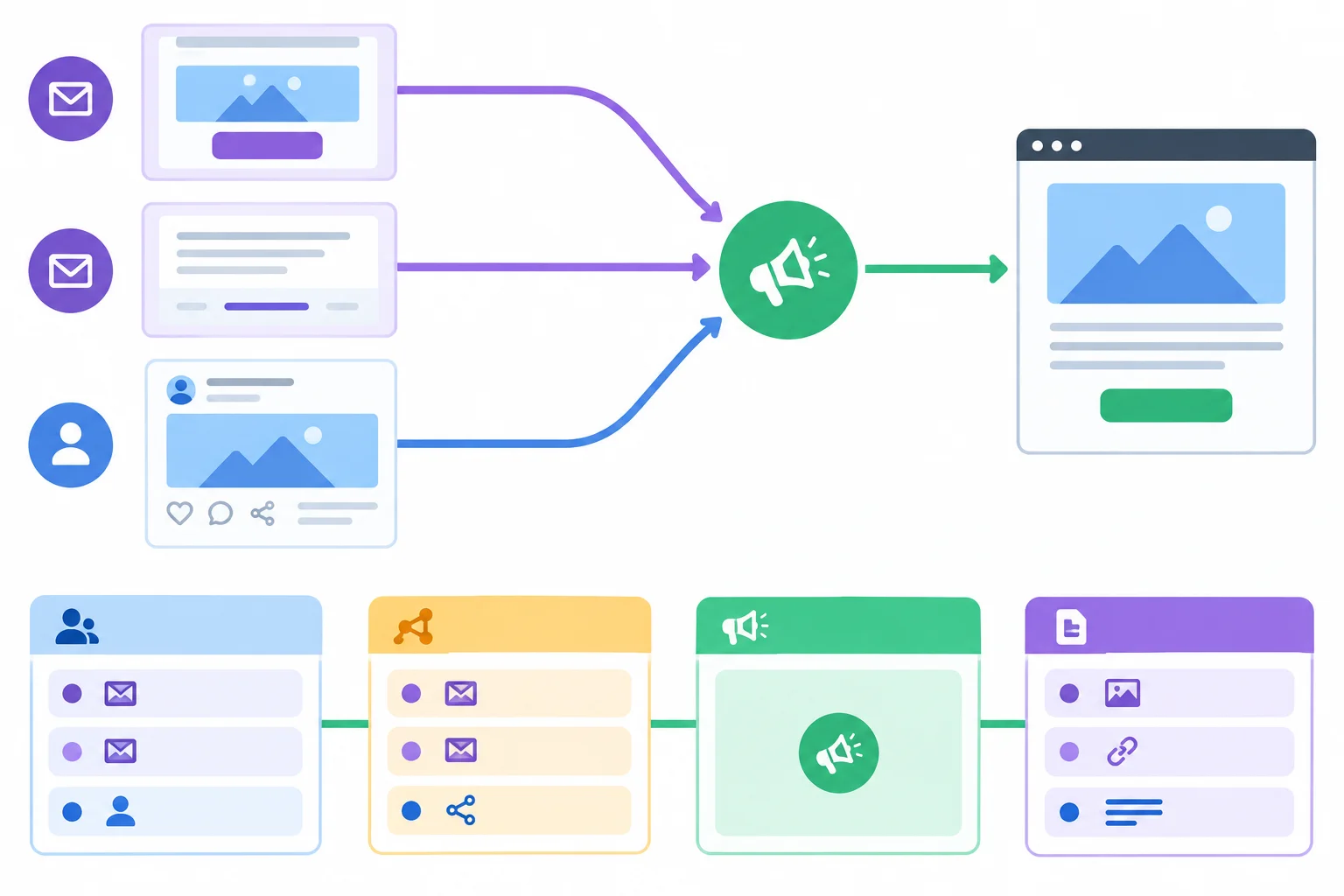
Keep the campaign value stable across the three links; use source, medium, and content to preserve meaningful differences.
Before recording a tagged URL, run this short structural check:
?; pairs use literal & and appear in the agreed key order.lang=en in the query. Its #details fragment stays after the complete query and all UTM pairs.These are structural checks. They do not prove that a browser reached the destination or that an analytics tool collected a visit.
Tip
For each completed row, compare the destination URL portion with the tagged URL. The destination path, existing query value, and fragment must remain unchanged; only the UTM query pairs are added in the correct position.
Create the final three-row campaign-link register in your personal notes or a spreadsheet, then paste it here as plain text.
Use these headings exactly: Distribution context, Destination URL, utm_source, utm_medium, utm_campaign, utm_content, and Tagged URL. Include all three completed tagged URLs in full. Use — only if an optional content value is unused; do not add the parameter in that case.
After the rows, write 2–3 sentences explaining how the shared campaign value should support grouping while the other values preserve differences. State the structural checks you completed, and clearly state that you did not verify live navigation or analytics collection.
Write at least 500 characters (0/500).
Summary
A reusable workflow is: choose the distribution context, apply the approved naming key, construct the tagged URL, record one row per distinct link, and audit the finished set.
Consistent labels make the intended campaign easier to group later without removing useful distinctions between sources, media, and placements. They are labels for interpretation—not evidence that any visit occurred or was collected.
Congratulations! You completed: Create Consistent UTM Campaign Links
Thousands of online courses in video, ebooks and audiobooks.
To test your knowledge during online courses
Generated directly from your cell phone's photo gallery and sent to your email

Download our app via QR Code or the links below:.



Carry knowledge in your pocket.
Download the Cursa app.
There are hundreds of free courses available, with a free certificate of completion that is saved in your mobile image gallery.
Download the app to access the Course Completion Certificate for Free.


+ 10 million
students

Free and Valid
Certificate

60 thousand free
exercises

4.8/5 rating in
app stores

Free courses in
video and ebooks