Step 1 of 7

Learning path · Level 4 · Tutorial 4
Plan a discoverable YouTube video whose topic, title, thumbnail concept, and structure deliver the same promise. Work with written outlines and illustrative performance summaries rather than producing a finished video.
 Choose a discovery context
2 min
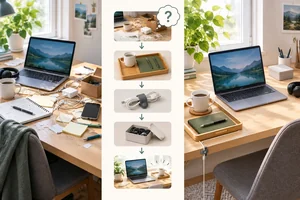 Turn a topic into a deliverable promise
Turn a broad subject into a focused viewer question and a feasible promise for a six-minute Small Desk Lab video. 2 min
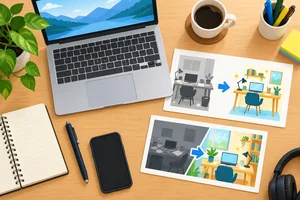 Align the title and thumbnail
Create a truthful, complementary title and thumbnail brief for the Small Desk Lab video plan. 3 min
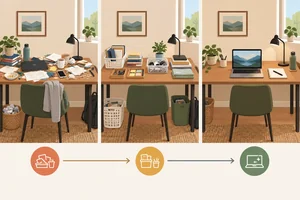 Outline a structure that earns continued viewing
Plan a six-minute sequence that confirms the promise early, answers viewer questions in order, and ends with a visible payoff. 4 min
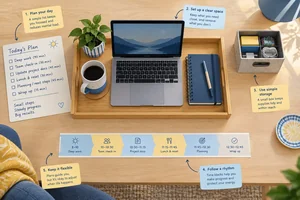 Add useful discovery and accessibility support
Prepare accurate description, chapter, and caption notes that match the planned six-minute Small Desk Lab video. 3 min
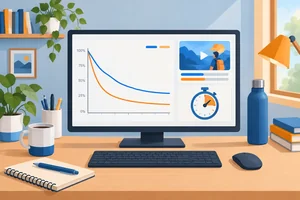 Read click-through and retention together
Interpret click-through and retention signals as complementary evidence, then propose a limited revision without claiming a proven cause. 3 min
 Complete and check your video plan
Assemble a coherent written plan and justify one cautious, evidence-informed revision. 3 min
Step 1 of 7
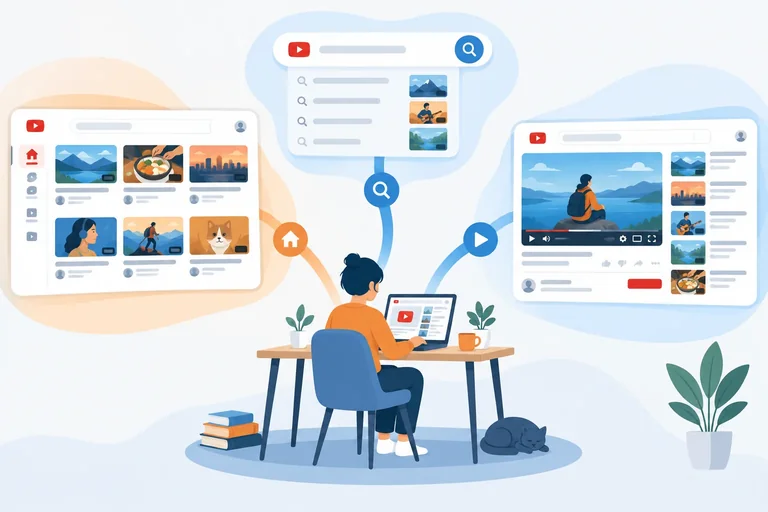
A YouTube video can be discovered in several ways. For planning, start with the viewer situation—not with a promise that YouTube will distribute the video in one particular place.
Choose one primary discovery context to focus your planning. That choice guides the relevance cues you emphasize, but the same video may later receive traffic from all three contexts.
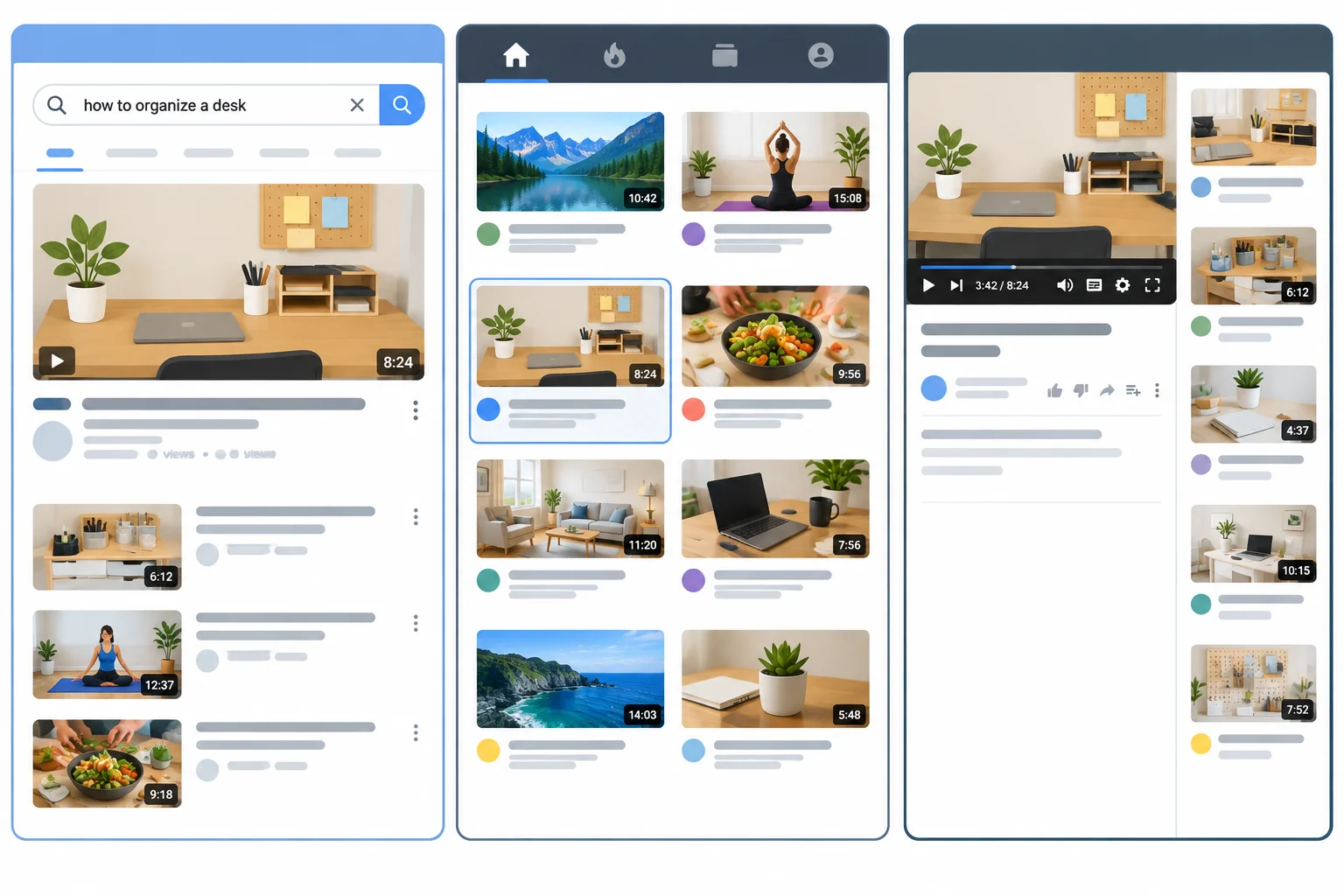
The same kind of video can be relevant in search, browse, or suggested contexts for different reasons.
Use the context to ask what makes the video feel relevant at that moment. This is a planning lens, not a distribution control.
| Context | Viewer situation | Useful relevance cue |
|---|---|---|
| search | They express a question in a query. | Make the answer to that question easy to recognize. |
| browse | They are scanning Home or another feed. | Make the subject and likely value understandable at a glance. |
| suggested | They are watching a related video. | Make the connection to the surrounding video context clear. |
Match each viewer situation to its discovery context.
Match each situation with the most fitting context.
Tap an item and then its matching pair.
Small Desk Lab is planning its 6-minute video for viewers who type a question about organizing a small desk with items they already own. Which primary context and reason are most defensible?
Step 2 of 7
Turn a broad subject into a focused viewer question and a feasible promise for a six-minute Small Desk Lab video.
A focused topic joins three choices:
For Small Desk Lab, “desk organization” alone is too broad. The topic becomes usable when it serves remote workers with limited desk space, answers one practical question, and leads to a realistic desk result.
Because the running question asks for an answer, search is a defensible primary planning context. That is a planning choice, not a prediction: the video may still later receive traffic from Browse features or Suggested videos.
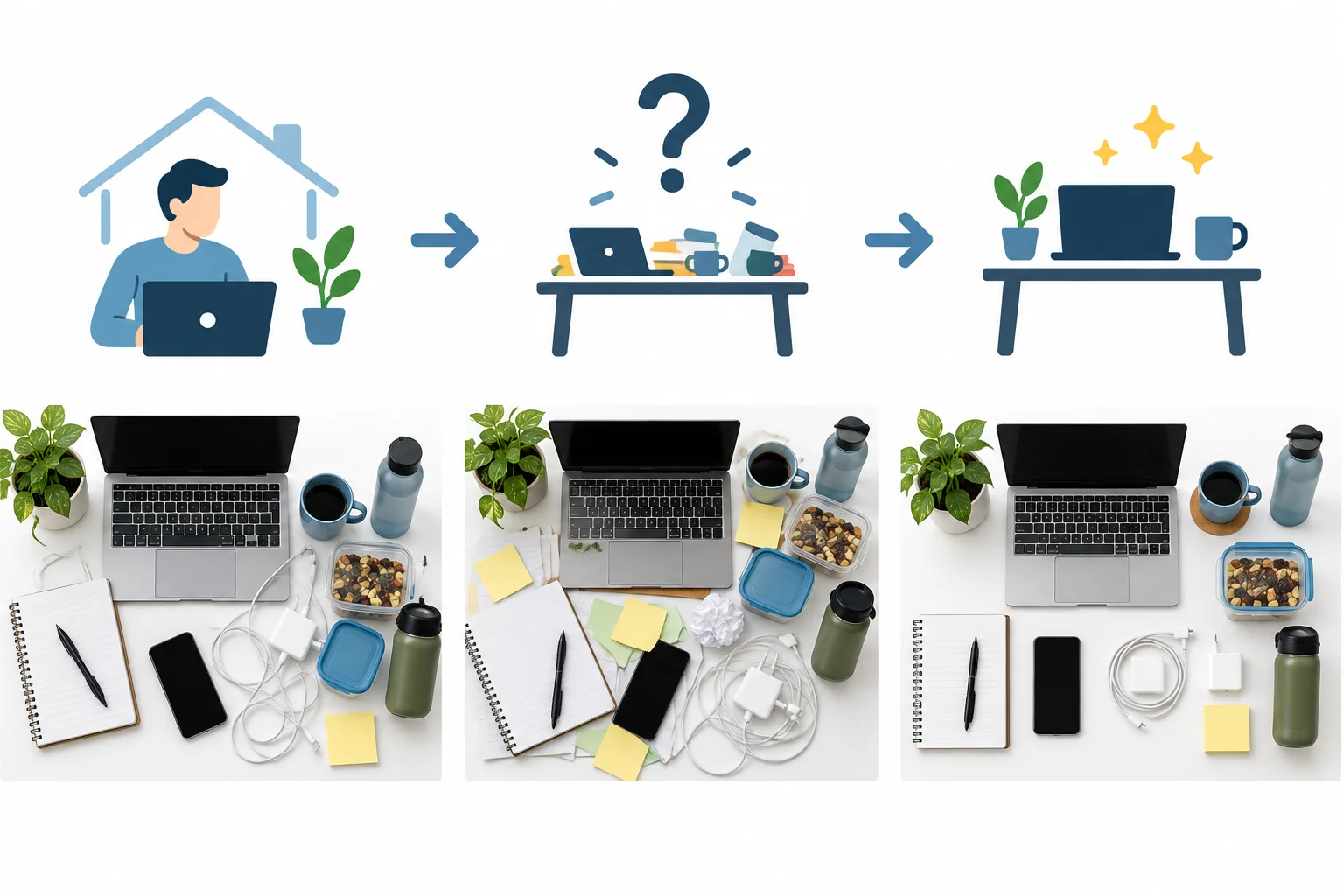
A focused topic connects a viewer, one question, and an outcome they can recognize.
A viewing promise states the useful result of watching. It should be feasible within the planned 6 minutes and supported by what the video can actually explain or show.
A promise is not a guarantee of a perfect desk or a claim that viewers must buy something. For this scenario, the boundary matters: the result must use items the viewer already owns, not new furniture or accessories.
Use audience language as a relevance clue. Phrases from audience comments, public search cues, and related videos can help you describe the problem naturally. They do not prove demand, future rankings, or distribution.
Example
Viewer: Remote worker with limited desk space
Viewer question: How can I organize a small desk using what I already own?
Viewing promise: By the end, you can create a clearer working zone and give essential desk items simple homes using everyday items already on hand.
What must substantiate it: Show the starting constraint, sort the items that stay on the desk, arrange the working zone, and reveal the resulting usable setup.
Scope boundary: Do not rely on buying furniture, organizers, or accessories.
Tip
Use a scope check before outlining: can the promised outcome be demonstrated or explained clearly in six minutes? If not, narrow the question or reduce the claimed result. A smaller promise that is visibly fulfilled is stronger than a broad promise that remains abstract.
Create a five-line planning brief for the running Small Desk Lab video. State the target viewer, the primary discovery context, the focused viewer question, a one-sentence viewing promise, and the visible evidence the video would need to show to fulfill that promise.
Write at least 180 characters (0/180).
Step 3 of 7
Create a truthful, complementary title and thumbnail brief for the Small Desk Lab video plan.
A title and thumbnail are one viewing package. Together, they should make the same promise recognizable before a viewer clicks.
For a search-led video, the title should make the answer to the viewer’s question easy to recognize. Use familiar subject language plus a concrete benefit or constraint. The thumbnail can show the result or situation instead of repeating every word.
For browse or suggested viewing, the viewer may not have typed a query. The package still needs to make the subject and relevance understandable at a glance.
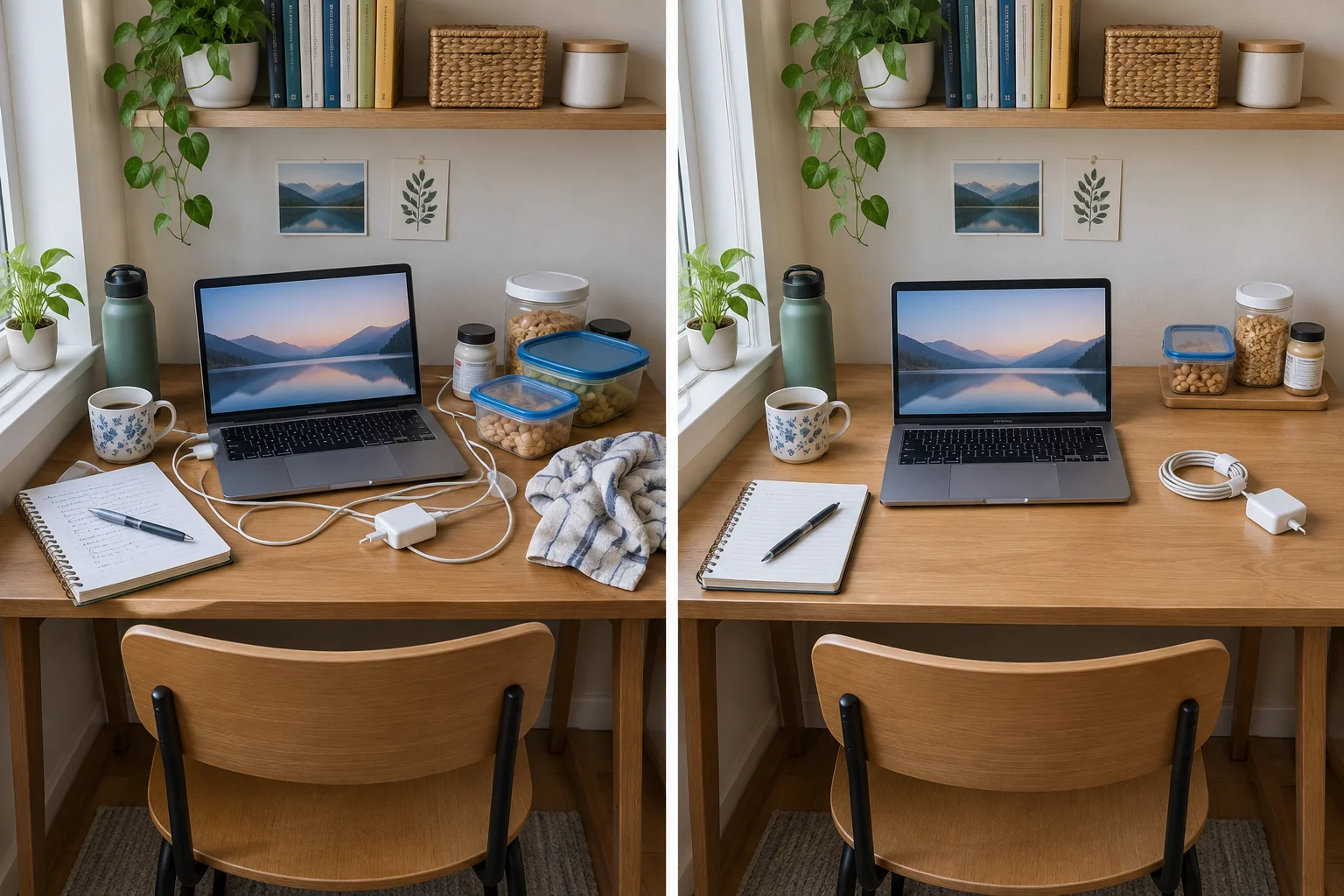
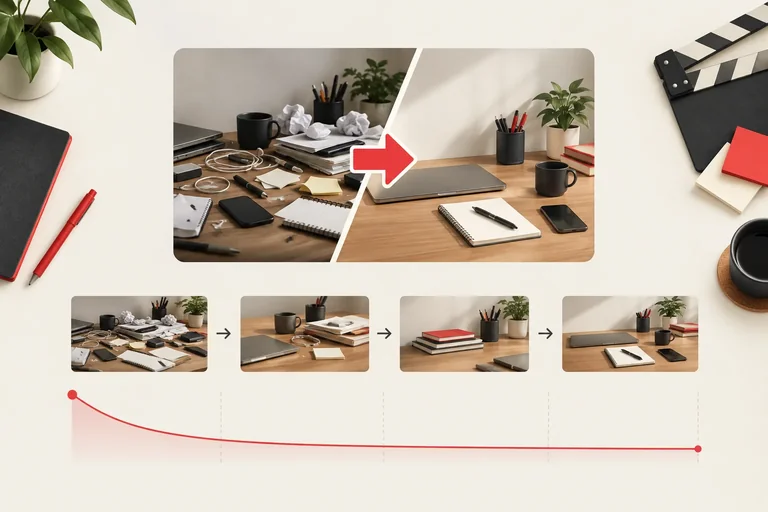
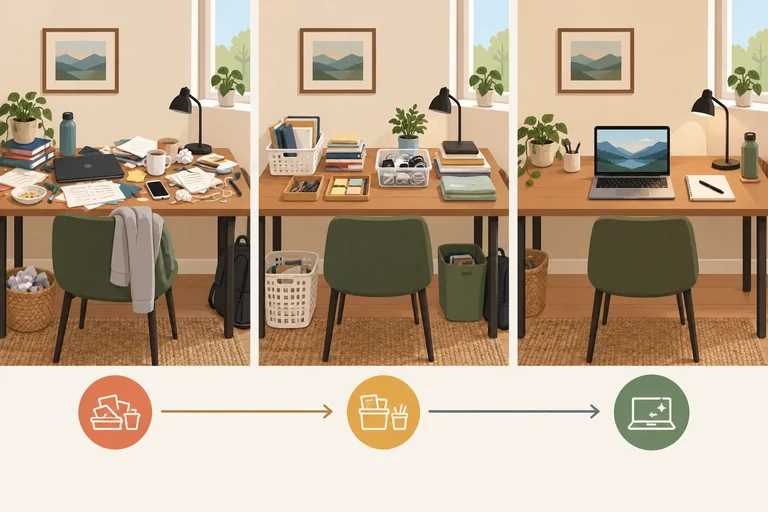
The thumbnail can make the small-desk outcome visible while the title states the method and constraint.
Example
Title: How to organize a small desk with what you already own
Thumbnail brief
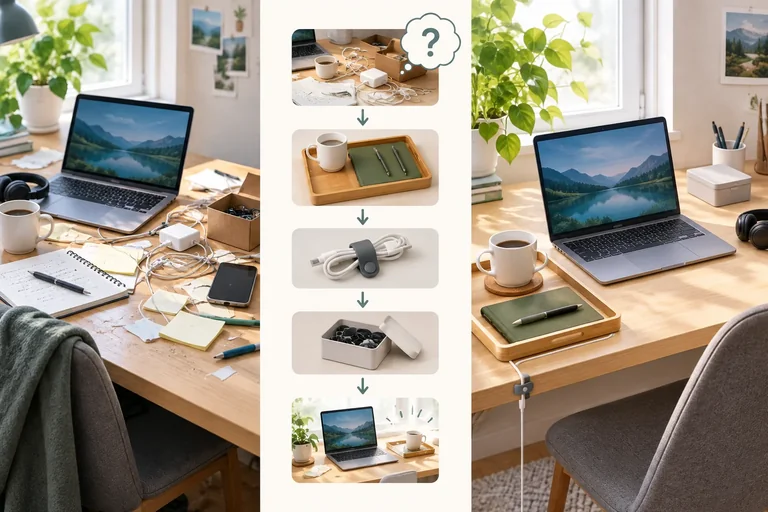
Subject: The same compact desk before and after organizing
Composition: A simple side-by-side view; the clearer organized workspace is prominent
On-image text: None
Promise to verify: The video will show practical ways to create usable desk space with items already owned, without buying furniture or accessories
The title contributes the recognizable question and constraint. The thumbnail contributes immediate visual proof of the kind of transformation to expect.
Write a thumbnail brief so the visual can be judged against the plan before anything is produced.
A before-and-after image can be useful only if the planned video genuinely reaches the shown after-state. Do not imply a new purchase, a larger room, or a dramatic outcome that the video will not deliver.
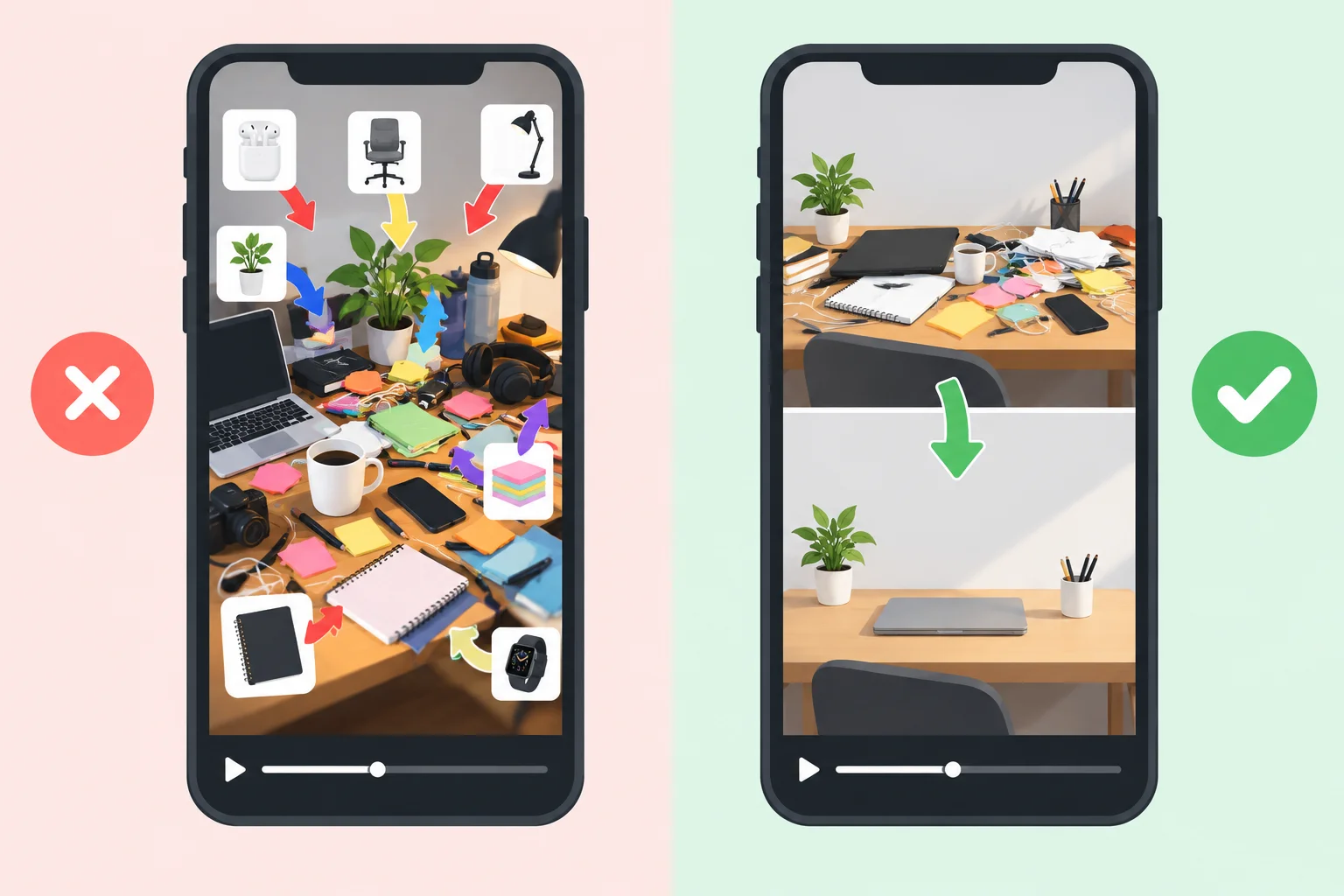
At a small display size, a viewer should still recognize the desk, the change, and the likely value. A long title may also be cut off, so put essential meaning near its beginning.
Tip
Curiosity is useful when it points to a real payoff. “A small-desk reset using what you already own” can invite interest if the video provides that reset. It becomes misleading if the image or wording suggests new organizers, furniture, or a result the outline cannot support.
Do not rely on a universal title-length rule. Check whether the essential subject and benefit remain understandable in the contexts where the video may appear.
Which title-thumbnail pair best matches Small Desk Lab’s planned six-minute video?
Create the package for the running Small Desk Lab video: “How can I organize a small desk using what I already own?” The planned runtime is 6 minutes, and the promise excludes buying furniture or accessories.
Write:
Your title and brief must communicate one matching promise. If no words belong on the thumbnail, write “None” for On-image text.
Write at least 280 characters (0/280).
Step 4 of 7
Plan a six-minute sequence that confirms the promise early, answers viewer questions in order, and ends with a visible payoff.
For a six-minute video, the opening should quickly confirm the title-thumbnail promise: Small Desk Lab will organize a small desk with items already owned, not recommend purchases. Show a glimpse of the starting problem and credible evidence of the practical result within the first moments.
Then move through the viewer’s next questions. A useful section either explains a decision, demonstrates an action, checks whether the result works, or advances the desk toward its final usable state. Do not stretch a short-form hook across the whole video.
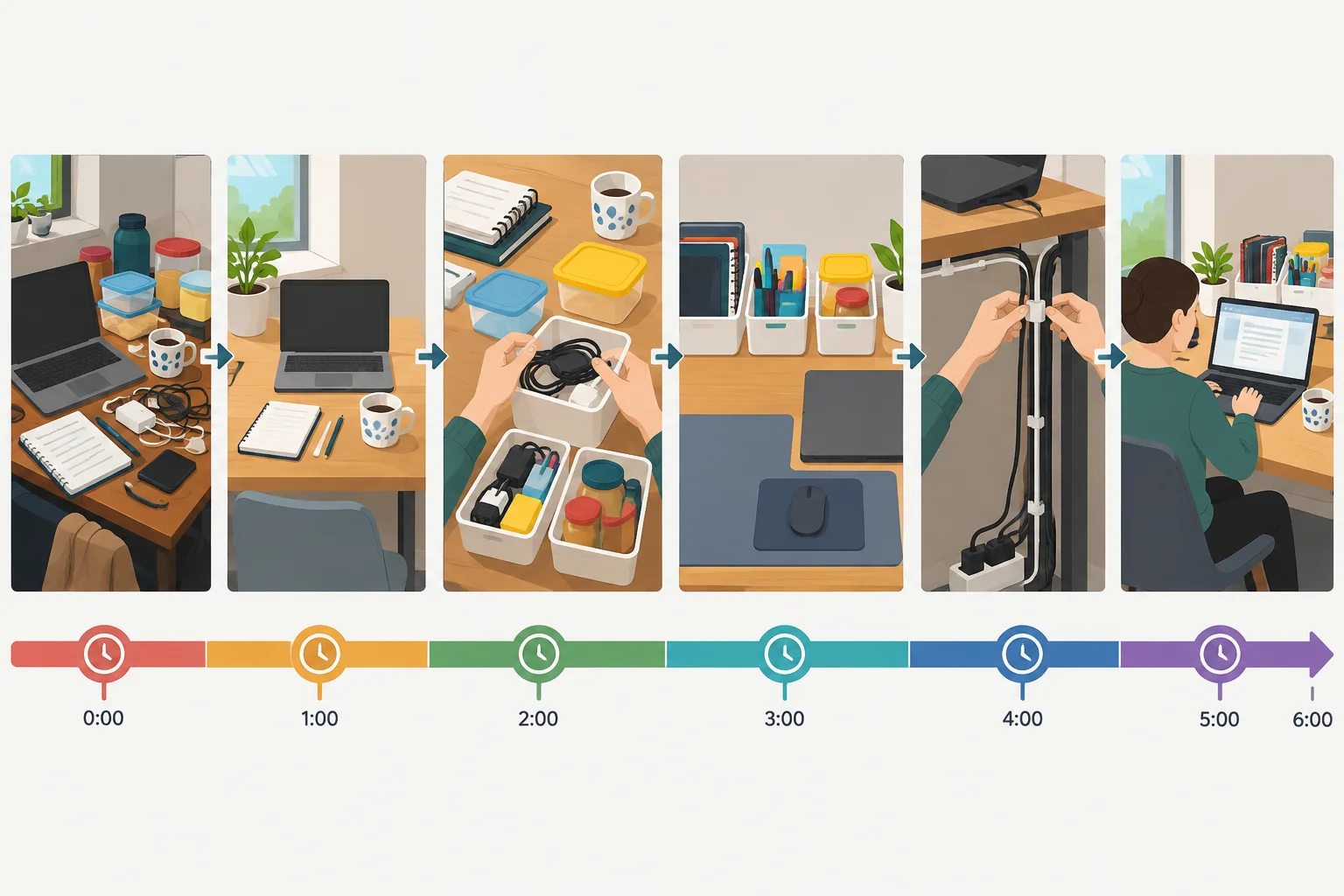
Early proof of the outcome earns attention; each middle section answers the next practical question before the final result.
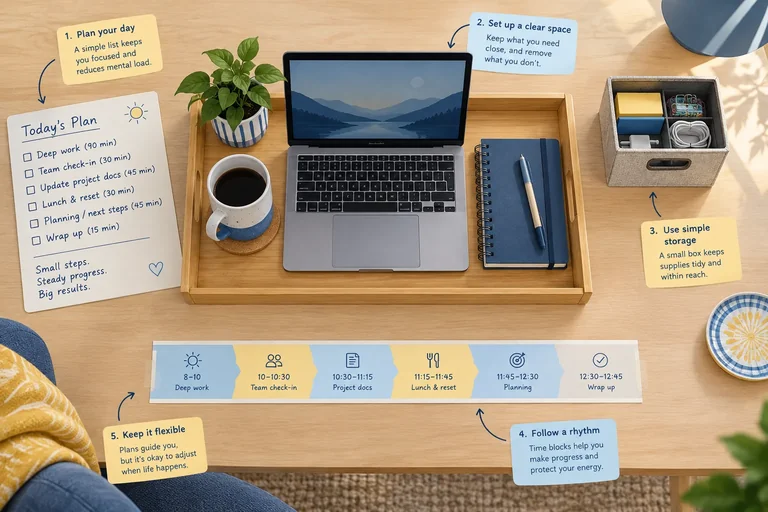
Build the outline around a chain of needs: What will change? What must stay close? Where does each item belong? Does the setup work in use? The transition at the end of each section should make the next need feel necessary, rather than teasing a vague future reveal.
This written outline plans the content; it is not a filming script or a chapter list.
Small Desk Lab’s six-minute plan delivers the no-purchase promise in a visible sequence. The final row resolves the original viewer question before any optional next step.
| Time | Viewer question | What is shown or explained | Transition or payoff |
|---|---|---|---|
| 00:00–00:20 | Can this work without buying anything? | Brief before-and-after glimpse; state the no-purchase boundary. | Name the first decision: what needs daily access? |
| 00:20–01:10 | What must stay within reach? | Sort desk items by daily, occasional, and elsewhere. | Move from choosing essentials to placing them. |
| 01:10–02:20 | Where should daily items go? | Create simple work zones with items already owned. | Ask what will make the zones stay usable. |
| 02:20–03:35 | How do I reduce visual clutter? | Contain loose items and route the most distracting cable. | Shift from appearance to a real work check. |
| 03:35–04:50 | Will this setup work during a task? | Use the desk for a short work routine; adjust one friction point. | Return to the promised result. |
| 04:50–06:00 | What does the finished solution look like? | Show the organized desk and recap the placement principle. | Payoff: the viewer can apply the same decisions with their own items. |
Tip
A transition earns its place when it answers “why next?” For example, after choosing daily-use items, placing them is the logical next decision. Repeating the opening promise or withholding the useful result for suspense does not move the viewer forward.
Put these section ideas in the order that best supports a viewer organizing a small desk with items they already own.
Create your own six-minute written outline for the Small Desk Lab video. Use six or more timed rows that total 06:00. In your first row, identify the early evidence that confirms the no-purchase promise. In your final row, identify the visible payoff that fulfills it.
Use this format for every row:
Time | Viewer question | What is shown or explained | Transition or payoff
Make the middle rows follow the viewer’s information needs, not a list of disconnected tips.
Write at least 500 characters (0/500).
Step 5 of 7
Prepare accurate description, chapter, and caption notes that match the planned six-minute Small Desk Lab video.
Three supporting notes make a useful video easier to understand and navigate:
They support discovery and accessibility, but none can guarantee discovery or compensate for a weak or misleading video. Keep every note faithful to the six-minute plan: organizing a small desk with items already owned, not buying furniture or accessories.
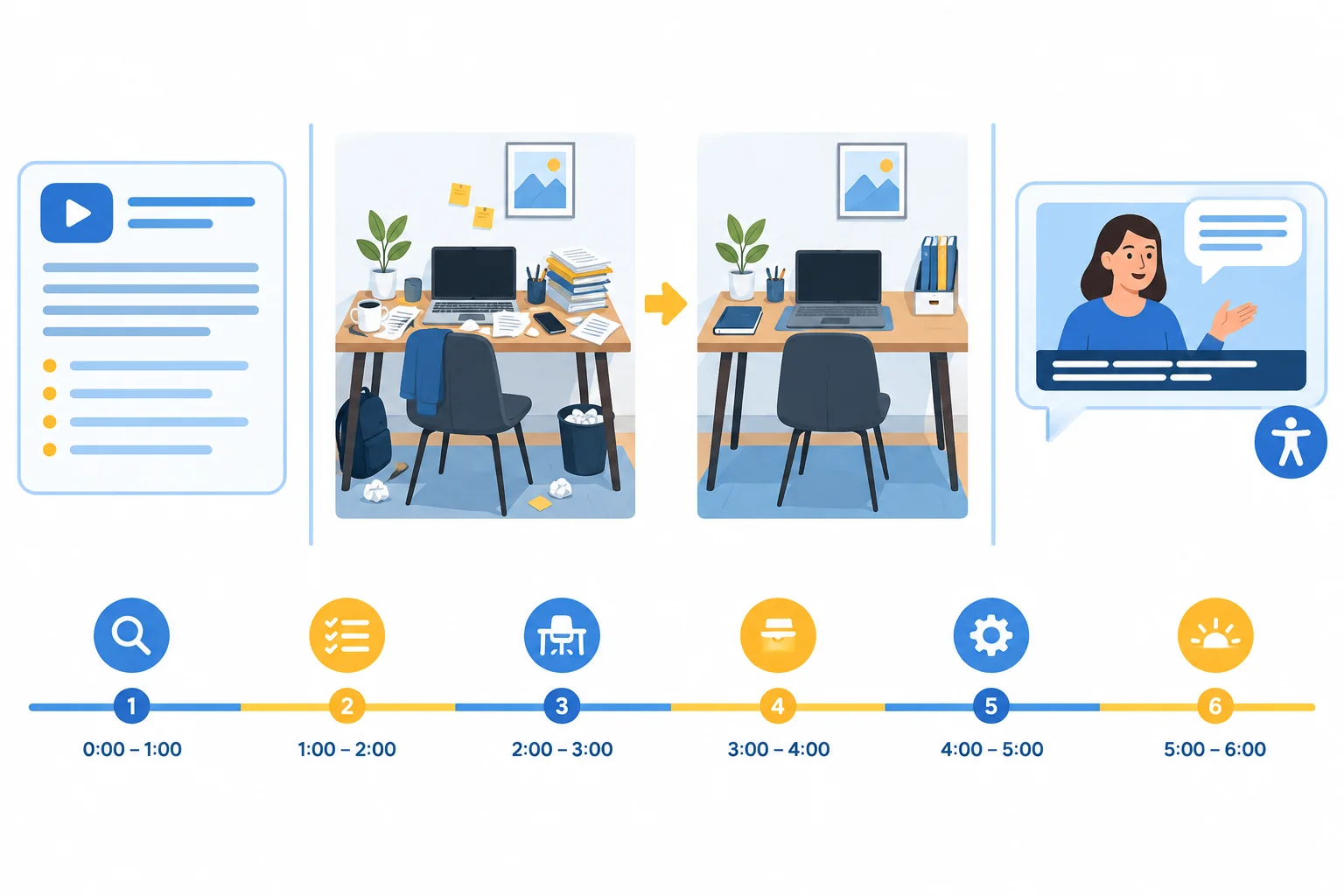
The description explains value, chapters provide navigation, and captions support access to what the video says and sounds like.
For the Small Desk Lab video, the description should answer the viewer's question in plain language and state its boundary. It should not repeat a phrase excessively or imply that the video will make YouTube distribute it.
If manual chapters are available and eligible, they must:
Chapter names should describe what the viewer will find at that point—not generic labels such as “Part 2.”
Example
Description opening — written metadata
Organize a small desk using what you already own. Small Desk Lab shows how to clear the surface, sort daily tools, create simple zones, and finish with a quick reset—without buying furniture or accessories.
Chapters — navigation notes
00:00 Start with the surface
00:20 Remove non-work items
01:30 Sort daily tools
03:10 Make simple desk zones
04:50 Reset and final desk
These timestamps are ascending, begin at 00:00, and leave at least 10 seconds for every chapter in the planned 06:00 video.
Caption-review notes — timed accessibility support
Review automatic or supplied captions against the final audio before publishing:
Captions can improve comprehension as well as accessibility; they do not change the video's promise or guarantee reach.
True or false: Repeating “small desk organization” many times in the description is a reliable way to guarantee discovery.
Which chapter plan fails the basic manual-chapter rules for a six-minute video?
Create support notes for this 06:00 Small Desk Lab outline:
A draft contains two flaws:
Use the labels Observation, Possible explanation, and Proposed revision. Identify one flaw, then provide: a truthful description opening, a valid chapter list with names, and concise caption-review notes.
Write at least 300 characters (0/300).
Step 6 of 7
Interpret click-through and retention signals as complementary evidence, then propose a limited revision without claiming a proven cause.
Three metrics describe different parts of a viewer’s journey.
Impressions click-through rate is the percentage of counted thumbnail impressions that led to views. It is not all video views divided by impressions: not every viewing source produces a counted thumbnail impression.
Average view duration is the mean amount of time watched per view.
Audience retention shows how viewing changes at points along the video timeline. Use all three together, then keep the limits of each measure in mind.
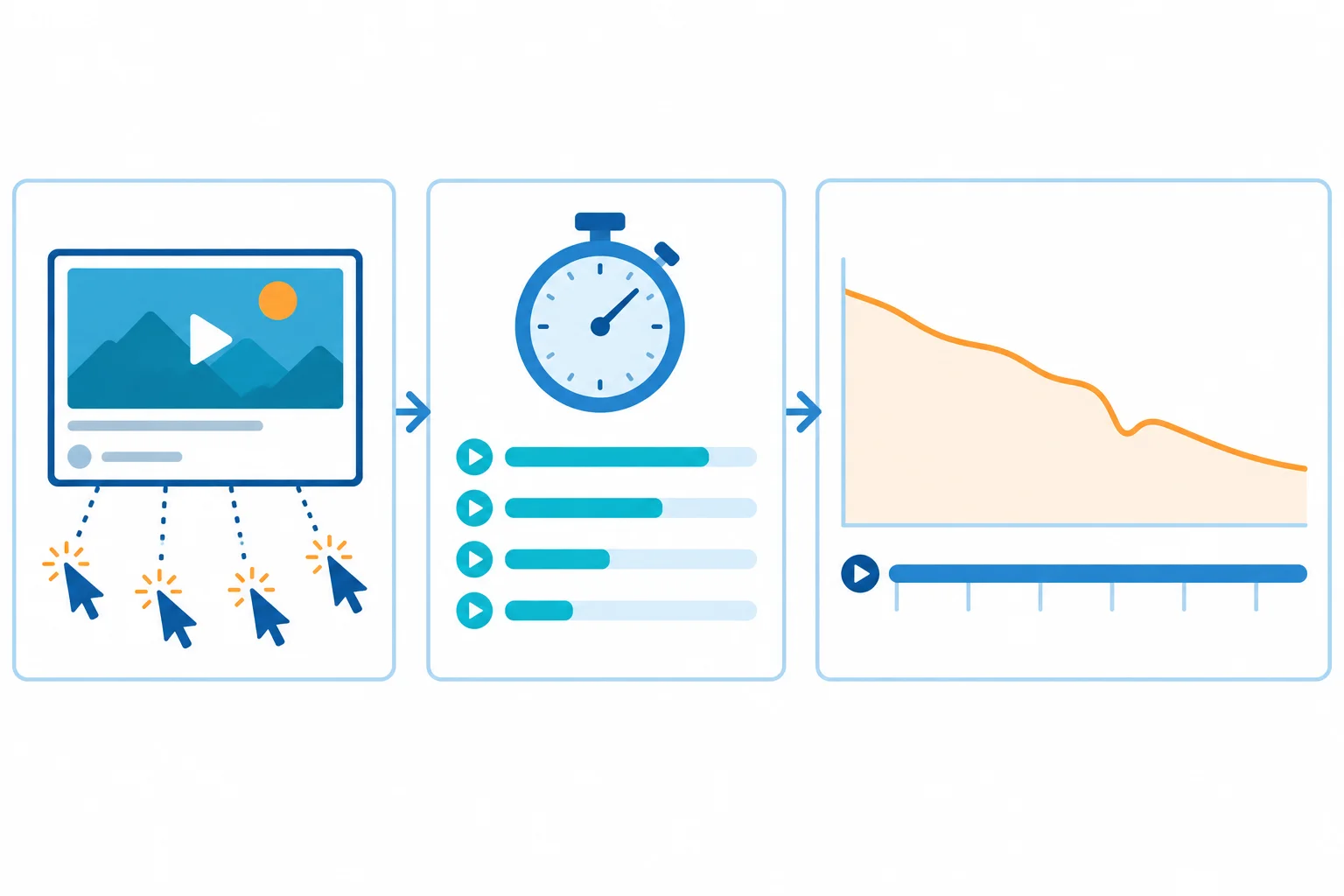
Read the package response, mean viewing time, and timeline pattern as different signals rather than interchangeable scores.
Each metric answers a focused question. None, by itself, proves why people clicked, watched, skipped, or left.
| Metric | Most direct question | It does not prove |
|---|---|---|
| Impressions click-through rate | How often counted impressions became views | All views divided by impressions, or the reason people clicked |
| Average view duration | How much time the average view watched | Where viewers changed behavior in the video |
| Audience retention | How viewing changes across the timeline | Why a dip, spike, or decline happened |
Consider two hypothetical reporting snapshots for the six-minute Small Desk Lab video answering: “How can I organize a small desk using what I already own?” They are comparison cases, not experiments or targets.
Summary A has a traffic mix led by YouTube Search. Summary B has more viewing context from Browse features and Suggested videos. Discovery context, audience mix, and reporting conditions limit any conclusion about the differences.
Both examples use the same planned runtime and reporting window so you can focus on the pattern. Real comparisons should still account for audience and traffic differences.
| Summary | Video length | Window | Impressions | Impressions click-through rate | Average view duration |
|---|---|---|---|---|---|
| A | 06:00 | 28 days | 10,000 | 2.8% | 03:48 |
| B | 06:00 | 28 days | 10,000 | 6.5% | 01:12 |
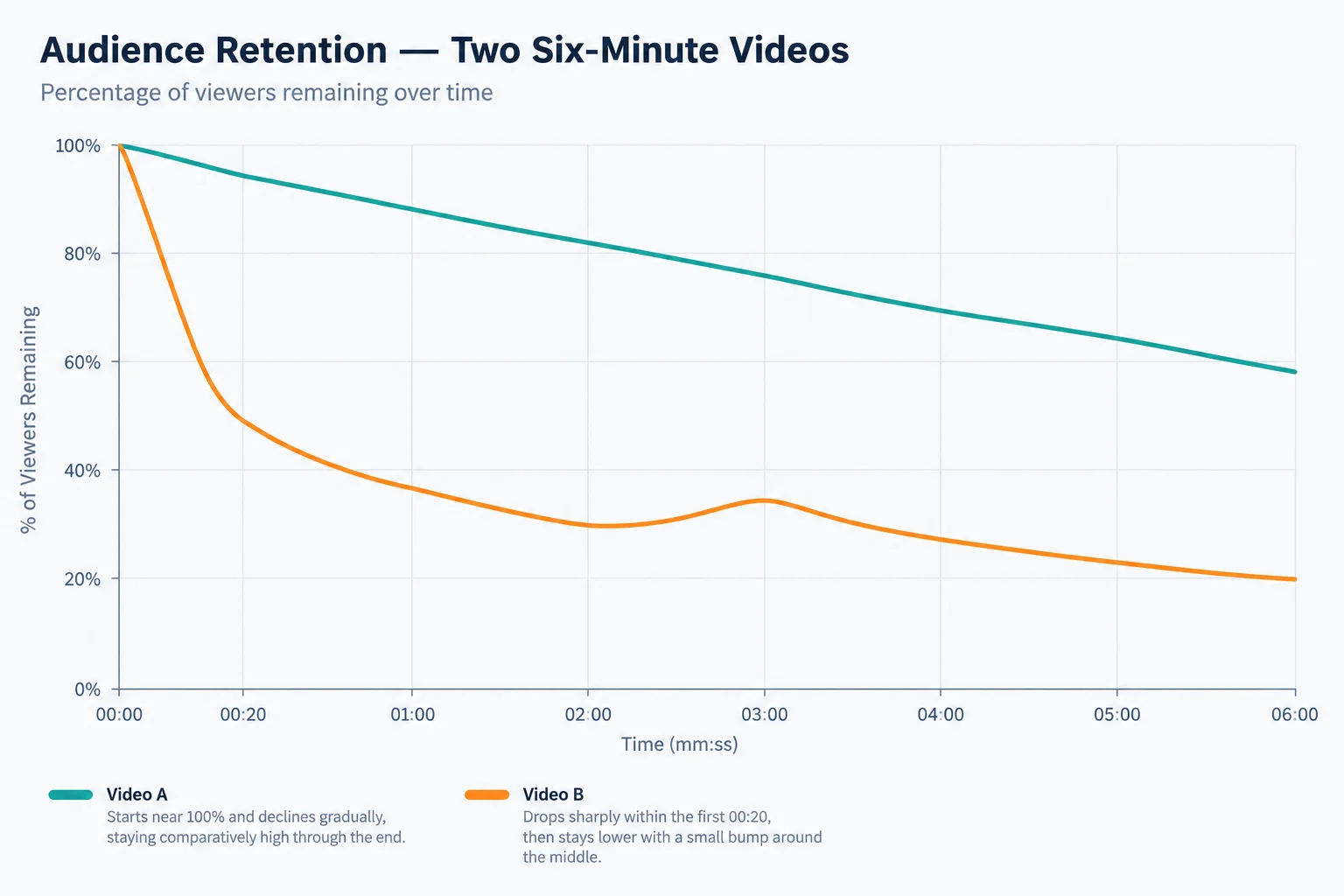
Summary A combines a lower impressions click-through rate with comparatively sustained viewing. Summary B combines more clicking with an early retention drop. The sharp drop and the small bump are moments to inspect, not proof of viewers’ reasons.
Warning
A cautious reading is conditional:
A retention pattern cannot prove either explanation. Inspect the relevant title, thumbnail, opening, and moment in the outline before proposing one proportionate revision.
Match each metric to its most direct interpretation.
Tap an item and then its matching pair.
Using Summaries A and B and the retention figure from the previous screen, write a concise diagnostic with these exact labels:
Observation: Compare the summaries and distinguish what impressions click-through rate, average view duration, and audience retention each describe.
Possible explanation: State one plausible, conditional explanation for one pattern.
Proposed revision: Suggest one targeted packaging or structure change, and acknowledge that it may not improve distribution or prove the explanation.
Do not claim that the data proves why viewers acted as they did.
Write at least 240 characters (0/240).
Step 7 of 7
Assemble a coherent written plan and justify one cautious, evidence-informed revision.
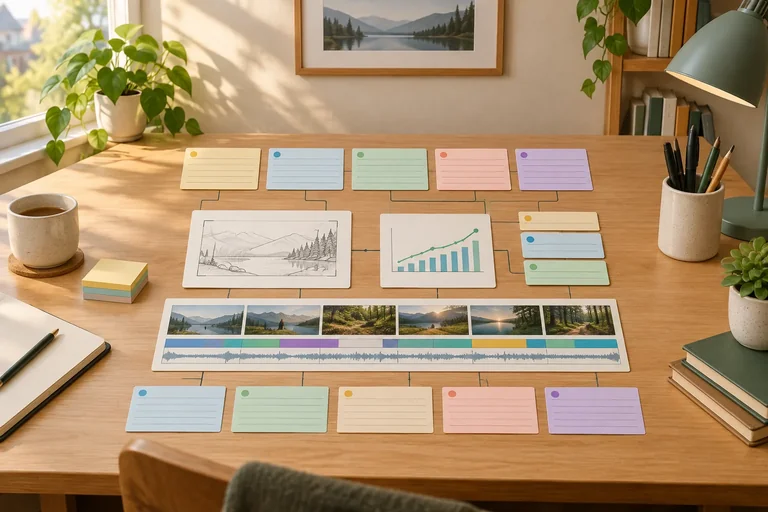
Your final deliverable is a written video brief—not a finished upload. It should make one chain easy to inspect: the viewer’s question and discovery context shape the promise; the package earns that promise; the opening, sections, and payoff deliver it; and the supporting notes describe the same video.
For Small Desk Lab, keep the plan within 06:00 and keep its boundary truthful: the viewer organizes a small desk with items already owned, not by buying furniture or accessories.
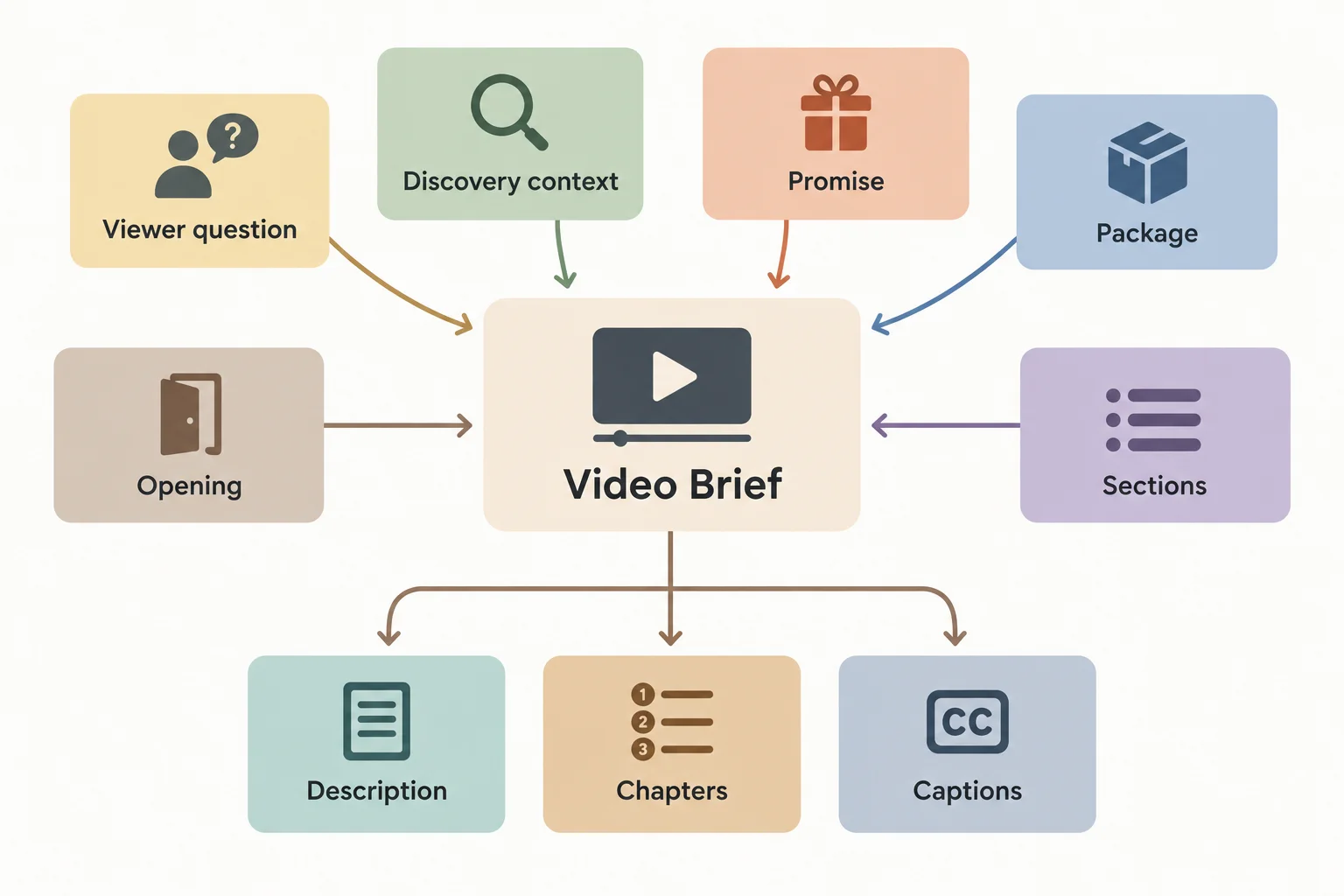
Use the links in this map to check that every element supports the same viewer outcome.
Use this check while combining your drafts. Do not add claims that the outline cannot visibly fulfill. A claim in either the title or thumbnail needs a destination in the opening, a section, or the payoff.
A compact pre-submission check for the Small Desk Lab brief.
| Brief element | Check | Where the proof appears |
|---|---|---|
| Viewer question and context | The context has a defensible viewer situation and rationale. | Context note |
| Promise and package | The title and thumbnail communicate the same truthful outcome. | Title and thumbnail brief |
| Thumbnail brief | Use Subject, Composition, On-image text, and Promise to verify. | Thumbnail brief |
| Opening and outline | The opening confirms the package; sections lead to the stated payoff. | Timed outline |
| Metadata support | Description, chapters, and caption notes describe the final structure. | Supporting notes |
| Chapter plan | If eligible, begins at 00:00, has 3+ ascending timestamps, and each chapter lasts at least 10 seconds. | Chapter plan |
| Claim trace | Every package claim points to a specific delivery moment. | Alignment note |
Tip
Write the timed outline with these exact column labels: Time, Viewer question, What is shown or explained, and Transition or payoff.
For the thumbnail brief, write None if no on-image text is planned. A simple brief is stronger than a crowded concept.
Now add one cautious improvement proposal. Read this pattern as evidence to inspect, not proof of a cause. The retention curve is relatively steady after the opening, while few counted impressions become views. That pattern can support a packaging or audience-fit hypothesis, but it cannot prove why people did or did not click.
Illustrative data — not a benchmark
| Measure | Value |
|---|---|
| Runtime | 06:00 |
| Impressions | 10,000 |
| Impressions click-through rate | 2.1% |
| Average view duration | 03:48 |
| Traffic context | YouTube Search 74%; Browse features 18%; Suggested videos 8% |
| Audience retention at 00:20 | 86% |
| Audience retention at 03:00 | 66% |
| Audience retention at 06:00 | 52% |
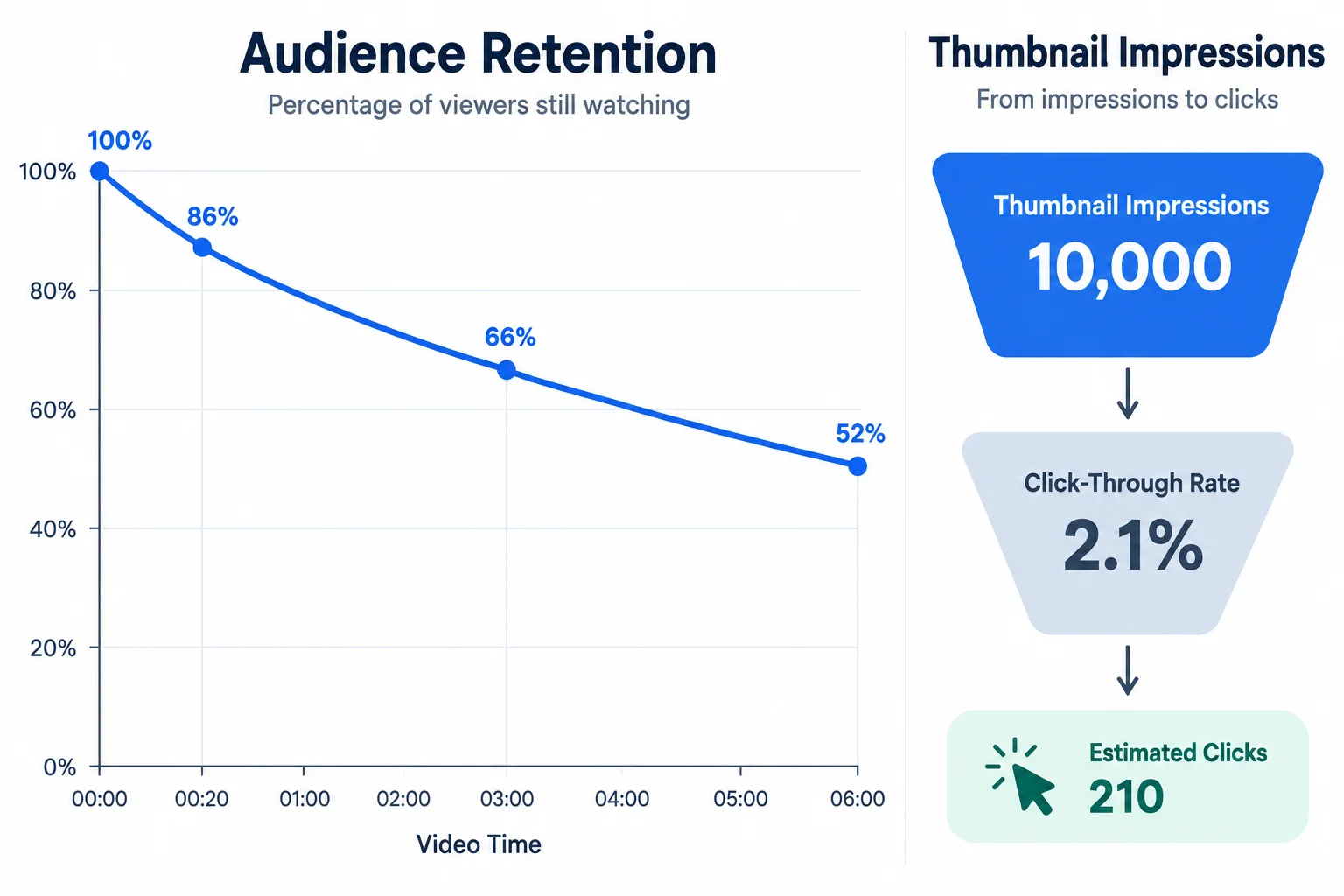
Illustrative data — not a benchmark. Inspect the package and audience fit as a possible explanation; do not treat the pattern as a proven cause.
Prepare your complete written brief for the Small Desk Lab video scenario. Include:
Subject, Composition, On-image text, and Promise to verify.Time, Viewer question, What is shown or explained, and Transition or payoff.Observation, Possible explanation, and Proposed revision. Preserve the truthful core promise, revise one planning element, and state that the revision is a proposal—not a distribution guarantee.Write at least 700 characters (0/700).
Congratulations! You completed: Plan a Discoverable YouTube Video
Thousands of online courses in video, ebooks and audiobooks.
To test your knowledge during online courses
Generated directly from your cell phone's photo gallery and sent to your email

Download our app via QR Code or the links below:.



Carry knowledge in your pocket.
Download the Cursa app.
There are hundreds of free courses available, with a free certificate of completion that is saved in your mobile image gallery.
Download the app to access the Course Completion Certificate for Free.


+ 10 million
students

Free and Valid
Certificate

60 thousand free
exercises

4.8/5 rating in
app stores

Free courses in
video and ebooks