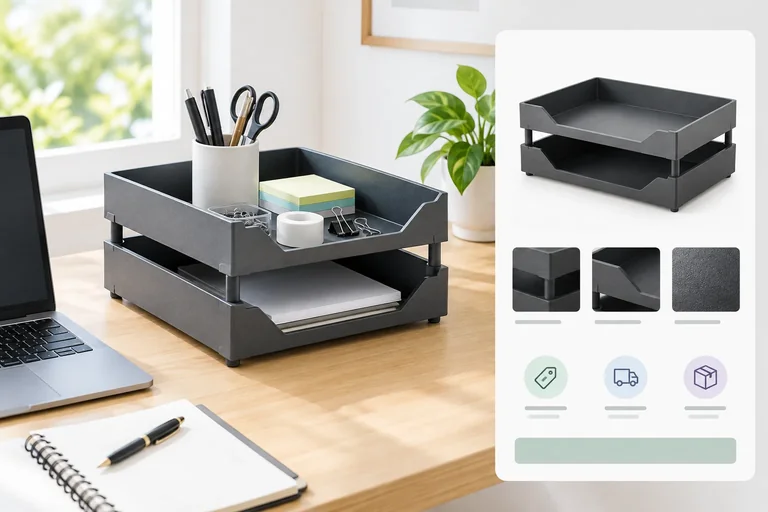
Step 1 of 8
Anchor the Creative to the Offer
Extract the offer and destination facts that every TidyDesk Search and Meta draft must preserve.

Learning path · Level 7 · Tutorial 3
Write a responsive Search ad asset set and specify Meta creative variants that fit their placements and destination. Produce complete text drafts and visual briefs without needing to publish ads or obtain media files.
 Anchor the Creative to the Offer
Extract the offer and destination facts that every TidyDesk Search and Meta draft must preserve. 2 min
 Understand Responsive Search Ad Combinations
Learn how responsive Search ad assets form variable Delivery combinations while preserving clear, accurate meaning. 2 min
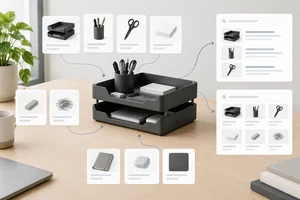 Draft a Coherent Search Asset Set
Draft and manually check a responsive Search ad asset set for the TidyDesk Desk Tray Set. 3 min
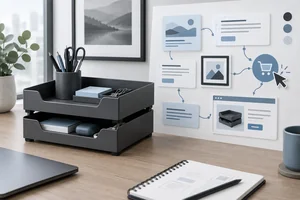 Specify a Meta Ad as One Connected Message
Create a connected Meta baseline with concise copy, a factual image brief, a Shop Now call to action, and a matching destination. 3 min
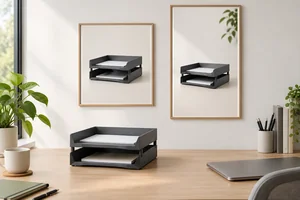 Adapt the Creative for Feed and Stories
Adapt the TidyDesk Meta ad layout for Instagram Feed and Instagram Stories while preserving a clear product message. 2 min
 Screen Copy, Visuals, and Destinations for Risk
Screen ad copy, visuals, and destination pages for misleading claims, sensitive-attribute risks, and issues that require current-policy or specialist review. 2 min
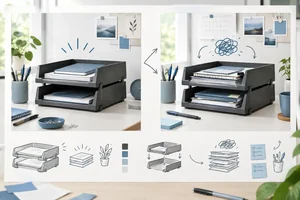 Define Distinguishable Creative Variants
Define meaningful Search and Meta creative variants by documenting what changes, what remains constant, and which audience question each contrast explores. 2 min
 Finalize the Search and Meta Creative Package
Consolidate the Search and Meta drafts into a self-contained creative handoff, reconcile them with the destination, and document one final revision or remaining review need. 4 min
Step 1 of 8
Extract the offer and destination facts that every TidyDesk Search and Meta draft must preserve.
Every draft starts with the supplied offer and destination facts. A creative specification is not a chance to strengthen the offer with new promises.
For TidyDesk, the product is a Desk Tray Set: two stackable graphite-colored trays for pens and small desk items. The audience is home-office shoppers seeking small-item desk storage. The destination is the Desk Tray Set product page, where the purchase button says Add to cart.
Use these facts as the source of truth for both Google Ads and Meta ad drafts.
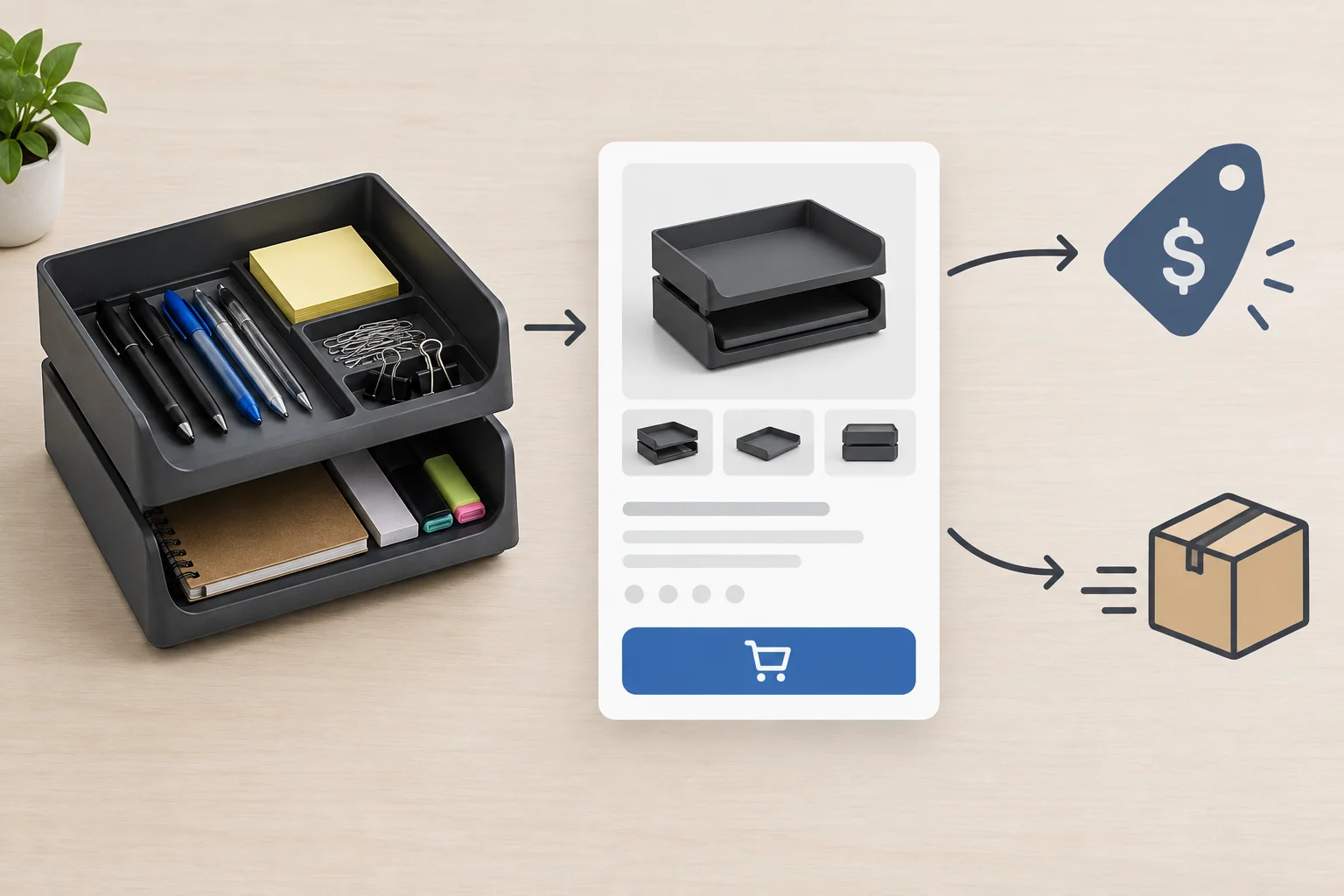
The product, commercial conditions, and next action must tell the same story from ad to destination.
Record the non-negotiable facts before writing any ad copy. This short brief prevents an attractive phrase from changing the real offer.
Use these supplied facts in every creative specification.
| Brief element | Supplied fact | Drafting implication |
|---|---|---|
| Audience need | Small-item desk storage for home offices | Connect the product to relevant desk organization. |
| Product | Two stackable graphite-colored trays for pens and small desk items | Do not add materials, dimensions, or unsupported performance claims. |
| Price | $24.00 per set | Keep the price accurate when stated. |
| Shipping | $4.00 per order to the contiguous 48 US states only | Include the condition when shipping is mentioned. |
| Taxes | Applicable taxes shown at checkout | Do not claim a tax-inclusive total. |
| Destination | Desk Tray Set product page | Send shoppers to this named destination. |
| Next action | Add to cart button | Set an expectation of shopping, not a completed purchase. |
Message match includes the conditions behind a promise. Repeating “desk trays” is not enough if an ad changes the price, shipping, eligibility, or product details.
Supported wording can describe the Desk Tray Set as stackable storage for pens and small desk items. It cannot claim free shipping, a discount, a limited-time deal, or features not supplied in the brief.
Keep a qualification with the statement it qualifies. For example, if shipping is mentioned, include its $4.00 cost and contiguous-48-states eligibility rather than assuming another part of the ad will explain it.
Tip
The ad CTA does not need to repeat the exact destination-button label. “Shop Now” accurately signals that the shopper will visit the Desk Tray Set product page, where they can choose Add to cart. A CTA should not imply an action the destination does not provide, such as an instant discount or immediate checkout.
Match each proposed ad phrase or CTA to the destination fact that supports it, or to the issue it creates.
Tap an item and then its matching pair.
Step 2 of 8
Learn how responsive Search ad assets form variable Delivery combinations while preserving clear, accurate meaning.
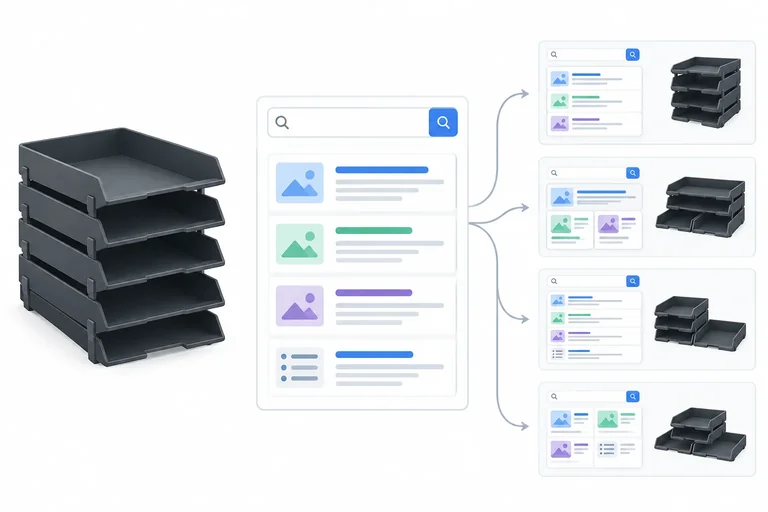
A responsive Search ad is an asset pool, not one fixed paragraph. Google Ads can select different assets and arrange them differently for each opportunity.
A standard rendering can show up to three Headlines and two Descriptions. It may show fewer, choose a different subset, or change the order. Call each automated rendering a Delivery combination.
Write every asset so it makes sense by itself and beside any other asset. Do not rely on “first,” “then,” “below,” or another asset appearing.
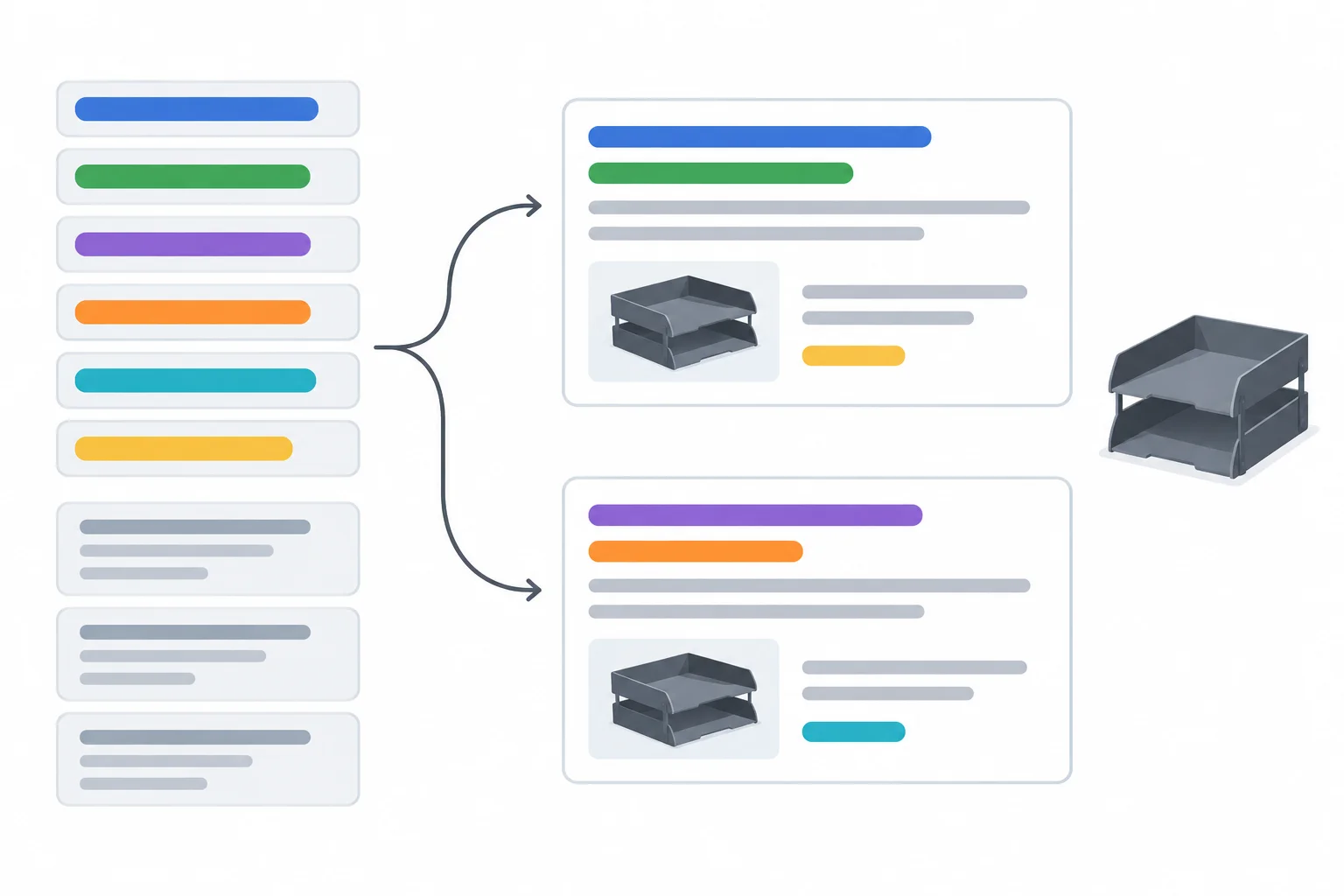
The same asset pool can produce different Delivery combinations, so no asset can depend on a fixed neighbor.
Tip
Treat a responsive Search ad as modular copy. A strong asset remains clear even when another asset is absent.
These are structural limits for a responsive Search ad. Spaces and punctuation count as characters.
| Search field | Allowed pool | Maximum length | May appear in one rendering |
|---|---|---|---|
| Headline | 3–15 assets | 30 characters | Up to 3 |
| Description | 2–4 assets | 90 characters | Up to 2 |
Example
Examples of individually valid assets:
Headline: Desk Tray Set | $24.00 — 22/30
Headline: Two Stackable Desk Trays — 24/30
Headline: Shop Desk Storage — 17/30
Description: Two graphite-colored trays for pens and small desk items. $24.00 per set. — 73/90
Description: Shipping is $4.00 per order to the contiguous 48 US states. Taxes shown at checkout. — 84/90
Keep a qualification with the claim it qualifies. Do not separate “Shipping Available” from another asset containing the $4.00 charge and contiguous-48-states restriction. Either asset could appear without the other.
A standalone shipping asset must state its material condition itself. This preserves ad-to-destination consistency even when the Delivery combination changes.
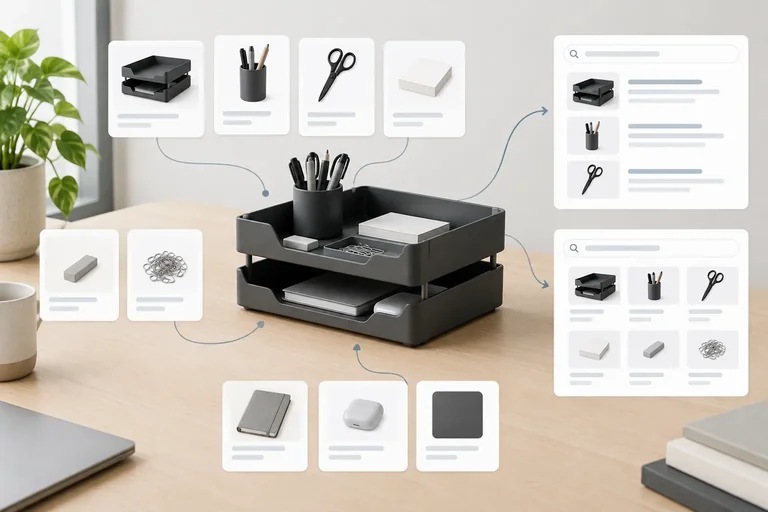
Which proposed asset pool and Delivery combination are structurally valid and understandable if assets are omitted or reordered?
Step 3 of 8
Draft and manually check a responsive Search ad asset set for the TidyDesk Desk Tray Set.
A responsive Search ad draws from an asset pool, not a fixed paragraph. Build that pool so different assets contribute different jobs:
Do not create six superficial versions of the same benefit. Each asset should still make sense if it appears first, last, or beside a different asset.
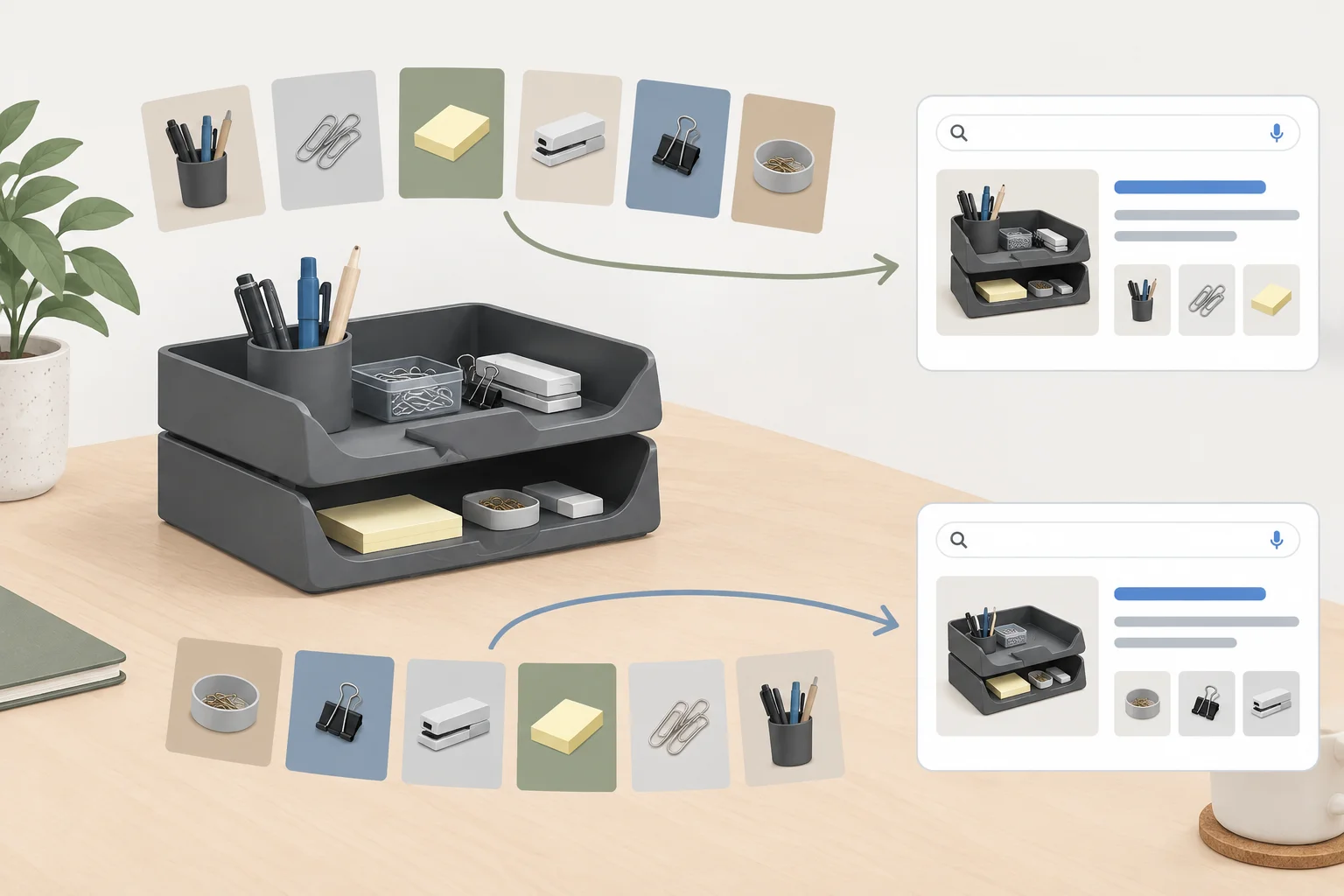
Give each asset a distinct message role so either rendering remains clear.
Tip
Use only the supplied facts. The Desk Tray Set has two stackable graphite-colored trays for pens and small desk items; it costs $24.00 per set. Shipping is $4.00 per order to the contiguous 48 US states, and applicable taxes appear at checkout. The destination is the Desk Tray Set product page, where the purchase button says Add to cart.
This reference package uses complementary roles. The counts include spaces and punctuation. The assets are not numbered because delivery order is not guaranteed.
Each Description stands on its own: it does not require a particular Headline to supply the price, shipping condition, or destination expectation.
| Field | Draft and count | Message role |
|---|---|---|
| Headline | Desk Tray Set for Home — 22/30 | Product identity |
| Headline | Stackable Trays for Pens — 24/30 | Relevant use and feature |
| Headline | Organize Small Desk Items — 25/30 | Relevant use |
| Headline | Two Graphite Desk Trays — 23/30 | Product detail |
| Headline | See the Desk Tray Set — 21/30 | Product identity |
| Headline | Shop Desk Tray Set — 18/30 | Next action |
| Description | Two stackable graphite trays for pens and small desk items. $24.00 per set. — 75/90 | Detail and price |
| Description | $4.00 shipping per order to the contiguous 48 US states. Taxes shown at checkout. — 81/90 | Shipping and tax condition |
| Description | View the Desk Tray Set product page and choose Add to cart when ready. — 70/90 | Destination and next action |
Tip
Useful distinction is informational, not cosmetic. “Organize Small Desk Items” and “Stackable Trays for Pens” add different details. Repeating “Organize Your Desk” with minor word swaps would not broaden the message pool.
Before delivery, write out a few possible renderings. This is a readability check, not a prediction of what Google Ads will show.
Delivery combination 1
Headline: Two Graphite Desk Trays | Headline: Stackable Trays for Pens | Headline: Shop Desk Tray Set
Description: Two stackable graphite trays for pens and small desk items. $24.00 per set.
Description: $4.00 shipping per order to the contiguous 48 US states. Taxes shown at checkout.
Delivery combination 2
Headline: Organize Small Desk Items | Headline: Desk Tray Set for Home | Headline: See the Desk Tray Set
Description: View the Desk Tray Set product page and choose Add to cart when ready.
Description: $4.00 shipping per order to the contiguous 48 US states. Taxes shown at checkout.
For each Delivery combination, check whether it:
If an asset contributes little in both checks, replace it with a distinct, fact-supported message.
| Check | What to look for |
|---|---|
| Independent meaning | Every selected asset remains understandable alone. |
| Complementary roles | The combination adds information instead of echoes. |
| Offer accuracy | No price, shipping, or eligibility condition conflicts. |
| Destination match | The message fits the Desk Tray Set product page. |
Example
Original Headline: See the Desk Tray Set — 21/30
Replacement headline: Graphite Trays for Desk Items — 29/30
The replacement adds a concrete product detail and use context. It can replace the more generic original without changing the offer or relying on a fixed position.
Create your own responsive Search ad package from the supplied TidyDesk facts. Keep the assets unpinned and do not number them as if they have a guaranteed order.
Use this response structure:
Your Replacement headline must state which original Headline it replaces.
Produce the full package and perform the two Delivery combination checks. Preserve the fixed offer: $24.00 per set; $4.00 shipping per order to the contiguous 48 US states; applicable taxes shown at checkout. Keep the destination as the Desk Tray Set product page and its purchase action as Add to cart. Revise one asset after your checks.
Write at least 450 characters (0/450).
Step 4 of 8
Create a connected Meta baseline with concise copy, a factual image brief, a Shop Now call to action, and a matching destination.
A Meta ad baseline is one connected message, not a set of isolated fields. The destination page is the source of truth: TidyDesk sells a Desk Tray Set with two stackable graphite-colored trays for pens and small desk items.
Connect each field to the next decision:
For this Meta ad, use Shop Now as the Call to action. It accurately invites a shopping visit; it does not need to duplicate the destination-button wording.
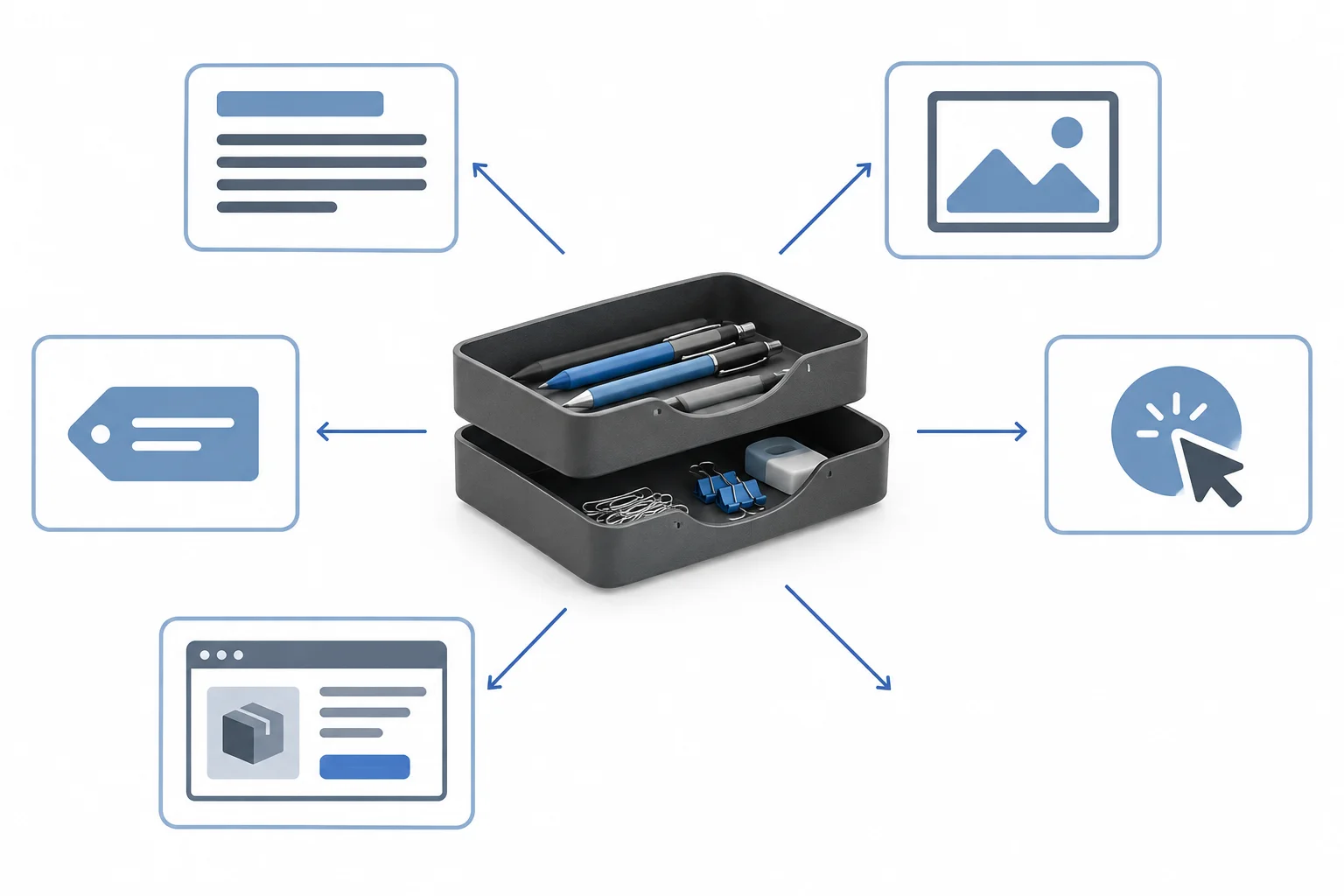
Each element should reinforce the same product, commercial terms, and next step.
Assign a distinct job to each field so the ad remains useful when someone scans only part of it. Do not make every field repeat the same sentence.
Writing target, not Platform limit: aim for about 125 characters in Primary text and up to 40 characters in the Headline. These are concise drafting targets, not universal Meta field limits. What viewers can see varies by format and placement, so keep the essential message clear and supported.
Use this checklist while drafting the baseline.
| Field | Job | Accuracy check |
|---|---|---|
| Primary text | State a relevant use and commercial detail | No unsupported outcome or missing condition when a claim needs one |
| Headline | Give a compact product or purchase anchor | Clear without depending on Primary text |
| Media brief | Describe exactly what the image must show | Shows exactly two stackable graphite-colored trays |
| On-image text | Add an exact supported phrase, or state None | Does not create a new claim or offer |
| Call to action | Invite the next step | Use Shop Now |
| Destination | Name where the click leads | Desk Tray Set product page; button is Add to cart |
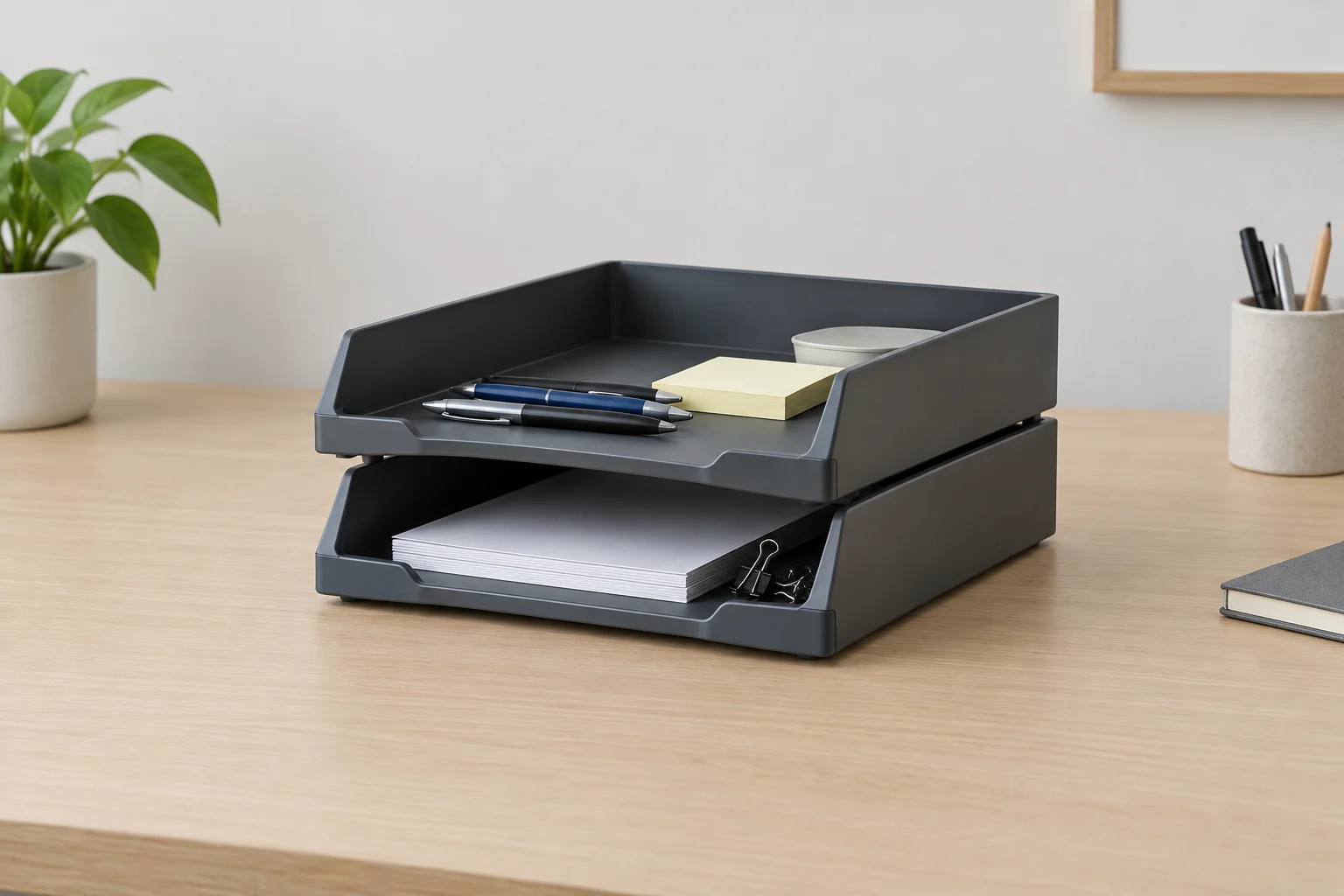
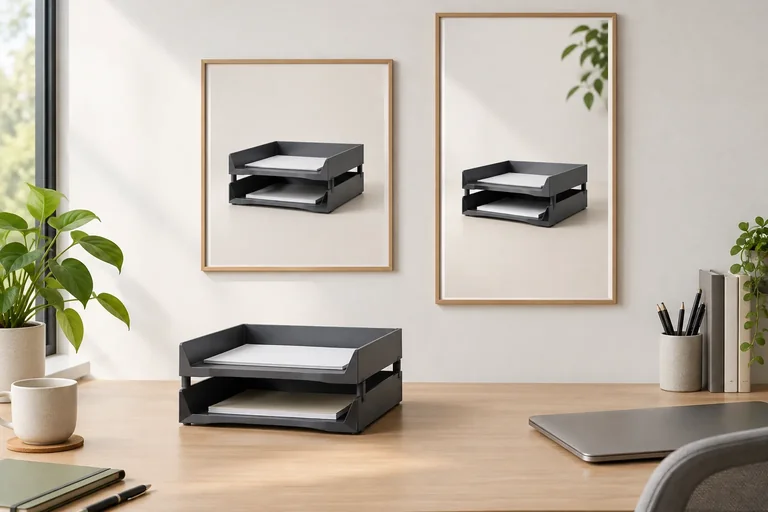
This reference visual demonstrates a brief with a clear subject, product-focused composition, stack as the focal point, and no on-image text.
Example
Subject: the Desk Tray Set with exactly two stackable graphite-colored trays, shown with pens and small desk items.
Composition: a clean, product-focused desktop scene with the stacked-tray relationship clearly visible.
Focal point: the two-tray stack, not unrelated office decor.
Intended benefit: show a dedicated place for small desk items.
On-image text: None.
Warning
Do not add facts the scenario does not support. For example, do not depict a third tray, name a material, imply a discount, promise a performance result, or show free shipping. A visual can imply a claim just as copy can.
Match each Meta specification field to its main job.
Tap an item and then its matching pair.
Write one complete Meta baseline for the supplied TidyDesk scenario. Make the copy, visual depiction, and destination agree.
Use only these facts: the Desk Tray Set contains two stackable graphite-colored trays for pens and small desk items; it costs $24.00 per set; shipping is $4.00 per order to the contiguous 48 US states; and applicable taxes are shown at checkout. The destination is the Desk Tray Set product page, whose purchase button says Add to cart.
Include these labeled sections:
Use Shop Now as the Call to action. Aim for the stated Writing targets. Your Media brief must be text-only and must explicitly state the on-image wording or say that there is none.
Write at least 250 characters (0/250).
Step 5 of 8
Adapt the TidyDesk Meta ad layout for Instagram Feed and Instagram Stories while preserving a clear product message.
A Placement adaptation keeps the same Meta ad message, offer, destination, and Call to action while changing the layout for where it appears. It is not an automatic crop.
For TidyDesk, the media should still show the two stackable graphite-colored trays clearly and communicate what the product is if a viewer never sees the Primary text or Headline. Create a deliberate composition for each placement rather than stretching one artwork.
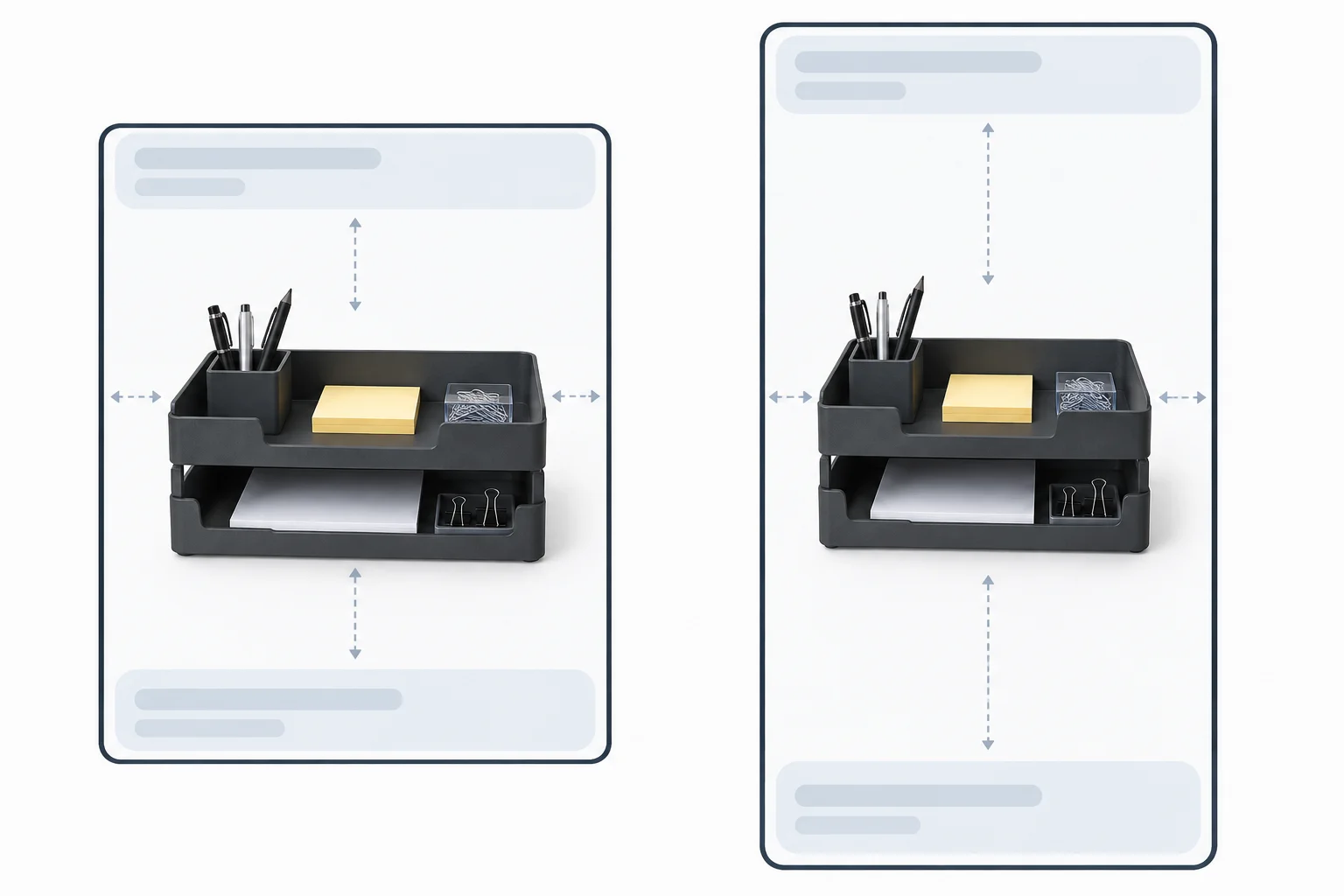
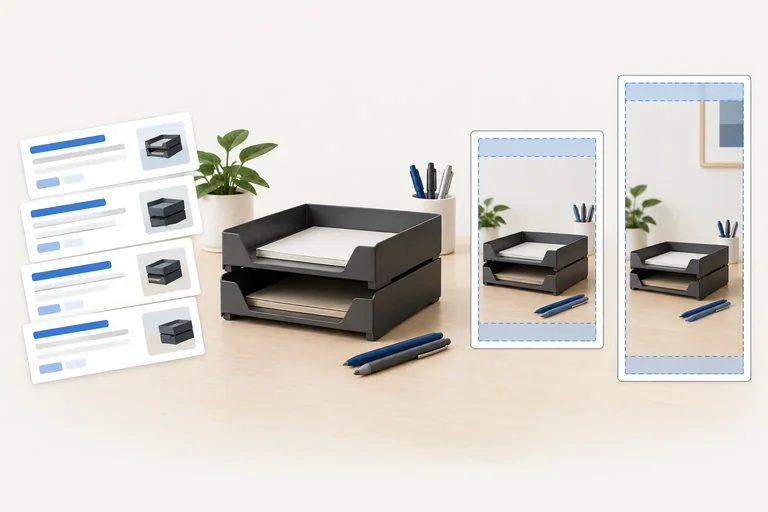
Planning diagram: the product remains recognizable in both compositions, but its scale and vertical position change.
These are planning formats for static-image Meta examples, not universal placement requirements. Check current platform guidance and a placement preview before real publication; interface treatment and available space can change.
| Placement | Planning format | Layout decision | Visibility risk |
|---|---|---|---|
| Instagram Feed | 4:5, 1080 × 1350 px | Compose within a portrait frame; keep trays and key wording comfortably inside it. | Headline or supporting caption may be truncated or hidden. |
| Instagram Stories | 9:16, 1080 × 1920 px | Recompose vertically; place essential content in the clearer central area. | Top and bottom interface elements can obscure edge content and the CTA area. |
For an Instagram Stories static image, which choice best preserves the TidyDesk product message if the Headline is not shown?
Compare the two candidate layout treatments below. Each candidate has a Feed composition and a Stories composition. Look for deliberate reframing, readable essential content, and clearance from interface zones.
Do not use a fixed universal safe-zone number. Instead, use current guidance and previews to check whether the final placement keeps essential elements visible.
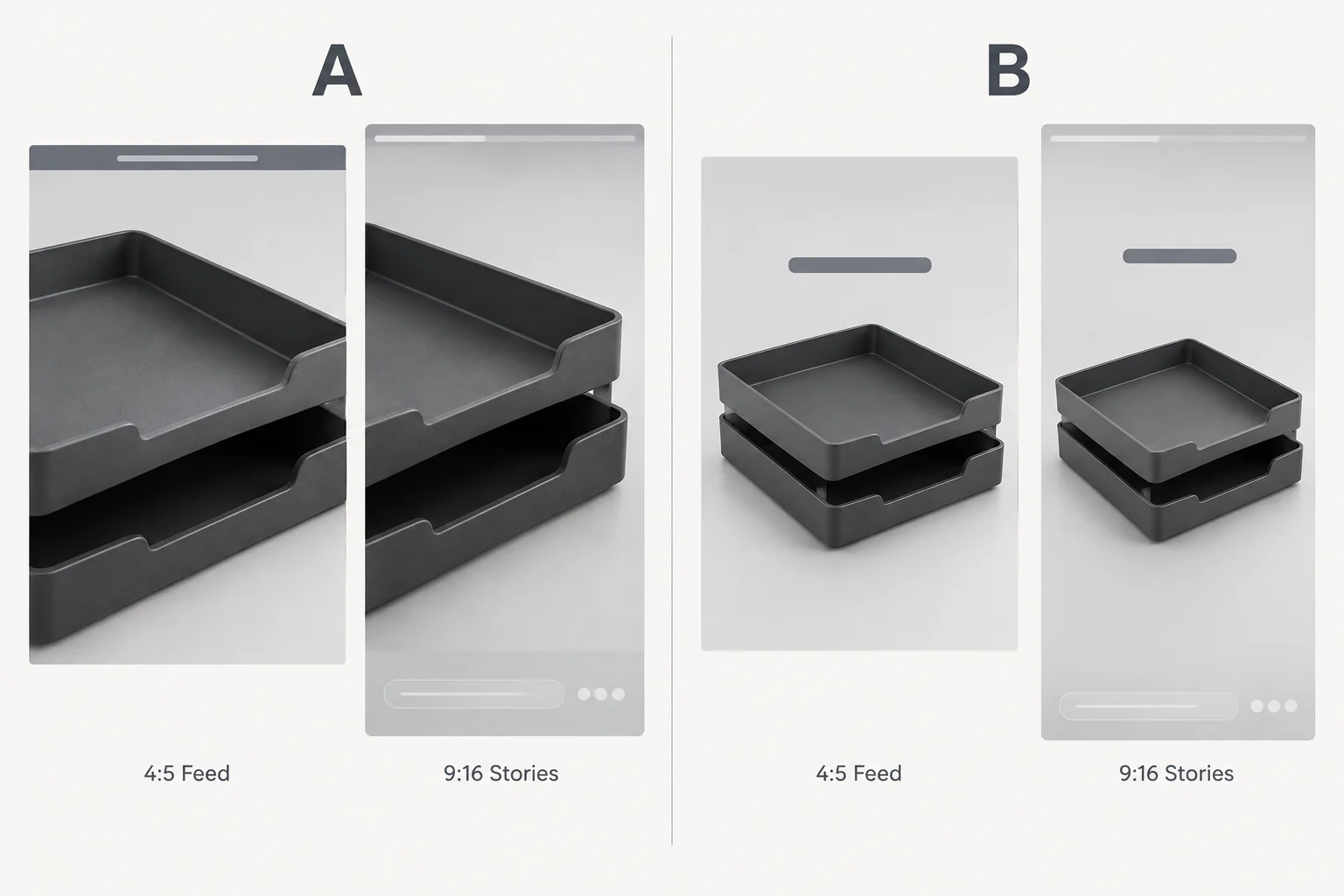
The left and right candidates preserve the same product concept. Their framing and overlay clearance differ.
Using the Candidate A and Candidate B mockups, choose the safer candidate. Then write two short Placement adaptation notes labeled Feed and Stories.
Each note must state the framing for that placement, the essential product or on-image text to keep visible, and how it stays clear of overlays. Also state how the media still makes sense if the Headline is not visible.
Write at least 250 characters (0/250).

Step 6 of 8
Screen ad copy, visuals, and destination pages for misleading claims, sensitive-attribute risks, and issues that require current-policy or specialist review.
A risk screen checks the whole click path, not just the words in an ad. Review three connected surfaces:
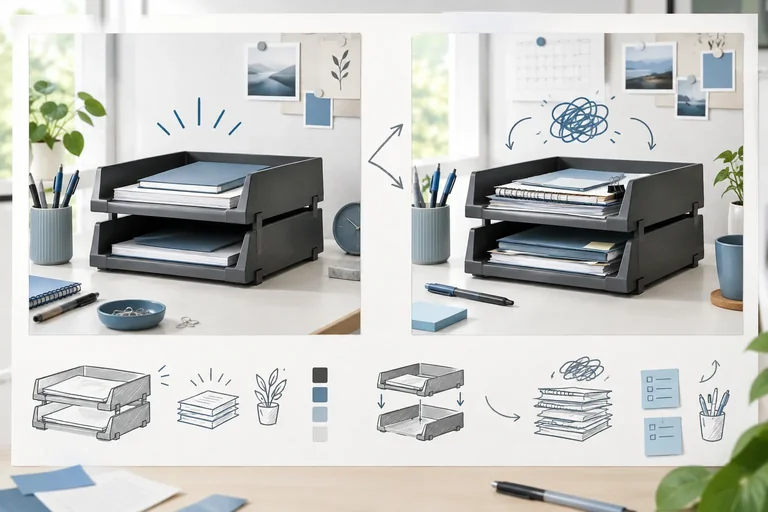
For TidyDesk, the supported facts are two stackable graphite-colored trays, $24.00 per set, and $4.00 shipping per order to the contiguous 48 US states. Applicable taxes are shown at checkout. A claim is not acceptable merely because it is missing from the Headline if the visual or destination creates the same impression.
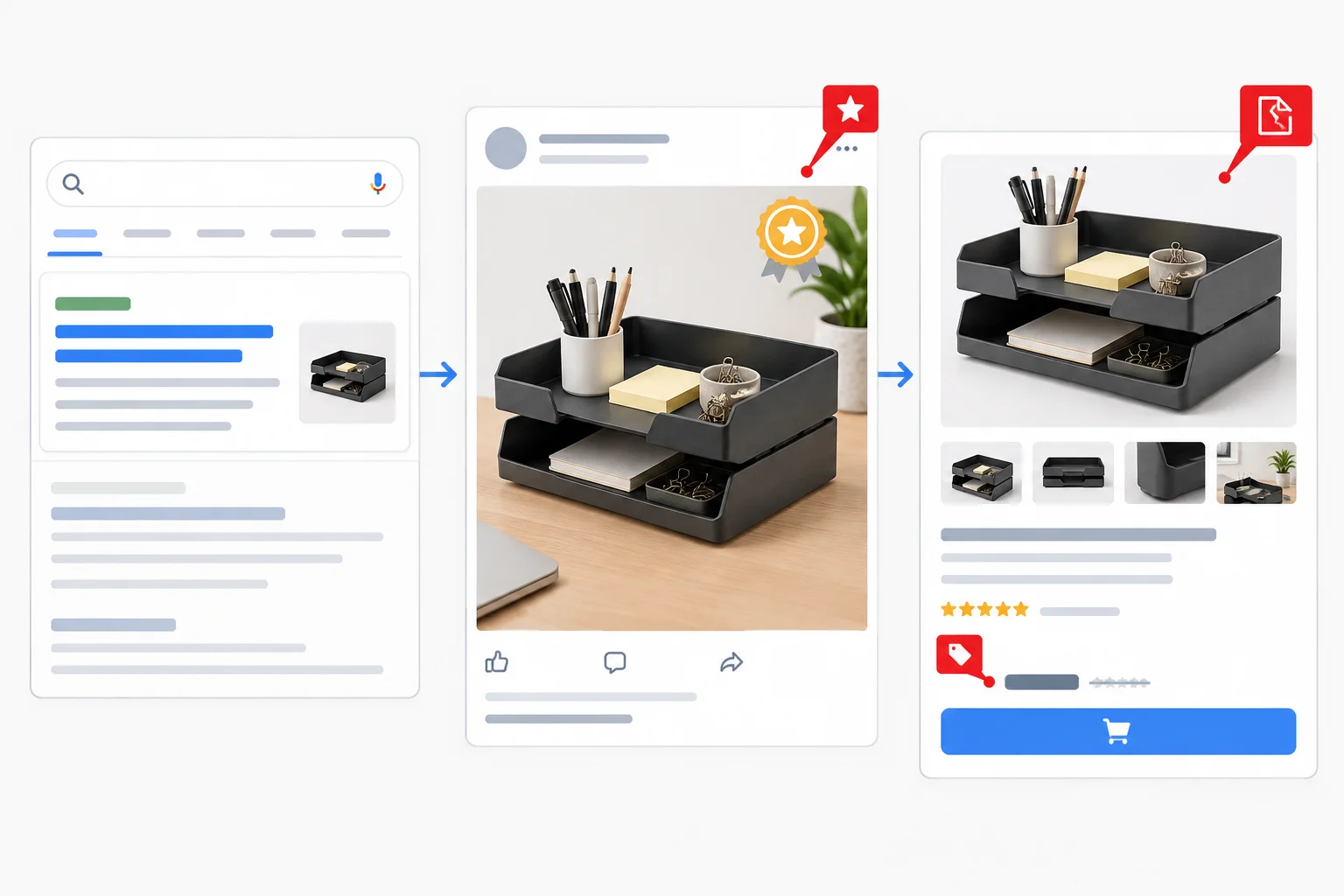
Screen what the ad says, what the visual suggests, and what the destination delivers.
Use this screen to choose a next action. “No obvious issue” means a scenario appears aligned with the supplied facts in this limited review. It is not a platform approval or legal conclusion.
| Signal | Why it is a risk | Next action |
|---|---|---|
| “Free shipping” or a lower price | Contradicts the stated $4.00 shipping or $24.00 price | Revise to match the offer |
| “Guaranteed” result or a made-up award | Creates an unsupported promise or endorsement | Remove or substantiate before use |
| A material condition is omitted | Can change the meaning of an advertised offer | Add the condition or revise |
| “Your disability makes desk organization difficult.” | Asserts a sensitive personal attribute about the viewer | Rewrite in neutral, product-focused language |
| Broken or mismatched product page | Prevents or misleads the visitor after the click | Fix the destination before use |
| Regulated or restricted offer | Rules can depend on category and location | Check current policy; seek specialist review when appropriate |
Warning
The word “you” is not itself the problem. “Find storage for your desk” is neutral product-focused language. Risk arises when wording asserts or implies a sensitive trait or condition about the viewer, such as a disability, health condition, or financial hardship.
For prohibited, restricted, or regulated offers, do not infer detailed rules from this checklist. Check current platform guidance and involve an appropriate specialist when the category, claim, geography, or legal requirement calls for it.
Match each signal to the concern it raises.
Tap an item and then its matching pair.
Perform a final mini-screen. Classify each scenario as Revision needed, Current-policy or specialist review, or No obvious issue. Then rewrite scenario 1 as one neutral, product-focused TidyDesk line using only supplied facts.
Write at least 140 characters (0/140).
Step 7 of 8
Define meaningful Search and Meta creative variants by documenting what changes, what remains constant, and which audience question each contrast explores.
A creative variant is a planned contrast, not a cosmetic rewrite. It changes one defined message angle or asset to explore an audience question while preserving the underlying offer.
For TidyDesk, keep the supplied facts constant: Desk Tray Set; two stackable graphite-colored trays for pens and small desk items; $24.00 per set; $4.00 shipping per order to the contiguous 48 US states; applicable taxes shown at checkout; destination: Desk Tray Set product page.
Write each matrix row with these exact labels:
Platform
Variant
Audience question
Changed element
Held constant
Destination
Placement notes
A useful change might shift from product configuration to organizing small desk items. Changing punctuation, capitalization, or a synonym does not create a useful variant.
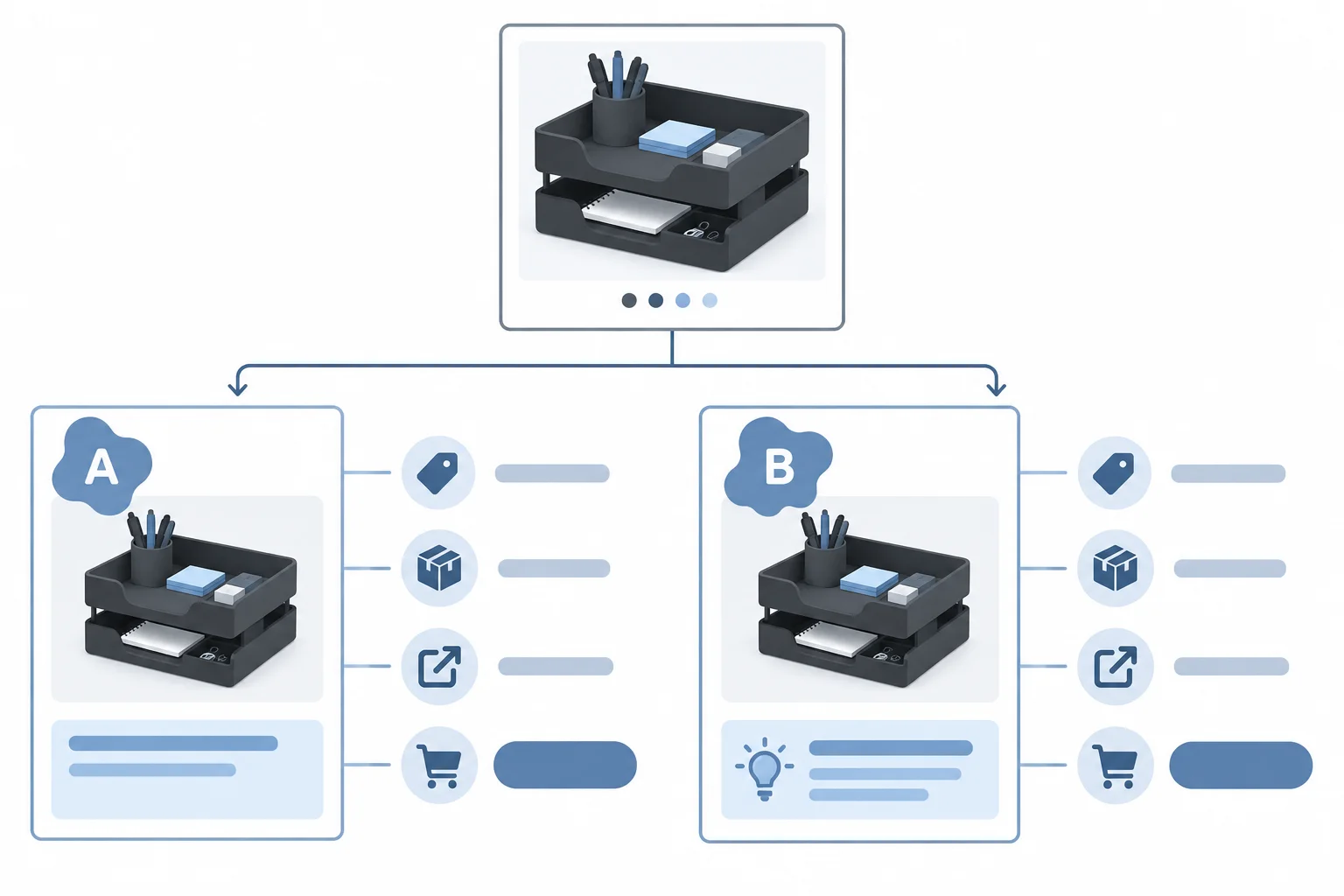
A variant isolates a meaningful message change while the offer, destination, and other named constants remain the same.
Tip
Use delivery and layout labels precisely. For Search, an automated rendering is a Delivery combination: Google Ads may select and order assets differently. For Meta, a resized or reframed layout is a Placement adaptation. Neither is automatically a controlled A/B test, and drafting variants alone does not establish a winner.
For Search, make Variant B by replacing one existing asset from your completed responsive Search ad package. Copy that asset exactly as Original Headline, then write one explicitly labeled Replacement headline.
Hold the other five Headlines and all three Descriptions constant. The replacement must stay within 30 characters, work independently, and introduce a genuinely different angle. It remains unpinned: its presence and position are not guaranteed in a Delivery combination.
Example
This example uses the reference package from the earlier Search step.
Audience question: Does a concrete product-detail Headline communicate the product more clearly than a generic product-identity Headline?
Original Headline: See the Desk Tray Set — 21/30
Replacement headline: Graphite Trays for Desk Items — 29/30
Held constant: the other five Headlines, the three Descriptions, price, shipping terms, eligibility, and the Desk Tray Set product page.
Placement notes: Delivery combination. Assets can appear in varying selections and orders, so this drafted contrast alone does not create a controlled comparison.
Warning
Do not call a punctuation-only change a variant. For example, “Shop Desk Tray Set” and “Shop Desk Tray Set!” ask no meaningfully different audience question.
For Meta, Variant B can use a different message angle, but it must remain a complete specification. Change the copy from product configuration to organization while holding the media concept, Call to action, destination, and placement treatment constant.
The shared static-image treatment is separately composed for Instagram Feed at 4:5 using 1080 × 1350 px and Instagram Stories at 9:16 using 1080 × 1920 px. These are planning formats, not universal placement requirements. The different layouts are Placement adaptation, not automatically a new message variant.
Example
Variant A — baseline configuration angle
Primary text: Two stackable graphite-colored trays create two levels for pens and small desk items. $24.00 per set. Taxes shown at checkout. — 126 characters
Headline: Two Stackable Graphite Trays
Call to action: Shop Now
Media brief: Static image of exactly two stackable graphite-colored trays on a tidy home-office desk, with pens and small desk items visible. Keep the product central with open space around it.
On-image text: None
Destination: Desk Tray Set product page
Variant B — organization angle
Primary text: Keep pens and small desk items together with two stackable graphite-colored trays. $24.00 per set. Taxes shown at checkout. — 123 characters
Headline: Organize Small Desk Items
Call to action: Shop Now
Media brief: Static image of exactly two stackable graphite-colored trays on a tidy home-office desk, with pens and small desk items visible. Keep the product central with open space around it.
On-image text: None
Destination: Desk Tray Set product page
The Primary text counts are close to the approximately 125-character Writing target. That target supports concise drafting; it is not a Platform limit.
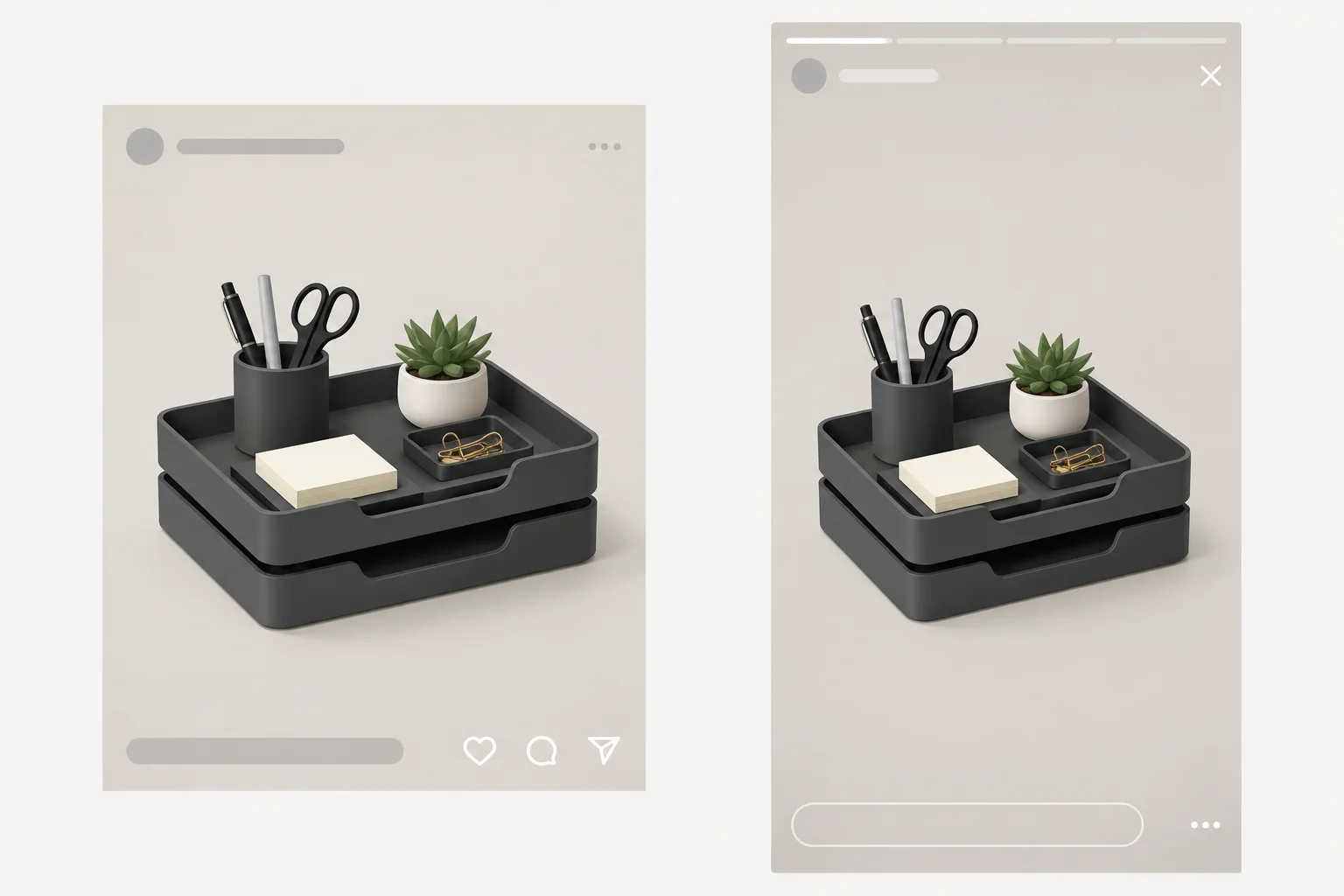
Reframing protects the message from cropping and overlays. It is a Placement adaptation when the message angle remains unchanged.
Create a concise four-row creative-variant matrix for your TidyDesk drafts. Write every row using these exact labels: Platform, Variant, Audience question, Changed element, Held constant, Destination, and Placement notes.
Include Search Variant A and Variant B, plus Meta Variant A and Variant B. Use an audience question that contrasts a meaningful angle, such as product configuration and organizing small desk items.
Then add:
Original Headline. Write one Replacement headline with its [actual count]/30. State that the other five Headlines and all three Descriptions remain constant.Shop Now, destination, and Feed/Stories Placement adaptation constant.Write at least 500 characters (0/500).
Step 8 of 8
Consolidate the Search and Meta drafts into a self-contained creative handoff, reconcile them with the destination, and document one final revision or remaining review need.
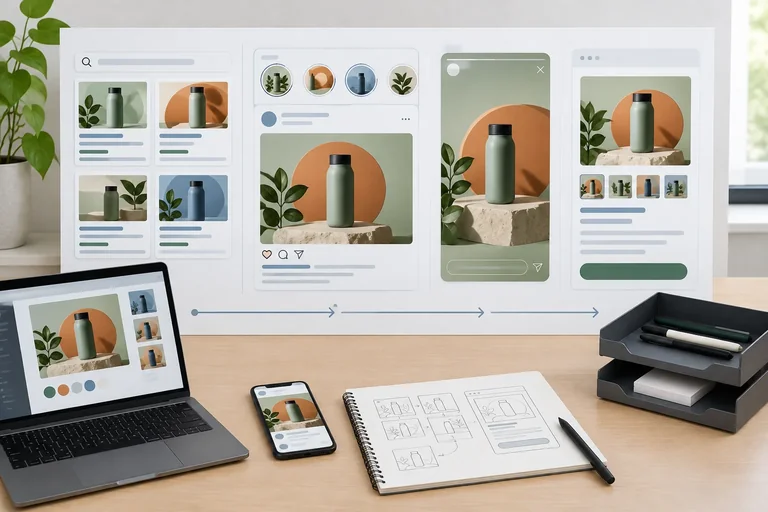
A final creative handoff lets another person understand the intended ads without campaign-account access or media files. Treat the supplied offer as the source of truth:
Your handoff must preserve these conditions across Search and Meta. A Call to action of Shop Now can accurately lead to a page whose purchase button says Add to cart.
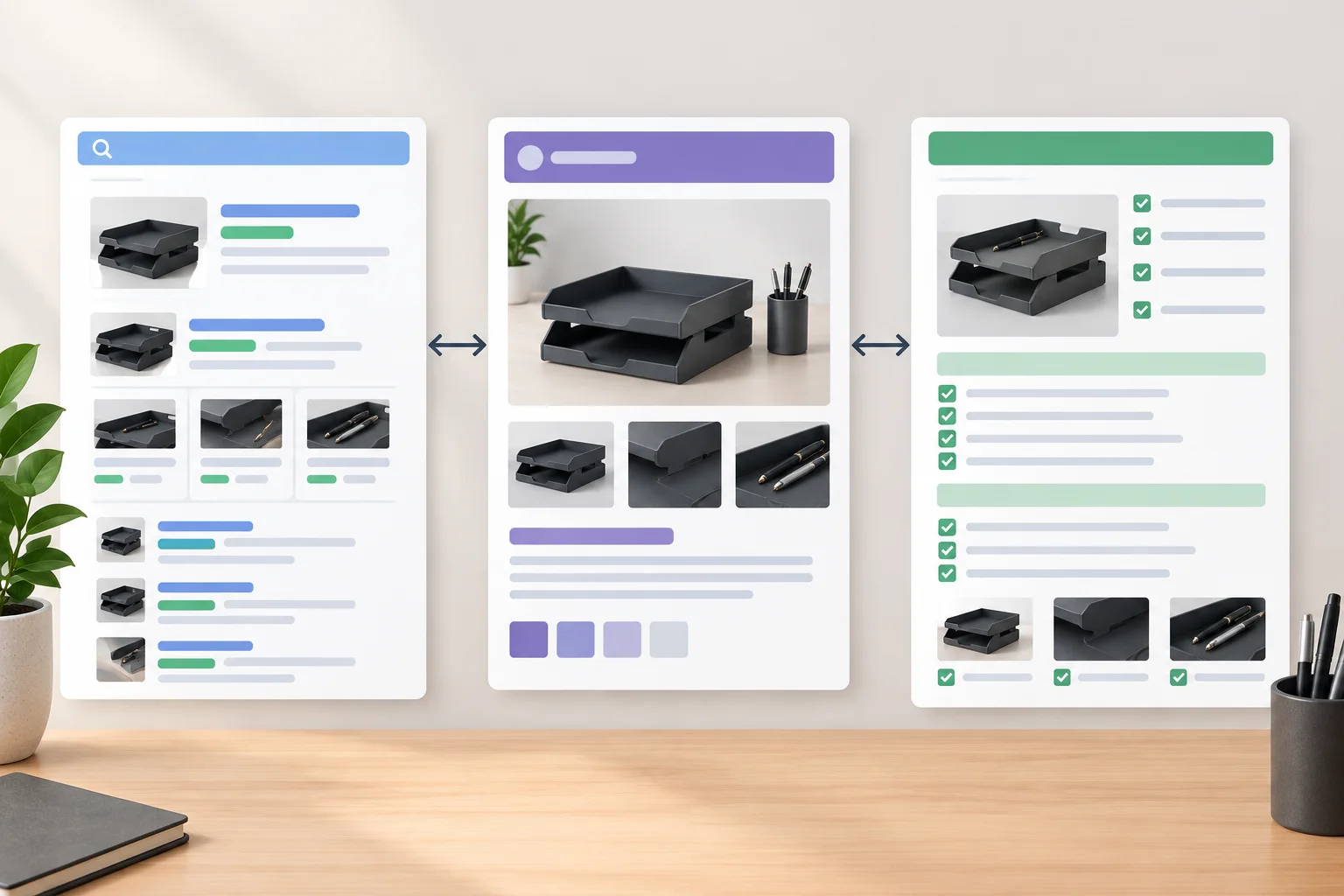
Reconcile every creative field with the same offer and destination before calling the handoff complete.
Use this checklist to review a draft before it leaves your notes. It checks completeness and internal consistency; it does not predict approval, delivery, or performance.
| Area | Check before handoff |
|---|---|
| Search assets | Six unpinned Headlines and three Descriptions; every count is shown and within its field limit. |
| Search coherence | Read at least one Delivery combination. Each asset stands alone and no claim loses its condition. |
| Replacement | Label the original Headline and its Replacement headline; keep the other Search assets constant. |
| Meta versions | Variant A and Variant B include Primary text, Headline, Call to action, Media brief, and On-image text. |
| Placement | State Feed 4:5, 1080 × 1350 px, and Stories 9:16, 1080 × 1920 px planning formats with layout notes. |
| Destination | Price, shipping, eligibility, product facts, destination page, and next action match the supplied scenario. |
| Risk status | Record a straightforward revision or an unresolved policy, destination, or specialist-review need. |
Summary
Review this Delivery combination:
Headline: Two Graphite Desk Trays
Headline: Stackable Trays for Pens
Headline: Shop Desk Tray Set
Description: Two stackable graphite trays for pens and small desk items. $24.00 per set.
Description: $4.00 shipping per order to the contiguous 48 US states. Taxes shown at checkout.
Which review note is correct?
Use the following labeled response structure. Keep the Search baseline and replacement consistent with the Search matrix rows. Keep the shared Meta Media brief, Call to action, Destination, and Placement adaptation consistent across both Meta variants.
Submit the complete final creative-package handoff using the scaffold above. Consolidate your existing Search and Meta drafts rather than inventing a new offer. Self-check counts, Search combination coherence, destination facts, shared Meta treatment, four matrix rows, and risk status before answering. This is a text specification for review, not a file submission, publication request, or automatic approval check.
Write at least 700 characters (0/700).
Congratulations! You completed: Specify Search and Meta Ad Creative Variants
Thousands of online courses in video, ebooks and audiobooks.
To test your knowledge during online courses
Generated directly from your cell phone's photo gallery and sent to your email

Download our app via QR Code or the links below:.



Carry knowledge in your pocket.
Download the Cursa app.
There are hundreds of free courses available, with a free certificate of completion that is saved in your mobile image gallery.
Download the app to access the Course Completion Certificate for Free.


+ 10 million
students

Free and Valid
Certificate

60 thousand free
exercises

4.8/5 rating in
app stores

Free courses in
video and ebooks