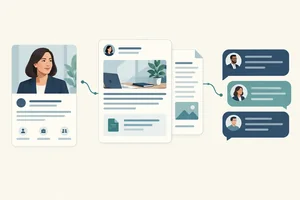
Step 1 of 9
Make the Concept Stand Alone
Define a recognizable viewer problem and a concrete payoff before drafting the written storyboard.

Learning path · Level 4 · Tutorial 2
Develop a TikTok video concept with an honest hook, a clear payoff, and a feasible sequence of shots. Use a written storyboard to evaluate trend fit, accessibility, and audio permissions without filming or publishing.
 Make the Concept Stand Alone
Define a recognizable viewer problem and a concrete payoff before drafting the written storyboard. 1 min
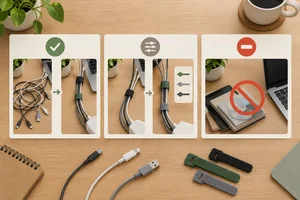 Decide Whether a Trend Fits
Evaluate illustrative trend scenarios for fit before using them in a Clear Desk cable-organizing video. 2 min
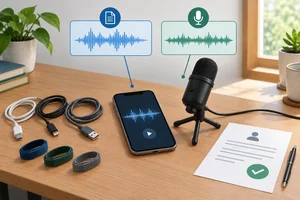 Choose Audio You Can Use
Plan defensible promotional audio choices and a practical fallback for the Clear Desk storyboard. 2 min
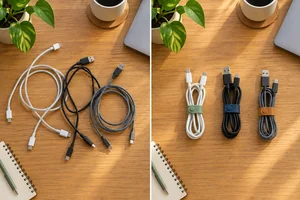 Write an Honest Opening Hook
Draft an opening hook that identifies a relevant desk problem and truthfully promises the result the demonstration can deliver. 2 min
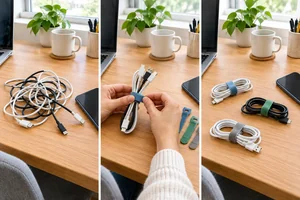 Give Every Beat a Purpose
Arrange a clear, retention-oriented sequence that delivers the cable-organizing payoff early, preserves readable action, and ends with a relevant CTA. 2 min
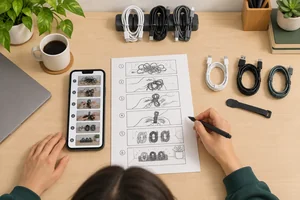 Build the Written Storyboard
Turn the Clear Desk concept into a feasible timed storyboard that aligns shots, spoken lines, caption cues, on-screen text, and audio. 2 min
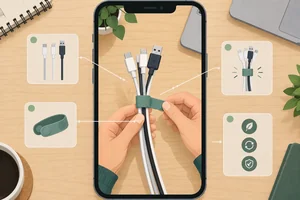 Check Captions and Interface-Safe Framing
Revise the Clear Desk storyboard so captions, supporting text, and the cable-organizing action remain clear in a portrait phone frame. 2 min
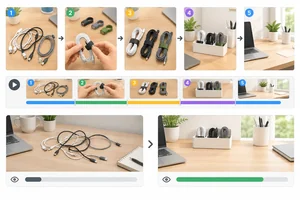 Use Watch Signals as Clues
Use illustrative watch-time and completion results as bounded clues for one practical storyboard pacing revision. 2 min
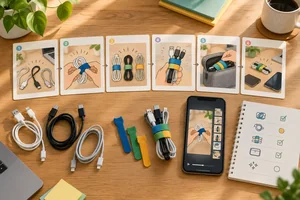 Finalize and Defend Your Storyboard
Finalize the Clear Desk storyboard and defend the decisions that make it feasible, clear, and responsible before any production planning. 3 min
Step 1 of 9
Define a recognizable viewer problem and a concrete payoff before drafting the written storyboard.
A TikTok video may reach someone who has never seen the creator, brand, profile, or earlier posts. Recommendation-led discovery can create that first encounter, but it does not guarantee distribution.
Plan the idea so a new viewer can recognize both the problem and the useful result immediately. Do not rely on “as you saw before,” an inside joke, or profile context to make the video meaningful.
A standalone video lets an unfamiliar viewer see the desk problem and the expected result without needing creator context.
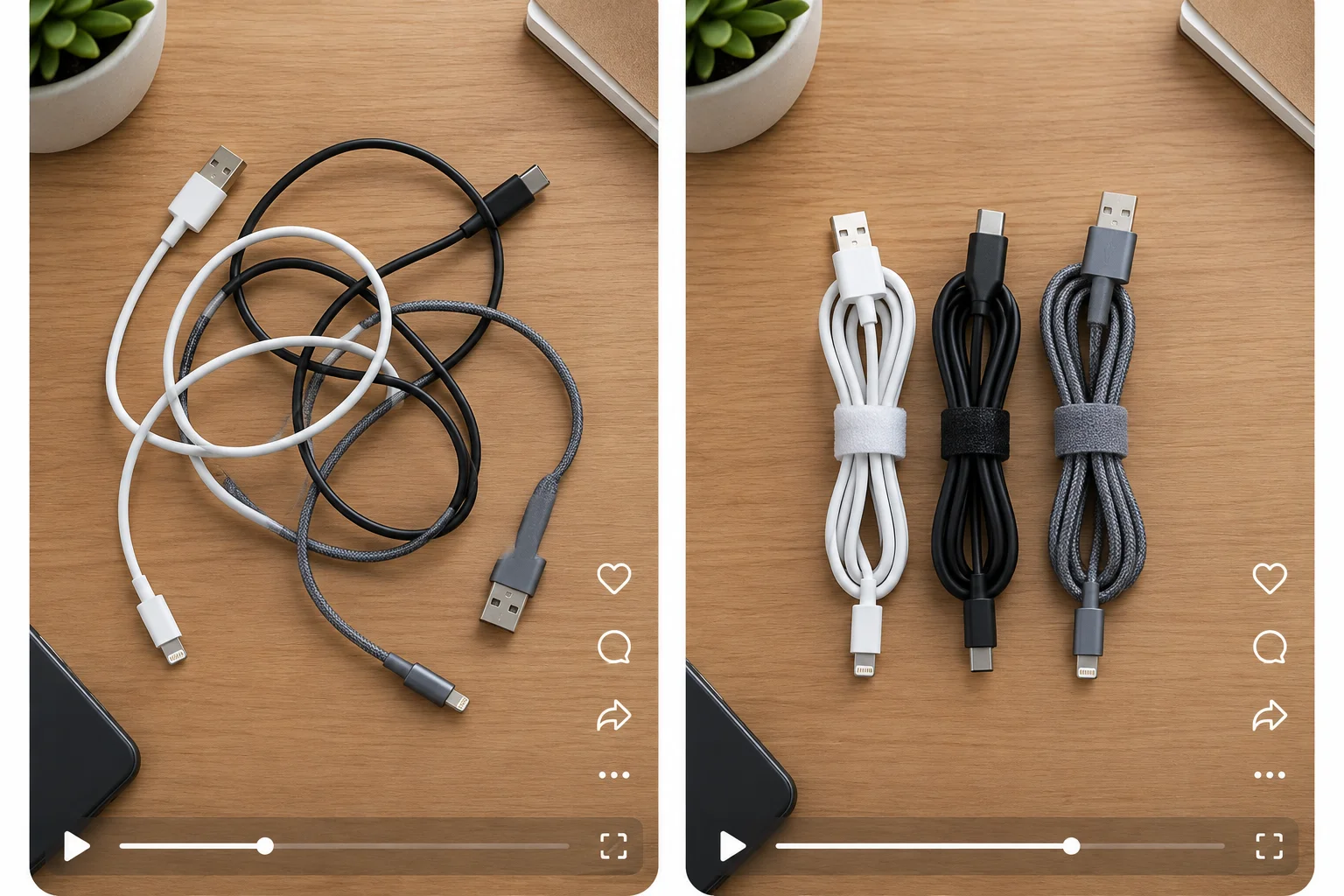
The visual idea is understandable even before a viewer knows who made it.
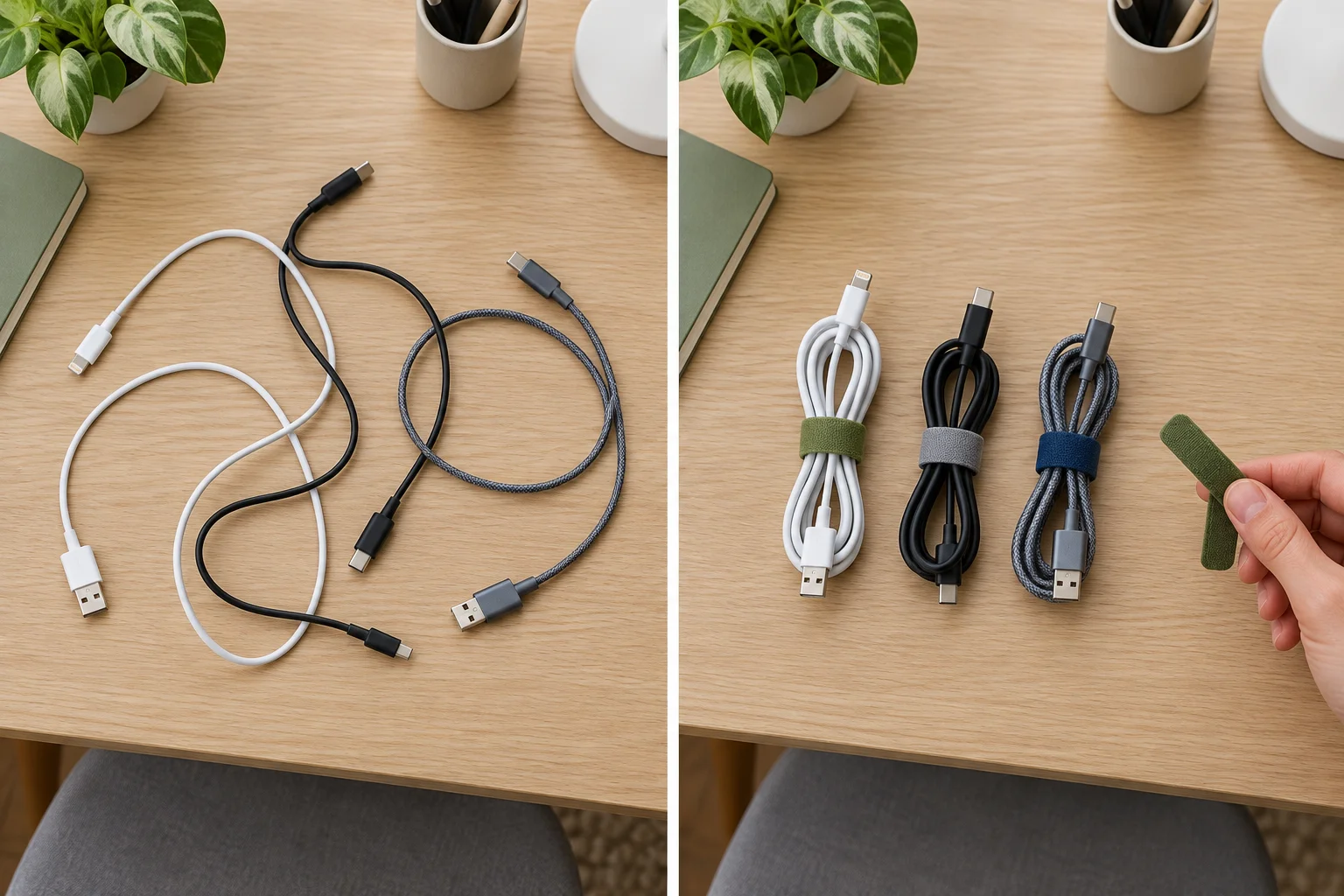
For this tutorial, work with the fictional brand Clear Desk. Its audience is home workers with small desks. The practical demonstration is organizing three loose charging cables with reusable cable ties.
Your deliverable is a written storyboard: create it on paper or in your own notes tool. You do not need a TikTok account, filming, editing software, or publication.
Example
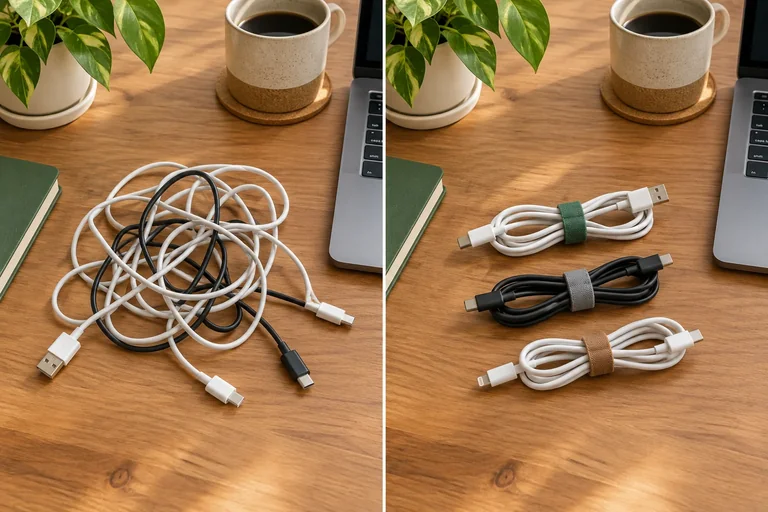
Viewer problem: Three loose charging cables make a small work desk feel crowded and make the needed cable harder to reach.
Concrete payoff: The viewer sees the same three cables grouped with reusable ties so the desk looks clearer and each cable is easier to identify and reach.
This is standalone because it names a recognizable situation and shows a practical result. It does not require a previous post, a brand introduction, or familiarity with Clear Desk.
Tip
Use your existing benefit-led copy skill, but keep the promise concrete: state only a result the demonstration can actually show.
Which concept gives an unfamiliar viewer enough context to understand both the relevance and the expected result?
Step 2 of 9
Evaluate illustrative trend scenarios for fit before using them in a Clear Desk cable-organizing video.
A trend is a repeatable visual format, editing pattern, prompt, or sound that viewers may recognize. It is an option—not a requirement.
For Clear Desk, the goal remains practical: help home workers with small desks organize three loose charging cables. A popular format is useful only when it helps an unfamiliar viewer understand that payoff. Do not choose it just because it has many views.
All trend descriptions in this step are Illustrative example scenarios. You do not need live trend research.
A trend can contribute a recognizable structure without changing the useful result your video must deliver.
| Trend form | What repeats | Clear Desk possibility |
|---|---|---|
| Visual format | A recognizable before/after reveal | Show loose cables, then the tidy result |
| Editing pattern | A repeated sequence of quick cuts | Use only the cuts needed to show each tie |
| Prompt | A recurring question or challenge | Answer a small-desk organization question |
| Sound | A recognizable audio clip or music cue | Use only if its use is appropriate; otherwise choose another audio approach |
Screen each proposed trend against five questions:
Choose Use when the trend fits without material changes. Choose Adapt when its useful structure fits but you can replace or simplify elements—for example, make original footage instead of copying another creator. Choose Skip when the fit is poor, production is not feasible, or an unresolved restriction is essential to the idea.
Unclear permission is a constraint, not proof that use is allowed. Keep a no-trend or independently recorded alternative.
Use the same screen every time: fit the viewer and purpose first, then test practical constraints. A recognizable format can be rebuilt with your own footage and an alternative audio approach.
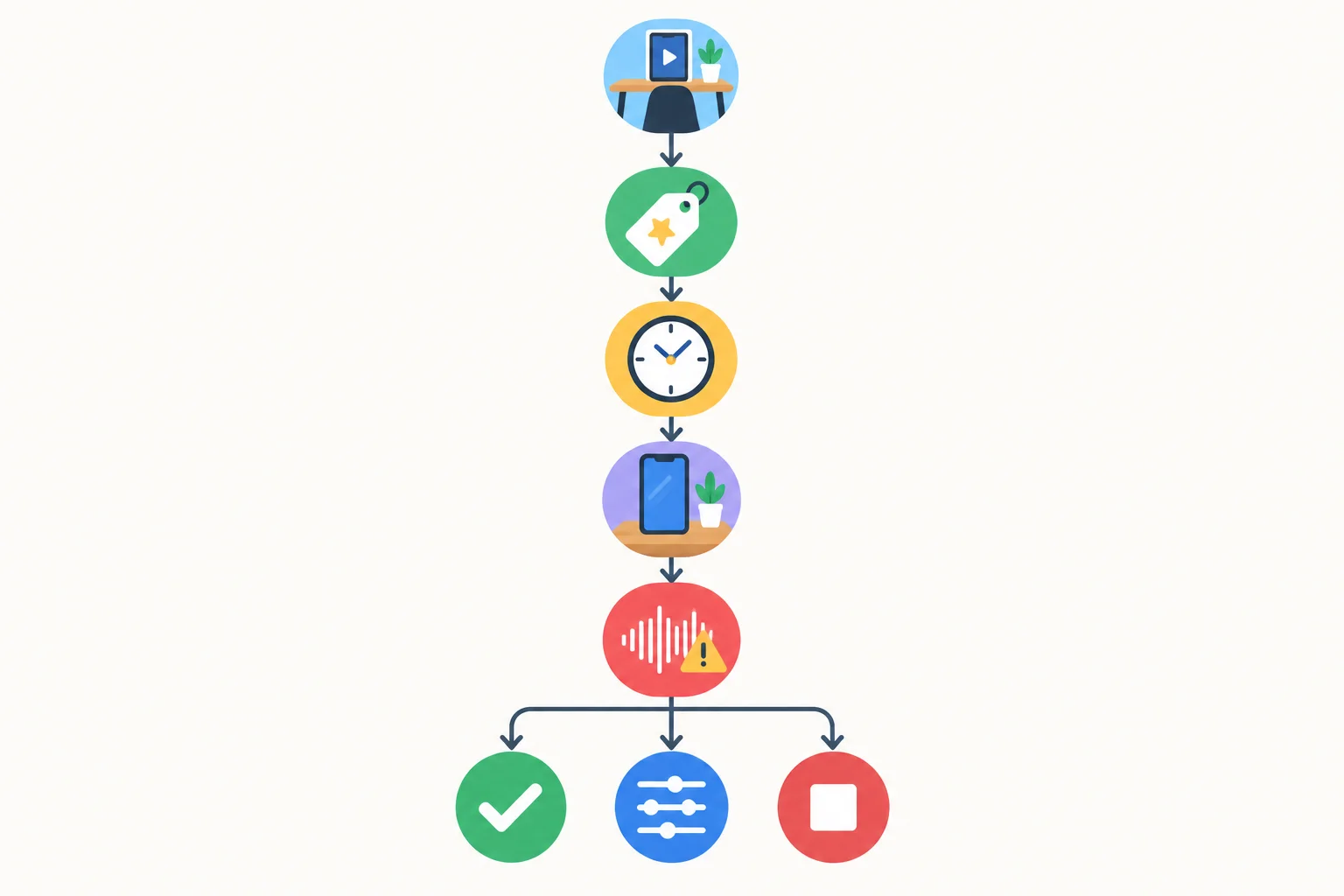
A trend must pass audience, purpose, timing, feasibility, and media-use checks before it earns a place in the plan.
Tip
Adapting a format means preserving only the part that serves the viewer. You might retain a before/after structure while changing the shots, pace, and audio. Do not copy another creator’s footage or build the concept around an element you cannot confidently use.
Match each Illustrative example scenario to its best decision.
Tap an item and then its matching pair.
For each Illustrative example below, write Use, Adapt, or Skip. Then justify one decision in one sentence using audience fit, purpose, feasibility, or media-use restrictions.
A. A familiar overhead reveal shows three loose charging cables becoming neatly bundled. Clear Desk can film every shot with its own phone, tabletop, presenter, and desk objects.
B. A recognizable quick-cut “tiny desk reset” pattern fits home workers, but its usual version relies on a sound and many cuts. Clear Desk can keep the pattern with its own footage, simpler cuts, and an alternative audio approach.
C. A format requires another creator’s video clips and a soundtrack with unresolved use restrictions; removing both would remove the format’s main appeal.
Write at least 80 characters (0/80).
Step 3 of 9
Plan defensible promotional audio choices and a practical fallback for the Clear Desk storyboard.
Clear Desk is promoting a product, so its cable-organizing video needs a sound-use decision even if the post is distributed organically. A sound’s popularity, availability in the app, or access through a personal account is not evidence that it may be used to promote a brand.
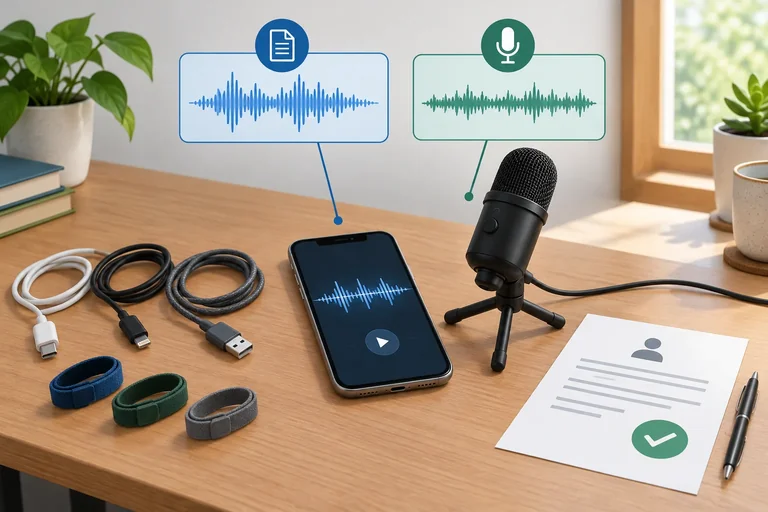
Treat permission as part of the storyboard plan: identify the proposed audio, record its status, and keep a workable alternative. The goal is not to avoid all sound; it is to avoid assuming that availability equals permission.
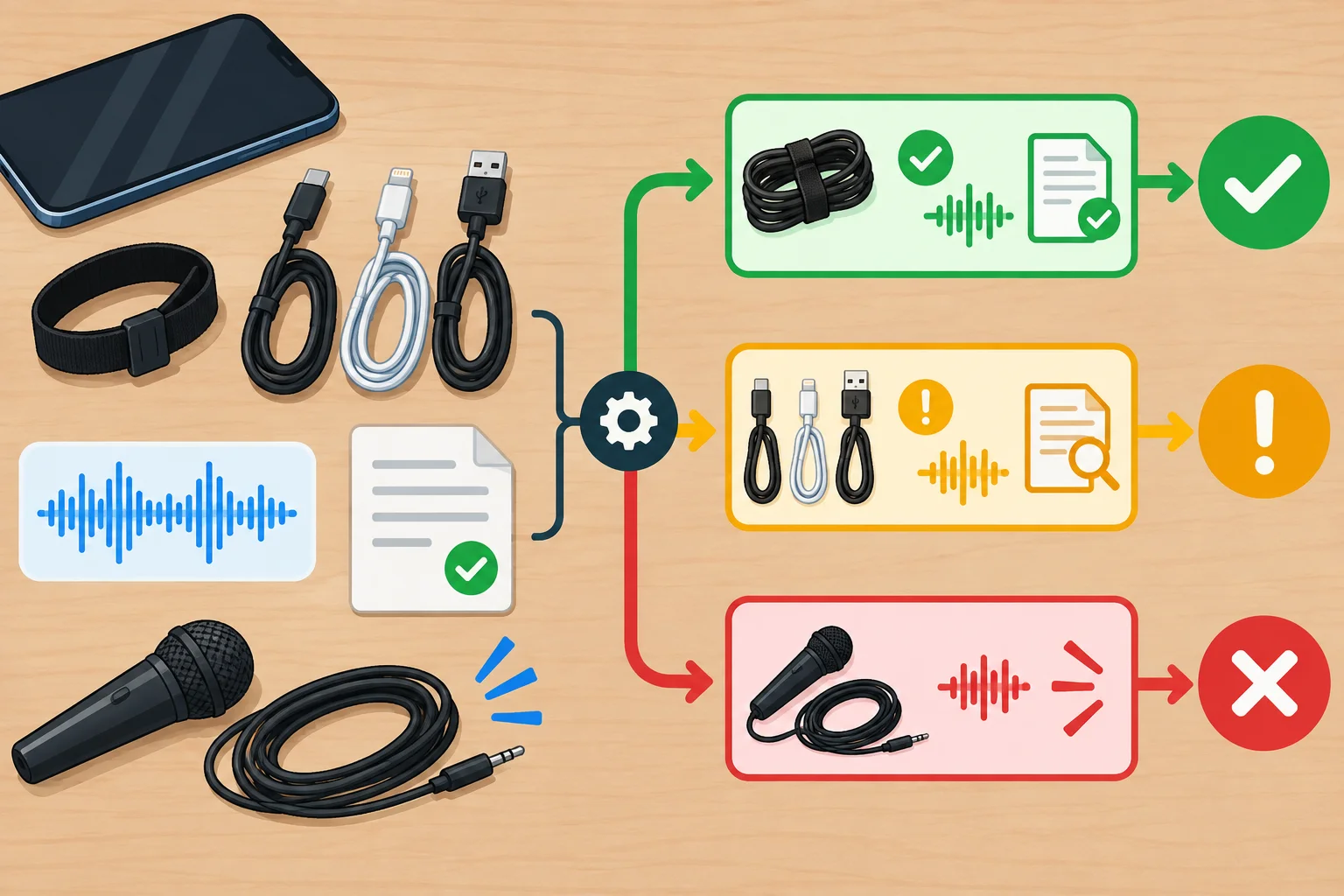
Use a documented permission status or a no-third-party-audio fallback; app availability alone is not documentation.
Warning
These labels are planning decisions, not legal advice. Current terms, territory, and intended placement can matter. Check official information before using a specific track, and seek appropriate guidance when needed.
TikTok’s Commercial Music Library can be a starting point for commercially usable music, not a blanket approval for every use. Check the official current terms for the specific track, the intended promotional placement, and the relevant territory.
Other music and recordings need suitable rights. An original recording is not automatically clear if it captures a radio, television, background music, or other third-party material.
Illustrative examples: use the status that the available evidence supports. Do not turn an unanswered question into approval.
| Proposed audio | Available evidence | Planning status |
|---|---|---|
| Commercial Music Library track | Official current terms were checked for this promotional placement and territory. | Verified for intended use |
| Popular app sound | It is widely reused and available through a personal account; no official commercial terms were checked. | Needs verification |
| Phone recording in a café | The recording includes recognizable music playing in the background. | Do not use |
| Quiet tabletop recording | Presenter speech and cable-tie sounds are recorded with no third-party music or material. | Verified for intended use |
Tip
When rights are unresolved, keep the video feasible: record the presenter’s own explanation and the cable-tie demonstration sounds in a quiet setting with no third-party music. Alternatively, use audio only after its permission is verified for the intended use. This fallback still supports the cable-organizing demonstration.
Clear Desk plans a promotional cable-tie demonstration. A popular sound is available through a personal account and widely reused, but no official commercial terms have been reviewed. Which plan is most defensible?
Step 4 of 9
Draft an opening hook that identifies a relevant desk problem and truthfully promises the result the demonstration can deliver.
A hook is the opening relevance cue: the first visible action or image combined with concise spoken or on-screen language. It should help an unfamiliar viewer quickly recognize a problem and understand the useful result they can expect.
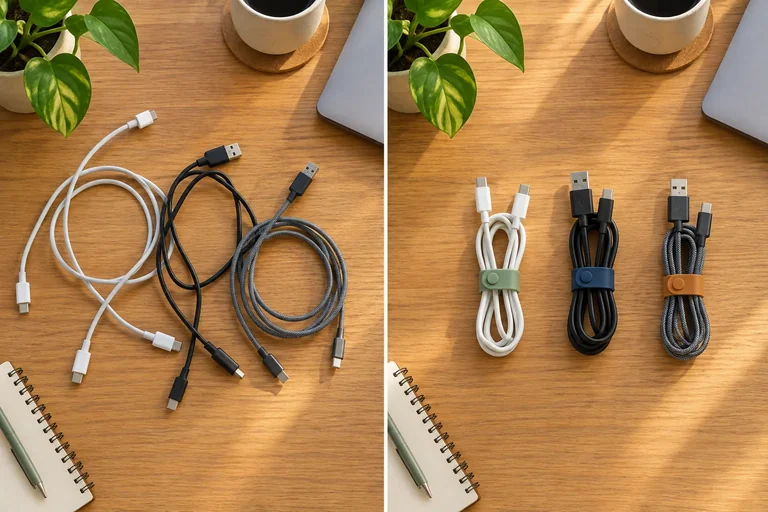
For Clear Desk, the recognizable problem is loose charging cables on a small desk. The deliverable payoff is a visibly tidier cable setup using reusable cable ties. Show the problem or a glimpse of the result before any brand introduction.
There is no mandatory hook length or universal formula. Judge a hook by one question: does the opening promise match what the demonstration can actually show?
The opening can establish value by showing the desk problem and an achievable preview of the payoff.
Avoid a vague curiosity gap or an oversized claim. “You need to see this” does not tell the viewer why the video matters. “This will transform your whole workspace” promises more than a demonstration of three cables can support.
An honest opening names or shows a relevant desk problem and promises the specific improvement the viewer will see. The first frame and first line must stand alone for someone who has never seen Clear Desk or its profile.
Example
Weak opening
First frame: a Clear Desk logo on an empty tabletop.
Spoken line: “The one desk trick nobody tells you about!”
Why it is weak: the viewer cannot identify the problem, the payoff is unclear, and the claim creates curiosity without a supported promise.
Honest opening
First frame: three loose charging cables crossing a small desk, with a quick glimpse of the grouped result.
Spoken line: “Three loose charging cables? Let’s group them with reusable ties.”
Why it works: it identifies a recognizable problem, states a deliverable payoff, and the planned demonstration can prove it.
Tip
Before drafting, check your opening:
A brand name may appear later; it does not need to carry the opening meaning.
The current opening draft is:
“The one desk trick nobody tells you about!”
Its first frame is a Clear Desk logo on a blank tabletop.
Rewrite the opening as a relevant, honest hook for home workers with small desks. Then describe a matching first shot that the demonstration of three loose charging cables and reusable cable ties can support.
Write two short parts: “Hook:” and “First shot:”.
Write at least 80 characters (0/80).
Step 5 of 9
Arrange a clear, retention-oriented sequence that delivers the cable-organizing payoff early, preserves readable action, and ends with a relevant CTA.
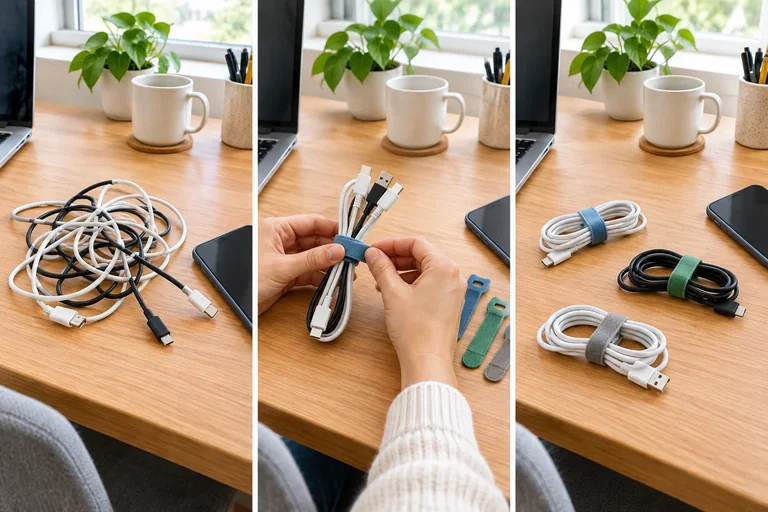
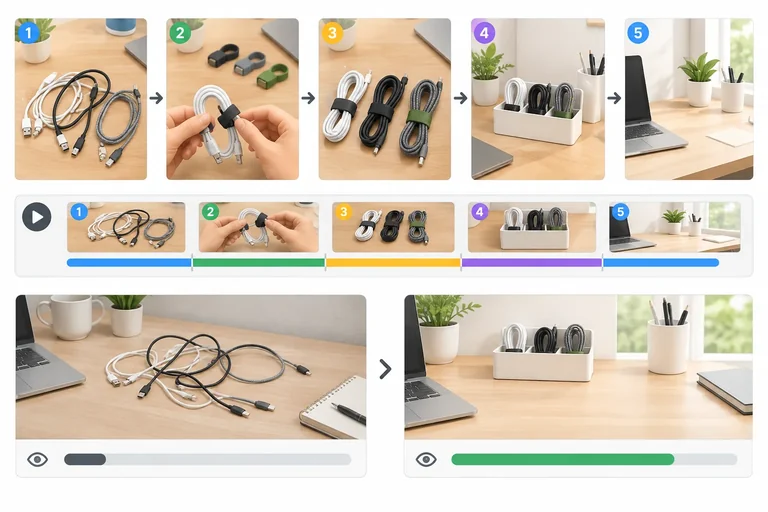
A short video does not need constant cutting to hold attention. It needs purposeful beats: each beat should add information, show a necessary action, or make the result easier to understand.
For Clear Desk, use this value path:
A beat is a meaningful unit of information or action. It is not automatically the same thing as a shot: one view can contain more than one beat.
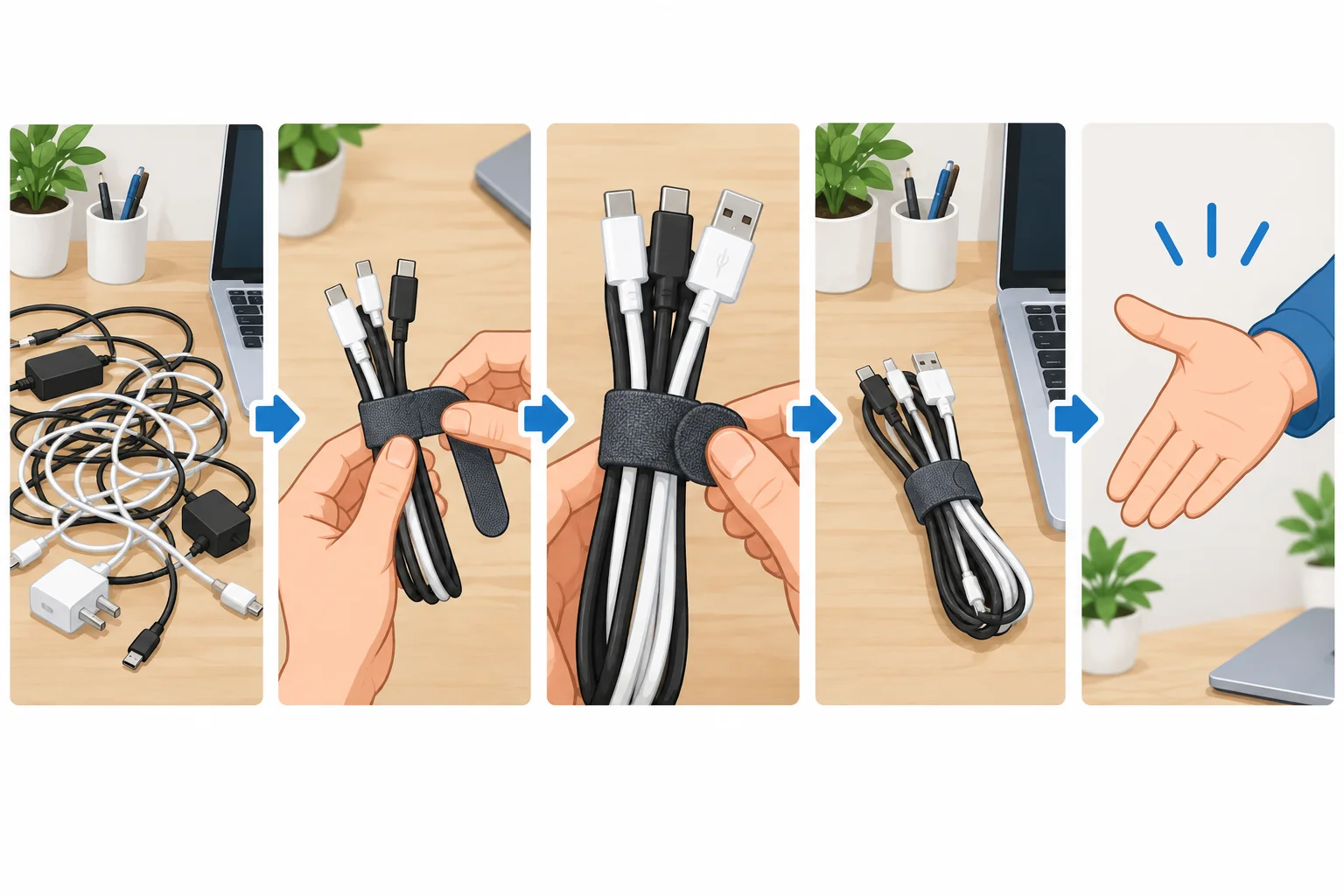
The sequence delivers the useful result before the closing next action.
Remove moments that merely delay understanding: a greeting before the problem, a logo hold, an explanation repeated after the action is clear, or a pause with no new information.
But do not remove time that makes a necessary action readable. Viewers need to see how the reusable tie loops around the three cables; cutting away too quickly can hide the method.
Pacing means matching screen time to comprehension—not making every moment equally fast.
Compare a pause that adds nothing with a brief, readable demonstration and result.
Keep enough time for the action and proof; remove waiting that adds no understanding.
Example
A proportionate CTA follows the payoff instead of withholding it.
Useful ending: “Try this reset before your next work block.”
This CTA connects to the demonstrated desk benefit. It does not demand comments, follows, or shares as a condition for receiving the value.
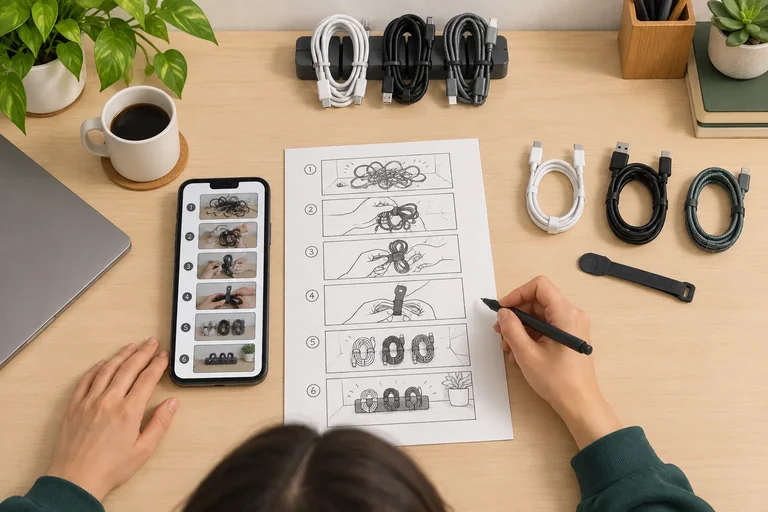
Put these Clear Desk beats in the order that delivers value early and ends purposefully.
Use the six candidate moments below for a Clear Desk video. They are deliberately listed out of sequence.
Write a five-moment sequence that delivers the payoff. Then name the one moment you would remove and briefly explain why removing it does not reduce understanding or proof of the result.
Write at least 90 characters (0/90).
Step 6 of 9
Turn the Clear Desk concept into a feasible timed storyboard that aligns shots, spoken lines, caption cues, on-screen text, and audio.
A written storyboard is a practical plan for what the viewer will see, hear, and read. Create it on paper or in your own notes tool—no TikTok account, filming, editing software, or publishing is needed.
Use these six column labels exactly: Time, Shot, Spoken line, Caption cue, On-screen text, and Audio. A row makes production choices visible before anything is recorded. Use None when a field is intentionally empty.
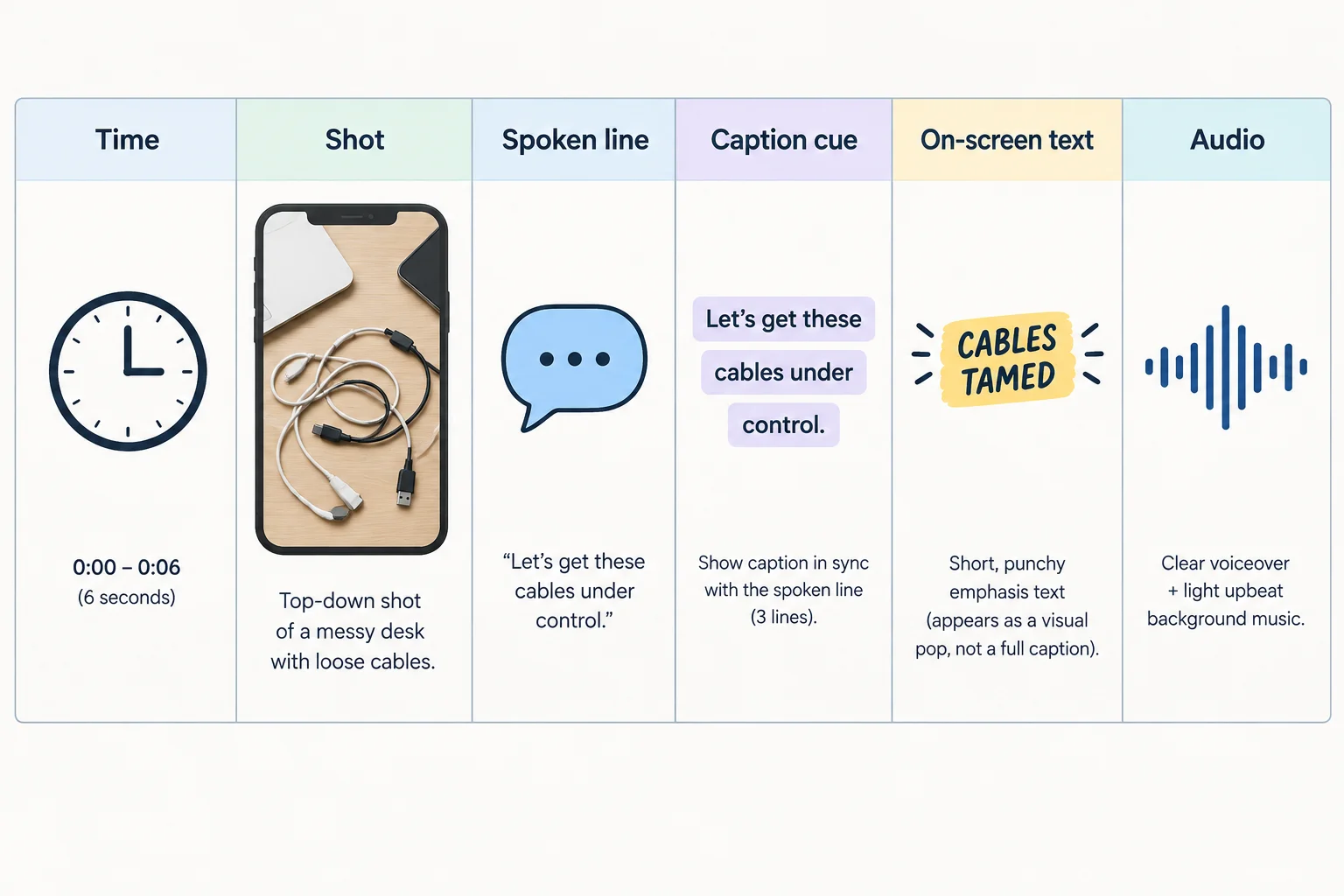
Each row connects a planned view with the words, captions, added labels, and sound that support it.
A shot is the camera view and what happens in it; describe it in words—drawing skill is not required. A beat is a meaningful unit of information or action.
They are not interchangeable. One shot can contain more than one beat, such as lining up cables and showing the tie beside them. Conversely, one payoff beat may need more than one view to be understandable. Do not force a one-beat-per-row rule.
Make Time ranges continuous: when one row ends, the next begins. Keep the spoken line short enough to say comfortably while the visible action remains readable. Caption cue records synchronized speech and any meaningful sound cue; On-screen text adds a separate label or emphasis.
Here is the first half of a six-shot Clear Desk working example. Its initial ranges are example timings—not an ideal TikTok length or a platform rule. The full example lasts 24 s.
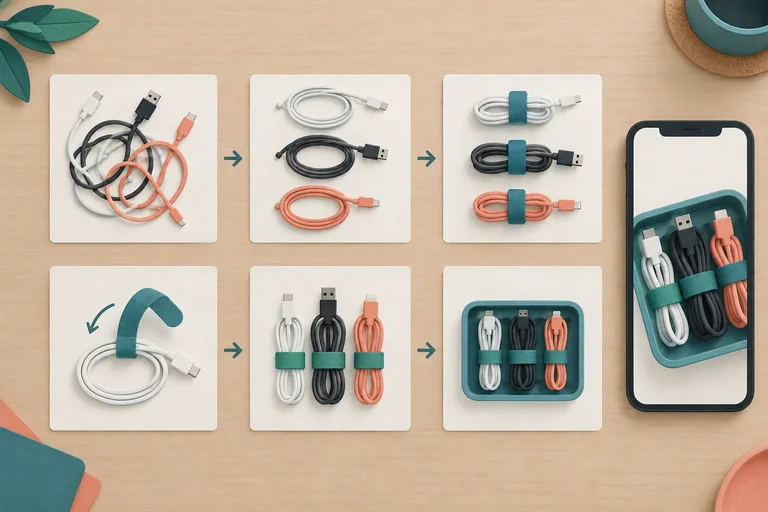
This method is specific: align the three cables side by side, then fasten one reusable cable tie around all three. The short lines leave time for the action to be seen. Audio is independently recorded at a quiet tabletop, with no third-party music.
| Time | Shot | Spoken line | Caption cue | On-screen text | Audio |
|---|---|---|---|---|---|
| 0–3 s | Top-down close-up: three loose charging cables cross a small tabletop. A hand places one reusable tie beside them. | Three loose cables? Let’s group them with reusable ties. | Three loose cables? Let’s group them with reusable ties. | Three loose cables | Presenter speech; light cable clatter |
| 3–6 s | Top-down view: the presenter straightens the three cable lengths side by side, keeping their ends visible. | Line them up first. | Line them up first. | Line up | Presenter speech; cable movement |
| 6–10 s | Close-up: the presenter loops one reusable tie around all three aligned cables and fastens it. | Wrap one tie around all three. | Wrap one tie around all three. [tie fastens] | One reusable tie | Presenter speech; tie fastening click |
The remaining rows make the result visible, confirm that the grouped cables are still usable, and end with a relevant CTA. Notice that each action has enough time to be understood: the tie is fastened in the 6–10 s shot, then the group is positioned and tested in later shots.
The six shots and 24 s total are only a working example. Your own storyboard may use different timings or shot count when that better serves clarity and feasibility.
| Time | Shot | Spoken line | Caption cue | On-screen text | Audio |
|---|---|---|---|---|---|
| 10–15 s | Top-down view: the presenter slides the tied cable group to the back edge of the tabletop, opening the work area. | Move the group to the back edge. | Move the group to the back edge. | Clear work area | Presenter speech; gentle tabletop movement |
| 15–21 s | Side close-up: the presenter shows the three cable ends, takes one connector, then returns it beside the grouped cables. | Each cable stays easy to find. | Each cable stays easy to find. | Easy to reach | Presenter speech; plug movement |
| 21–24 s | Wide top-down payoff view: the organized cables sit at the back of the clear desk. The presenter points to the open work area. | Try this reset before your next work block. | Try this reset before your next work block. | Clear desk, easy reach | Presenter speech; room tone |
Now draft your own feasible Clear Desk storyboard in two short sections: shots 1–3, then shots 4–6. Copy all six required labels for every row: Time, Shot, Spoken line, Caption cue, On-screen text, and Audio.
Use continuous time ranges. Describe a view that one phone, one tabletop, one presenter, and ordinary desk objects can show. Make each spoken line match the visible action. Use Caption cue for synchronized speech or meaningful sound information, and use On-screen text only for added emphasis or labels. Plan audio that fits your selected permission status or its workable fallback.
Self-check before responding: Are all six fields present? Do the time ranges connect? Can the line be said while the action is shown? Is the organizing action physically possible in its time? Does the final row contain a relevant CTA?
Create a six-row written storyboard for the Clear Desk cable-organizing demonstration. Write it in two short sections: shots 1–3 and shots 4–6. For every row, use these exact labels: Time, Shot, Spoken line, Caption cue, On-screen text, and Audio. Use None where a field is intentionally empty.
Then add one sentence naming the self-check you used to confirm that the timing, visible action, and spoken information align. This is a written self-check activity: do not attach a file or film a video.
Write at least 600 characters (0/600).
Step 7 of 9
Revise the Clear Desk storyboard so captions, supporting text, and the cable-organizing action remain clear in a portrait phone frame.
Captions are synchronized text for what is spoken and for meaningful sound information. They are not merely a headline.
For example, when the presenter says, “Wrap one tie around all three,” the captions should convey those words as they are spoken. If the fastening click helps the viewer understand the action, include a concise cue such as “[tie fastens].”
On-screen text has a different job: it adds a visual label or emphasis, such as “One reusable tie.” Keep the cable action understandable with sound off, while spoken lines and captions explain important changes.
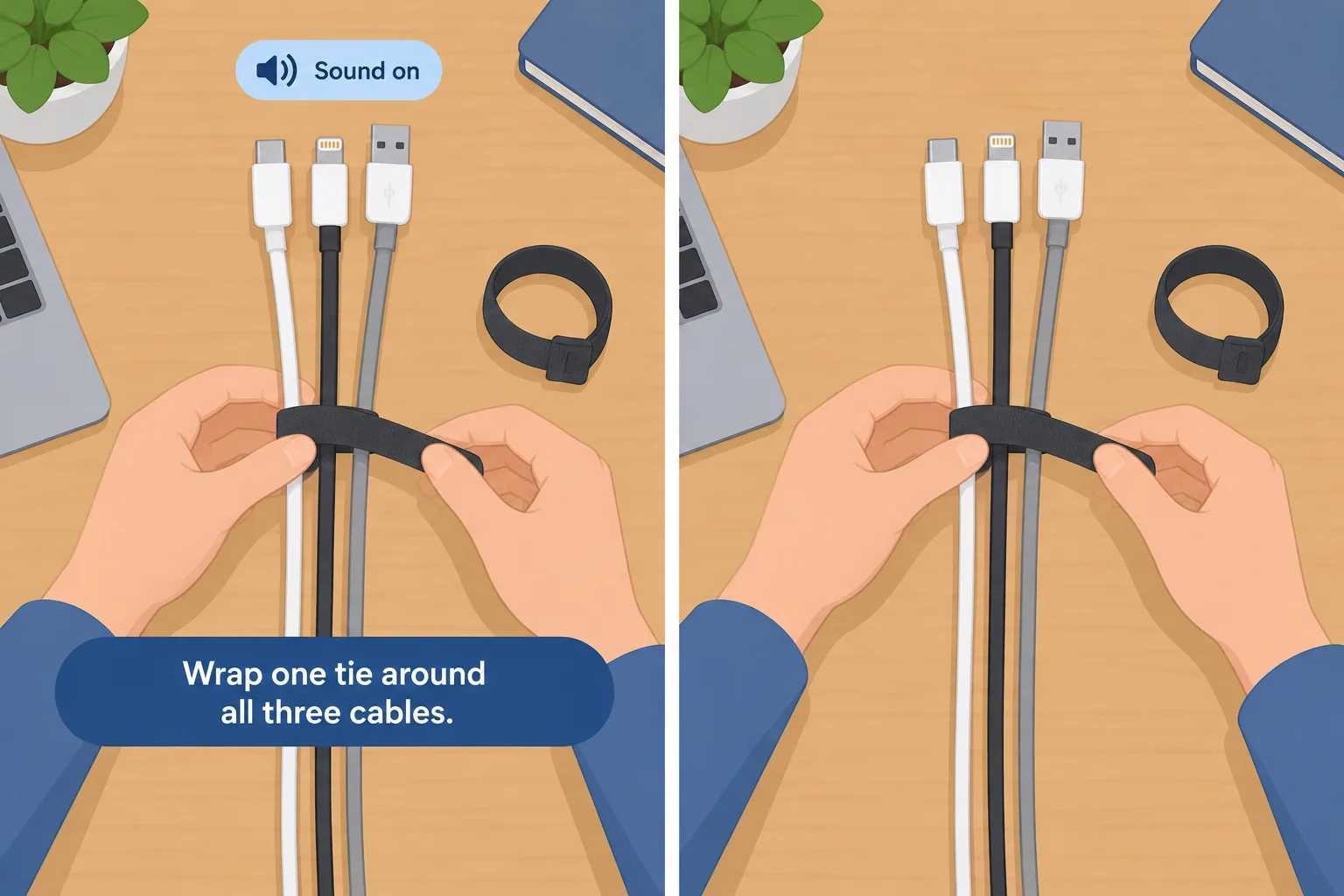
The action communicates the change; captions communicate the speech and meaningful sound.
Tip
Before any future publication, review captions for three things: the words are accurate, each line appears with the matching speech, and viewers have enough time to read it. Do not assume an automatic transcript will be correct.
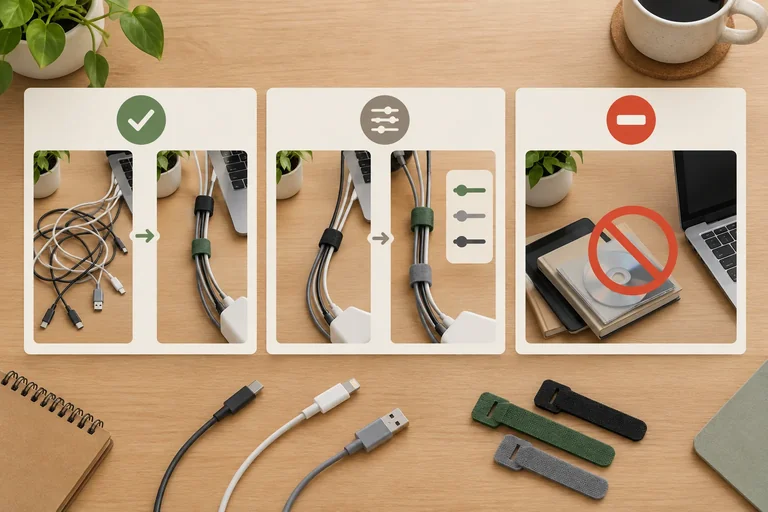
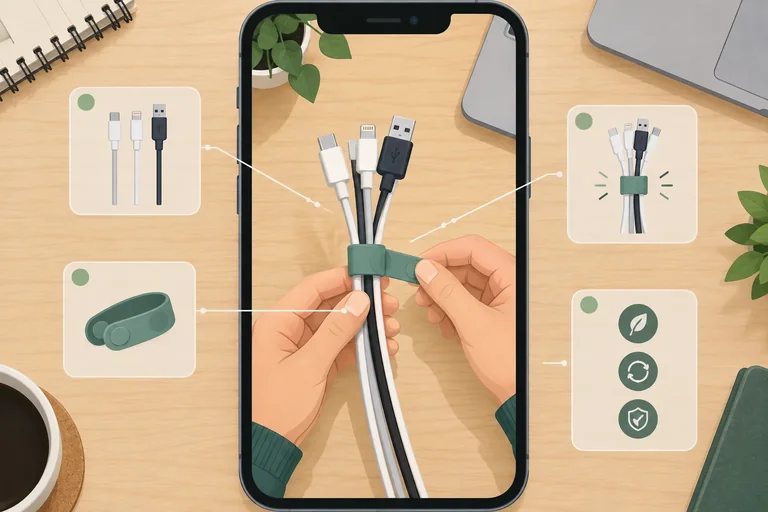
A phone frame is crowded. Interface controls can sit along an edge, and description areas or other overlays can cover the lower portion. Plan the essential cable action, captions, and any on-screen text so they do not compete.
Use an approximate overlay as a planning aid, not a fixed pixel rule. Keep the action and the caption cue separate from likely interface areas, then check the current preview before future publication. A short label must not overlap captions or remain on screen too briefly to read.
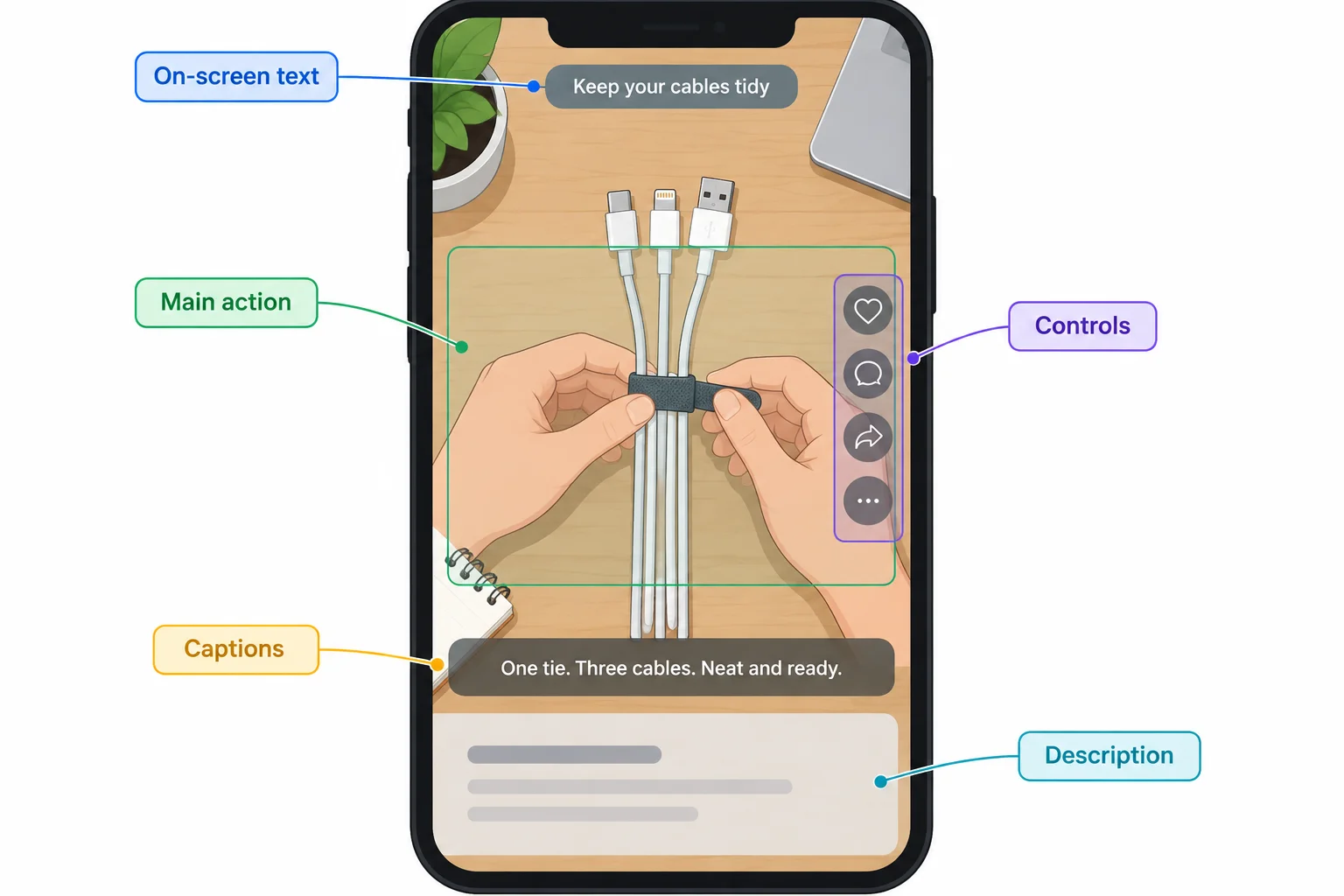
Approximate—check the current preview
Which portrait layout is the clearer plan for the cable-organizing shot?
Apply both checks to this draft row. First state your layout choice from the previous screen. Then rewrite the row using all six storyboard labels: Time, Shot, Spoken line, Caption cue, On-screen text, and Audio.
Draft row:
Time: 6–10 s
Shot: Top-down close-up; the presenter loops one reusable tie around all three aligned cables and fastens it.
Spoken line: None
Caption cue: “Three cables secured.”
On-screen text: “Wrap it once for a tidy desk.”
Audio: Presenter speech; tie fastening click
Create a concise spoken line that accurately describes this action, then make the caption cue synchronized with that line and include the meaningful fastening sound if useful. Keep any added on-screen label short, readable, and separate from captions and likely interface areas. Keep the action feasible with one phone, one tabletop, one presenter, and ordinary desk objects.
Write at least 120 characters (0/120).
Step 8 of 9
Use illustrative watch-time and completion results as bounded clues for one practical storyboard pacing revision.
Average watch time is the average amount of time viewers watched. Completion is the percentage of viewers who reached the end under the reporting tool’s definition.
Read both beside the video’s duration. A 10 s average watch time means something different in an 18 s video than in a 24 s video. Neither metric has a universal “good” threshold.
The figures below are an Illustrative example: separate hypothetical results, each measured during its own seven-day reporting window.
Illustrative example: each example received 1,000 views and was measured during a separate seven-day reporting window.
| Example | Duration | Average watch time | Completion | Views |
|---|---|---|---|---|
| Example A | 24 s | 9 s | 20% | 1,000 views |
| Example B | 18 s | 10 s | 35% | 1,000 views |
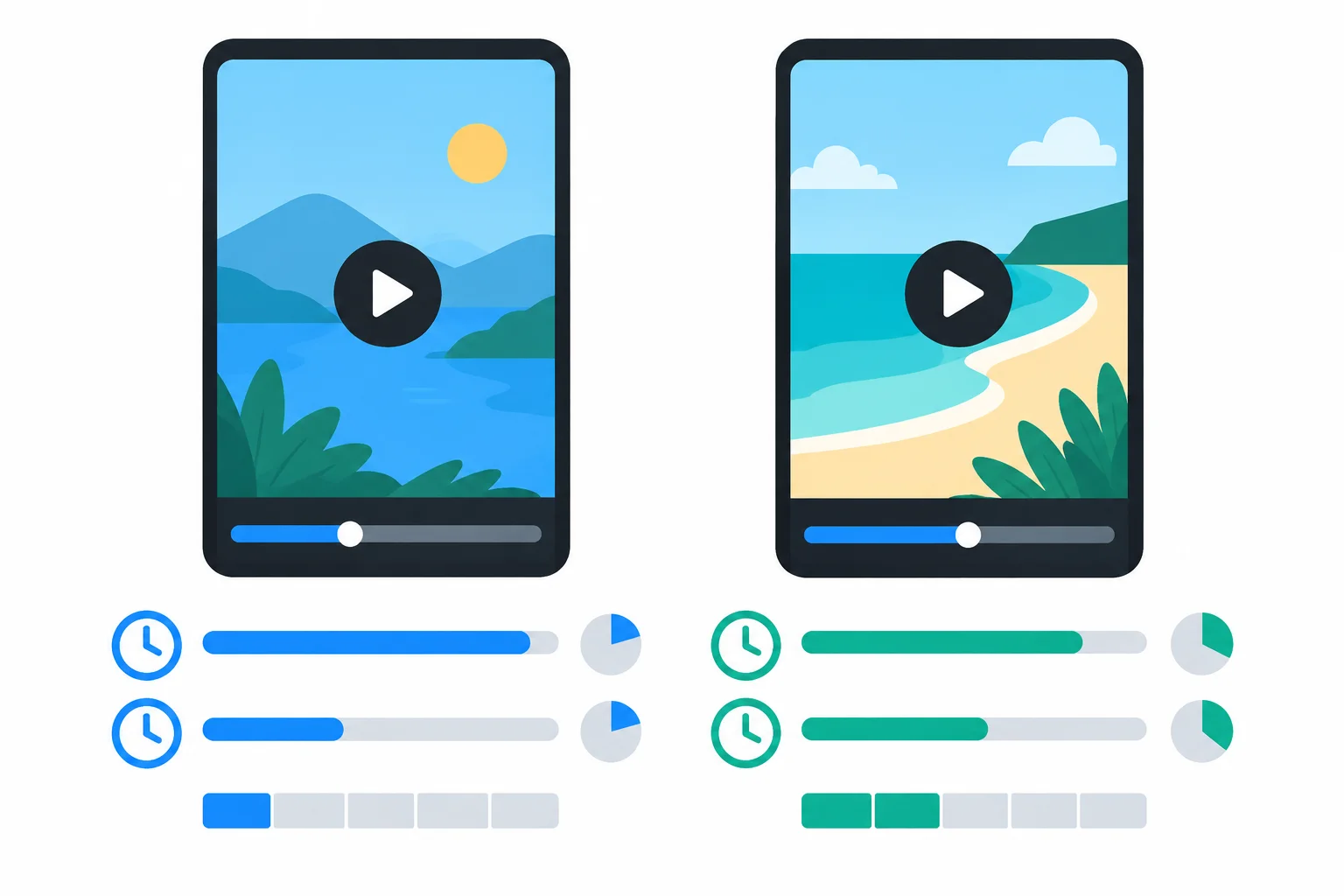
Illustrative example: compare the relationship among length, average watch time, and completion—not a universal target.
Example B is 6 s shorter than Example A, yet shows a 1 s higher average watch time and higher completion. That is a clue to inspect pacing and structure, not proof that shorter length caused the difference.
Average watch time does not reveal the exact moment viewers left. Replays can affect it, and completion depends on the reporting tool’s definition. Although the examples have equal view counts and the same seven-day window length, they are separate hypothetical results—not a controlled comparison. Their audience composition and distribution may differ.
Tip
Use the numbers with the written storyboard. Look for a beat that repeats information, holds after the action is already clear, or delays visible proof. Propose one specific change, such as removing a redundant pause or showing the organized desk sooner.
Keep enough screen time for the reusable tie to be looped and fastened around all three cables. Preserve the promised organized-desk payoff. Do not claim that the figures prove where people stopped watching or guarantee that a revision will improve results.
Which statement is supported by the Illustrative example?
Using the Illustrative example, write a brief pacing recommendation for the Clear Desk six-shot storyboard.
Write at least 180 characters (0/180).
Step 9 of 9
Finalize the Clear Desk storyboard and defend the decisions that make it feasible, clear, and responsible before any production planning.
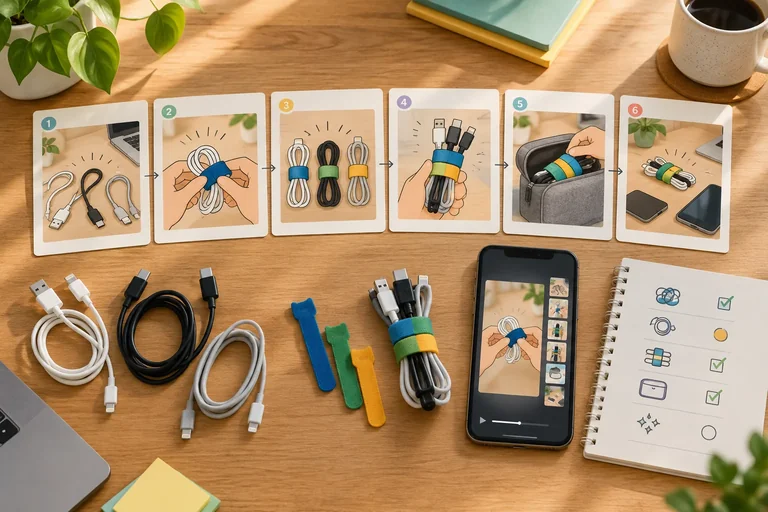
This is a consolidation pass, not a new creative strategy or a production task. Use the Clear Desk cable-organizing concept you developed: one phone, one tabletop, one presenter, ordinary desk objects, and three loose charging cables.
Bring your decisions into one written plan. A production-ready storyboard states what will be seen and heard, but it does not prove that viewers will watch or complete the future video. Do not film, publish, or upload anything for this final check.
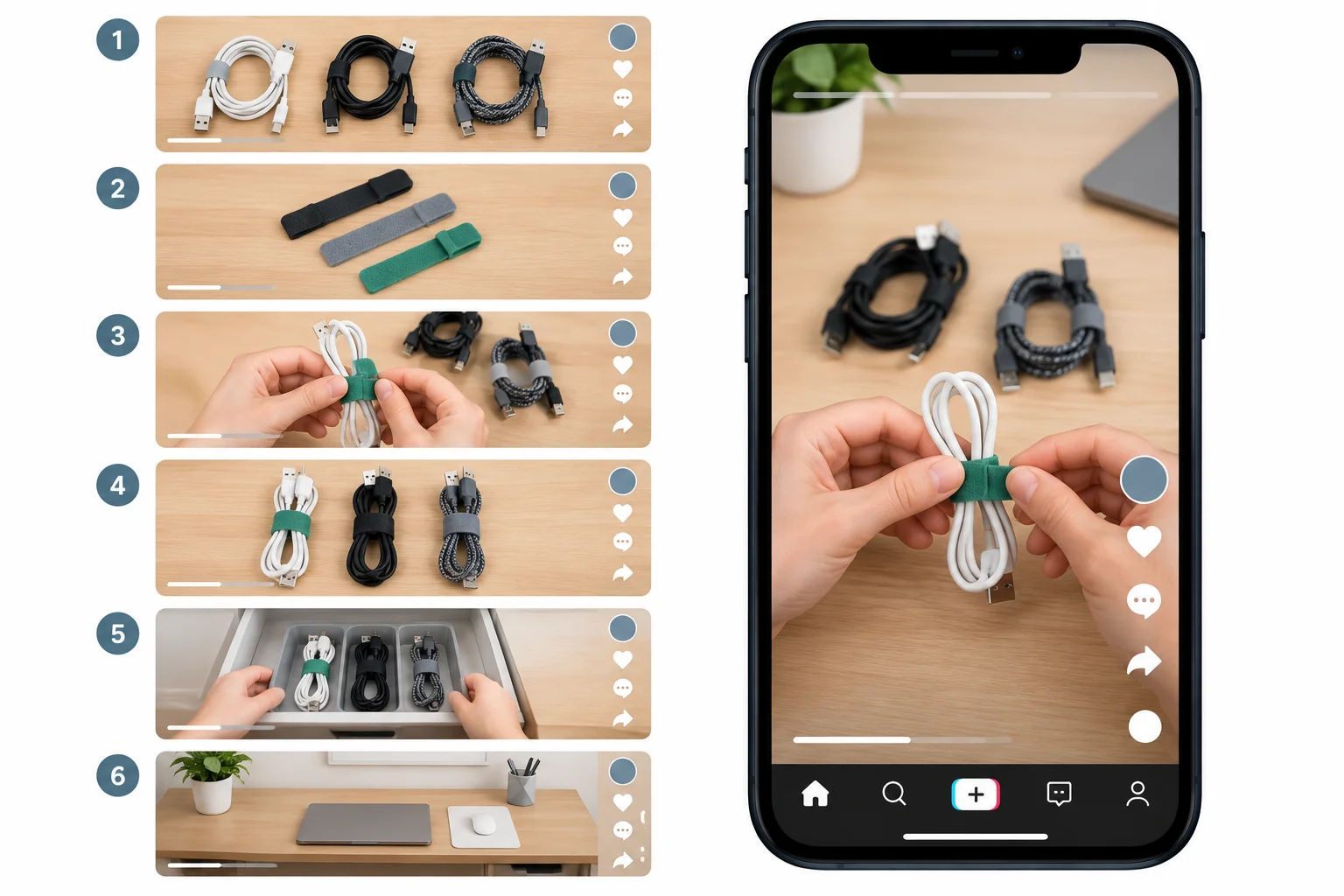
9:16 portrait planning mockup. Approximate—check the current preview.
Use this checklist as you combine your earlier work. Your revised timings may differ from the six-shot, 24 s working example, but they should still form a continuous sequence.
| Area | Check | Evidence in the plan |
|---|---|---|
| Promise | The hook and first shot match the demonstrated payoff | Opening shot and line |
| Rights | Trend and audio choices are recorded | Decision, status, and fallback |
| Timing | Ranges are continuous and the pacing revision is reflected | Updated Time entries |
| Accessibility | Speech, text, and key action remain understandable | Caption and framing safeguard |
| Feasibility | Every shot fits the available setup | Shot descriptions |
| Ending | The CTA follows the delivered value | Final shot and line |
Write a short change note before you finalize. Name one mismatch or risk you found in your draft, then state the precise change you made. It may concern promise, permissions, timing, captions, framing, feasibility, or the ending.
Write at least 100 characters (0/100).
Write your final plan in short labeled sections. This is a written submission in the tutorial: do not attach files and do not film.
Finish with one sentence distinguishing production readiness from demonstrated performance.
Write at least 650 characters (0/650).
Summary
Congratulations! You completed: Storyboard a TikTok Video That Holds Attention
Thousands of online courses in video, ebooks and audiobooks.
To test your knowledge during online courses
Generated directly from your cell phone's photo gallery and sent to your email

Download our app via QR Code or the links below:.



Carry knowledge in your pocket.
Download the Cursa app.
There are hundreds of free courses available, with a free certificate of completion that is saved in your mobile image gallery.
Download the app to access the Course Completion Certificate for Free.


+ 10 million
students

Free and Valid
Certificate

60 thousand free
exercises

4.8/5 rating in
app stores

Free courses in
video and ebooks