Step 1 of 7
Set the Collection's Boundaries
Set a clear collection scope before gathering documents, using Cedar Community Hub as a running example.

Learning path · Level 6 · Tutorial 2
Prepare a small, traceable collection in your own tools using authorized, non-sensitive documents or sample texts included in the tutorial. Organize the material so answers can be checked against identifiable sources and versions.
 Set the Collection's Boundaries
Set a clear collection scope before gathering documents, using Cedar Community Hub as a running example. 2 min
 Choose Sources You May Use
Select relevant, authorized, non-sensitive sources and retain their originals. 2 min
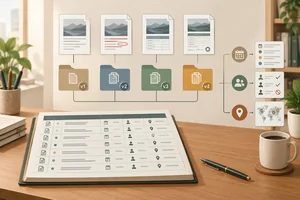 Build a Source Inventory
Create a compact local register that identifies every selected source version and points back to its unchanged original. 2 min
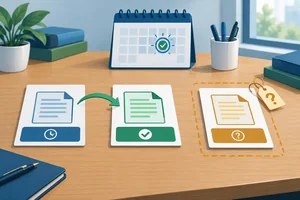 Resolve Dates and Source Status
Assign evidence-based source status at the collection review date, while keeping updated and effective dates distinct and preserving unknown metadata. 3 min
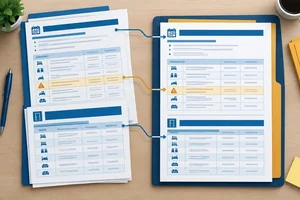 Prepare Text Without Changing Its Meaning
Prepare readable copies of a booking rule and room table while preserving the conditions and relationships that give them meaning. 3 min
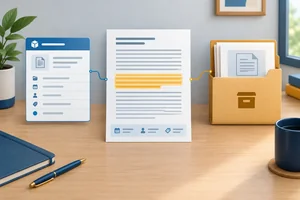 Label Passages Back to Their Sources
Add durable headers, passage labels, and real source locations so prepared text can be followed back to its exact original version. 2 min
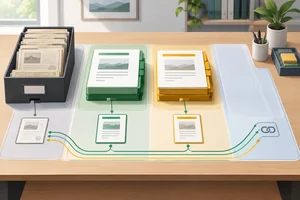 Assemble and Check the Collection
Finish a small local collection and demonstrate that its prepared text remains traceable and appropriately separated by status. 3 min
Step 1 of 7
Set a clear collection scope before gathering documents, using Cedar Community Hub as a running example.
A collection scope is a short boundary for a document collection. It states:
A scope helps you decide what belongs in the collection before you gather material. It is not a promise that every included document already answers every intended question. A question can be in scope even when the available documents do not yet contain enough evidence to answer it.
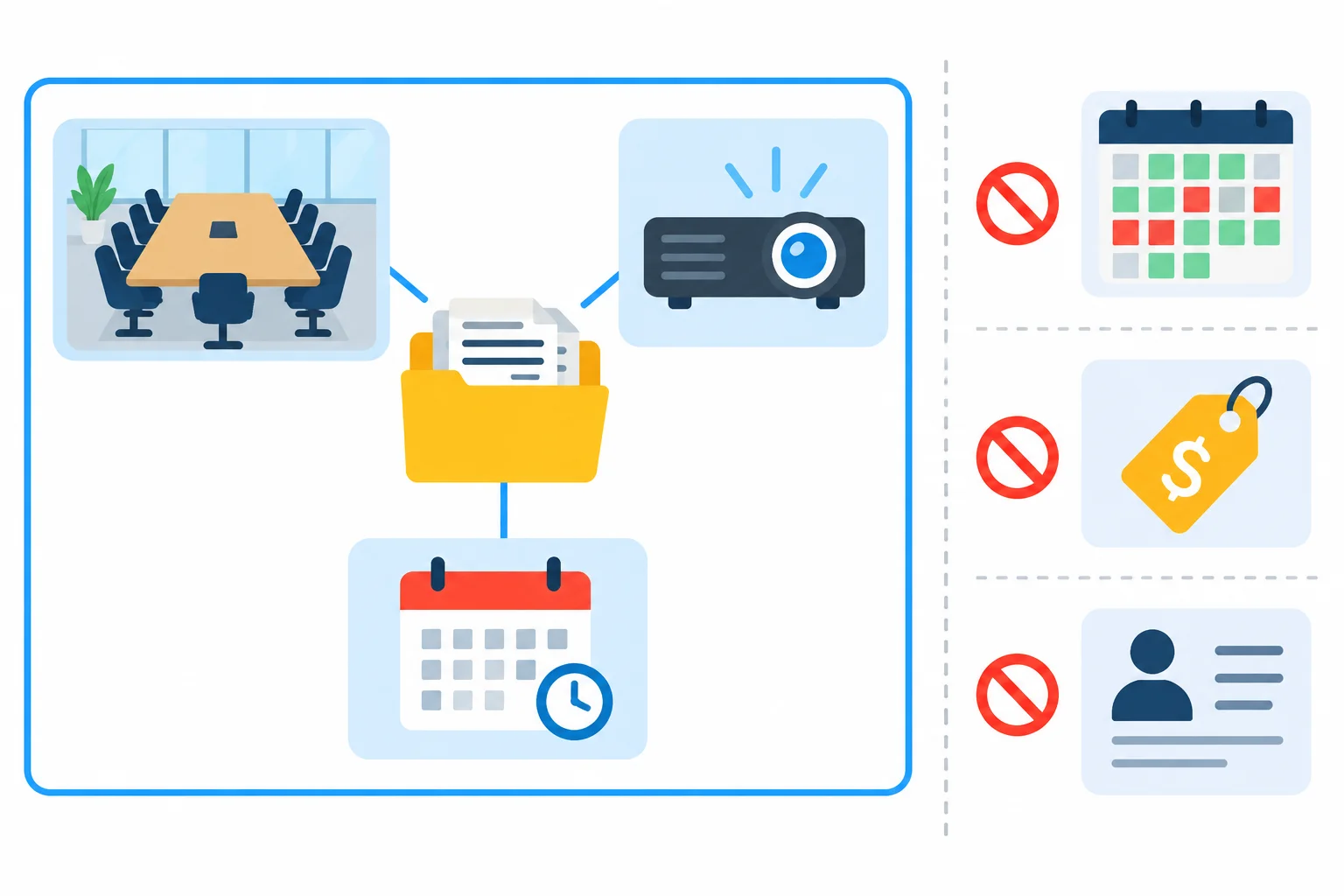
The boundary defines supported question types; it does not decide whether a particular document is current or authoritative.
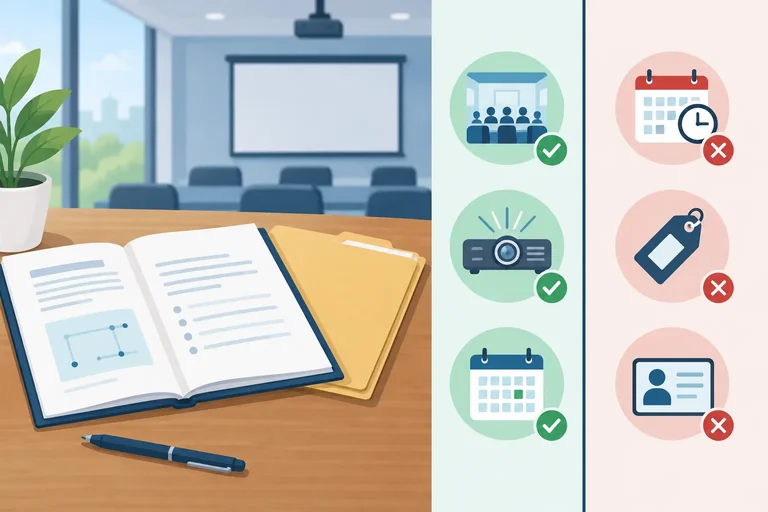
For Cedar Community Hub, the collection scope covers room capacities, listed equipment, and booking lead times.
It can support questions such as:
It explicitly excludes live availability, pricing, and personal booking records. For example, “Is Maple Room free this afternoon?” is about changing live availability, not a documented room fact or lead-time rule.
Keep a question within scope only when its answer is meant to come from the collection’s defined topics.
Example
Cedar Community Hub — collection scope
For hub staff who need to check documented room details and booking rules. Supports room capacities, listed equipment, and booking lead times.
Intended questions
Exclusions
Tip
In your own editor, create a short local note or folder named Scope. You may use the Cedar sample texts provided in this tutorial, or suitable documents of your own that are non-sensitive and permitted for your intended use. The later steps will help you organize the actual source material.
Which request is within the Cedar Community Hub collection scope?
Work in your local Scope note.
A colleague asks: “Can I reserve Maple Room next Tuesday morning?” First, write whether this request is In scope or Outside scope, with one brief reason.
Then write a short collection scope note for Cedar Community Hub. Include:
Keep the questions focused on room capacities, listed equipment, or booking lead times.
Write at least 180 characters (0/180).
Step 2 of 7
Select relevant, authorized, non-sensitive sources and retain their originals.
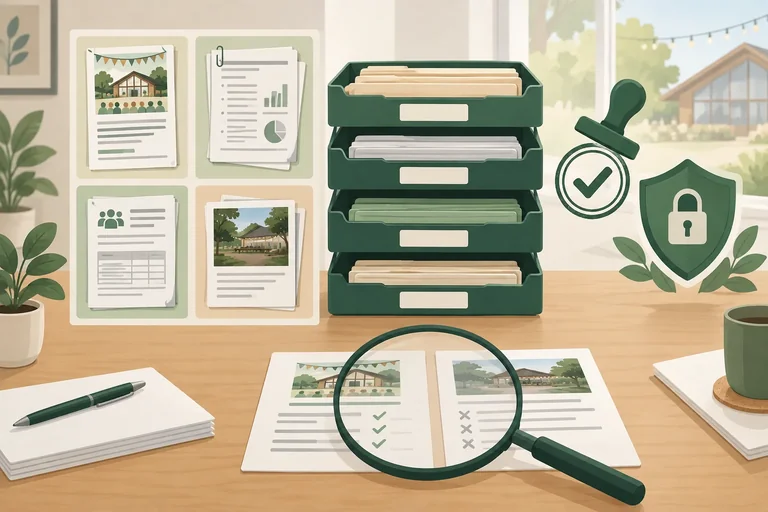
A source belongs in this practice collection only when it passes all three checks:
Having a file, receiving it in an email, or seeing it publicly online does not itself grant permission to reuse it. Record the owner and the permission basis while you decide whether to admit the source.
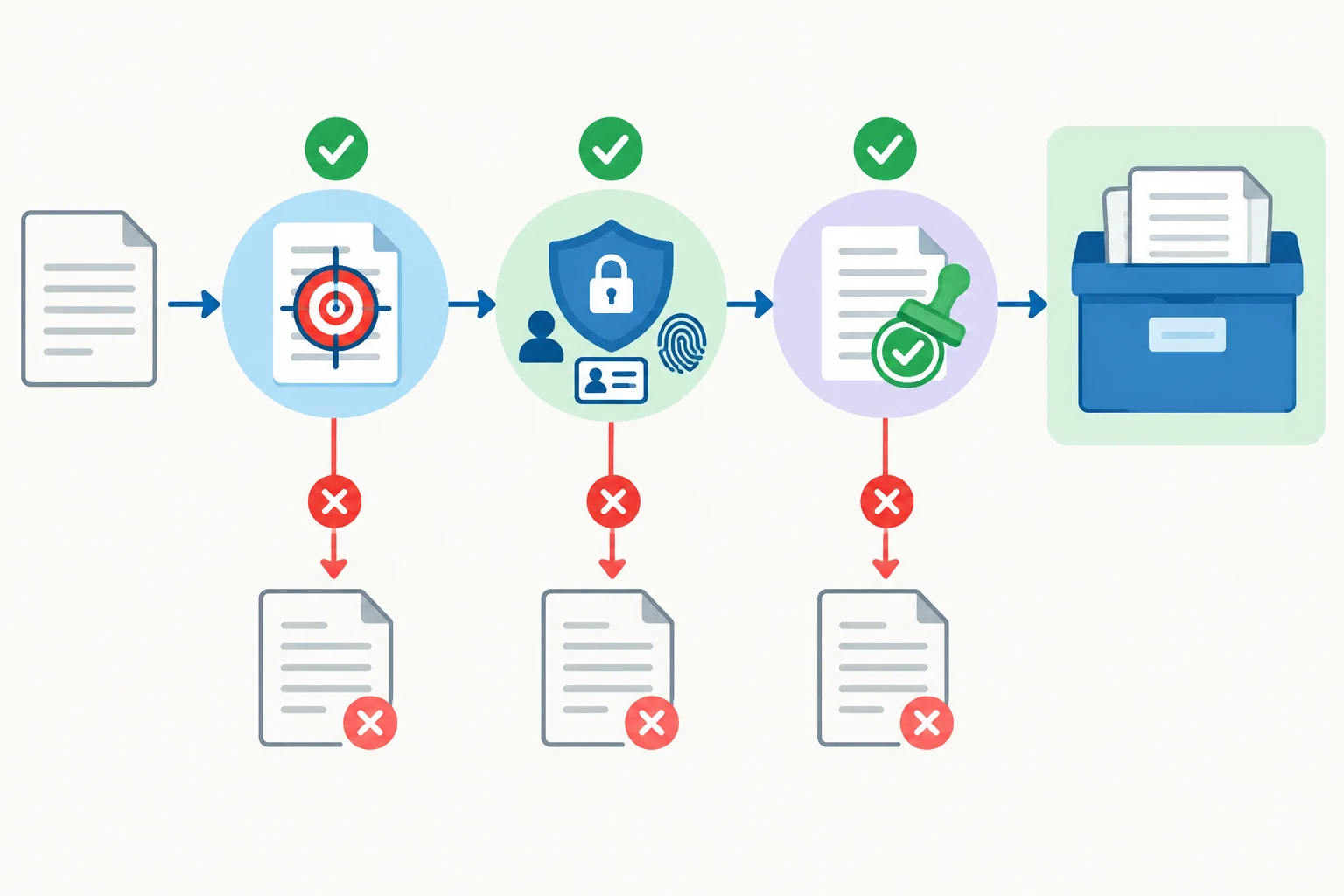
Admit a source only when it is relevant, non-sensitive, and authorized for the intended use.
Warning
Do not decide whether a source is current or authoritative yet. At this stage, decide only whether it may be safely included in your local practice collection.
Permission, sensitivity, and scope are separate records. For example, a personal booking export is excluded here because it is sensitive and outside the collection scope. That exclusion does not prove that its owner refused permission. If no permission evidence is recorded, write Unconfirmed — no permission basis recorded.
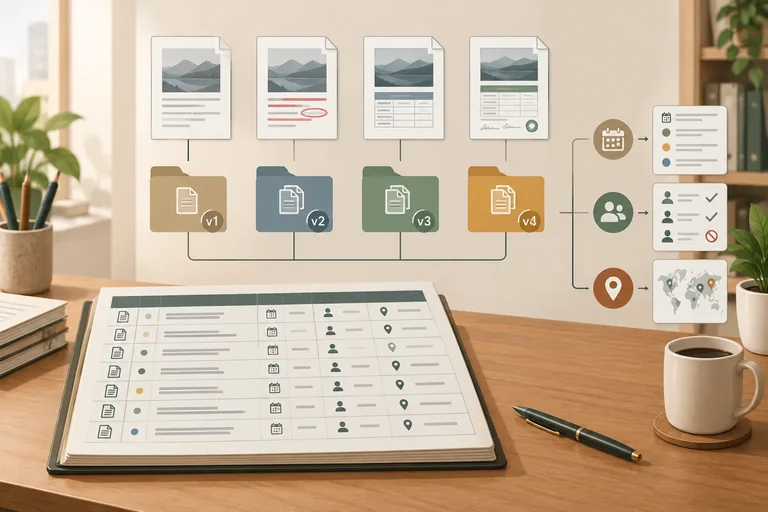
The four fictional Cedar Community Hub snapshots below are explicitly authorized for reuse in this tutorial. Copy each one exactly into a separate plain-text file in your local Originals folder. These are source snapshots: do not correct, shorten, or rewrite their wording.
They include an earlier and a replacement Booking Guide, a Room Directory table, and a Booking FAQ claim. You will assess their current-use status later; for now, preserve what each snapshot says.
Save as D01_v1_original.txt
Booking Guide
Version: v1
Updated: 2025-02-10
Effective: 2025-03-01

Booking rules
Lead time
Submit a booking request at least 7 calendar days before the event.
All bookings are subject to availability.Save as D01_v2_original.txt
Booking Guide
Version: v2
Updated: 2025-05-20
Effective: 2025-06-01

Replacement notice
This version replaces Booking Guide v1.

Booking rules
Lead time
Submit booking requests at least 3 calendar days in advance.
Public workshops require at least 7 calendar days of booking notice.
All bookings are subject to availability.Save as D02_v1_original.txt
Room Directory
Version: v1

Owner note
The Room Directory is current on 2025-06-15.

Room details
| Room | Capacity | Projector |
| Maple Room | 8 people | No |
| Oak Room | 16 people | Yes |Save as D03_v1_original.txt
Booking FAQ
Version: v1
Updated: 2025-06-10

How much booking notice is needed?
Book at least 1 calendar day before the event.
Keep an unchanged local original for every admitted snapshot. Create an Originals section or folder and save the four sample files there. For a personal source, retain the unchanged file, export, or copied text you were authorized to use; do not let a summary become the only original.
Alongside each candidate, record its Owner and Permission and basis. For the tutorial samples, use:
Cedar Community HubAuthorized — fictional tutorial sample explicitly authorized for reuseFor personal material, record the actual owner and the specific evidence of permission. If permission for the intended use or possible AI-service processing is unclear, confirm it before including the source.
Use a permission value followed by the recorded basis. This is a practical admission record, not a legal interpretation.
| Candidate | Collection decision | Permission and basis |
|---|---|---|
| Tutorial sample snapshot | Include | Authorized — fictional tutorial sample explicitly authorized for reuse |
| Non-sensitive facilities note with written owner approval for local and AI-service use | Include | Authorized — owner's written approval for the stated use |
| Public event webpage with no reuse terms | Confirm permission first | Unconfirmed — public visibility is not a permission basis |
| Booking export with attendee names and contact details | Exclude from this collection — sensitive and outside scope | Unconfirmed — no permission basis recorded |
Example
Keep the unchanged files together, for example:
Originals/
D01_v1_original.txtD01_v2_original.txtD02_v1_original.txtD03_v1_original.txtLater, you will make separate prepared copies. The _original files remain the checkable baseline for every copy.
Tip
A filename helps you find an original, but it is not proof of permission. Keep a short note or approval message that identifies who authorized the intended use.
Match each situation to the appropriate collection decision and permission basis.
Tap an item and then its matching pair.
Step 3 of 7
Create a compact local register that identifies every selected source version and points back to its unchanged original.
A source inventory is a compact register for your collection. It connects each source snapshot to its identity, permission, scope, recorded dates, current status field, and the unchanged original you saved locally.
An inventory does not replace the source text. It helps you answer: “Which exact document version is this, may I use it, and where can I find its original?”
For this collection, a source label stays stable across versions. So D01 identifies the Booking Guide source, while v1 and v2 are separate snapshots that need separate records. Do not decide which version is current yet; that review comes next.
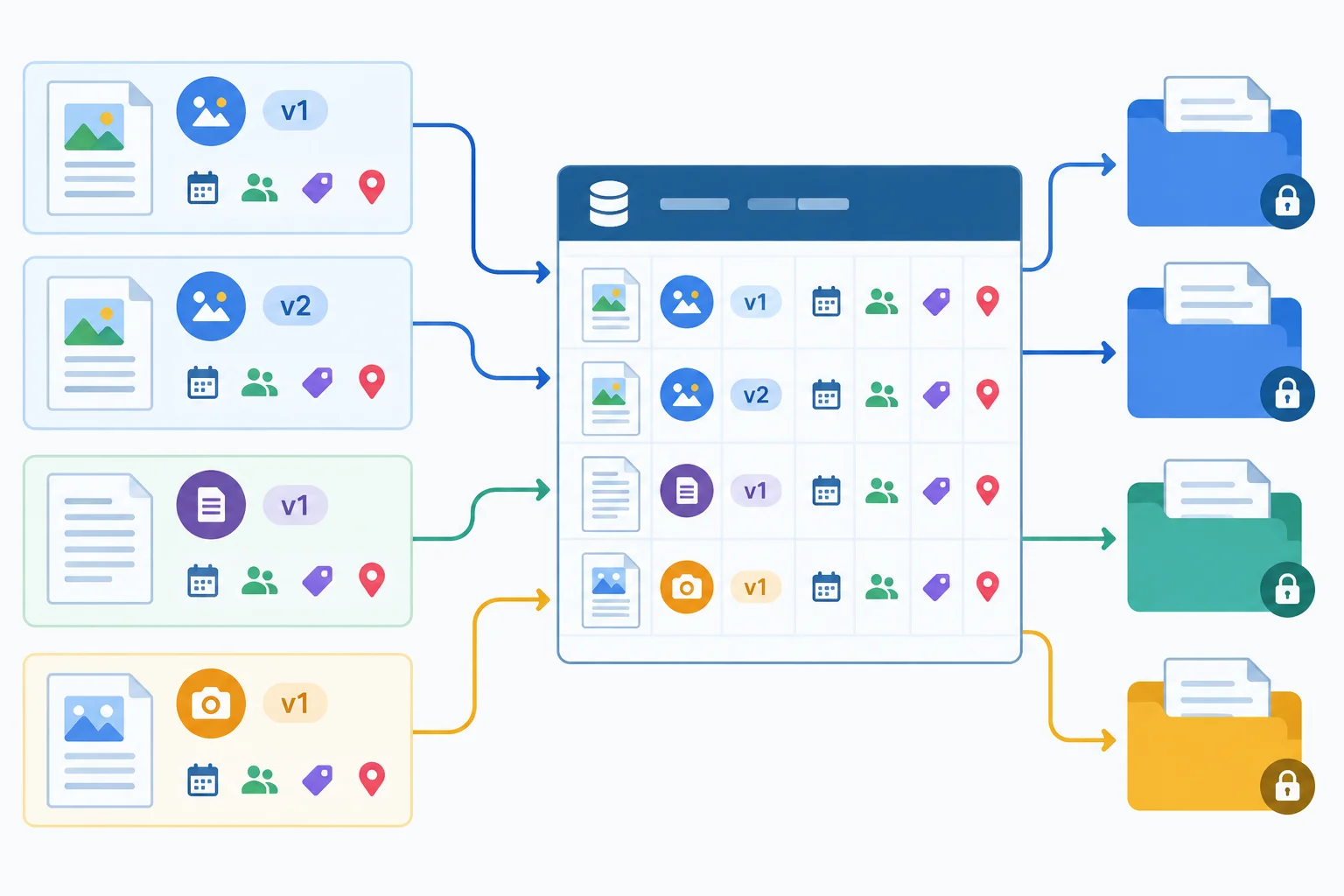
One inventory record represents one source snapshot, and links it back to a findable unchanged original.
Use the same field names in every record. Copy metadata that is stated in the source or your admission notes. If a date or other metadata is absent, record Unknown rather than estimating it.
Keep two reasons separate:
If your inventory becomes wide, keep identity fields and control fields in separate local sections, joined by the same Source label and Version.
Example of a record before source-status review. Pending review is a temporary placeholder, not a claim that the source is current.
| Field | Recorded value |
|---|---|
| Source label | D01 |
| Title | Booking Guide |
| Version | v2 |
| Owner | Cedar Community Hub |
| Permission and basis | Authorized — fictional tutorial sample explicitly authorized for reuse |
| Scope | Booking lead times |
| Updated | 2025-05-20 |
| Effective | 2025-06-01 |
| Status | Pending review |
| Status basis | Not assessed yet |
| Original location | Originals/D01_v2_original.txt |
An unchanged local original is saved in the Originals folder under the required filename D01_v2_original.txt.
Complete the field:
Original location: ____
In your local workspace, create or complete the Source inventory with one distinct record for each selected source snapshot. Use all required inventory fields. Copy stated metadata, write Unknown for missing metadata, and keep each unchanged original location findable.
For now, leave the source-status decision as pending for later review. Then paste a compact check below: list each source label and version with its original location, and name any fields you recorded as Unknown.
Write at least 80 characters (0/80).
Step 4 of 7
Assign evidence-based source status at the collection review date, while keeping updated and effective dates distinct and preserving unknown metadata.
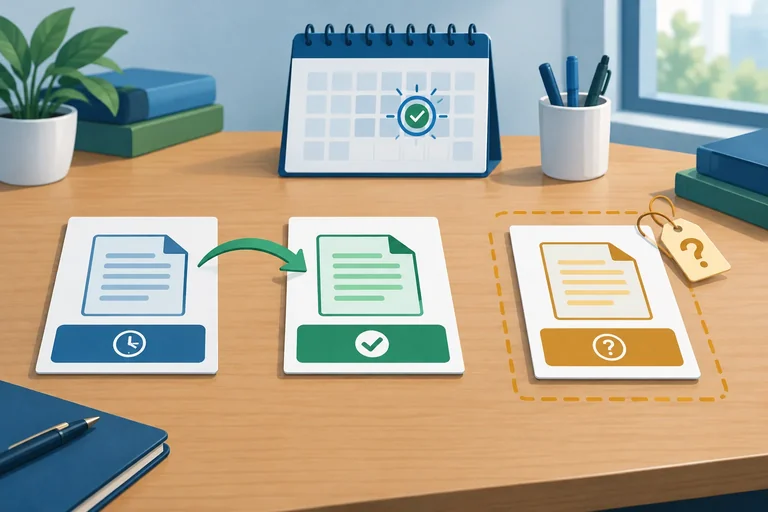
A document can have two different dates:
Record each date exactly when it is stated. An Updated date does not automatically prove that rules apply on that same day. If either date is absent, write Unknown rather than estimating it.
Assess status against the collection review date: 2025-06-15. Look for explicit replacement, approval, or confirmation of current use—not just the most recent revision date.
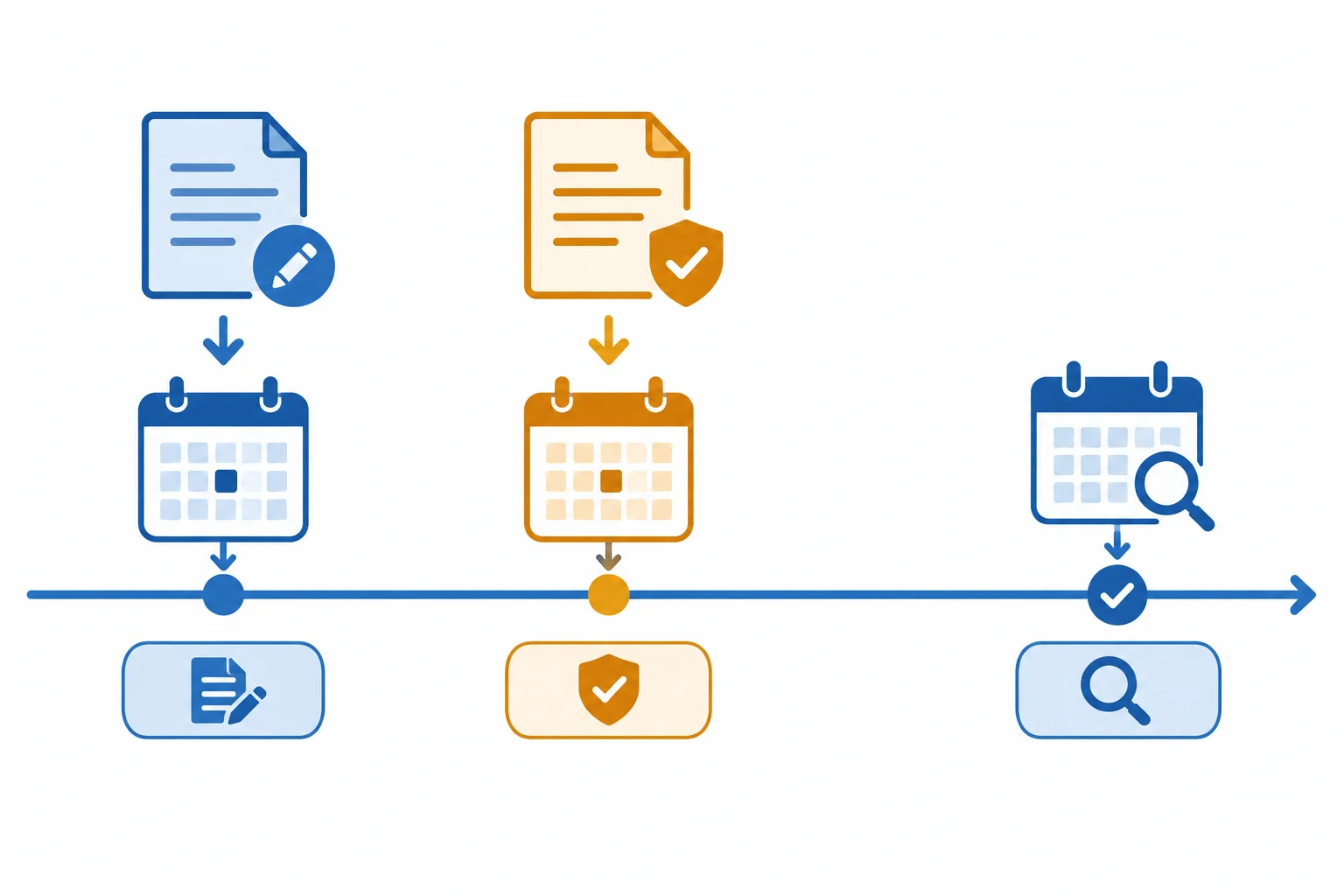
Use the review date to assess whether evidence supports current use; do not treat a revision date alone as proof of authority.
Tip
Permission and status answer different questions.
Permission asks whether you may use a source. Status asks whether that permitted source is appropriate for current use in this collection.
Use these status values:
Do not silently merge competing claims. Keep authorized Superseded or Unresolved material separate from Active prepared material so its limits remain visible.
For Cedar Community Hub, record the evidence behind every status in the Status basis field. A newer Updated date alone is not enough. Conversely, Unknown dates do not invalidate a source when independent evidence confirms it is current.
Status decisions at collection review date 2025-06-15
| Snapshot | Updated | Effective | Status | Status basis |
|---|---|---|---|---|
| D01 / Booking Guide / v1 | 2025-02-10 | 2025-03-01 | Superseded | D01 v2 explicitly replaces v1 |
| D01 / Booking Guide / v2 | 2025-05-20 | 2025-06-01 | Active | Explicit replacement; applicable by review date |
| D02 / Room Directory / v1 | Unknown | Unknown | Active | Owner note confirms current on 2025-06-15 |
| D03 / Booking FAQ / v1 | 2025-06-10 | Unknown | Unresolved | No confirmation of authority or applicability |
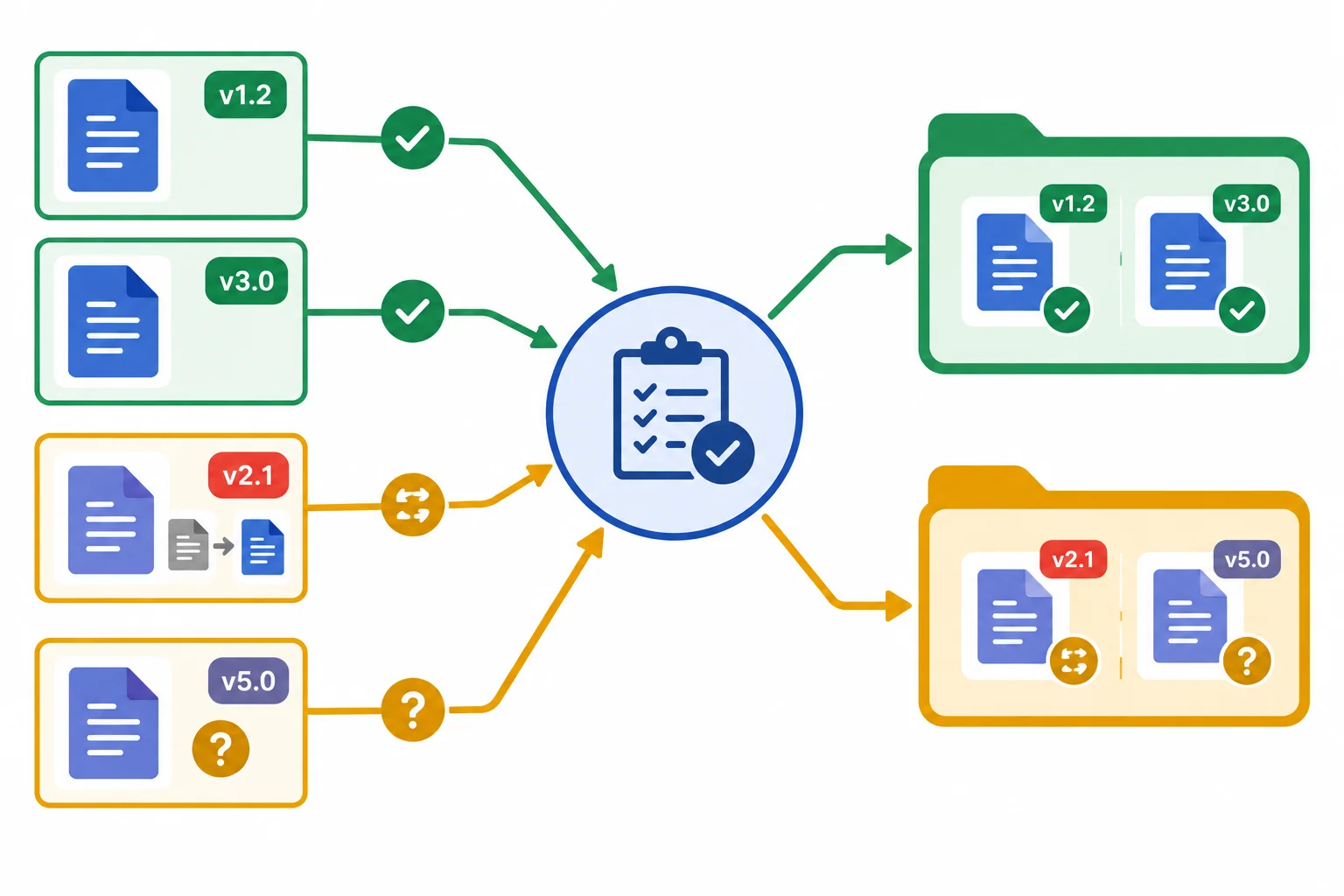
Place D01 v2 and D02 v1 in Ready. Keep D01 v1 and D03 v1 in Held, with their status basis recorded.
Match each source snapshot to its status and supporting reason.
Tap an item and then its matching pair.
In your local Source inventory, complete the fields Updated, Effective, Status, and Status basis for all four Cedar snapshots: D01 v1, D01 v2, D02 v1, and D03 v1.
Then type your four completed records below, one per line. Preserve missing dates as Unknown. Base every Status basis on the documented evidence, and do not infer a date or treat a newer update as automatic authority.
Write at least 300 characters (0/300).
Step 5 of 7
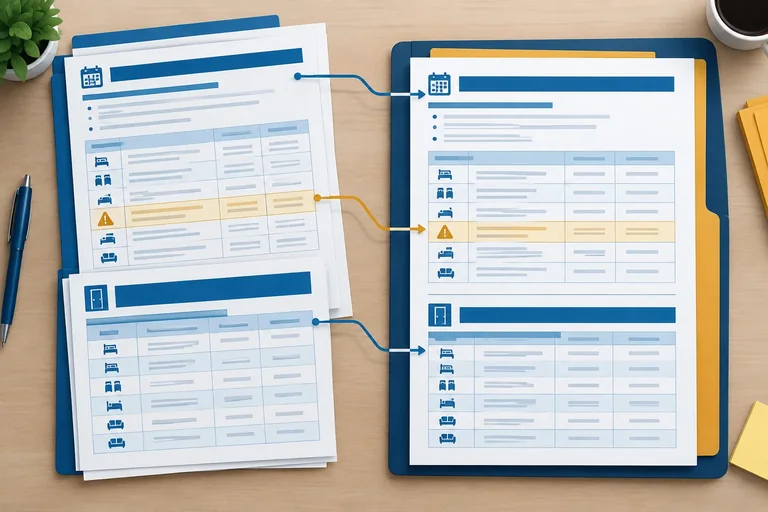
Prepare readable copies of a booking rule and room table while preserving the conditions and relationships that give them meaning.
Readable preparation is faithful transcription and formatting, not a shorter policy summary or a rewrite in your own words.
Keep meaningful structure: headings, list structure, units, exceptions, and qualifications. A booking rule is not fully preserved if its public-workshop exception or its subject-to-availability qualification is separated from it or omitted.
Formatting may make a source easier to scan, but it must not change what the source says. If text or a table cell is unreadable, flag the uncertainty and retain the original; do not fill the gap from a guess.
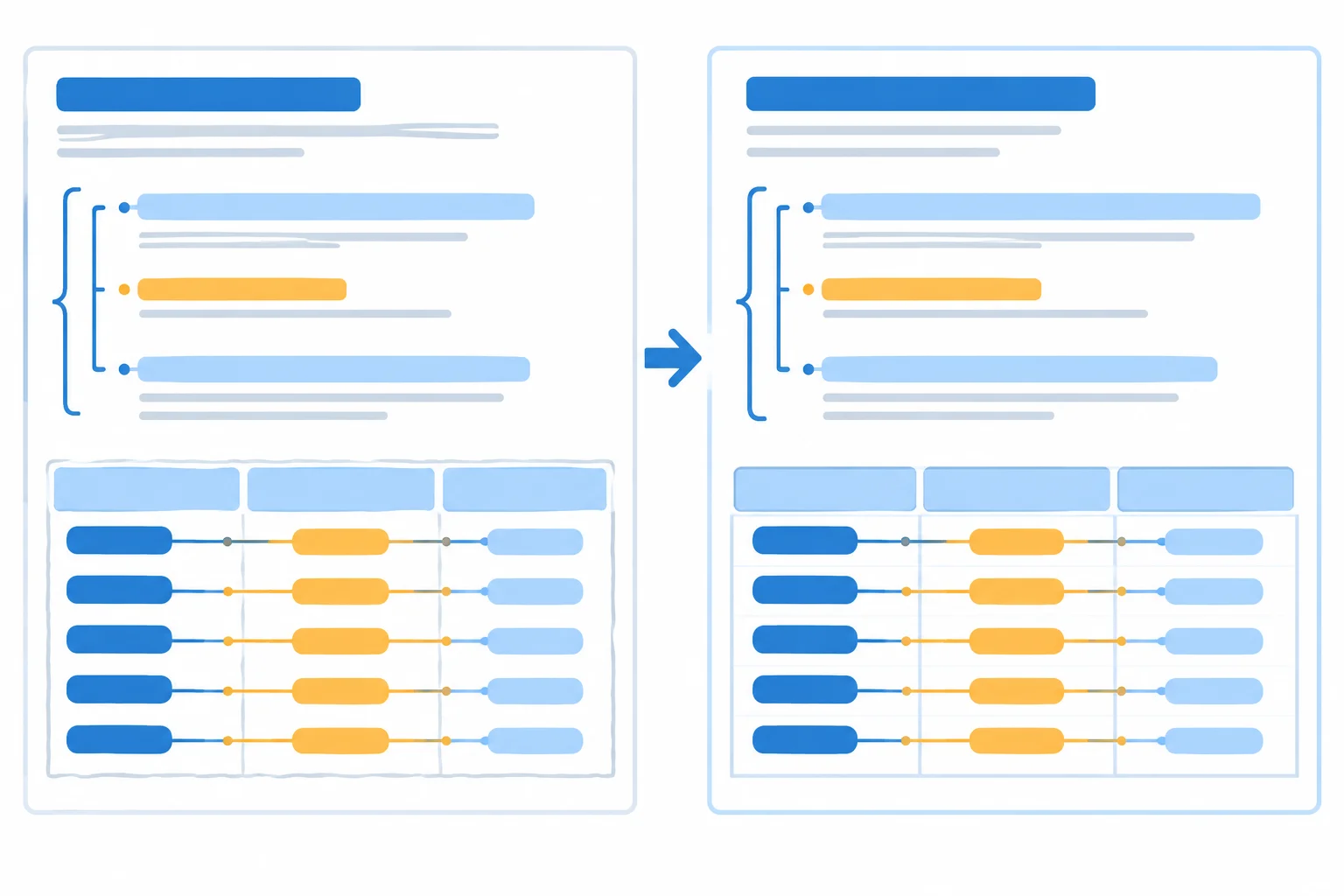
A prepared copy can look clearer, but the rule and everything that limits it must stay together. Table values must remain connected to the correct row and column.
Tip
For a table, preserve either the readable table with its headers or complete row statements. Do not copy separate columns as disconnected lists: that can silently attach a capacity or projector value to the wrong room.
Work from the unchanged original files in your local Originals area. Create separate prepared copies; never edit an original.
Before treating a copy as readable source text, compare it against the original line by line. Check meaningful headings, every list item, units such as calendar days and people, qualifications and exceptions, and every table value's row-and-column relationship.
Example
Original excerpt — D01 / Booking Guide / v2
Booking rules
Lead time
Submit booking requests at least 3 calendar days in advance.
Public workshops require at least 7 calendar days of booking notice.
All bookings are subject to availability.
This is the original table relationship. A prepared copy may retain this table format, or state complete rows that keep the room name, capacity, unit, and projector value together.
| Room | Capacity | Projector |
|---|---|---|
| Maple Room | 8 people | No |
| Oak Room | 16 people | Yes |
Which version is unacceptable as prepared text for the D01 v2 rule section?
In your local workspace, make a separate faithful prepared copy from each unchanged original. Preserve the source wording and stated document metadata. Do not add prepared-source headers or passage labels yet; you will add those in the next step.
Create these files and compare each with its matching original before saving:
D01_v1_prepared.txt from D01_v1_original.txt → Held because it is Superseded.D01_v2_prepared.txt from D01_v2_original.txt → Ready because it is Active.D02_v1_prepared.txt from D02_v1_original.txt → Ready because it is Active.D03_v1_prepared.txt from D03_v1_original.txt → Held because it is Unresolved.Keep all four _original files unchanged in Originals. For D01 v2, retain the complete Booking rules and Lead time section. For D02 v1, retain the Room details heading plus the table headers and both rows, or use complete row statements. If any original text is ambiguous or unreadable, flag it instead of guessing.
After completing the local comparison, write a brief preparation check. First identify the conversion from the previous activity that loses meaning and state what it lost. Then report how you prepared and compared the D01 v2 rule section and the D02 v1 room table against their originals.
Write at least 120 characters (0/120).
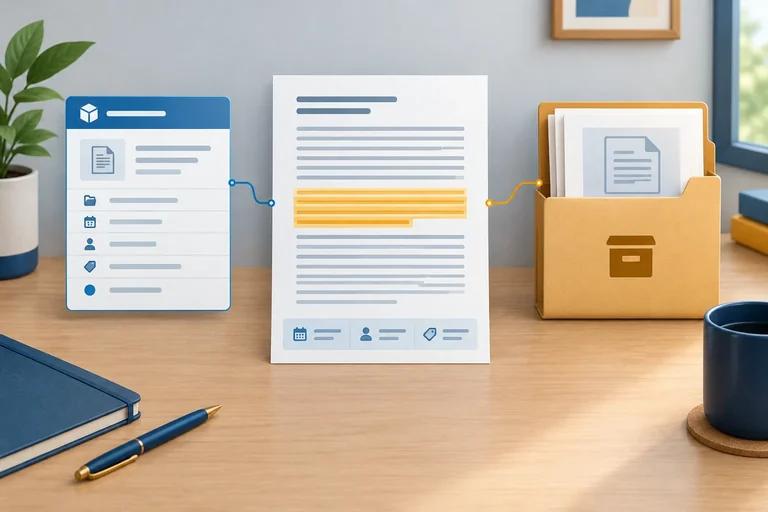
Step 6 of 7
Add durable headers, passage labels, and real source locations so prepared text can be followed back to its exact original version.
A prepared section needs visible metadata before its source wording. A prepared-source header identifies the exact document version; each passage header then identifies a traceable section and its source location.
Keep these headers visibly separate from copied source wording. Save the labels in your local prepared file: a later copy, import, or tool change may not preserve them automatically.
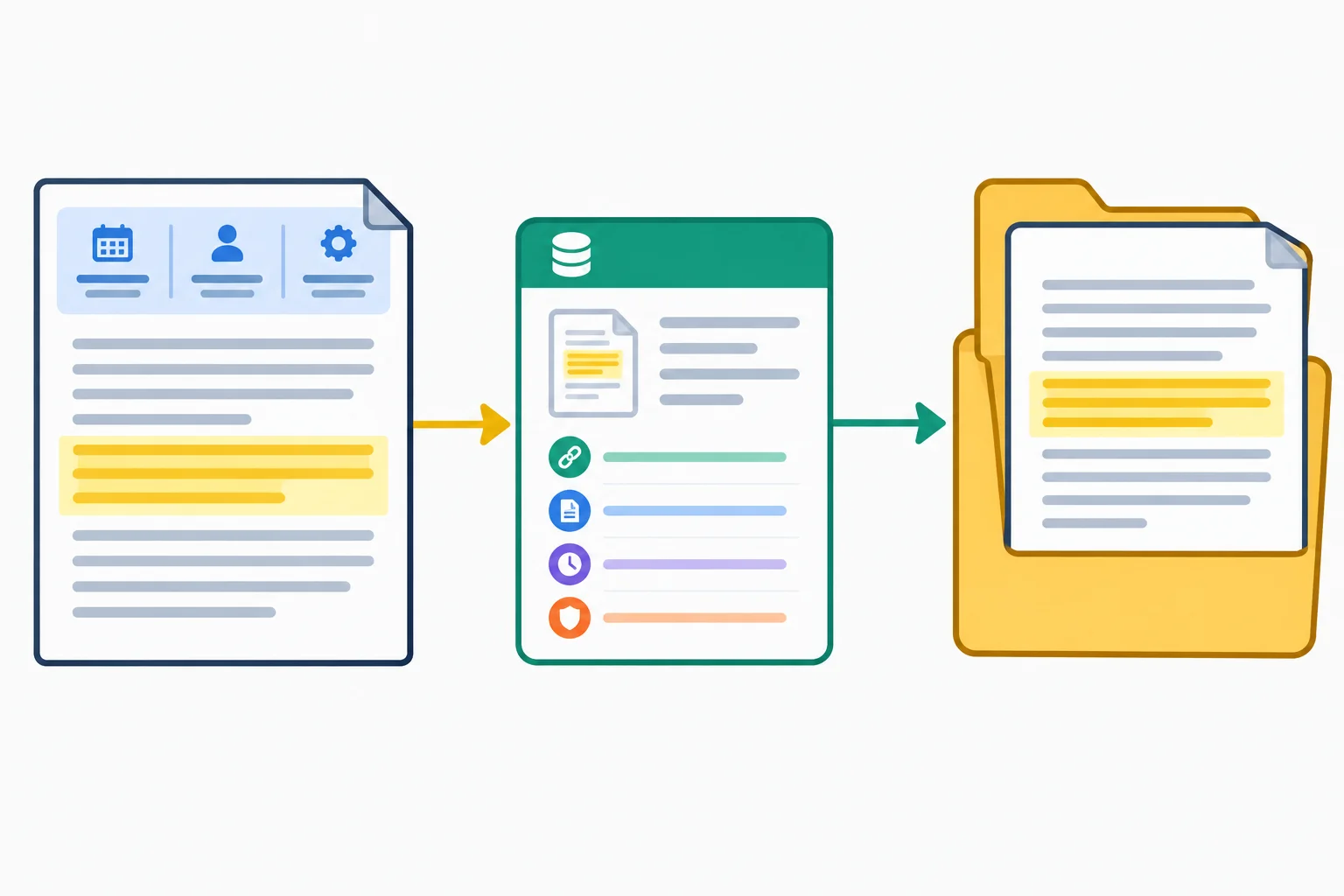
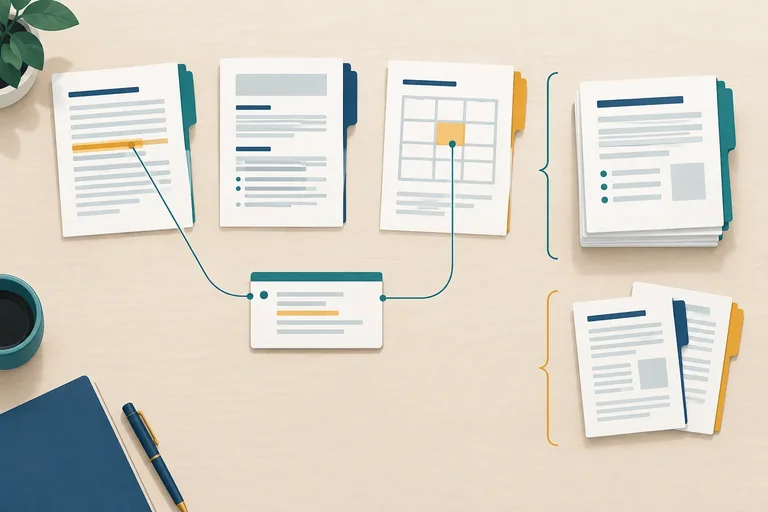
Trace from a prepared passage to its version-specific inventory record, then to the unchanged original.
Example
Source: D01 | Title: Booking Guide | Version: v2 | Updated: 2025-05-20 | Effective: 2025-06-01 | Status: Active
Place this header above the prepared wording from D01 v2. It identifies the source snapshot without changing the source wording below it. For every other prepared file, copy the corresponding dates and status from its source inventory, including Unknown where recorded.
A passage label identifies one meaningful section inside one source version. Use the pattern D01-v2-P01: source label, version, then passage number.
Number passages within that source version. Do not reuse a label for a different section, and preserve assigned labels while that prepared version remains unchanged. A different version has its own passage-label sequence.
Use an original source location that someone can find in the unchanged original: a real heading, table name, or available page reference. Do not invent a locator.
Choose section boundaries that preserve meaning. Keep a rule with its exception and qualification. For a table, retain its header with its rows, or use complete row statements that retain the item, value, and column meaning.
Example
Passage: D01-v2-P01 | Source location: Booking rules > Lead time
Booking rules
Lead time
Submit booking requests at least 3 calendar days in advance.
Public workshops require at least 7 calendar days of booking notice.
All bookings are subject to availability.
Complete the metadata line for the first lead-time passage from the D01 Booking Guide v2.
Passage: | Source location: Order these links from a prepared passage back to the unchanged evidence.
In your local workspace, open D01_v2_prepared.txt and D02_v1_prepared.txt. Add a prepared-source header to each, using values from your source inventory. Add one passage header to each prepared section.
For D01 v2, keep the full Booking rules > Lead time section together. For D02 v1, keep the Room details table header and both room rows together. Also add a prepared-source header to D01_v1_prepared.txt and D03_v1_prepared.txt, preserving their recorded status and any Unknown metadata.
After saving, report the two passage labels and source locations you added, plus the source label and version of each prepared file that now has a source header.
Write at least 100 characters (0/100).
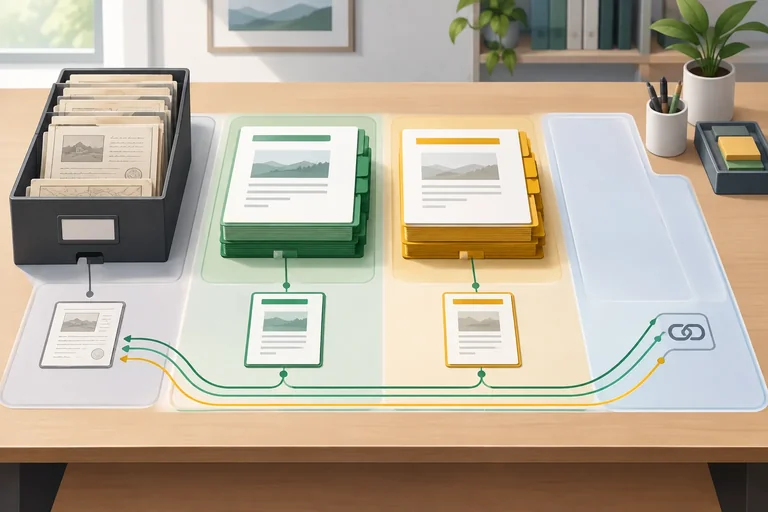
Step 7 of 7
Finish a small local collection and demonstrate that its prepared text remains traceable and appropriately separated by status.
Finish your local workspace as one connected collection. Keep these five sections: Scope, Source inventory, Originals, Ready, and Held.
For Cedar Community Hub:
Originals keeps all four unchanged files: D01_v1_original.txt, D01_v2_original.txt, D02_v1_original.txt, and D03_v1_original.txt.Ready contains only the Active prepared sources: D01_v2_prepared.txt and D02_v1_prepared.txt.Held contains the prepared held sources: D01_v1_prepared.txt marked Superseded, and D03_v1_prepared.txt marked Unresolved.Keep the prepared-source headers already added to the held files. They preserve each source label, version, recorded metadata, and status. A prepared file never replaces its unchanged original; it remains traceable through the source inventory and the file in Originals.
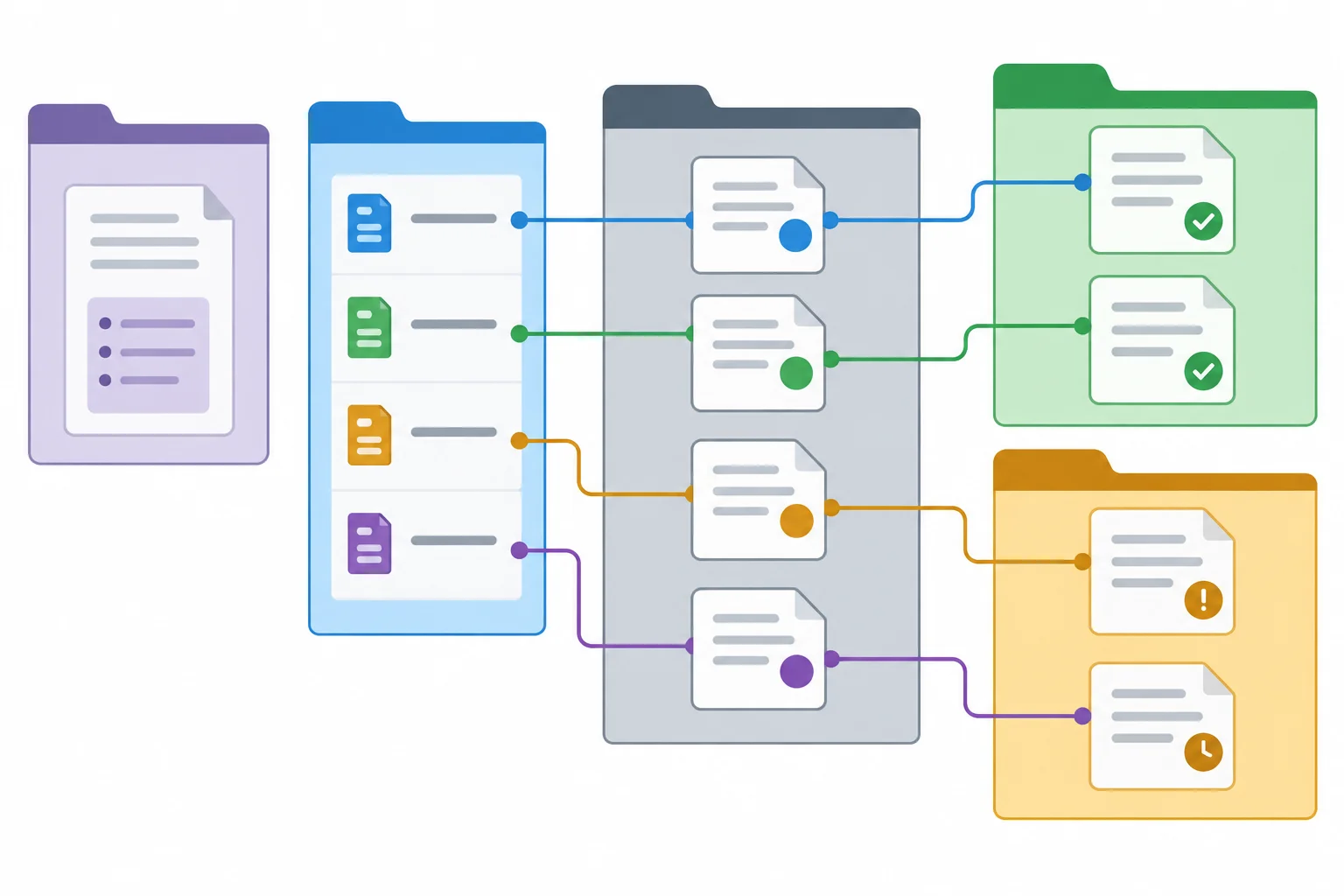
Ready holds Active prepared text. Held retains prepared Superseded and Unresolved text separately, while Originals remains the unchanged baseline.
Tip
If useful, add Held/held_sources.txt as a short index to the held files, their statuses, status bases, and original locations. It is only an index: it does not replace D01_v1_prepared.txt or D03_v1_prepared.txt.
Do not move a source to Ready because it contains a useful-looking answer. Its recorded status controls placement.
Check the collection as a connected system, not as a set of filenames. Start with a prepared passage, match its source label and version to the source inventory, then use its source location to find the wording in the unchanged original.
Use the checks below while opening your own local files. A pass means you can verify the relationship directly; it does not mean you should fill gaps from memory.
Use this short review to inspect your local collection before you close it.
| Check | Inspect | Pass condition |
|---|---|---|
| Metadata | Source inventory and prepared-source headers | Source label and version agree; absent dates remain Unknown. |
| Traceability | Passage label, source location, and original | The recorded location can be found in the unchanged original. |
| Placement | Ready and Held | Ready has only Active prepared sources; Held retains the Superseded and Unresolved prepared sources. |
| Rule integrity | D01 v2 lead-time passage | The public-workshop exception and availability qualification remain with the booking rule. |
| Table integrity | D02 v1 Room details | Each room remains linked to its capacity, unit, and projector value. |
Warning
A broken locator, detached qualification, or shifted table value can change what a later answer appears to mean. Correct the prepared text from the unchanged original when you can verify the correction. If you cannot verify it, record the issue against the affected source label and version rather than guessing or silently treating the text as reliable.
Use your saved local collection to write one short verification note with all four parts:
Held, and explain its status and status basis.If a check fails, name the affected source label and version and describe the issue. Report what you verified locally; do not upload files.
Write at least 220 characters (0/220).
Summary
You have turned a small set of documents into a collection that can be inspected rather than merely trusted.
Congratulations! You completed: Preparing a Traceable Document Collection
Thousands of online courses in video, ebooks and audiobooks.
To test your knowledge during online courses
Generated directly from your cell phone's photo gallery and sent to your email

Download our app via QR Code or the links below:.



Carry knowledge in your pocket.
Download the Cursa app.
There are hundreds of free courses available, with a free certificate of completion that is saved in your mobile image gallery.
Download the app to access the Course Completion Certificate for Free.


+ 10 million
students

Free and Valid
Certificate

60 thousand free
exercises

4.8/5 rating in
app stores

Free courses in
video and ebooks