Step 1 of 8
Write a Script for Listening
Turn approved library facts into a concise spoken announcement and estimate whether its length is a reasonable starting point for a 30-second delivery.

Learning path · Level 4 · Tutorial 3
Create and revise a short narrated audio asset using an accessible text-to-speech tool and an authorized voice. If audio generation is unavailable, prepare a narration script with pronunciation, delivery, and listening-check instructions without claiming to have verified unheard audio.
 Write a Script for Listening
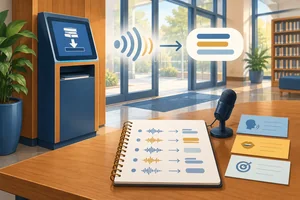
Turn approved library facts into a concise spoken announcement and estimate whether its length is a reasonable starting point for a 30-second delivery. 2 min
 Specify Pronunciation Before Generating
Identify pronunciation-sensitive words in the Cedar Library narration and record clear plain-English notes before generation. 2 min
 Plan Pace, Pauses, and Emphasis
Plan pace, pauses, and emphasis for the Cedar Library narration while keeping delivery specifications separate from the controls a tool actually supports. 2 min
 Choose a Voice You Are Authorized to Use
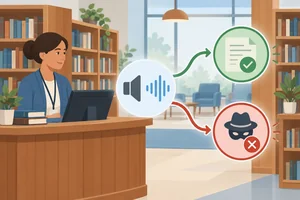
Select a permitted synthetic voice for the Cedar Library announcement and distinguish authorization from mere access to a recording. 2 min
 Generate a Draft or Complete the Specification
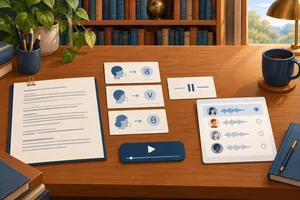
Create Draft 1 in an available text-to-speech tool, or preserve a complete text-only narration specification without claiming unperformed audio checks. 3 min
 Listen for Specific, Recordable Problems
Evaluate available narration with focused listening passes and an evidence-based log, while keeping unavailable audio checks explicitly unverified. 3 min
 Revise One Phrase and Check Its Neighbors
Make a focused narration correction while preserving unaffected content and recording continuity checks honestly. 3 min
 Complete and Review Your Narration Package
Combine a revised Cedar Library narration or a generation-ready specification into a coherent package, with route-specific readiness supported by evidence. 3 min
Step 1 of 8
Turn approved library facts into a concise spoken announcement and estimate whether its length is a reasonable starting point for a 30-second delivery.
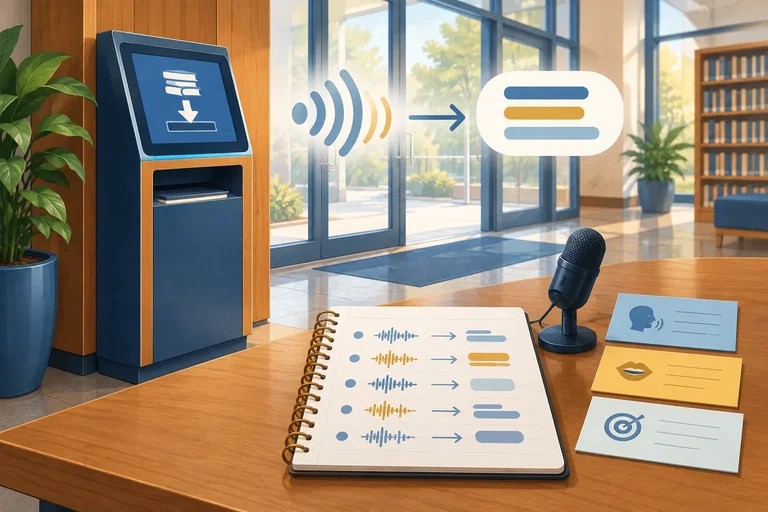
A listener cannot scan backward as easily as a reader. Shape a short announcement for the ear: use familiar words, short clauses, and clear sentence boundaries.
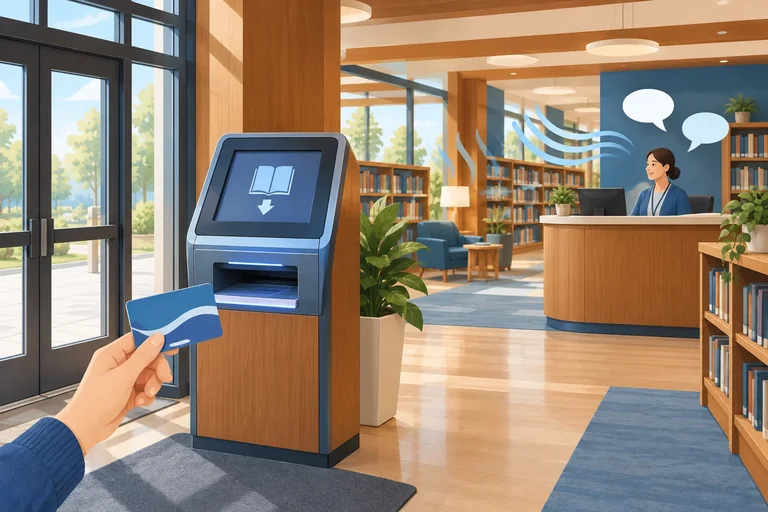
For Cedar Library, the practical purpose is simple: help first-time visitors locate and use the new self-service return kiosk. Keep every approved fact, but present one action at a time.
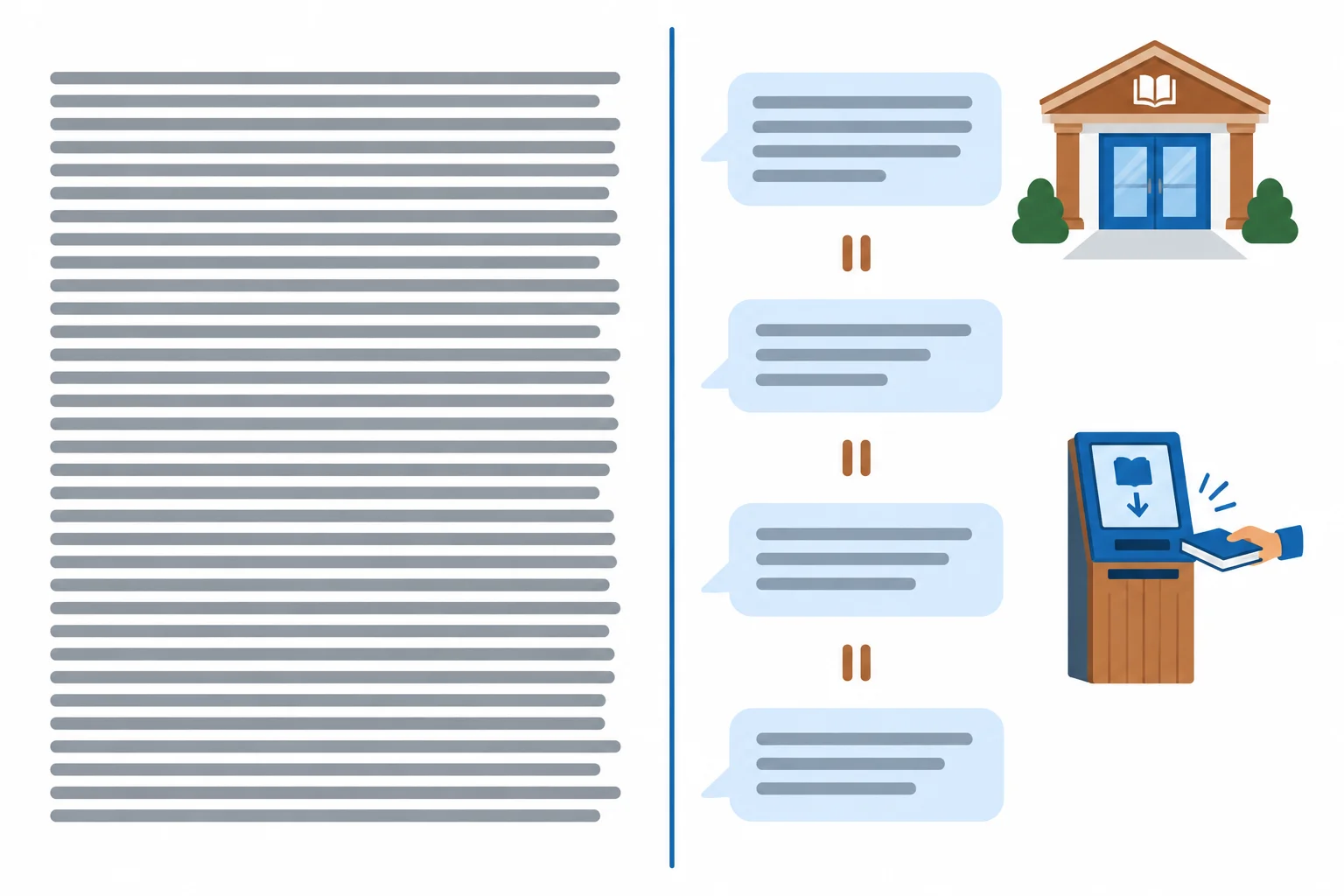
The phrase-grouped version gives listeners clear places to process one idea before the next.
Use the planning range, not a promise:
Estimate from word count and rate, then allow extra time for pauses. At 130–150 wpm, 55–65 words take about 22–30 s before pauses. This makes the range plausible for a 30 s announcement, but it is only an Estimated duration. Playback later establishes the Measured duration.
Example
Draft 1
Spoken script
Welcome to Cedar Library. If you are visiting for the first time, you can use the new self-service return kiosk near the main entrance. Please have your library ID ready before you begin. Follow the on-screen instructions as you use the kiosk. If you need help at any point, staff at the service desk can help.
This draft has 56 spoken words. Its short sentences make each action easier to follow. It is a starting point for the 30 s target, not proof of the final duration.
Tip
At this stage, write only the words the listener should hear. Pronunciation notes and Delivery notes are added separately in later steps; they are not spoken words.
Rewrite the dense excerpt below as a spoken announcement of 55–65 words for first-time Cedar Library visitors. Preserve its facts and add none.
“Cedar Library wishes to inform visitors that its new self-service return kiosk, which is situated near the main entrance, may be used by visitors who should ensure that they have their library ID available and then follow the instructions displayed on the kiosk screen, while staff located at the service desk are available to provide help.”
After your rewritten Spoken script, state its word count and explain in one sentence why that length is a plausible starting point for the 30 s target. Do not claim a measured duration.
Write at least 250 characters (0/250).
Step 2 of 8
Identify pronunciation-sensitive words in the Cedar Library narration and record clear plain-English notes before generation.
Before generating narration, scan for words that a voice may handle unexpectedly. Three common flags are:
A pronunciation note records the intended sound. It does not replace the word in the Spoken script, change the spelling of a factual name, or prove that later audio will say it correctly. Playback is needed to verify generated sound.
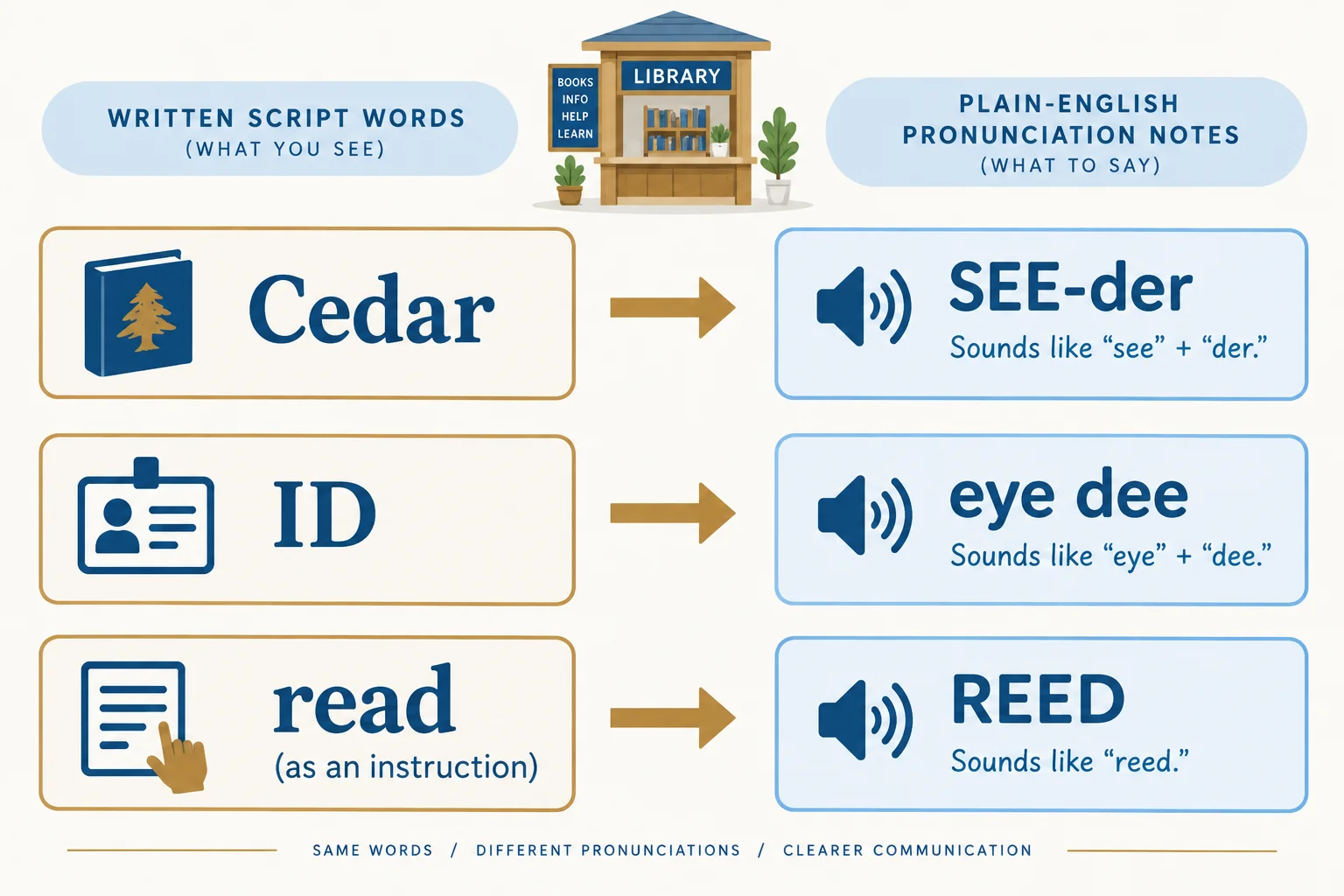
The script spelling stays intact. A separate note states the intended sound.
Use plain-English respelling, not technical phonetic codes. The final row is a separate working example: the word read does not occur in the established Draft 1 script.
| Sensitive item | Why check it? | Pronunciation note |
|---|---|---|
| Cedar | Name | Cedar → SEE-der |
| ID | Abbreviation | ID → eye dee |
| read (instruction) | Meaning affects sound | read (instruction) → REED |
Listen to this tutorial example of the intended English (US) sounds. It demonstrates an intended pronunciation only; it is not evidence about your own narration.
Welcome to Cedar Library. Please have your library ID ready. In this separate example, please read the on-screen instructions.
For a real person’s or organization’s name, do not turn a confident guess into a pronunciation note. Use a reliable reference, preferably one provided by the person or organization concerned. If you cannot confirm it, record that the pronunciation needs confirmation.
Whether a note comes from a reliable source or a working example, it states an intention for generation. It is not evidence that a tool has produced the intended sound.
Example
Draft 1
Spoken script
Welcome to Cedar Library. If you are visiting for the first time, you can use the new self-service return kiosk near the main entrance. Please have your library ID ready before you begin. Follow the on-screen instructions as you use the kiosk. If you need help at any point, staff at the service desk can help.
Pronunciation notes
Cedar → SEE-der
ID → eye dee
Delivery notes
Not specified yet. Delivery planning is added separately in the next step.
Separate pronunciation example
If a script uses read as an instruction, write: read (instruction) → REED.
Tip
Only words the listener should hear belong under Spoken script. Keep sound guidance under Pronunciation notes. This makes the intended sound reviewable while preserving the approved Cedar Library facts and the established Draft 1 wording.
Match each written item to its intended plain-English spoken form.
Match every item to its intended spoken form.
Tap an item and then its matching pair.
Step 3 of 8
Plan pace, pauses, and emphasis for the Cedar Library narration while keeping delivery specifications separate from the controls a tool actually supports.
Listeners receive an announcement in time: they cannot scan backward as easily as readers can. A moderate pace, clear phrase endings, and a few purposeful pauses make the directions easier to follow.
Use natural boundaries: after the welcome, after the kiosk location, and before the help offer. Emphasize one useful item, such as “library ID,” rather than stressing every important-looking word. Too much emphasis can make a calm and welcoming announcement distracting.
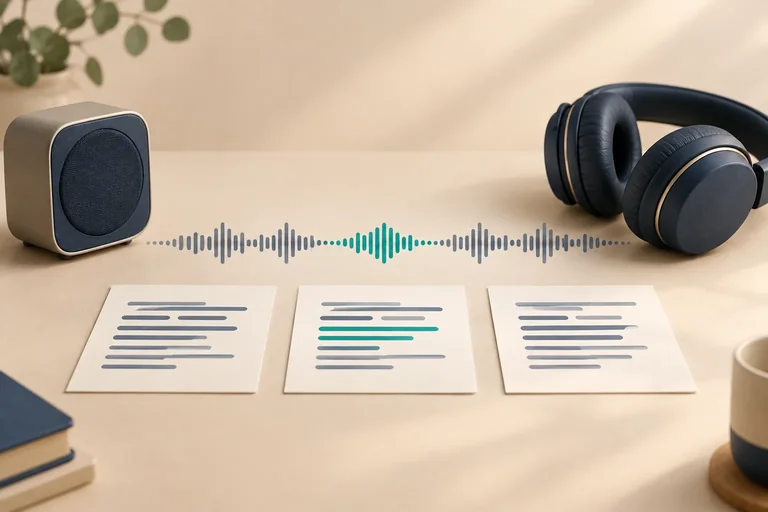
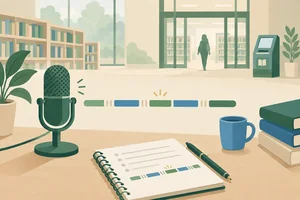
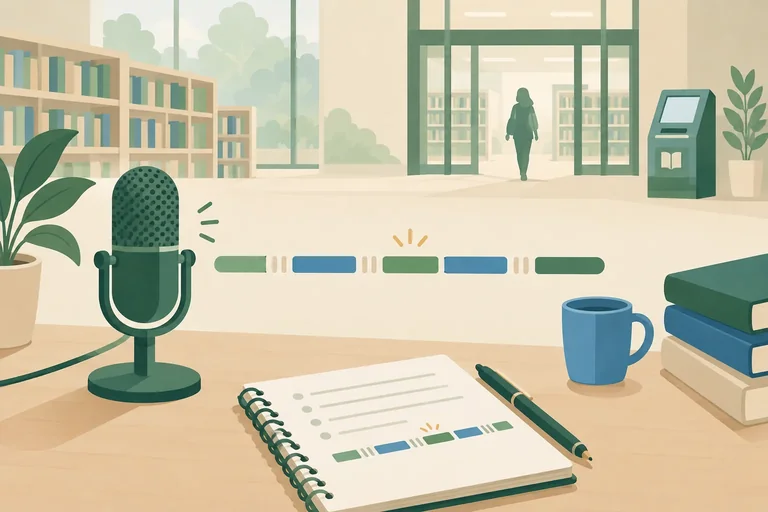
A phrase timeline is a planning aid. It shows where speech groups and pauses belong; it is not a measured audio waveform or proof of duration.

Treat each block as one spoken phrase. The gaps suggest planned pauses; the highlight suggests a single emphasis point.
Keep the narration materials in separate sections. The speech-input field normally receives only the words under Spoken script. Pronunciation notes and Delivery notes remain outside that field unless the chosen tool explicitly documents an instruction field or notation it supports.
Delivery notes
After "Cedar Library": [pause: 0.5 s]
After "main entrance": [pause: 0.5 s]
[emphasis: library ID]
Tone: calm and welcoming.
Start planning at 130–150 wpm. Aim for a target duration of 30 s, with an acceptable range of 25–35 s. Pauses add time. This is an Estimated duration, not a Measured duration: playback is required later to establish the actual length.
A bracketed delivery note is a specification, not a universal command. Check what the selected tool actually offers before using a setting or putting any notation into an instruction field.
| Section or need | What belongs there | Support to check |
|---|---|---|
| Spoken script | Words the listener should hear | Speech-input field |
| Pronunciation notes | Existing plain-English guidance | Pronunciation control, if offered |
| Delivery notes | Pauses, emphasis, calm and welcoming tone | Documented instruction or notation support |
| Pace adjustment | A slower or faster delivery plan | Speed or rate control |
| No matching control | Clear wording and sentence punctuation | Do not invent unsupported commands |
A planning estimate for the Cedar Library announcement exceeds 35 s. Its first sentence is also dense. The tool offers a speed slider, but it has no documented instruction field and no documented pause notation. Which plan best supports clarity while using only controls that are actually available?
Step 4 of 8
Select a permitted synthetic voice for the Cedar Library announcement and distinguish authorization from mere access to a recording.
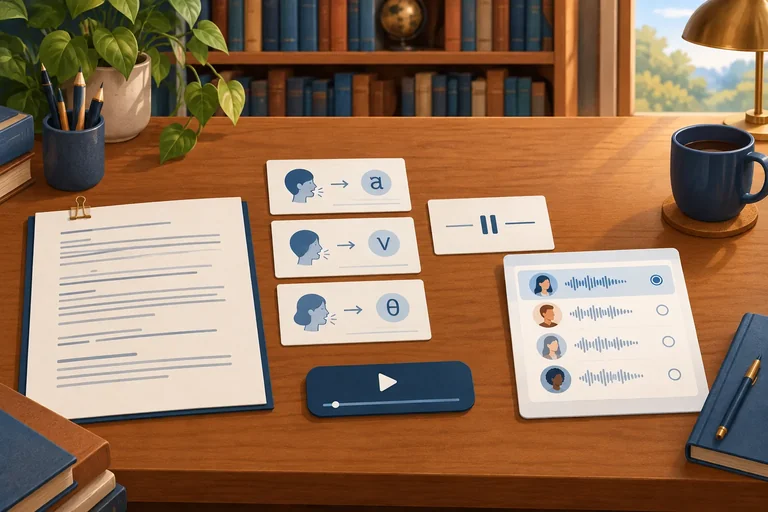
For the Cedar Library announcement, start with a built-in synthetic voice only after checking that the provider permits this use. A suitable description is: clear, warm, calm and welcoming, using English (US).
Describe qualities, not a person to imitate. For example, request a calm delivery—not “sound like” an identifiable presenter, actor, colleague, or public figure.
The voice choice is separate from the narration text: keep the approved library facts and the intended delivery unchanged while you decide whether the voice is permitted.
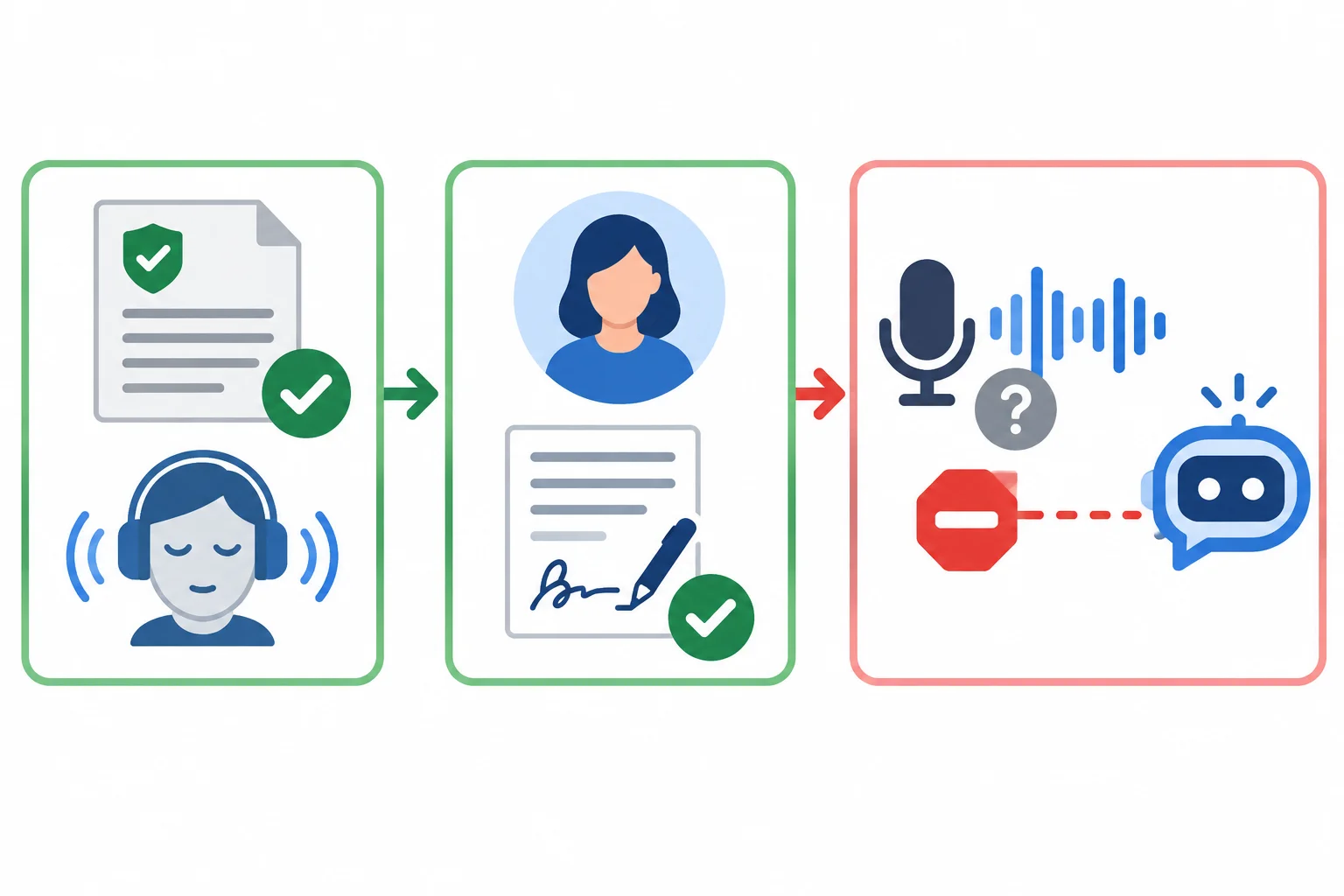
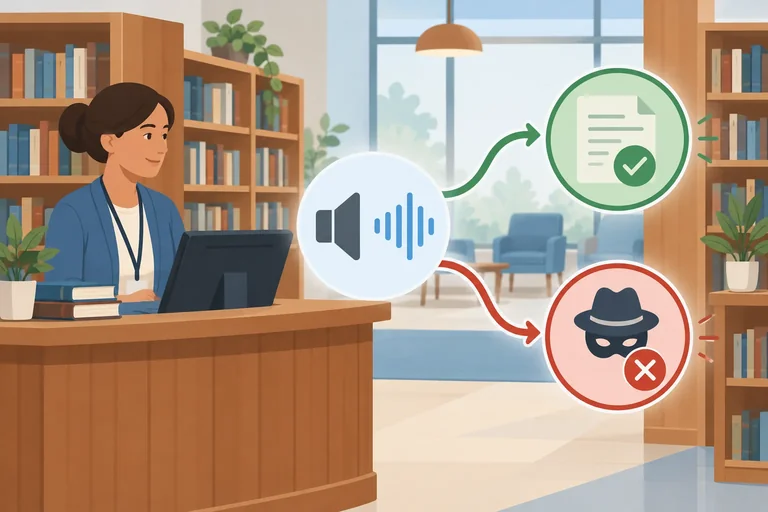
A voice can be used only when its permission path fits the intended use.
Use this decision guide before selecting a voice for the Cedar Library announcement.
| Voice source | What to confirm | Decision |
|---|---|---|
| Built-in synthetic voice | Provider permits the intended use | Suitable starting point |
| Personal voice | Explicit permission covers this use | Use only within that permission |
| Recording you can access | Permission to upload and process it, if applicable | Do not assume access is permission |
Warning
A public recording, a shared audio file, or familiarity with someone’s voice does not establish permission to imitate that person or to upload their recording to a service.
If a recording would be uploaded or processed, authorization for that handling may also be needed. Check the provider’s current terms and the scope of the person’s explicit permission. This is a practical authorization check, not legal advice.
Match each situation to the appropriate next action.
Match each voice-selection situation with its appropriate next action.
Match each situation to the appropriate next action.
Tap an item and then its matching pair.
Step 5 of 8
Create Draft 1 in an available text-to-speech tool, or preserve a complete text-only narration specification without claiming unperformed audio checks.
A generation brief keeps the narration inputs together before you open a tool. It has five parts: the Spoken script, Pronunciation notes, Delivery notes, intended voice, and duration information.
The brief is not the same as the speech-input field. It preserves the choices for Draft 1 and a later revision. Keep the target duration at 30 s, with an acceptable range of 25–35 s. An Estimated duration supports planning; it is not a Measured duration.
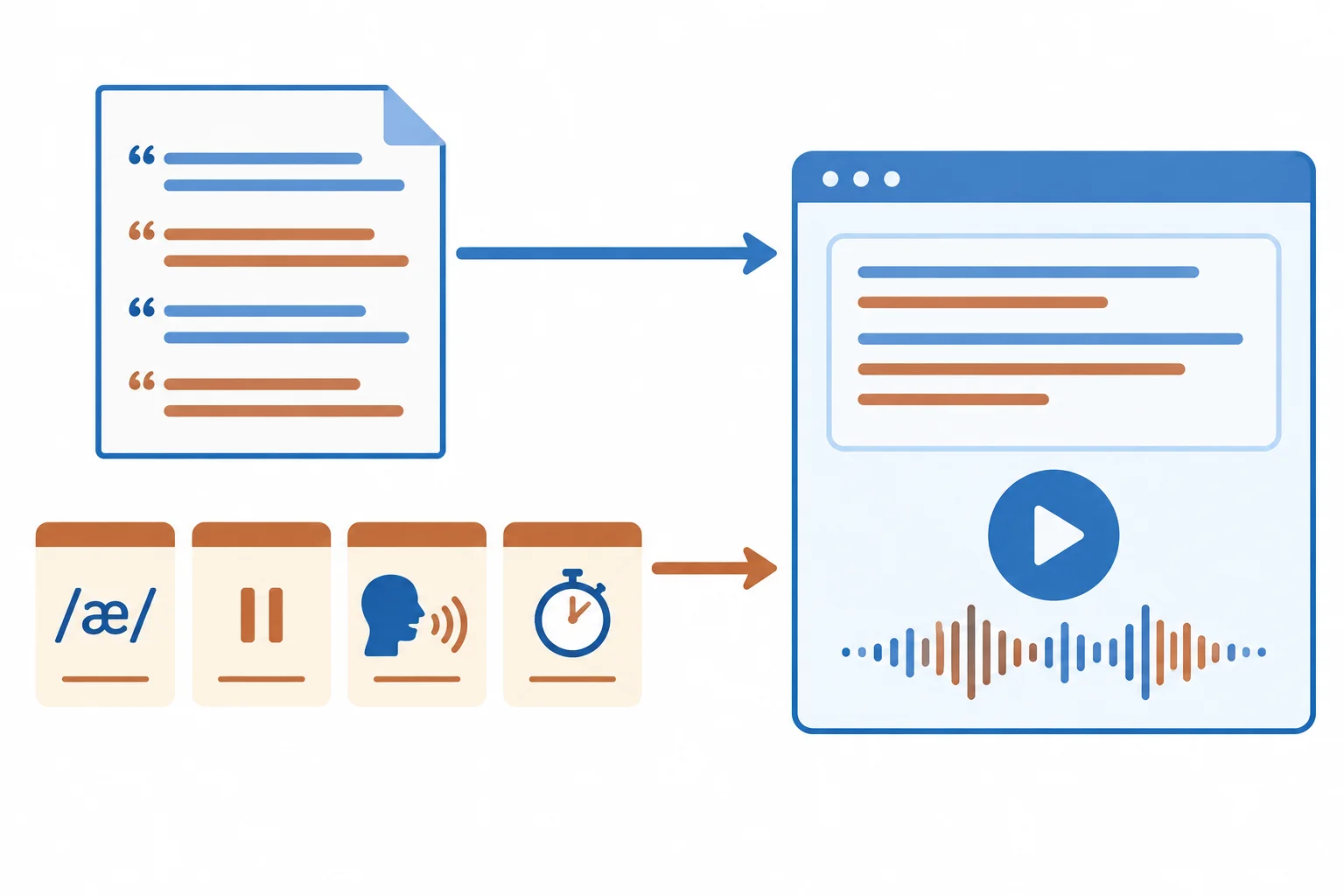
Send only the Spoken script to the speech-input field unless the tool documents a separate supported instruction field.
Example
Spoken script
Welcome to Cedar Library. If you are visiting for the first time, you can use the new self-service return kiosk near the main entrance. Please have your library ID ready before you begin. Follow the on-screen instructions as you use the kiosk. If you need help at any point, staff at the service desk can help.
Pronunciation notes
Cedar → SEE-der
ID → eye dee
Delivery notes
After "Cedar Library": [pause: 0.5 s]
After "main entrance": [pause: 0.5 s]
[emphasis: library ID]
Intended delivery: calm and welcoming
Intended voice: provider-permitted built-in synthetic voice, English (US)
Target duration: 30 s
Acceptable range: 25–35 s
Initial planning range: 130–150 wpm
Estimated duration: about 25.0 s at 140 wpm, including the planned pauses
Version: Draft 1
This preserves the established 56-word Draft 1. The separate working note read (instruction) → REED is useful only if that word appears in a future script; it is not needed for this Spoken script.
Use your own accessible text-to-speech tool. Before relying on it, check its current options: an appropriate free-tier text-to-speech feature, a permitted English (US) voice that fits the brief, enough text allowance for the 56-word script, and playback.
If these are available, create Draft 1. If a needed generation feature is unavailable, complete the same brief as a Text-only route instead. This activity does not require an uploaded recording or tutorial media.
Keep the generation brief open while working. Use only controls the tool currently documents; delivery annotations are not universal commands.
| Brief component | Speech-input field? | What to record |
|---|---|---|
| Spoken script | Yes | Use the established words exactly |
| Pronunciation notes | Only with a documented control | Keep in the brief otherwise |
| Delivery notes | Only with a documented instruction field | Keep in the brief otherwise |
| Voice and settings | No | Record the selected label and available settings |
| Duration information | No | Keep target and Estimated duration in the brief |
Tip
For the Text-only route, label the route Text-only route and write Audio not generated. Keep the complete brief ready for later generation.
Create a Listening log with the columns Check, Status, Evidence, and Next action. Audio-dependent entries are Not checked until playable audio exists. If you use a hypothetical result while planning, label it Example observation; do not present it as something you heard.
For the Audio route, place these actions in the recommended order.
Record what you actually did. Do not assess pronunciation, pacing, phrase boundaries, or sound quality yet.
Audio route: state Audio route; report the tool checks you completed, the actual selected voice label and available settings, and whether Draft 1 has playable audio.
Text-only route: state Text-only route and Audio not generated; confirm that the specification contains Spoken script, Pronunciation notes, Delivery notes, intended voice, and duration information. State that audio-dependent Listening log checks are Not checked.
Write at least 80 characters (0/80).
Step 6 of 8
Evaluate available narration with focused listening passes and an evidence-based log, while keeping unavailable audio checks explicitly unverified.
Use two passes when Draft 1 is available.
First pass: listen for the message. Can a first-time visitor understand what to do, and are all required facts present?
Focused pass: compare what you hear with the Spoken script. Check pronunciation-sensitive words, the library ID, pace, planned pauses, and phrase endings. Notice whether words are omitted, repeated, changed, or cut off.
Listening establishes what was actually produced. The script, Pronunciation notes, and Delivery notes establish only what you intended.
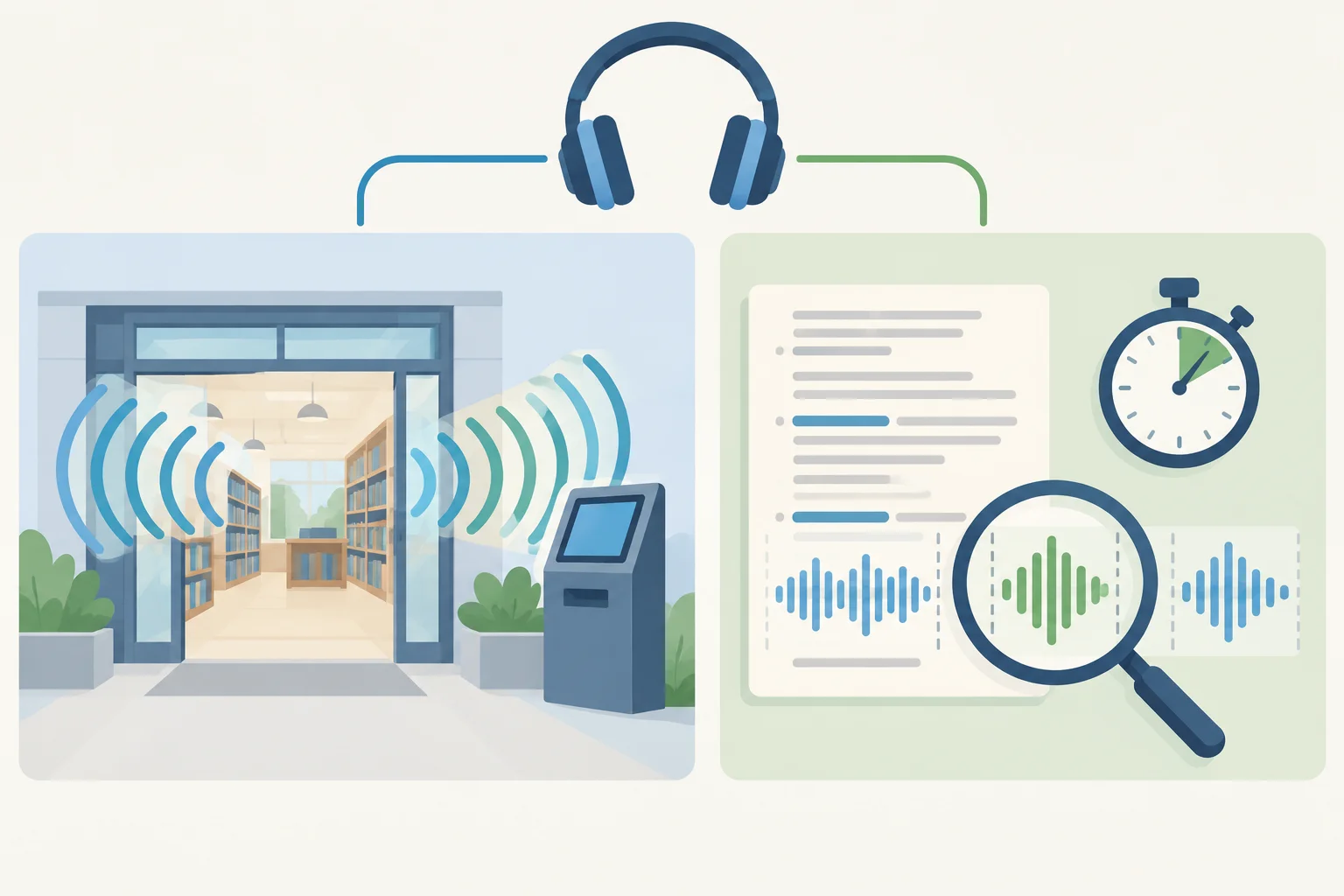
The first pass checks the whole message. The focused pass checks specific, recordable details.
Tip
Do not treat a transcript, pronunciation note, or delivery plan as proof that the audio is clear. These materials guide the check, but only playback can reveal pronunciation, intelligibility, pace, silence, phrase boundaries, or unwanted sound.
Record the actual result, not the earlier estimate. For an Audio route, read or measure the playback and label it Measured duration; compare it with the 25–35 s acceptable range around the 30 s target. An Estimated duration is not a listening result.
Also listen for clicks, hiss, unexpected sounds, and clipped starts or endings. You do not need specialist audio software: a phrase reference, approximate playback time, or Measured duration is useful evidence.
For a Text-only route, write Audio not generated. Every audio-dependent check remains Not checked until playable audio exists.
This is a complete example for an Audio route. Each observation is hypothetical and is labeled Example observation; it is not a finding about your Draft 1.
| Check | Status | Evidence | Next action |
|---|---|---|---|
| Message and words | Pass | Example observation: all required facts heard once | No change |
| Pronunciation | Needs revision | Example observation: around 9 s, ID is unclear | Record the faulty phrase |
| Measured duration | Pass | Example observation: 29.4 s | No change |
| Unwanted sounds | Pass | Example observation: no click, hiss, or clipped ending heard | No change |
This is a separate complete example for a Text-only route. It does not claim that any audio was heard or measured.
| Check | Status | Evidence | Next action |
|---|---|---|---|
| Message and words | Not checked | Audio not generated | Listen after generation |
| Pronunciation | Not checked | Audio not generated | Listen after generation |
| Measured duration | Not checked | Audio not generated | Read or measure playback after generation |
| Unwanted sounds | Not checked | Audio not generated | Listen after generation |
Listen and choose an option.
Listen to this controlled tutorial excerpt. Which audible issue should be recorded? This is an excerpt, not a full narration: do not assess its duration or completeness.
Welcome to Cedar Library. The return kiosk is near the main entrance. Please have your library ID ready. Please have your library ID ready. Follow the on-screen instructions.
Create Listening log entry or entries in this format:
Check | Status | Evidence | Next action
Audio route: state Audio route. Record at least one check you actually heard or measured in your own Draft 1. Include an approximate playback time or Measured duration when relevant. Do not use a tutorial sample as your evidence.
Text-only route: state Text-only route and Audio not generated. Record an audio-dependent check as Not checked. Then add a separate, clearly labeled diagnosis of this case: Example observation: at approximately 7 s, the library ID sentence is heard twice. This diagnosis is not evidence from your narration.
Write at least 40 characters (0/40).
Step 7 of 8
Make a focused narration correction while preserving unaffected content and recording continuity checks honestly.
A controlled revision changes one identified problem—not the whole narration by accident. Start with the faulty phrase and the correction it needs. Then explicitly protect what must remain the same: the approved Cedar Library facts, the selected authorized voice, the recorded Draft 1 settings, and delivery choices that are not part of the problem.
Match the correction to the fault:
If the tool supports phrase replacement, include enough surrounding words to preserve the transition. If it does not, regenerate the complete short narration with only the intended input change. You do not need an audio editor or manual splicing.
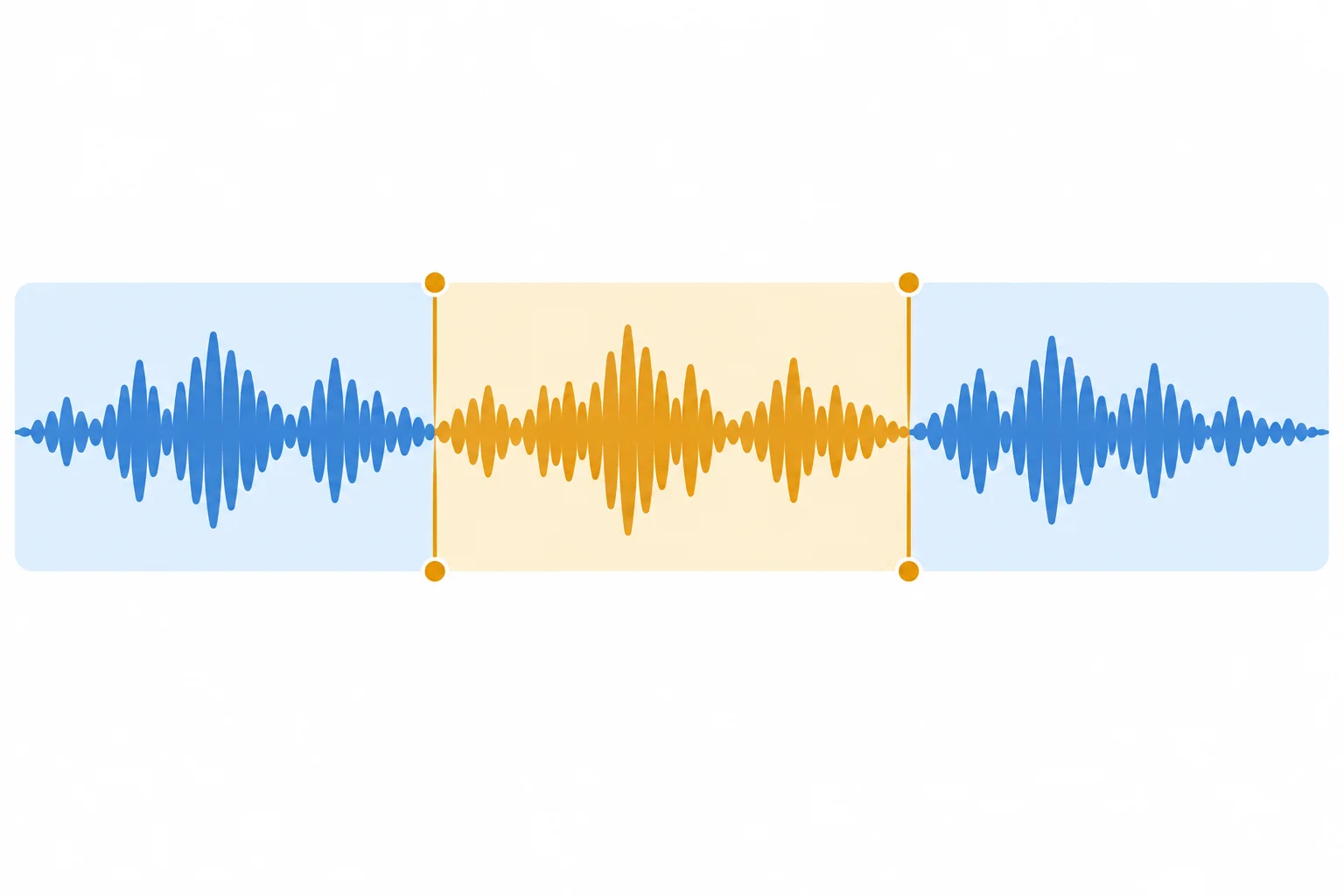
The revision is only the center segment, but continuity must be checked at both neighboring boundaries.
Keep the revision record short and traceable. It states what changed and what was intentionally preserved. Do not describe a listening result unless you actually heard your own Draft 1 or Revision 1.
For an Audio route, listen across the phrase before the change, the revised phrase, and the phrase after it. Check voice character, loudness, pace, silence, and clipped word boundaries. Then listen to the full Revision 1 and read or measure its Measured duration; a small revision can cause duration drift outside the 25–35 s range.
For a Text-only route, state Audio not generated. Record the intended correction, but mark all audio-dependent checks as Not checked. Written instructions can specify an expected result; they cannot verify it.
Example
Revision 1
Faulty phrase: “library ID” — Example observation: despite the existing note ID → eye dee, ID was heard as one word rather than as letter names.
Change: Keep the existing Pronunciation notes unchanged. In a tool that offers a documented pronunciation control, configure ID to be spoken as separate letter names, then regenerate the affected phrase with surrounding context or regenerate the complete short narration.
Keep unchanged: The Spoken script wording and all approved Cedar Library facts; the calm and welcoming Delivery notes; the selected voice and the recorded Draft 1 settings.
This example does not claim that your narration has this fault. If your tool has no documented pronunciation control, record the correction as pending rather than inventing a command or claiming it was fixed.
Match each Draft 1 problem to its most suitable first correction.
Tap an item and then its matching pair.
Create a Revision 1 record for one issue from your own Draft 1. If you have no observed fault or no audio, use this labeled case instead: Example observation: despite the existing note ID → eye dee, ID was heard as one word rather than as letter names. Do not present that example observation as something you personally heard.
Include these fields:
Your log must cover the boundary before the revised phrase, the boundary after it, and the full revised narration including Measured duration. Use Audio route only if you generated Revision 1 and listened to it. Otherwise use Text-only route, write Audio not generated, and mark audio-dependent checks Not checked. Preserve the approved facts, authorized voice, and unaffected Draft 1 settings.
Write at least 250 characters (0/250).
Step 8 of 8
Combine a revised Cedar Library narration or a generation-ready specification into a coherent package, with route-specific readiness supported by evidence.
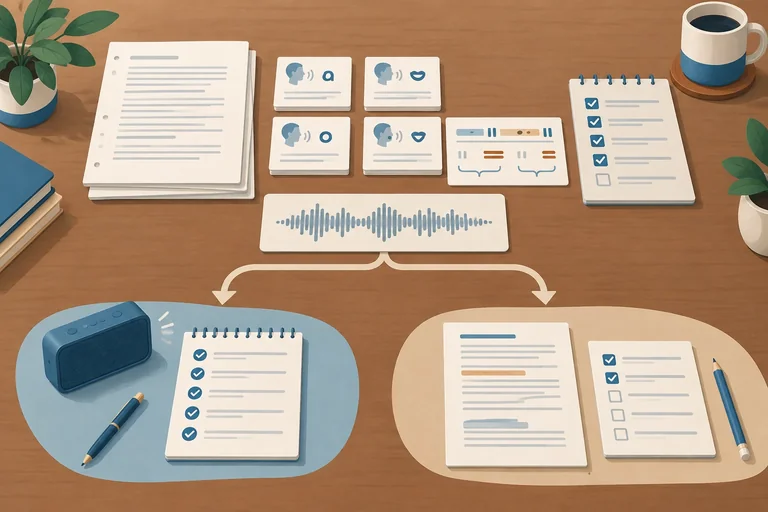
A final narration package keeps the request, result, and evidence together. It is more than an audio file or a script.
Keep these parts identifiable:
Preserve the approved Cedar Library facts. A revision may improve clarity, but it must not add services, hours, fees, or unsupported details.
Use the same package structure whether you generated audio or prepared for later generation.
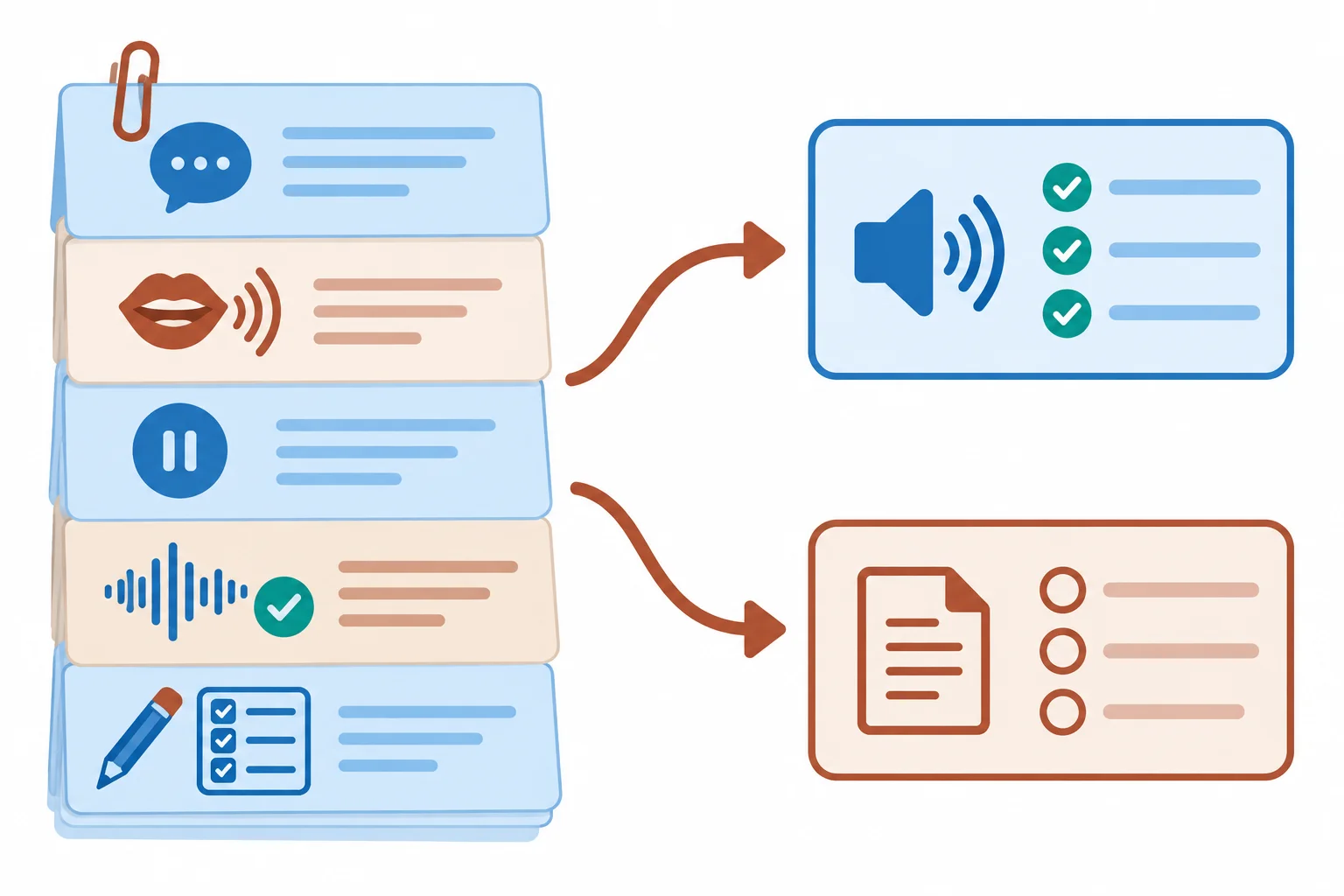
The route changes the evidence you can claim; it does not remove the need for a complete specification.
Use these exact headings in your record:
Spoken script
Only the final announcement words belong here.
Pronunciation notes
Include applicable guidance, such as Cedar → SEE-der and ID → eye dee.
Delivery notes
Include the calm and welcoming delivery, planned pauses, and emphasis.
Retain the target duration of 30 s, acceptable range of 25–35 s, and initial planning range of 130–150 wpm. Write an Estimated duration before playback. Write a Measured duration only after actual playback is available.
Readiness is an evidence-based claim. An audio draft is not ready merely because a tool produced sound. A text-only specification is valuable, but it is ready for generation—not proof that the narration sounds correct.
Use the route that matches what you actually have available.
| Category | Audio route | Text-only route |
|---|---|---|
| Produced | Revised audio is available | Audio not generated |
| Pronunciation and intelligibility | Record actual listening evidence | Mark Not checked |
| Pace and phrase boundaries | Record actual listening evidence | Mark Not checked |
| Unwanted sounds | Record actual listening evidence | Mark Not checked |
| Duration | Record Measured duration | Keep Estimated duration only |
| Final status | Ready only when checks have Pass evidence; otherwise revise | Ready for generation, not a verified audio asset |
Warning
Do not turn an intention into an observation. “The pronunciation note requests eye dee” is a specification. “ID was heard as separate letter names” requires listening to your own audio. If you did not generate audio, state Audio not generated and leave audio-dependent checks as Not checked.
Create your final narration package below. Include the exact headings Spoken script, Pronunciation notes, and Delivery notes. Paste or summarize your final script and notes; do not add facts beyond the approved Cedar Library announcement.
State the route, target duration, and either an Estimated duration or a Measured duration. State the authorization basis for the selected voice. Include Draft 1 and Revision 1. For Revision 1, use Faulty phrase, Change, and Keep unchanged.
Complete a Listening log using Check | Status | Evidence | Next action. Use only Pass, Needs revision, or Not checked as Status values. State a final status that matches your evidence. Use Audio route only when you have revised audio and actual listening evidence. Otherwise use Text-only route, write Audio not generated, and never describe unheard audio as verified.
Write at least 400 characters (0/400).
Summary
A responsible final review distinguishes specification from verification.
Congratulations! You completed: Generating and Revising Short Narration
Thousands of online courses in video, ebooks and audiobooks.
To test your knowledge during online courses
Generated directly from your cell phone's photo gallery and sent to your email

Download our app via QR Code or the links below:.



Carry knowledge in your pocket.
Download the Cursa app.
There are hundreds of free courses available, with a free certificate of completion that is saved in your mobile image gallery.
Download the app to access the Course Completion Certificate for Free.


+ 10 million
students

Free and Valid
Certificate

60 thousand free
exercises

4.8/5 rating in
app stores

Free courses in
video and ebooks