
Step 1 of 6
Spot Sensitive Information
Identify personal, confidential, proprietary, and combined details that require protection before they are shared with an AI tool.

Learning path · Level 1 · Tutorial 4
Apply a basic safety checklist before sharing information with AI and before using its output, without needing a paid tool or sharing real sensitive data.

 Spot Sensitive Information
Identify personal, confidential, proprietary, and combined details that require protection before they are shared with an AI tool. 2 min
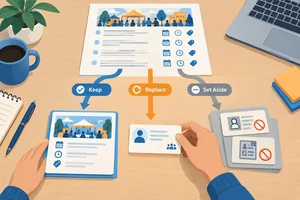 Share Less—or Withhold
Reduce a fictional task input to only what a low-risk request needs, use clearly invented details for generic examples, and withhold sensitive material when safe sharing is uncertain. 2 min
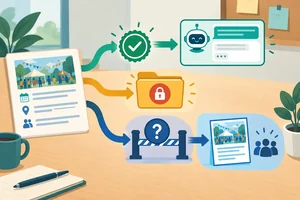 Check Permission for the Intended Use
Decide whether fictional material is authorized for an intended AI task, and choose a safe alternative when permission is unclear. 2 min
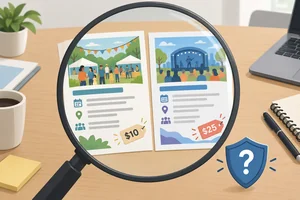 Verify Claims Before Acting
Check consequential AI claims against suitable evidence before using them, and pause when support is missing. 2 min
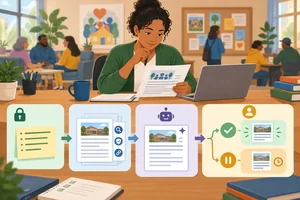 Keep a Human Responsible
Use `Before input` and `Before action` to keep a named human responsible for an AI-assisted task. 2 min
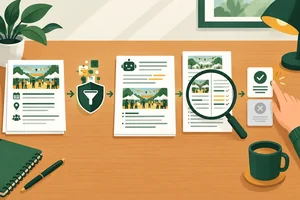 Apply the Full Safety Checklist
Apply the two safety checkpoints to a complete fictional community-event task and explain what may be shared and acted on. 3 min
Step 1 of 6
Identify personal, confidential, proprietary, and combined details that require protection before they are shared with an AI tool.
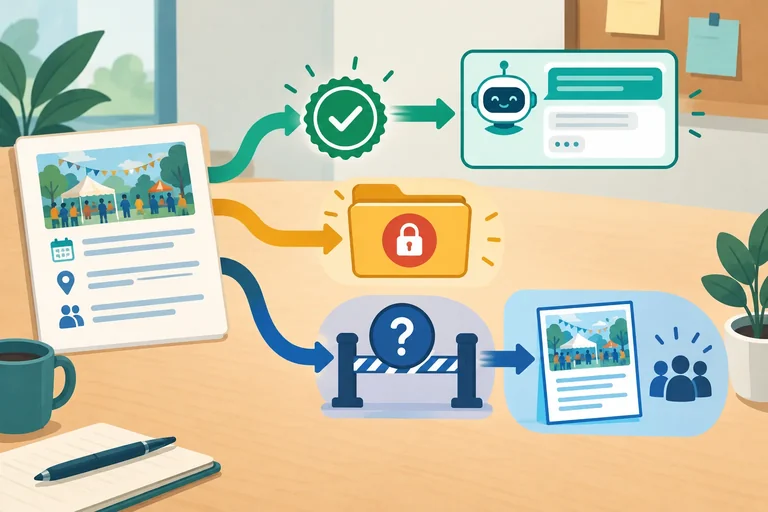
Before using an AI tool, pause at two checkpoints:
This step focuses on Before input. AI can help with a draft, but it does not take responsibility for information you share or decisions made from its output.
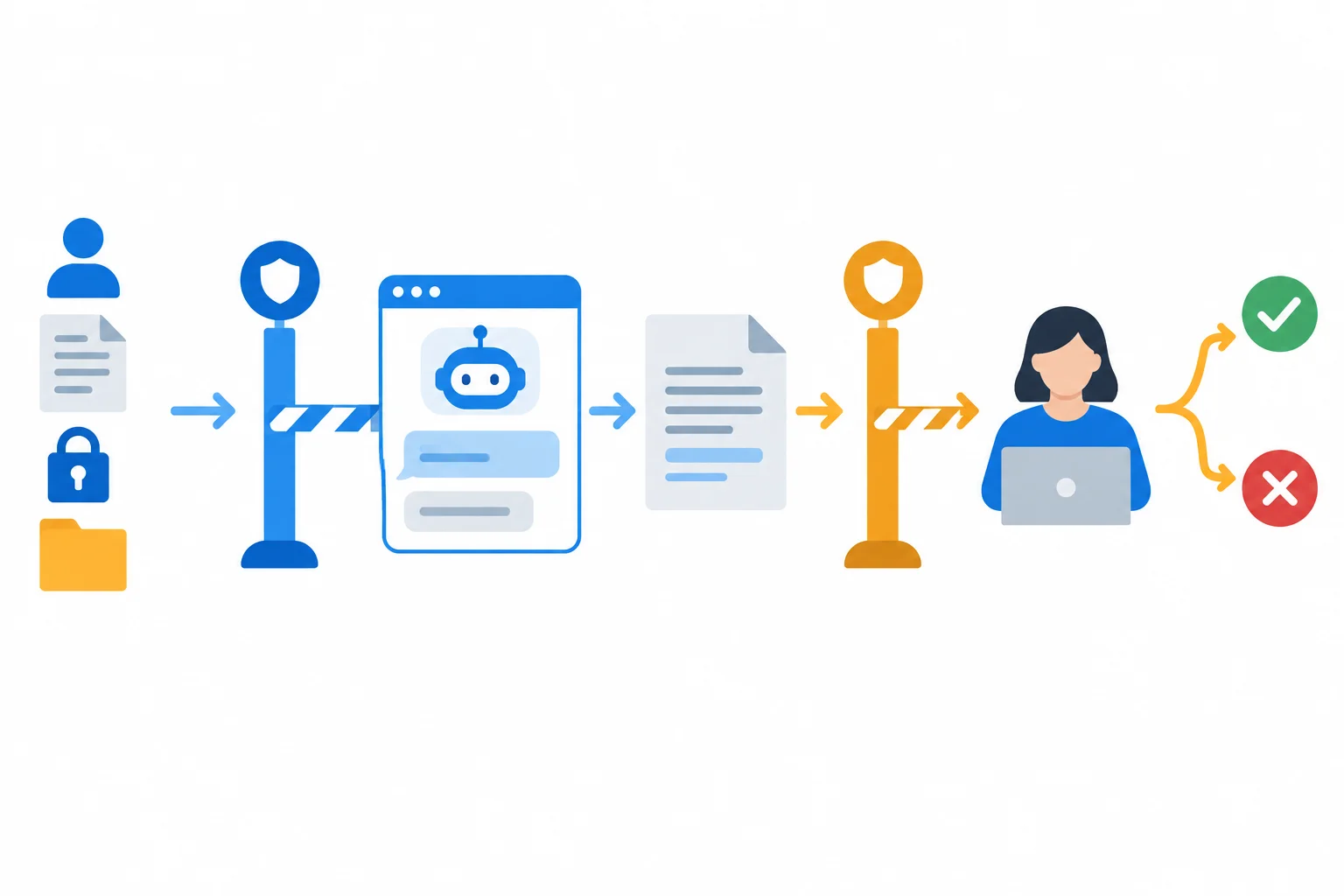
The first gate represents Before input; the second represents Before action.
Sensitive information is not limited to one category.
These concerns can overlap. For example, a customer record may be both personal and confidential. Also, ordinary details can become identifying when combined: a neighborhood, a volunteer role, and a precise schedule may point to one person even without a name.
Example
Fictional input
“Create a public announcement for Cedar Community Center’s Community Workshop. The event takes place on 14 September 2026, starts at 10:00 a.m., and costs $10 USD per person.
Background notes also mention Alex’s contact details, a participant’s allergy note, a nonpublic draft budget, and an early partnership plan. Invented example: Sample Participant is described by a small neighborhood, a volunteer role, and an exact arrival pattern.”
The event date, time, and fee are public event facts in this fictional task. The background notes contain details that need protection before input. The last combination is important: each detail may seem ordinary alone, but together it can identify Sample Participant.
All notes below are fictional. Which assessment most accurately distinguishes details that need protection from explicitly public event facts?
Step 2 of 6
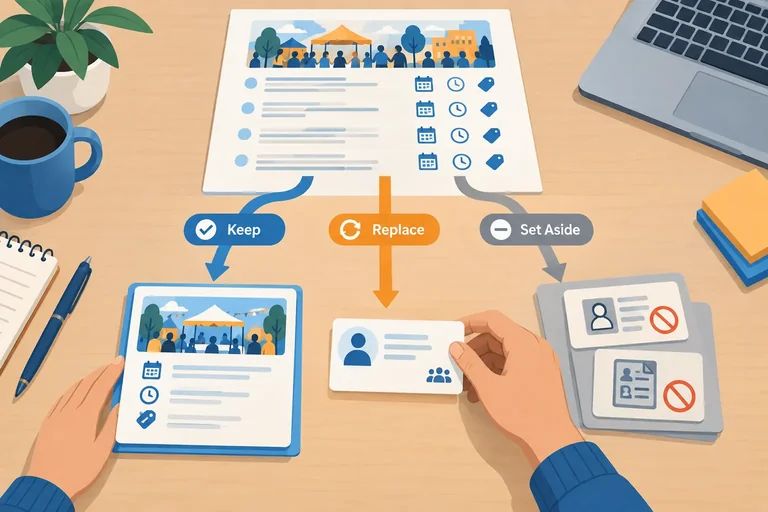
Reduce a fictional task input to only what a low-risk request needs, use clearly invented details for generic examples, and withhold sensitive material when safe sharing is uncertain.
At the Before input checkpoint, begin with the task—not with the document you happen to have. Ask: What is the smallest set of facts needed to complete this request?
For a public event announcement, the needed facts may be the event name, date, time, and public fee. A full registration record, contact detail, or private participant note is not needed just because it appears in the same document.
Use these choices:
Remove unnecessary details.Replace with invented details when a generic practice example needs a personal detail.Withhold information when the task would require sensitive material and you are uncertain about sharing it safely.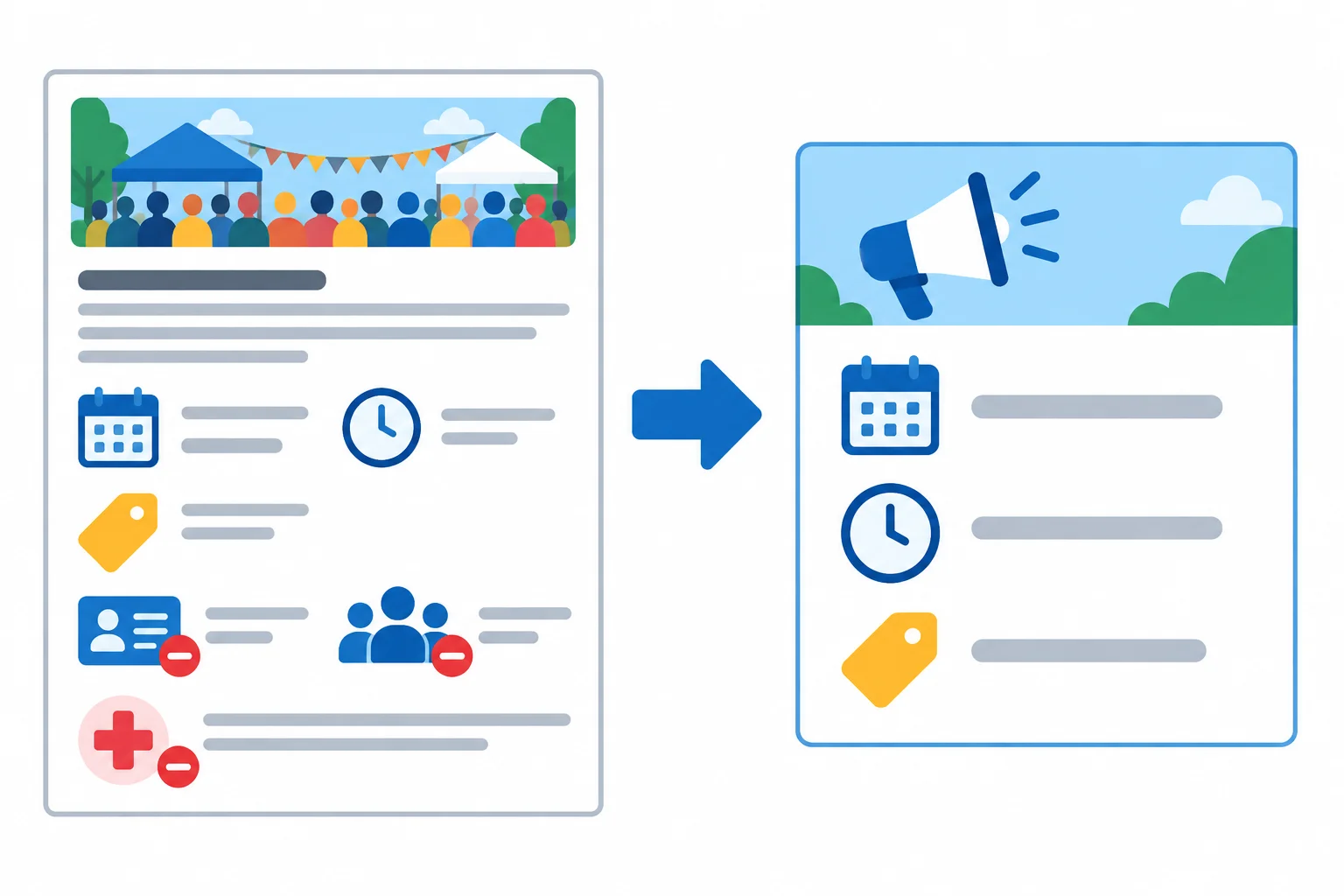
Keep the facts required for the requested public announcement; do not copy every detail from the source notes.
Example
Fictional input
Cedar Community Center is planning a Community Workshop. It takes place on 14 September 2026, starts at 10:00 a.m., and costs $10 per person (USD). Alex is the event coordinator. Contact: [contact removed]. Notes also contain participant attendance and dietary information.
Reduced input for an AI draft
“Draft a short public announcement for Cedar Community Center’s Community Workshop. State that it is on 14 September 2026, begins at 10:00 a.m., and costs $10 per person.”
The reduced input supports the drafting task without including a contact detail or participant records.
Tip
Sometimes a generic example needs a person-like detail, but no real person is needed. Make that explicit:
Invented example: “Write a friendly sample reminder addressed to Sample Participant.”
The label matters: it tells you that the detail was created for practice. Simply changing a real person’s name is not enough. Other details in a record can still identify them or expose private information.
If a request requires a private record and you are uncertain whether the tool adequately protects that sharing, choose Withhold. Do not try to solve that problem by changing only the name.
Which input is sufficient for asking an AI tool to draft a public announcement?
Write a safe response to this situation:
You need an AI tool to draft a public announcement for Cedar Community Center’s Community Workshop. Use the event facts provided earlier. The draft also needs a generic attendee example, but no real participant information is needed.
Separately, someone asks you to have the tool summarize a participant’s private health note. You are uncertain whether sharing that note is adequately protected.
In your response:
Write at least 180 characters (0/180).
Step 3 of 6
Decide whether fictional material is authorized for an intended AI task, and choose a safe alternative when permission is unclear.
At the Before input checkpoint, ask two permission questions:
Being able to read, download, or receive material does not automatically answer yes. Access may allow you to view a record, while uploading it to an AI service or reusing it for a new purpose may require separate approval.
This is separate from privacy. Removing a person’s name can reduce personal-data exposure, but it does not create permission to use the material.
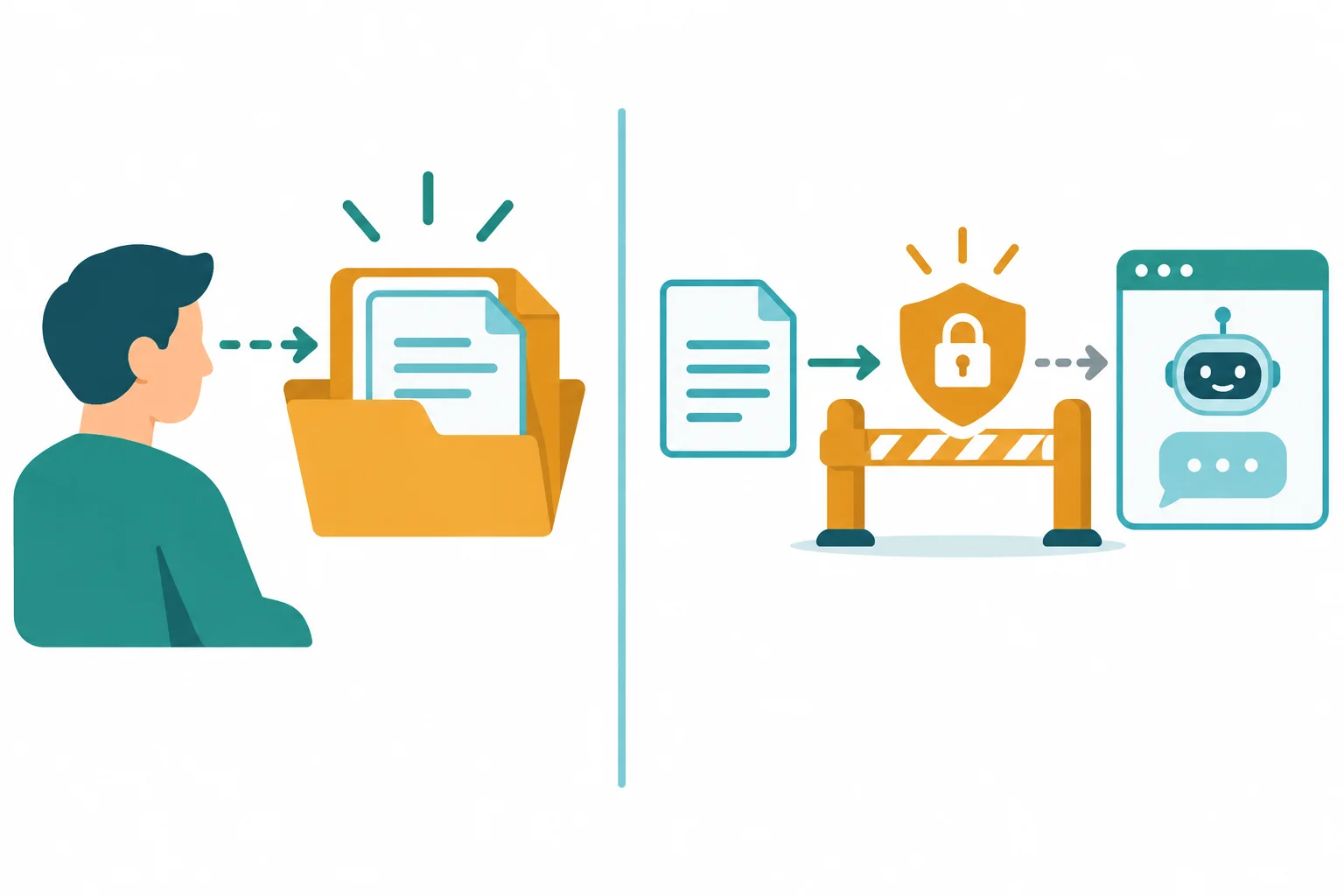
Access to material and authorization to share or reuse it are different checks.
Use the stated condition—not an assumption—to decide what to do. Public availability is not unrestricted permission, and a record can remain restricted even after names are removed.
If permission is unclear, use Withhold for the material. Then choose a safe path: ask the appropriate owner, use material explicitly authorized for this task and tool, or create a fictional example. This is a practical safety decision, not legal advice.
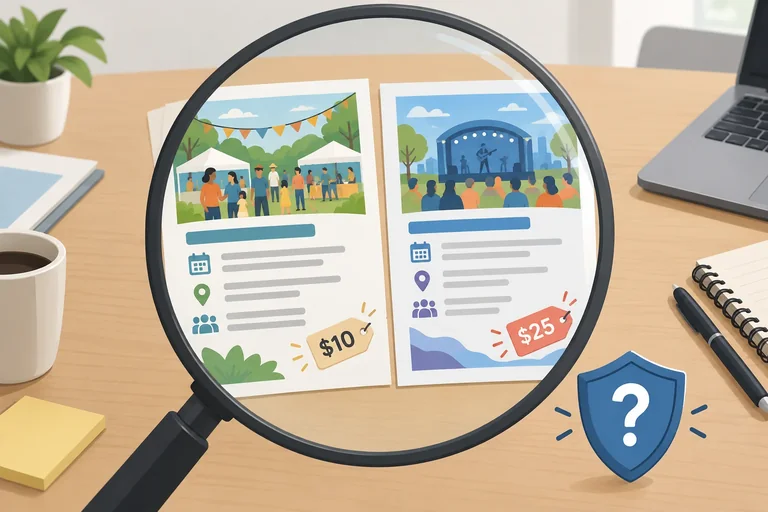
Compare the material, its stated condition, and the appropriate handling at Before input.
| Material | Stated condition | Appropriate handling |
|---|---|---|
| Cedar Community Center event brief | Explicitly approved for an AI-assisted public announcement | Use only for that stated task and tool |
| Restricted participant record | Staff may view it; no approval to upload or reuse it | Withhold and ask the appropriate owner |
| Public third-party flyer | Visible online; no AI-use permission is stated | Withhold; ask or use a fictional example |
Match each fictional material to the safest handling decision at Before input.
Tap an item and then its matching pair.
Step 4 of 6
Check consequential AI claims against suitable evidence before using them, and pause when support is missing.
At Before action, pause before using an AI draft to make a decision, publish a promise, or give advice. A claim is consequential when an error could affect health, safety, money, rights, or an important commitment.
AI can produce confident, useful-looking wording, but confidence is not evidence. An AI-provided citation—or another AI giving the same answer—is also not verification.
For a consequential claim, compare the claim with a relevant, current trusted original source. When the claim depends on professional judgment, seek confirmation from a qualified professional before acting.
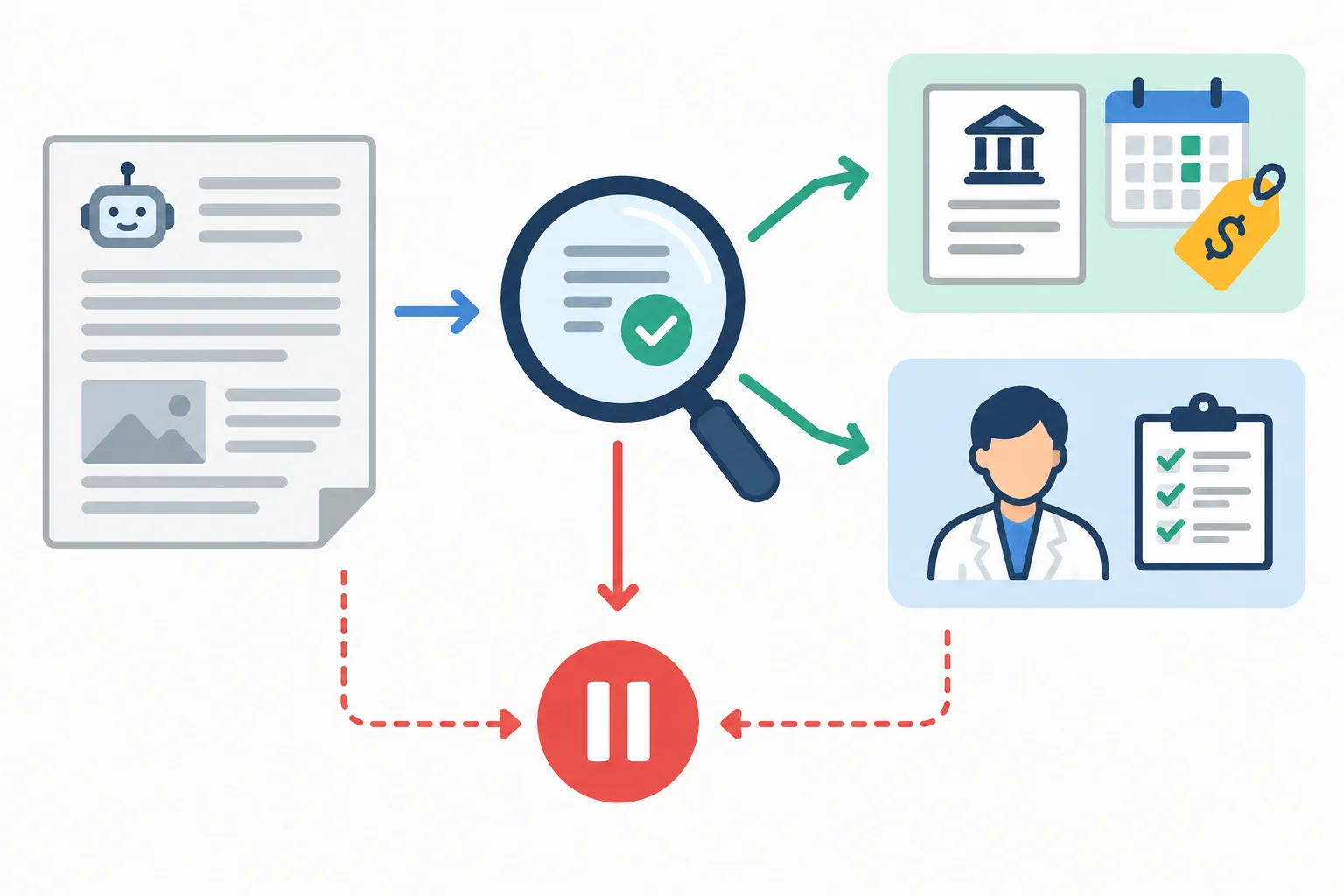
A consequential claim needs support from the right kind of evidence before it is used.
Match each situation with the best next move.
Tap an item and then its matching pair.
Example
Use the practice materials below for the next activity. The Source excerpt (fictional) is invented for this tutorial. It helps you practice comparison, but it is not a real-world authority. In a real task, find the relevant, current trusted original source.
Source excerpt (fictional)
Cedar Community Center — Community Workshop
The Community Workshop takes place on 14 September 2026, starts at 10:00 a.m., and costs $10 USD per person.
This excerpt contains no food-safety or medical assurance.
Example
AI draft
“Join Cedar Community Center's Community Workshop on 14 September 2026 at 10:00 a.m. Admission is $15 per person. All snacks are safe for every dietary need.”
Compare each claim with what the source excerpt actually says. Notice both direct disagreement and claims the source does not address.
Using the AI draft and Source excerpt (fictional) from the previous screen, identify the fee discrepancy, name the claim that needs separate confirmation, and explain why this excerpt cannot serve as real-world authority.
Write at least 120 characters (0/120).
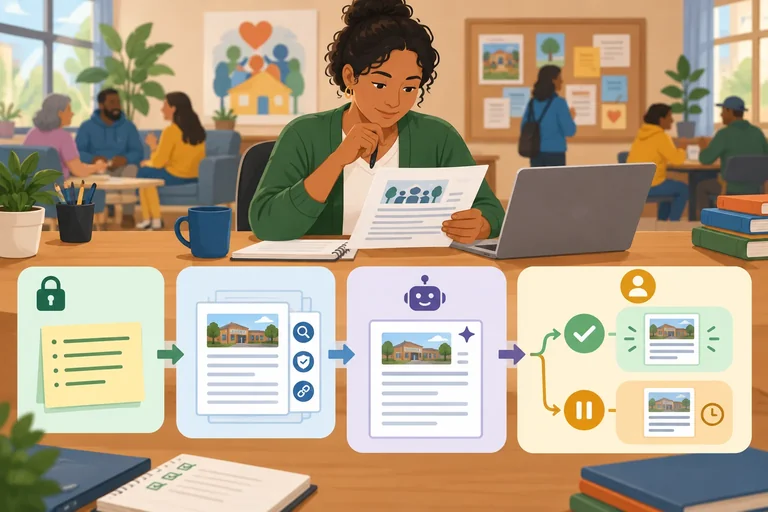
Step 5 of 6
Use Before input and Before action to keep a named human responsible for an AI-assisted task.
AI can help produce a draft, but it does not take responsibility for sharing information or acting on claims. Use two checkpoints in every AI-assisted task:
Before input: check whether the material is necessary, sensitive, authorized for this use, and adequately protected for the proposed sharing.Before action: check consequential claims and make sure a human review owner is ready to approve, revise, or pause.The flow is not “ask AI, then act.” It is “check, draft, check again, then decide.”
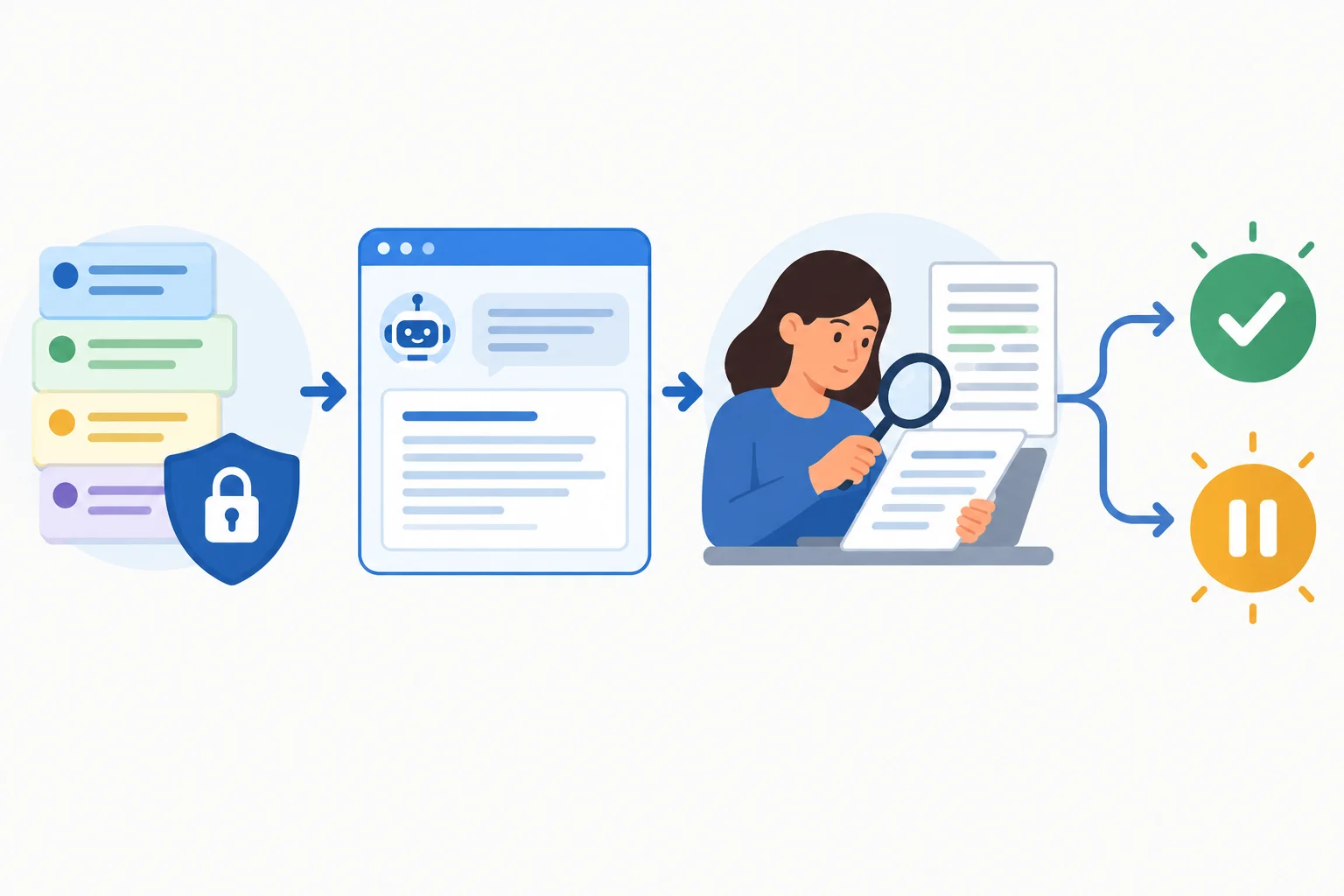
Use Before input before sharing material. Use Before action after the AI draft and before any decision or publication.
Tip
A completed checklist is not a guarantee. If a concern remains unresolved, revise the input, seek permission or evidence, or pause the related action.
A review owner is a named person who can check the relevant content, seek qualified help when needed, and approve or withhold action. It is not merely someone who receives the AI draft.
For the Community Workshop, Alex is the event coordinator and can be the review owner for the announcement. Alex can check the date, time, and fee against a trusted original source. But Alex must not treat an AI statement as established just because it sounds confident.
For example, the authorized event brief supports 14 September 2026, 10:00 a.m., and a fee of $10 USD per person. It does not establish a medical or food-safety assurance. If an AI draft adds such an assurance, Alex must seek appropriate qualified confirmation, remove the claim, or pause approval.
Use this compact decision guide whenever an AI-assisted task moves from input to action.
| Checkpoint | Check | If unresolved |
|---|---|---|
| Before input | Necessary, sensitive, authorized, adequately protected | Revise the input, seek permission, or Withhold material |
| Before action | Consequential claims verified; review owner identified | Seek evidence or qualified help, revise the draft, or pause action |
AI draft: “The Community Workshop is safe for every dietary need.”
Source excerpt (fictional): “Community Workshop — 14 September 2026, 10:00 a.m.; $10 USD per person.”
What should happen before the announcement is approved?
Choose the safe sequence for Alex’s AI-assisted event announcement. The AI draft includes an unchecked claim that snacks are safe for all allergies, and the Source excerpt (fictional) does not support that claim.
Step 6 of 6
Apply the two safety checkpoints to a complete fictional community-event task and explain what may be shared and acted on.
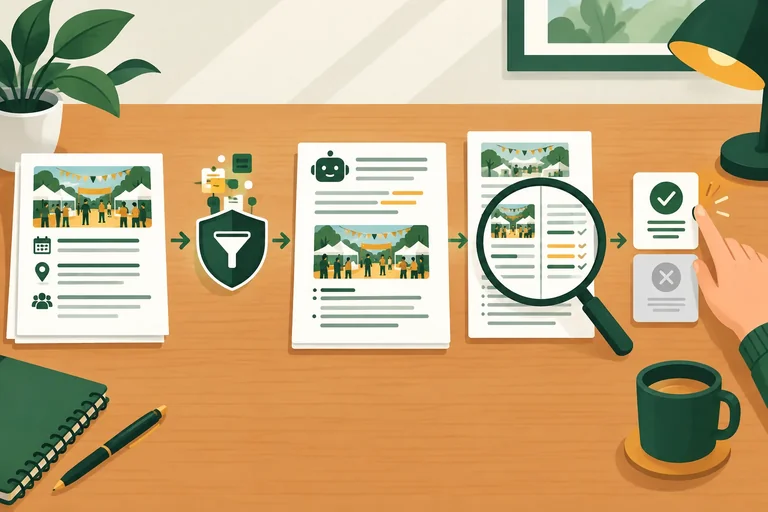
Use the two checkpoints as one connected decision.
At Before input, reduce the material to what the task needs, then check that it is authorized to share with the selected AI tool. Choose Remove, Replace with invented details, or Withhold where needed.
At Before action, check consequential claims against a trusted original source or with a qualified professional. If a claim is unsupported, pause that related action. A named review owner—not the AI—checks and approves the final decision.
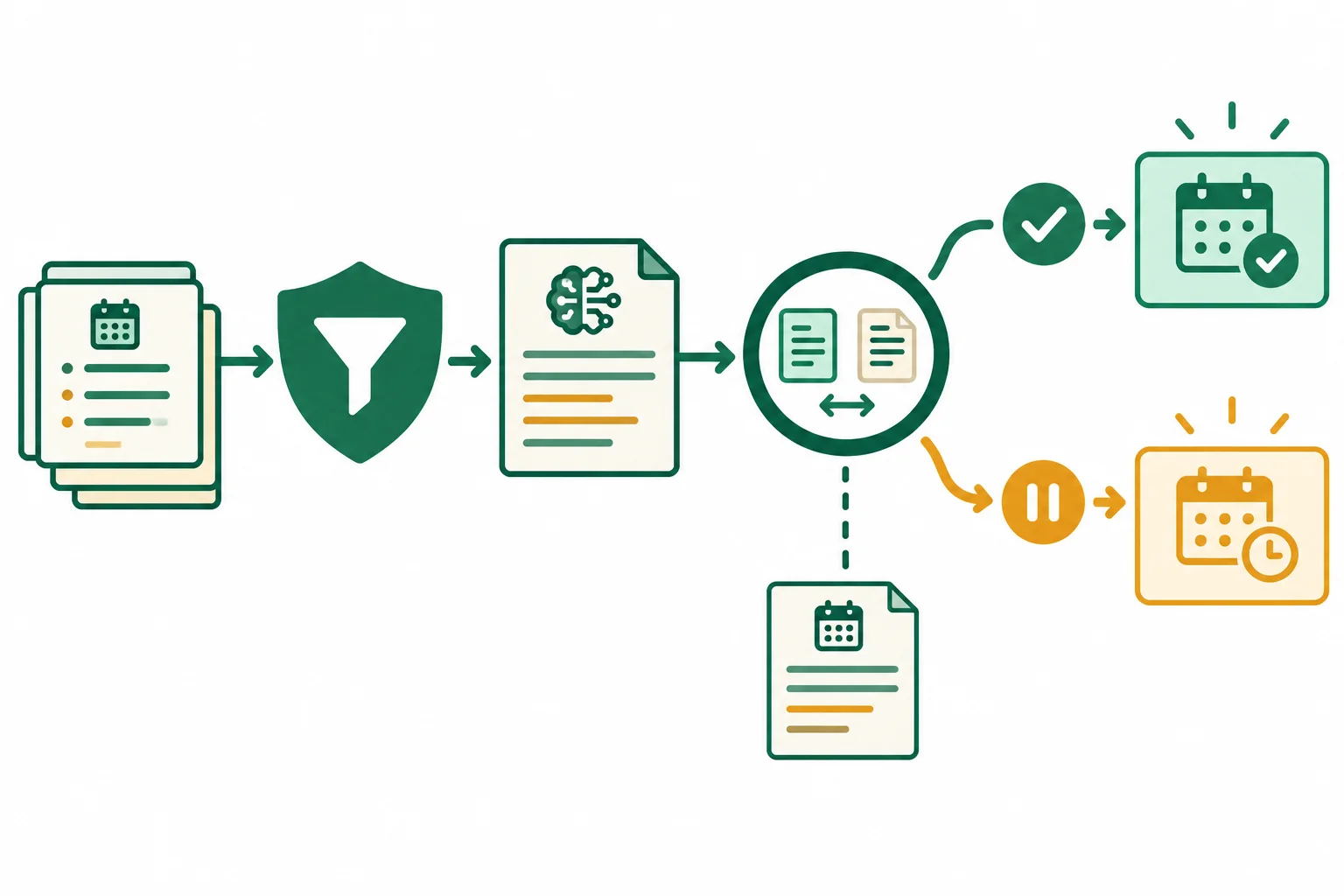
First decide what may enter the tool. Then decide what evidence supports acting on its output.
Review this compact case. Every detail is fictional. Your task is to draft a public announcement, not to upload records or make health assurances.
Example
Fictional input
Alex, the event coordinator at Cedar Community Center, wants an AI tool to draft a public announcement for the Community Workshop.
Approved event facts: the Community Workshop takes place on 14 September 2026, starts at 10:00 a.m., and costs $10 USD per person.
Alex’s direct contact is [contact removed]; it is not needed in the announcement.
A training preview may use an attendee placeholder. If one is needed, use: Invented example — Sample Participant.
A participant roster contains names, contact details, and dietary and access notes. It is not needed for the announcement.
Sharing conditions for the case
| Material | Condition | Use for this task |
|---|---|---|
| Approved event brief | Explicitly approved for an AI-assisted public announcement | May be used, after reducing it to needed facts |
| Participant roster | Restricted to registration staff | Not authorized to upload or reuse |
| Training placeholder | Allowed only as a clearly invented example | May use an invented name, not a real participant |
Example
Source excerpt (fictional)
“Cedar Community Center Community Workshop: 14 September 2026, beginning at 10:00 a.m. Admission is $10 USD per person.”
This brief gives event logistics and the fee. It makes no statement about food safety, allergies, or individual health needs.
Example
AI draft
“Join Cedar Community Center’s Community Workshop on 14 September 2026 at 10:00 a.m. for $10 per person. All food is allergen-safe and approved for every health need.”
Using the case file, write a short end-to-end safety decision.
Include all of the following:
Write at least 220 characters (0/220).
Summary
Congratulations! You completed: Applying Basic AI Safety Checks
You completed this level!
Up next: How Models Learn and Generate
 How Models Learn from DataExplain how a model learns and then uses patterns, identifying features, labels, and different forms of learning in small everyday examples.
Thousands of online courses in video, ebooks and audiobooks.
To test your knowledge during online courses
Generated directly from your cell phone's photo gallery and sent to your email

Download our app via QR Code or the links below:.



Carry knowledge in your pocket.
Download the Cursa app.
There are hundreds of free courses available, with a free certificate of completion that is saved in your mobile image gallery.
Download the app to access the Course Completion Certificate for Free.


+ 10 million
students

Free and Valid
Certificate

60 thousand free
exercises

4.8/5 rating in
app stores

Free courses in
video and ebooks