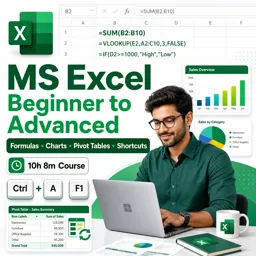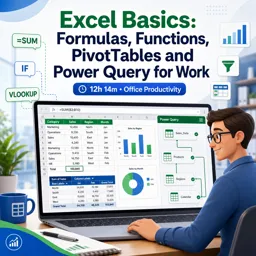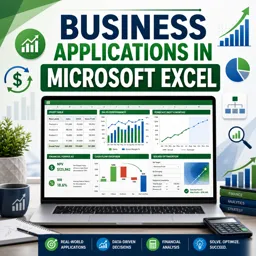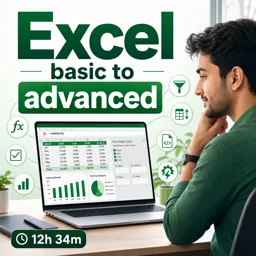

Free ebook on building audit-friendly Excel models with controlled inputs, scenario testing, sensitivity analysis, and reliable review workflows.
Free ebook content
-

Modeling Mindset and Workbook Architecture
+ Exercise: Which workbook design best supports fast scenario testing and audit-friendly review?
-
Assumptions Tables and Controlled Inputs
+ Exercise: Which approach best improves auditability and reduces silent errors when building scenario-ready Excel models?
-
Structured Calculations and Transparent Logic
+ Exercise: Which approach best improves auditability when a calculation needs occasional manual exceptions?


-
Scenario Testing Without Fragile Tools
+ Exercise: Which approach best reduces fragility by keeping scenarios reproducible and audit-friendly in an Excel model?
-
Sensitivity Analysis for Key Drivers
+ Exercise: Which statement best describes sensitivity analysis compared with scenario testing and goal seek?
-
Error-Proofing with Validation and Defensive Formulas
+ Exercise: In an audit-friendly Excel model, what is the best approach to handle possible edge-case inputs that might be legitimate exceptions?
-
Documentation and Audit-Friendly Standards
+ Exercise: Which practice best improves traceability and auditability when a formula currently contains a mystery number like A1*1.07?
-
Spreadsheet Auditing and Review Workflows
+ Exercise: In a spreadsheet audit workflow, what is the main purpose of creating a small test harness on a Review Tests sheet?
-
Handoff, Version Control, and Maintainable Updates
+ Exercise: Which approach best supports safe handoff and maintainable monthly updates for an Excel model?
About the free ebook
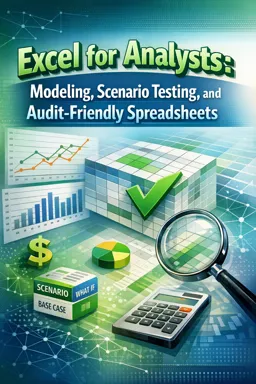
Excel for Analysts: Modeling, Scenario Testing, and Audit-Friendly Spreadsheets
Build Excel workbooks that support confident analysis, clear decisions, and reliable review. This free ebook focuses on the practical discipline behind professional spreadsheet models: separating inputs from calculations, designing transparent logic, and making updates safer over time.
Turn spreadsheets into dependable analytical tools
Learn how a strong workbook architecture reduces confusion and helps users locate assumptions, formulas, and outputs quickly. The ebook explains how to organize controlled inputs, use structured calculations, and create formulas that are easier to inspect than sprawling, hard-coded models.
Test decisions with scenarios and sensitivities
Scenario testing is essential when results depend on uncertain drivers. Explore approaches for comparing alternative assumptions without relying on fragile setups. You will also learn how sensitivity analysis can reveal which variables have the greatest effect on outcomes, helping analysts communicate risk and priorities clearly.
Prevent errors before they spread
Reliable spreadsheets do more than calculate: they anticipate mistakes. Discover validation techniques, defensive formulas, and practical standards that make invalid inputs, missing data, and unexpected results easier to identify. Clear structure and visible checks help protect both the model and its users.
Make every workbook easier to audit and maintain
The ebook covers documentation, review workflows, handoff practices, and version-control habits for spreadsheets. These methods help reviewers trace logic, help colleagues update models safely, and help teams preserve context when ownership changes.
Designed for real analysis work
Whether you create forecasts, operational models, budgets, or decision-support reports, these practices can help you produce Excel files that are more transparent, testable, and maintainable.
How can I separate Excel assumptions from calculation formulas?
Use dedicated, clearly labeled input areas and keep calculation logic in separate sections or sheets.
What is sensitivity analysis in an Excel model?
It tests how changing key drivers affects a model's output, revealing the assumptions with the greatest impact.
How do audit-friendly spreadsheets reduce formula errors?
They use transparent logic, validation rules, visible checks, documentation, and consistent review practices.
This ebook includes:

9 content chapters

Digital certificate of course completion (Free)

Exercises to train your knowledge

100% free, from content to certificate
Ready to get started?

 recommended
In the app you will also find...

Over 5,000 free courses
Programming, English, Digital Marketing and much more! Learn whatever you want, for free.

Study plan with AI
Our app's Artificial Intelligence can create a study schedule for the course you choose.

From zero to professional success
Improve your resume with our free Certificate and then use our Artificial Intelligence to find your dream job.
You can also use the QR Code or the links below.