As businesses seek to modernize collaboration, many are moving from traditional desktop software to cloud-based solutions. Google Workspace (formerly G Suite) offers tools like Gmail, Google Drive, Docs, Sheets, and more, providing a modern alternative to Microsoft Office. This guide walks you through the benefits, transition steps, and tips for a smooth adoption.
Why Consider Migrating to Google Workspace?
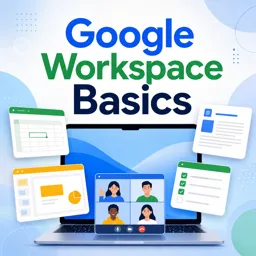
Cloud-based office suites offer flexibility, accessibility, and collaboration advantages. Google Workspace allows teams to work in real time, stay organized across devices, and enjoy a simplified, secure workflow. Key reasons to consider the switch include:
- Cloud-Native Collaboration: Edit and collaborate on documents, spreadsheets, and presentations in real-time from anywhere.
- Seamless Integration: Synchronize emails, files, and calendars across all devices effortlessly.
- Cost Savings: Avoid complex licensing and installation; Google Workspace uses a flexible subscription model.
- Robust Security: Built-in two-factor authentication and data encryption protect your information.
How to Transition From Microsoft Office to Google Workspace
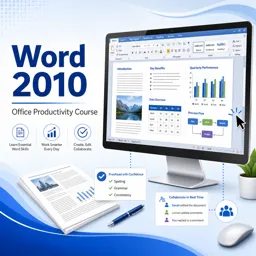
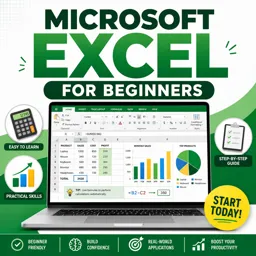
- Assess Your Current Workflows: Catalog Microsoft Office features in use and map them to Google Workspace counterparts (e.g., Google Docs for Word, Google Sheets for Excel).
- Data Migration: Use Google Workspace migration tools to import emails, contacts, and documents.
- Training and Onboarding: Organize workshops or leverage Google’s tutorials to familiarize your team with the new tools.
- Set Up Permissions and Sharing: Define user roles and document-sharing policies to control access.
- Encourage Collaboration: Use real-time commenting, version history, and task assignments to enhance team productivity.
Tips for a Smooth Adoption
- Start Small: Begin with a pilot team before a full company rollout. Gather feedback to optimize the process.
- Demonstrate Value: Showcase time savings, improved accessibility, and simplified IT management to gain stakeholder support.
- Keep Support Resources Handy: Share Google Help Center links and maintain a knowledge base for common questions.
Conclusion
Migrating from Microsoft Office to Google Workspace requires planning and patience, but the long-term benefits—streamlined collaboration, cost efficiency, and powerful cloud tools—make it worthwhile. With proper preparation and team support, organizations can transition smoothly and unlock higher productivity.