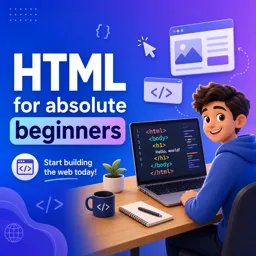
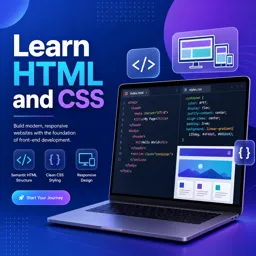
HTML, or HyperText Markup Language, is the fundamental language for creating and structuring content on the web. It provides the basic building blocks for websites, enabling developers to define text, images, links, and other elements within a webpage.
Key Components of HTML
- Elements: The core parts of HTML are called elements, represented by tags such as
<h1>,<p>, and<a>. - Attributes: HTML elements can have attributes that provide extra information or define behavior, such as
hrefin a link tag. - Document Structure: A typical HTML document includes a
<html>root, a<head>section for metadata, and a<body>for visible content.
How HTML Works with Other Technologies
While HTML provides structure, web development often combines it with other technologies:
- CSS: Styles and layouts the appearance of HTML elements.
- JavaScript: Adds interactivity and dynamic functionality.
- Back-End Technologies: Languages like PHP, Python, or Java serve dynamic content, delivered as HTML to browsers.
Common Uses of HTML in Web Development
HTML is used to:
- Create web pages, blogs, portfolios, and landing pages.
- Embed multimedia content, including images, audio, and video.
- Build forms for user input, such as contact forms or search boxes.
- Organize content using tables, lists, and sections.
Why Learn HTML?
Learning HTML is the first step for aspiring web developers or designers. Its simplicity and universality make it an excellent entry point, and mastering HTML provides a foundation for other web technologies.
Getting Started with HTML
- Use a simple text editor to write and save your first HTML file.
- Experiment with headings, paragraphs, images, and links.
- Preview your work in modern browsers for instant feedback.
- Explore online resources and courses for deeper learning.
Conclusion
HTML is an indispensable skill for anyone interested in web development. Understanding its structure and elements unlocks a world of creative possibilities for building websites and digital experiences.