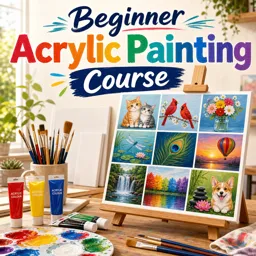
A consistent art practice beats occasional “big sessions” almost every time. When you draw or paint in small, repeatable chunks, you train your eye, your hand, and your decision-making—without waiting for perfect inspiration. This article gives you practical routines you can start today, whether you’re sketching traditionally, painting at home, or working digitally.
1) Design your “minimum viable session” (10–20 minutes)
The easiest way to practice daily is to make the session too small to fail. Pick a time box you can do even on busy days—10 minutes is enough. Define exactly what happens in that time so you don’t waste it deciding.
Try one of these minimum sessions:
- 10 minutes: 10 gesture sketches (60 seconds each)
- 15 minutes: 1 small grayscale/value study from a photo
- 20 minutes: 1 “limited palette” color study with 3 colors + white (traditional or digital)
Once the habit is solid, you can add longer sessions on weekends—without relying on them.
2) Set up a friction-free workspace
Most practice fails because setup takes longer than the practice. Make starting effortless:
- Keep a dedicated sketchbook open on your desk (or a tablet stand ready to go).
- Prepare a small kit: one pencil/pen, one eraser, one brush, a compact palette—whatever you use most.
- Create a reference folder on your phone/tablet: portraits, hands, landscapes, objects, master paintings.
For a structured path across mediums, browse the https://cursa.app/free-courses-art-and-design-en-online course collection, or explore the broader https://cursa.app/free-online-art-and-design-en-courses category for complementary creative skills.
3) Rotate “micro-focus” skills to avoid burnout
Instead of practicing everything at once, rotate one focus per day. This keeps practice fresh and measurable. A simple weekly rotation:
- Day 1: Lines & control (straight lines, ellipses, confident strokes)
- Day 2: Values (light/dark shapes, simple shading)
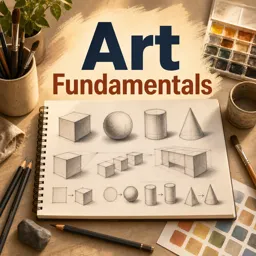
- Day 3: Form (basic solids: sphere/cylinder/box)
- Day 4: Texture (wood, metal, fabric, skin)
- Day 5: Edges (hard vs soft transitions)
- Day 6: Composition thumbnails (5–10 tiny arrangements)
- Day 7: Fun day (anything you enjoy—no rules)

4) Use constraints to unlock creativity
Constraints reduce overwhelm and push inventive solutions. Choose one constraint per session:
- Limit tools: one brush, one pencil, or one digital brush
- Limit time: 5 thumbnails in 10 minutes
- Limit colors: monochrome or a 3-color palette
- Limit subject: only household objects for a week
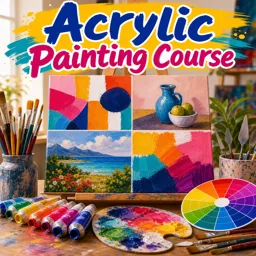
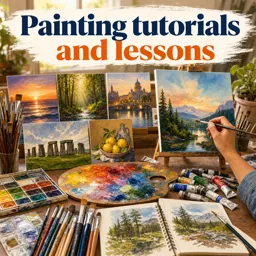
This is especially effective for painting studies. If you want to branch by medium, you can explore focused learning paths like https://cursa.app/free-online-courses/painting, https://cursa.app/free-online-courses/oil-painting, or https://cursa.app/free-online-courses/watercolor-painting.
5) Build a “study → apply” loop (the fastest improvement pattern)
Improvement accelerates when you pair practice drills with application. Use this loop:
- Study (10–20 min): copy a small section of a reference (a hand, an eye, a fold)
- Apply (10–20 min): use what you learned in an original sketch
Example: do a quick study of how hair clumps into shapes, then draw a simple character portrait and apply those shape groupings. This prevents practice from feeling disconnected from your personal artwork.
6) Keep progress visible with “before/after” checkpoints
Daily practice can feel invisible until you track it. Use checkpoints:
- Weekly: redraw the same subject (your hand, a cup, a simple portrait)
- Monthly: repeat one “benchmark” piece and compare
- Always: date your pages and save your digital files in folders by month
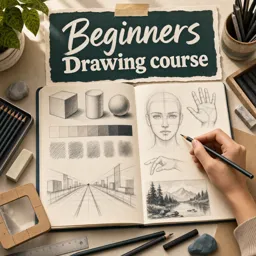
If you’re starting from scratch, a beginner-friendly progression can help you pick benchmarks that match your level. See https://cursa.app/free-online-courses/drawing-for-beginners for structured fundamentals you can plug into your routine.
7) Add digital practice without losing fundamentals
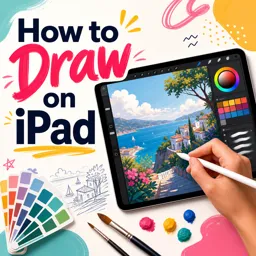
Digital tools can make daily practice even easier: unlimited undo, quick color changes, portable sketching. The key is to keep fundamentals front and center—shape, value, edges, and composition still matter.
- Use one brush for a week to build control.
- Practice layers intentionally: one layer for sketch, one for values, one for color.
- Do small canvas studies to finish more often (and learn faster).
To focus specifically on digital workflows and tablet setup skills, explore https://cursa.app/free-online-courses/draw-on-tablet.
8) Create an “idea bank” so you never wonder what to draw
Decision fatigue kills consistency. Make an idea bank you can pull from instantly:
- 50 objects list: keys, shoes, plants, tools, cups, headphones
- Photo album: screenshots of interesting lighting and compositions
- Theme weeks: “kitchen week,” “cloud week,” “portraits week”
- Prompt jar: write prompts on paper and draw one per day

If you enjoy exploring new concepts and modern approaches, you can also browse https://cursa.app/free-online-courses/contemporary-art to spark themes for studies and personal projects.
Sample 14-day practice plan (copy/paste)
- Day 1: 10 gestures (1 min each)
- Day 2: 1 value study (single object)
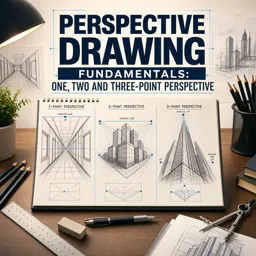
- Day 3: Boxes/cylinders in perspective (simple forms)
- Day 4: Texture study (fabric folds)
- Day 5: 5 composition thumbnails (still life)
- Day 6: Apply: original still life sketch using Day 5 thumbnails
- Day 7: Fun piece (anything)
- Day 8: 10 gestures (focus on rhythm)
- Day 9: Value study (portrait photo)
- Day 10: Edge control drill (soft transitions)
- Day 11: Limited palette color study
- Day 12: Apply: small painting using limited palette
- Day 13: Redraw benchmark subject
- Day 14: Review: pick 3 wins + 1 focus for next week
Make it sustainable
The best routine is the one you can repeat. Keep sessions small, track your checkpoints, and rotate your focus. Over time, you’ll not only build skill—you’ll build trust in your ability to create on demand.
To continue with guided lessons and free certification options, explore the https://cursa.app/free-courses-art-and-design-en-online course library and choose a track that matches your medium and goals.