Introduction
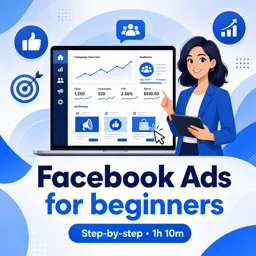
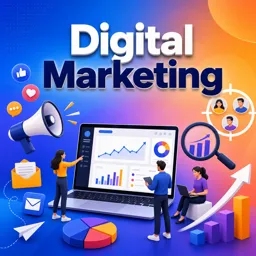
Meta Ads, formerly known as Facebook Ads, provide a powerful way for businesses to reach audiences across Facebook, Instagram, Messenger, and the Meta Audience Network. For business administrators, mastering the basics of this platform is essential to building a strong digital marketing strategy.
What Are Meta Ads?
Meta Ads are paid promotional messages that appear in user feeds, stories, and other placements within Meta’s ecosystem. They are designed to help businesses of all sizes meet specific objectives, from raising brand awareness to driving conversions and sales.
Why Use Meta Ads?
- Vast Audience Reach: Access billions of active users across multiple platforms.
- Advanced Targeting: Reach users based on demographics, interests, behaviors, and location.
- Rich Ad Formats: Utilize images, videos, carousels, and stories to engage audiences creatively.
- Performance Tracking: Leverage detailed analytics to measure, optimize, and improve campaigns.
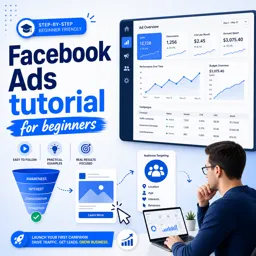
Setting Up Your First Meta Ad Campaign
- Define Your Objective: Decide whether your focus is awareness, engagement, or conversions.
- Identify Your Audience: Narrow down targets based on age, location, and interests.
- Choose Your Ad Format: Select from image, video, carousel, or story ads.
- Set Your Budget: Determine daily or lifetime spending based on your marketing goals.
- Create Compelling Content: Craft strong copy and eye-catching visuals to grab attention.
- Monitor and Optimize: Use Meta’s analytics to track performance and adjust strategies in real time.
Best Practices for Business Administrators
- Test Different Variations: Run A/B tests with multiple creatives and headlines.
- Stay Updated: Keep up with Meta’s frequent platform updates and policy changes.
- Integrate With Other Channels: Pair Meta Ads with email, SEO, and content marketing for stronger results.
Conclusion
Meta Ads empower business administrators to expand reach, build brand awareness, and achieve measurable marketing success. By learning the fundamentals and continuously optimizing campaigns, businesses can unlock the full potential of this advertising platform.