Introduction
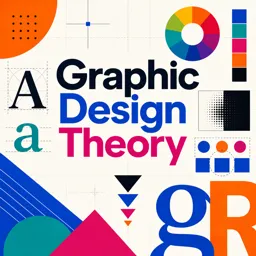
Graphic design is the art of creating visual content to communicate messages effectively. Understanding the core concepts provides a strong foundation for anyone entering the creative field. Whether you want to become a professional designer or simply improve your visual content, mastering the basics will help you create compelling and impactful designs.
What Is Graphic Design?
At its core, graphic design combines typography, imagery, color, and layout to convey ideas visually. Good design not only looks appealing but also communicates the intended message clearly to its audience.
Key Graphic Design Elements
- Line: Divides space, creates emphasis, or guides the viewer’s attention.
- Shape: Can be geometric or organic and helps form structure in a design.
- Color: Influences mood, adds emphasis, and strengthens brand recognition.
- Texture: Adds depth and visual interest by simulating how objects might feel.
- Space: Negative (empty) space improves clarity and focus.
- Typography: Arranging type to make text legible and visually appealing.
- Image: Illustrations and photos enhance the overall message and visual impact.
Essential Principles of Graphic Design
- Balance: Distributes elements evenly to achieve harmony, whether symmetrical or asymmetrical.
- Contrast: Highlights key elements through differences in color, size, or texture.
- Alignment: Ensures all visual components are properly placed for a clean layout.
- Repetition: Creates consistency and unity by repeating design elements.
- Proximity: Groups related items to improve organization and readability.
Tips for Getting Started
- Study the work of experienced designers for inspiration.
- Practice sketching layouts and testing different compositions.
- Start simple—avoid clutter and focus on clear communication.
- Explore free tools and resources to build your skills.
- Ask for feedback to refine and improve your work.
Conclusion
Graphic design blends creativity with practical communication. By learning the fundamentals of design elements and principles, you can create visuals that are not only attractive but also effective. Keep practicing, stay inspired, and continuously work to enhance your skills.