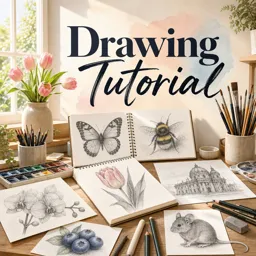
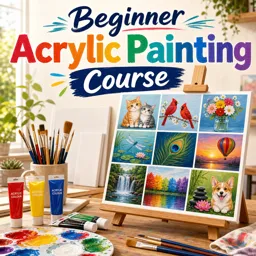
Drawing is an accessible and rewarding activity for creative expression, relaxation, and personal growth. Whether you dream of crafting beautiful portraits or simply doodling in your notebook, learning the basics of drawing can unlock a world of possibilities. If you’re new to drawing, this guide will walk you through the foundational skills and mindset to get started.
Gathering Your Materials
You don’t need expensive supplies to begin drawing. Start with a few simple tools:
- Pencils: HB or 2B pencils are great for beginners.
- Paper: Any sketchbook or even printer paper will do.
- Eraser: A kneaded eraser is useful and versatile.
- Sharpener: Keeping your pencil sharp is essential.
Optional: Colored pencils, ink pens, or charcoal if you’d like to experiment further.
Understanding Lines and Shapes
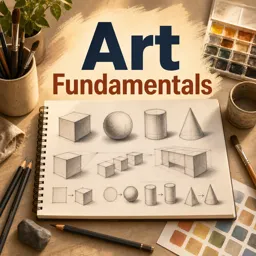
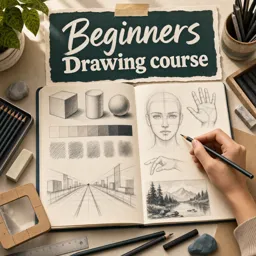
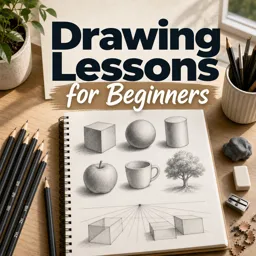
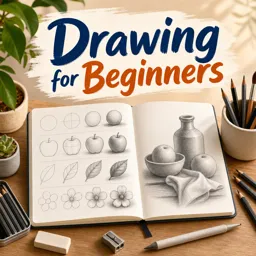
All drawings are built from basic elements: lines and shapes. Begin by practicing straight lines, curves, zigzags, and circles. Try filling a page with these to improve your control. Next, look at objects around you and try to break them down into simple shapes like squares, rectangles, circles, and triangles.
Training Your Hand and Eye
Coordination between what you see and what your hand draws is essential in art. Practice by:
- Copying simple images or drawings
- Drawing from life: cups, fruit, or your hand
- Doing ‘blind contour’ drawings—sketching without looking at your paper
Don’t worry about perfection; focus on observation and steady improvement.
Exploring Value and Shading
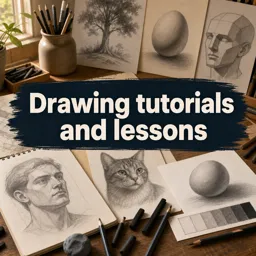
Shading adds depth and realism to your drawings. Experiment by drawing a sphere and shading one side, leaving the other light. Practice using the side of your pencil for soft shading, and use gentle cross-hatching or stippling to create layers of value.
Developing a Daily Habit
Progress comes from steady practice. Try to draw for a few minutes each day. Keep your sketchbook handy and sketch whatever catches your interest—a quick doodle, a plant, or even a scene from your window.
Staying Inspired and Patient
Remember, every artist started as a beginner. Don’t compare your work to others—focus on enjoying the process and observing the world in new ways. Over time, you’ll notice your skills and confidence grow.
Conclusion
Drawing is a journey of observation and self-expression. By building foundational skills and nurturing your curiosity, you’ll lay the groundwork for more advanced techniques in the future. Grab a pencil and start exploring—you may be surprised by what you can create!