Use an eye height of about 1.6 m (5 ft 3 in) to create a natural, human-scale architectural perspective.

Duration of the online course: 1 hours and 27 minutes
4

(1)
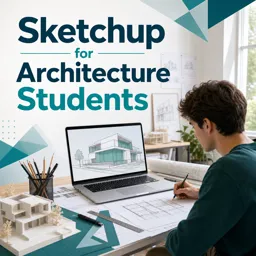
Design architectural models faster with this free SketchUp course—learn clean workflow, precise guides, Pro advantages, and export-ready views for presentations.
Build architectural models in SketchUp with confidence by learning the workflow habits that make student projects look professional and stay editable from start to finish. This free online course is designed for architecture students who want to move beyond simply drawing forms and instead develop a reliable process for setting up a file, controlling scale, and modeling with precision so the model remains clean as it grows in complexity.
You will learn how to set up perspective views with presentation in mind, including camera choices that help produce believable architectural scenes when exporting for graphic layout work. The course emphasizes accuracy without slowing you down, showing how to create and use guidelines to place elements correctly and how to maintain a consistent unit approach that fits architectural modeling standards.
A major focus is model organization and editability. You will practice techniques that prevent geometry from sticking together, making it easier to adjust walls, openings, and components without accidental deformation. You will also discover practical shortcuts for grouping and quicker navigation, along with isolation tools that temporarily hide the rest of the model so you can focus on the object you are editing without distraction.
To support a real studio workflow, the course connects SketchUp modeling with common CAD and presentation pipelines. You will see how to prepare a drawing for import, which file format helps ensure an efficient transfer, and why certain preparation steps save time later. You will also understand the value of SketchUp Pro compared to the browser-based version when working on architectural projects where exporting, coordination, and file handling matter. By the end, you will be equipped to model faster, present more clearly, and iterate on designs with less friction—skills that directly support studio deadlines and portfolio-ready results.

1 hours and 27 minutes of online video course

Digital certificate of course completion (Free)

Exercises to train your knowledge

100% free, from content to certificate
What eye height should I use for a SketchUp perspective view exported to Illustrator for an architectural presentation?
Use an eye height of about 1.6 m (5 ft 3 in) to create a natural, human-scale architectural perspective.
How do I stop geometry from sticking together in a SketchUp architecture model?
Create groups or components for separate elements such as walls, floors, furniture, and site objects so they can be edited independently.
What AutoCAD file format should be used before importing drawings into SketchUp?
Save the drawing as a DWG file in a compatible AutoCAD version, clean up unnecessary layers, and confirm the correct units before import.
Ready to get started?Download the app and get started today.
Install the app now
to access the course
Over 5,000 free courses
Programming, English, Digital Marketing and much more! Learn whatever you want, for free.

Study plan with AI
Our app's Artificial Intelligence can create a study schedule for the course you choose.

From zero to professional success
Improve your resume with our free Certificate and then use our Artificial Intelligence to find your dream job.
You can also use the QR Code or the links below.




Free CourseUnreal Engine 5 for Architecture Students
5
(1)

3h45m

5 exercises

Free CourseUrban Design
5
(1)
4h27m
23 exercises
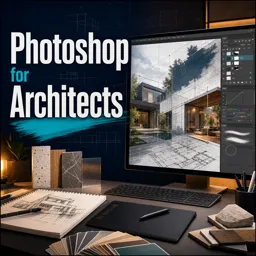
Free CoursePhotoshop for Architects
4.8
(6)
5h46m
12 exercises
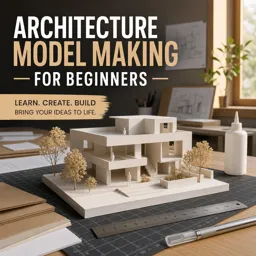
Free CourseArchitecture Model Making for Beginners
4.7

(3)
2h57m
12 exercises
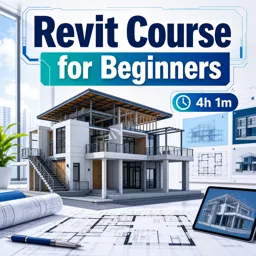
Free CourseRevit course for beginners
4.5
(2)
4h01m
9 exercises
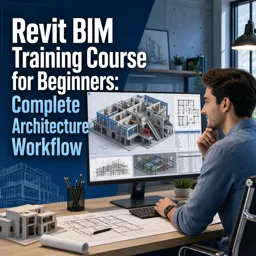
Free CourseRevit BIM Training Course for Beginners: Complete Architecture Workflow
4.5
(2)
5h45m
11 exercises
Free CourseAutoCAD for beginners
4.4
(94)
12h24m
26 exercises
Free CourseAutoCAD complete for beginners
3.7
(6)
2h16m
8 exercises
Free CourseSweet Home 3D tutorials
New
2h09m
14 exercises
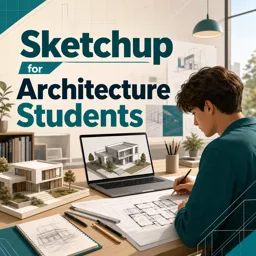
Free CourseSketchup for Architecture Students
New
1h27m
6 exercises
Carry knowledge in your pocket.
Download the Cursa app.
There are hundreds of free courses available, with a free certificate of completion that is saved in your mobile image gallery.
Download the app to access the Course Completion Certificate for Free.


+ 10 million
students

Free and Valid
Certificate

60 thousand free
exercises

4.8/5 rating in
app stores

Free courses in
video and ebooks