


SketchUp is used to create 3D architectural models, test design ideas, develop massing studies, and produce presentation visuals.

3

1



From Concept to Construction Set: A Practical Architectural Design Workflow Across AutoCAD, Revit, SketchUp, 3ds Max & V-Ray
Learn a practical architectural workflow from concept to construction using AutoCAD, Revit, SketchUp, and 3ds Max with V-Ray.

An Introduction to SketchUp: Essential Tool for Architectural Design
Discover SketchUp for architectural design—learn its key features, benefits, and how to start creating detailed 3D models for professional presentations.

Crafting Detailed Architectural Presentations in SketchUp
Learn how to craft stunning architectural presentations in SketchUp using scenes, styles, annotations, and LayOut for effective design communication.

Mastering 3D Modeling in SketchUp for Architecture Projects
Learn how to master 3D modeling in SketchUp for architecture with essential features, expert tips, and tools to improve design, documentation, and collaboration.
Explore free online SketchUp courses designed to help students, aspiring designers, architects, engineers, and creative professionals develop practical 3D modeling skills. These educational courses provide structured lessons, exercises, and free certification, making it easier to learn SketchUp online while building valuable knowledge for academic, personal, or professional projects.
Study essential SketchUp tools and techniques through accessible online learning content. Course topics may include interface navigation, geometric drawing, object editing, groups, components, materials, textures, dimensions, scenes, layers, lighting, and 3D visualization. Beginners can establish a strong foundation, while experienced learners can improve their modeling workflow and explore more advanced design methods.
All listed SketchUp courses are free and include educational exercises so you can practice the concepts covered in the lessons. After completing an eligible course, you can also receive free certification. This certificate can demonstrate your commitment to continuing education and may complement your résumé, academic portfolio, professional profile, or collection of design projects.
To access these free online SketchUp courses, you must install the Cursa application. Android students can use Download for Android on Google Play. iPhone users can install it through the App Store using Download for iOS / iPhone. Once installed, the application provides access to lessons, exercises, learning resources, and free certification opportunities.
Choose a free SketchUp course that matches your educational goals and study at your own pace. Whether you want to learn architectural modeling, interior design, product visualization, technical drawing, or creative 3D design, these online courses offer a convenient path to gaining practical skills. Install the application, begin the lessons, complete the exercises, and advance your SketchUp education for free.
What is SketchUp used for in architecture?
SketchUp is used to create 3D architectural models, test design ideas, develop massing studies, and produce presentation visuals.
Is SketchUp good for architecture students?
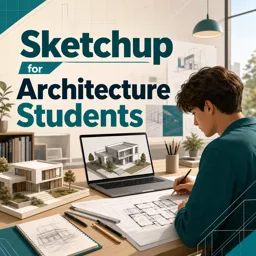
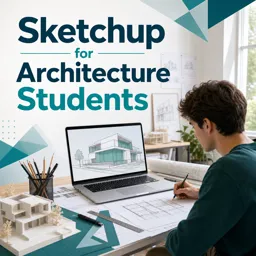
Yes. SketchUp is beginner-friendly and helps architecture students quickly model buildings, spaces, and design concepts in 3D.
Can beginners learn SketchUp online?
Yes. Online SketchUp courses can teach beginners navigation, drawing tools, 3D modeling, groups, components, and basic presentations.
What will I learn in a SketchUp for Architecture Students course?
You can learn to build architectural models, organize geometry, create scenes, apply materials, and communicate design proposals clearly.
How does SketchUp help with urban design?
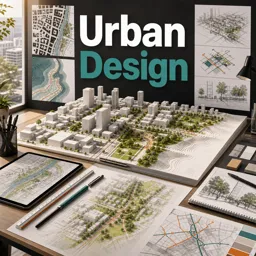
SketchUp helps create site models, explore building volumes, study streets and public spaces, and compare urban design options quickly.
What is massing in SketchUp?
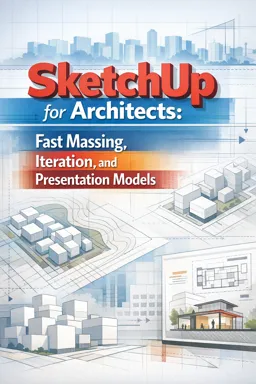
Massing is the creation of simple 3D volumes to explore a building’s overall size, shape, scale, and relationship to its site.
Can SketchUp be used for presentation models?
Yes. SketchUp can create clear presentation models using scenes, styles, shadows, materials, section cuts, and exported images.

Complete any course and issue your certificate via the app — at no cost.

Download the app! to have access to more than 4,000 Online Courses + Certificate, all free!
Download the app! 100% free courses.


Carry knowledge in your pocket.
Download the Cursa app.
There are hundreds of free courses available, with a free certificate of completion that is saved in your mobile image gallery.
Download the app to access the Course Completion Certificate for Free.


+ 10 million
students

Free and Valid
Certificate

60 thousand free
exercises

4.8/5 rating in
app stores

Free courses in
video and ebooks