Typography is much more than the artful arrangement of letters and words; it’s a crucial tool in communicating mood, intent, and even brand message. For designers in the Graphic Design field, understanding the psychological impact of typography can elevate your projects, making them more effective and emotionally resonant with your target audience.
How Typography Shapes Perception
Different typefaces evoke different emotional responses. For example:
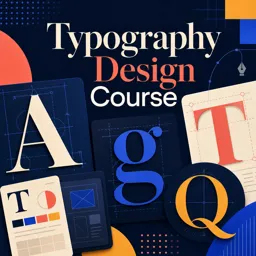
- Serif fonts (like Times New Roman) convey tradition, authority, and reliability. They are often used by academic journals and established institutions.
- Sans-serif fonts (like Helvetica) communicate modernity, simplicity, and clarity, making them favorites of tech companies and startups.
- Script or cursive fonts bring elegance, creativity, or even playfulness to a design, often employed in wedding invitations or artistic contexts.
Choosing the right typeface for a project isn’t just about aesthetics; it’s about influencing how people feel about your content at first glance.
Font Weight, Spacing, and Hierarchy Matter
A font’s weight (boldness), the spacing between characters (kerning), and line spacing (leading) all play pivotal roles in readability and overall feel:
- Heavy, bold fonts can create a sense of importance or urgency.
- Generous letter-spacing can make text feel airy, modern, and calm.
- Clear hierarchy in font size and weight guides users through a page and ensures key messages aren’t missed.
Typography and Brand Identity
Consider how brands like Google, The New York Times, or Coca-Cola use unique typographic styles to connect with their audiences. Typography is often the first thing users notice about a brand, and it helps create memorable impressions. Consistency in font use strengthens brand recognition and trust.
Tips for Using Typography Effectively
- Know Your Audience: Choose typefaces appropriate for the context and target demographic.
- Use Contrast Thoughtfully: Combine font styles and sizes to create interest and direct attention.
- Prioritize Readability: Always ensure text is legible on all devices and backgrounds.
- Be Consistent: Create a typography style guide for cohesive design across all platforms.
Conclusion
Typography is a powerful component in graphic design, carrying far more than just words—it carries emotion, meaning, and connection. By understanding the psychological effects of type, designers can create visually compelling and emotionally resonant content that truly speaks to their audience.