Introduction
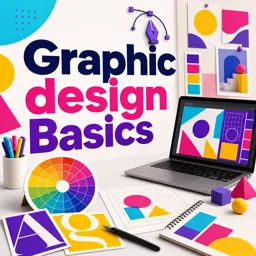
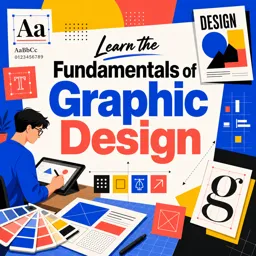
Graphic design is the backbone of visual communication, combining creativity and strategy to convey messages effectively. By understanding core elements and composition techniques, beginners can create designs that are both appealing and purposeful.
What Is Graphic Design?
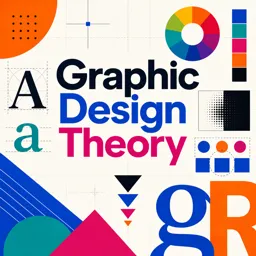
Graphic design is the practice of creating visual content to communicate ideas. It involves using typography, imagery, color, and layout to deliver clear and engaging messages. Effective design focuses on both aesthetics and functionality, ensuring an optimal user experience.
Core Elements of Graphic Design
- Line: Directs attention, divides space, and creates movement.
- Shape: Geometric or organic forms that serve as the building blocks of a design.
- Color: Influences mood and perception; mastery of color theory is essential.
- Texture: Adds depth and a tactile quality to visuals.
- Typography: Determines the clarity, tone, and style of text.
- Space: Also called white space; prevents clutter and improves readability.
- Form: Creates a three-dimensional effect, adding realism and depth.
Understanding Layout & Composition
Good layout and composition organize elements to create harmony and impact. Key principles include:
- Balance: Distributes elements for visual stability.
- Alignment: Guides the eye and ensures order.
- Proximity: Groups related elements for better understanding.
- Repetition: Maintains consistency across the design.
- Contrast: Highlights key features and supports readability.
- White Space: Enhances focus and prevents overcrowding.
Tips for Getting Started in Graphic Design
- Practice Observation: Study how visual materials present information.
- Start Small: Begin with simple projects like posters or social media posts.
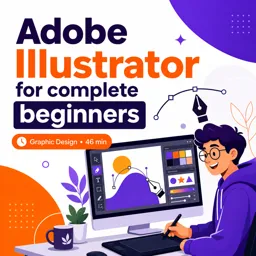
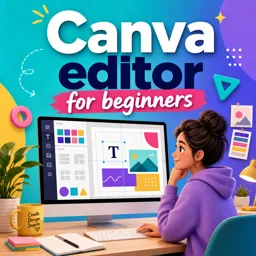
- Experiment with Software: Learn tools like Canva or Adobe Illustrator.
- Seek Feedback: Share your work and incorporate constructive criticism.
- Learn from Professionals: Follow trends and analyze expert designs for inspiration.
Conclusion
Mastering the fundamentals of graphic design sets the stage for compelling visual communication. As you build skills in elements, layout, and composition, you’ll create designs that are both visually striking and meaningfully engaging.