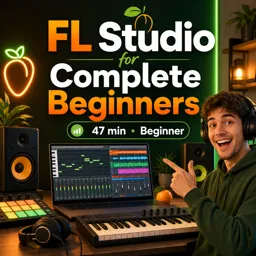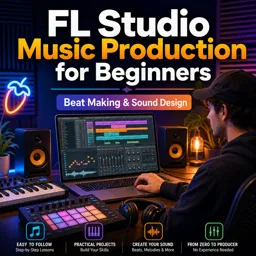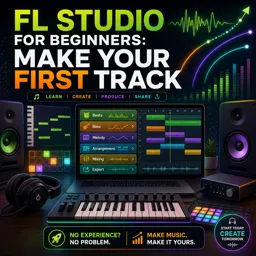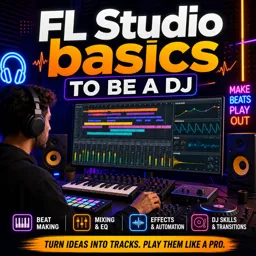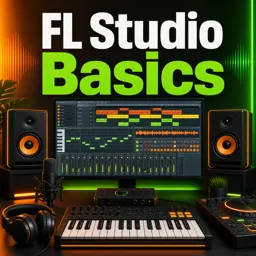

Free ebook for learning FL Studio patterns, Playlist arrangement, mixing basics, automation, organization, and clean exports.
Free ebook content
-

FL Studio Beginner Setup: Templates, Browser, and a Clean Project Start
+ Exercise: To keep the FL Studio Browser fast and consistent, which setup best follows a clean, repeatable system for locating sounds?
-
Channel Rack Fundamentals: Instruments, Samplers, and Step Sequencer Control
+ Exercise: When a drum one-shot (like a closed hat) sounds muddy because hits overlap, what is the recommended fix?


-
Patterns in FL Studio: Building Musical Ideas Without Clutter
+ Exercise: In FL Studio, what is the cleanest way to add a drum fill without risking changes to your main drum loop?
-
Playlist Workflow: Turning Patterns Into a Structured Arrangement
+ Exercise: When duplicating a Drop/Chorus section to build the rest of an arrangement, what is the best next step to avoid a messy copy-paste loop?
-
Automation for Beginners: Volume, Filters, and Arrangement Movement
+ Exercise: Which workflow best supports a clean FL Studio arrangement when adding automation for a build and transition?
-
Mixer Essentials: Gain Staging, Inserts, and Routing for Clarity
+ Exercise: When the Master meter is clipping, what is the best way to fix it in a gain-staged FL Studio mix?
-
Choosing Sounds That Fit: Cohesive Selection and Layering Basics
+ Exercise: When auditioning a replacement drum sample, what approach best helps you judge whether it truly fits the arrangement?
-
Keeping FL Studio Projects Organized: Labels, Colors, Consolidation, and Cleanup
+ Exercise: When consolidating a repeated section into audio, what approach best keeps the project editable while reducing CPU and Playlist clutter?
-
Exporting and Delivering a Clean Result: Render Settings and Final Checks
+ Exercise: When exporting stems for collaboration, what practice best ensures the files line up correctly in any DAW?
About the free ebook
FL Studio for Beginners: Patterns, Playlist, and a Clean Arrangement
Learn a practical, organized approach to producing music in FL Studio with this free online ebook. Build confidence with the core workflow—from opening a clean project to exporting a polished track—without letting patterns, channels, and Playlist clips become confusing.
Create ideas that are easy to arrange
Start with sensible templates, Browser habits, and Channel Rack control. You will learn how instruments, samples, and the Step Sequencer work together, then use patterns to develop drums, melodies, basslines, and musical variations with purpose.
Turn loops into a complete song structure
Explore the Playlist as the place where separate ideas become an arrangement. Learn how to place patterns clearly, create sections, manage transitions, and avoid the clutter that can make a project difficult to finish.
Build clarity into every project
Good production begins with good organization. The ebook introduces practical habits for naming channels, using colors, consolidating audio, choosing compatible sounds, and layering parts without overcrowding the mix.
Use mixing and automation with intention
Understand essential mixer routing, gain staging, inserts, and level control. Use beginner-friendly automation for volume, filters, and movement so important changes support the arrangement instead of distracting from it.
Finish with confidence
Before sharing your work, apply final project checks and choose appropriate export settings. By following a clean workflow, you can spend less time searching through a messy session and more time making creative decisions.
What you will be able to do
- Set up focused FL Studio projects
- Create and manage patterns efficiently
- Arrange sections in the Playlist with clarity
- Organize sounds, channels, and audio assets
- Prepare a clean render for delivery
How do patterns and the Playlist work together in FL Studio?
Patterns hold musical ideas, while the Playlist places and repeats them to create a full arrangement.
How can I keep an FL Studio project organized?
Use clear labels, colors, logical routing, tidy Playlist lanes, and consolidated audio when needed.
What should I check before exporting a song from FL Studio?
Check levels, unwanted clips, routing, song mode, render format, and the final start and end points.
This ebook includes:

9 content chapters

Digital certificate of course completion (Free)

Exercises to train your knowledge

100% free, from content to certificate
Ready to get started?

 recommended
In the app you will also find...

Over 5,000 free courses
Programming, English, Digital Marketing and much more! Learn whatever you want, for free.

Study plan with AI
Our app's Artificial Intelligence can create a study schedule for the course you choose.

From zero to professional success
Improve your resume with our free Certificate and then use our Artificial Intelligence to find your dream job.
You can also use the QR Code or the links below.