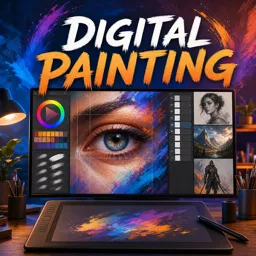
Drawing on a tablet opens up a world of creative possibilities, offering tools and capabilities traditional methods can’t match. But with so many options, how do you find the right tablet that meets your artistic needs and budget? This guide will walk you through the essential considerations to help you choose the best tablet for digital drawing, whether you’re a hobbyist, student, or professional artist.
Types of Drawing Tablets
- Graphics Tablets (Pen Tablets):
Rely on a connection to a computer. Artists draw on the tablet surface but view their work on a separate monitor. - Display Tablets (Pen Displays):
Feature a built-in screen you draw directly on. These provide a more natural, pen-and-paper-like experience. - Standalone Tablets:
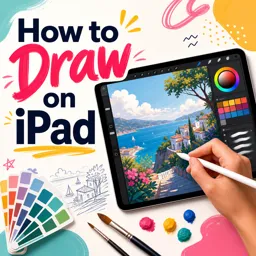
Devices like the iPad Pro or Microsoft Surface offer powerful drawing apps and portability, with no need for a connected computer.
Key Features to Consider
- Pressure Sensitivity:
Higher levels allow for more precise control of line thickness and opacity, simulating real media more accurately. - Stylus Quality:
Look for ergonomic pens with tilt support and low latency for the most natural feel. - Screen Resolution and Size:
A large, high-resolution screen provides more space and clarity for detailed work. - Compatibility:
Ensure your preferred software runs smoothly on the tablet’s operating system. - Battery Life and Portability:
Consider how you’ll use your tablet: on the go, in a studio, or both?
Popular Tablet Models for Artists
- Wacom Intuos and Cintiq:
Industry standards known for their precision and reliability. - Huion Kamvas and XP-Pen Artist:
Offer quality pen displays at a competitive price. - Apple iPad Pro:
Versatile, with support for powerful drawing apps like Procreate and Adobe Fresco. - Microsoft Surface Pro:
Great for those wanting a device that handles both drawing and everyday computing.
Additional Accessories
Enhance your experience with screen protectors for a paper-like feel, ergonomic stands, and carrying cases for portability. Don’t forget to invest in extra stylus nibs and cleaning cloths to keep your device in top shape.
Conclusion
Choosing the best tablet for drawing depends on your creative goals and working style. By considering the features that matter most to you, you’ll find a device that elevates your art and streamlines your workflow. Happy drawing!