Introduction
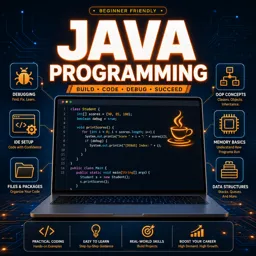
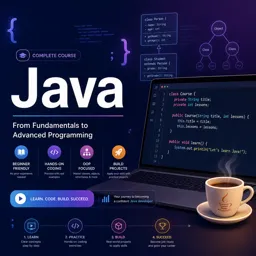
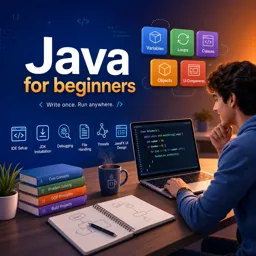
Java is one of the most popular and versatile programming languages in the world. Known for its “write once, run anywhere” philosophy, Java is widely used for building applications across web, mobile, desktop, and enterprise environments. If you’re new to programming or interested in expanding your skills, learning Java can be an excellent step.
Why Learn Java?
- Platform Independence: Java code can run on any device with a Java Virtual Machine (JVM).
- Strong Community Support: An active community and wealth of resources aid both beginners and advanced programmers.
- Career Opportunities: Java is in high demand in industries such as finance, healthcare, and technology.
- Rich Set of Libraries: Java provides extensive libraries and frameworks to speed up development.
Setting Up Your Java Development Environment
Before writing your first Java program, you’ll need to set up a development environment. Here’s a simple way to get started:
- Download and install the Java Development Kit (JDK): Visit the official website and choose the version appropriate for your system.
- Choose an Integrated Development Environment (IDE): Popular choices include IntelliJ IDEA, Eclipse, and NetBeans. These tools provide helpful features like code suggestions, debugging, and project management.
- Set up your workspace: Configure your IDE with the JDK and create your first Java project.
Writing Your First Java Program
The classic way to start is with the “Hello, World!” program. Open your IDE and create a new Java class:
public class HelloWorld {
    public static void main(String[] args) {
        System.out.println("Hello, World!");
    }
}
This simple program demonstrates Java’s basic structure: a class declaration, the main method, and the use of System.out.println to output text to the console.
Core Concepts in Java
- Variables and Data Types: Java is statically-typed. You must declare a variable’s type before using it.
- Control Structures: Use
ifstatements,for, andwhileloops to build logic. - Methods: Functions in Java are called methods and help you organize code into reusable blocks.
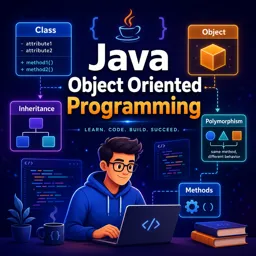
- Classes and Objects: Java is object-oriented, supporting encapsulation, inheritance, and polymorphism.
- Exception Handling: Java uses
try-catchblocks to handle errors gracefully.
Next Steps
After learning the basics, practice by solving simple programming problems or building small projects, like a calculator or contact manager. As you grow, explore advanced topics such as multithreading, networking, GUI development, and popular frameworks.
Resources for Learning Java
- Official Java Tutorials by Oracle
- Online coding platforms with Java exercises
- Free and paid online courses on Java fundamentals
- Java programming books for beginners
Java continues to be a reliable and effective choice for modern software development. Build your foundation now and open the door to countless career paths and projects!