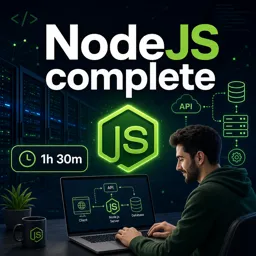
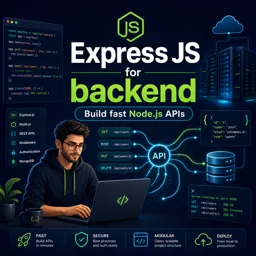
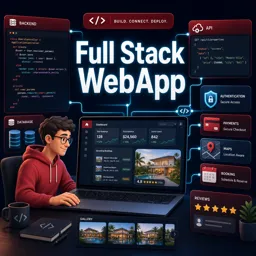
Node.js has become a cornerstone of modern backend development thanks to its speed, scalability, and the ability to use JavaScript across the full stack. Whether you are building RESTful APIs, real-time applications, or lightweight web servers, Node.js offers a powerful and flexible environment for developers.
WHAT IS NODE.JS?
Node.js is an open-source, cross-platform runtime environment that allows developers to build server-side and networking applications using JavaScript. Originally designed to bring JavaScript beyond the browser, Node.js now powers countless web servers, APIs, and backend systems across the internet.
CORE FEATURES OF NODE.JS
- Non-blocking I/O: Handles multiple simultaneous connections efficiently using a single-threaded event loop.
- JavaScript Everywhere: Enables developers to use one language across both frontend and backend.
- Vast Ecosystem: Includes npm, a massive library of packages and modules to accelerate development.
- Scalability: Designed for building scalable, high-performance network applications.
USE CASES FOR NODE.JS IN BACKEND DEVELOPMENT
Node.js is ideal for:
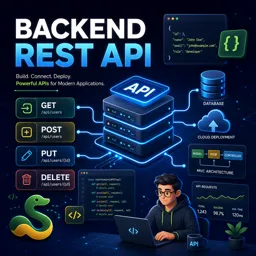
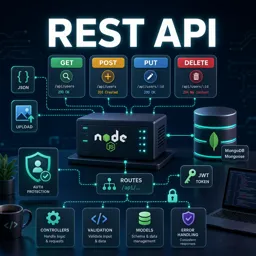
- RESTful APIs for web and mobile apps
- Real-time applications (e.g., chat apps, collaborative tools)
- Streaming services and media servers
- Server-side rendering and dynamic content delivery
NODE.JS ARCHITECTURE BASICS
Node.js operates on a single-threaded, event-driven architecture with non-blocking I/O operations. This allows it to handle thousands of concurrent connections while maintaining high performance, making it perfect for real-time and data-intensive applications.
GETTING STARTED WITH NODE.JS
- Installation: Download Node.js from the official website.
- Creating a Simple Server:
const http = require('http');

const server = http.createServer((req, res) => {
  res.writeHead(200, {'Content-Type': 'text/plain'});
  res.end('Hello, World!');
});

server.listen(3000, () => {
  console.log('Server running on port 3000');
});- Using npm: Manage dependencies and install packages with the built-in Node Package Manager (npm).
WHY CHOOSE NODE.JS FOR BACKEND DEVELOPMENT?
- High performance due to non-blocking I/O
- Unified JavaScript language across the stack
- A vast and supportive developer community
- Excellent support for real-time applications
CONCLUSION
Node.js offers an efficient, scalable, and developer-friendly environment for building modern backend solutions. Its ability to handle high-volume, real-time workloads makes it an excellent choice for developers aiming to build fast and reliable applications.