
Exercises
Put your Blender knowledge to the test with this quiz covering essential workflows from beginner tools to advanced 3D production features. Explore questions on Subdivision Surface modifiers, Edit Mode shortcuts, loop cuts, UV mapping, real-time rendering, hair and fur creation, Grease Pencil, animation paths, parenting controls, and baked light maps. Whether you are learning 3D modeling, preparing for animation work, or refining your rendering skills, this quiz is a practical way to review key Blender concepts and discover areas for improvement.
Answer the questions below and check the explanation for each answer.
0/10 answered
Auto audio on: the next questions will be read aloud when you click Continue.
The Subdivision Surface modifier is used to smooth a mesh and increase its polygon count, enhancing detail.
Ctrl + R in Blender is used to create a loop cut on a mesh, allowing for precise control over edge placement.
Eevee is Blender's real-time rendering engine, offering immediate visual feedback.
UV Mapping allows textures to be wrapped accurately around a 3D object in Blender.
The Particle System in Blender is used to create effects such as hair, fur, and grass by simulating the appearance of numerous small particles.
The Grease Pencil in Blender allows artists to draw and animate directly on top of 3D scenes, merging 2D and 3D workflows.
Bezier Curves are commonly used in Blender for creating animation paths due to their control points and smooth nature.
Parenting in Blender is used to establish hierarchical relationships, allowing parent objects to influence children in transformations and animations.
To quickly switch between Object Mode and Edit Mode, use the Tab key as the default shortcut.
Light Probes are used in Blender to manage how lights are baked and stored for optimized rendering workflows.
Free CourseBlender 3.0 basics course
5

(10)

4h48m

23 exercises
Free CourseBlender Tutorials
5
(1)
9h21m
27 exercises
Free CourseBlender 3D Animation for Beginners: Complete Tutorial Series
5
(1)
3h27m
14 exercises
Free Course3D modeling
4.8
(69)
27h29m
23 exercises
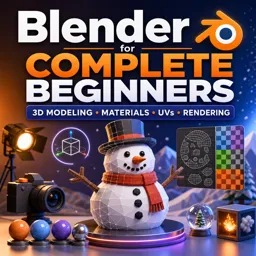
Free CourseBlender for Complete Beginners: Learn 3D Modeling, Materials, UVs and Rendering
4
(1)
5h55m
14 exercises
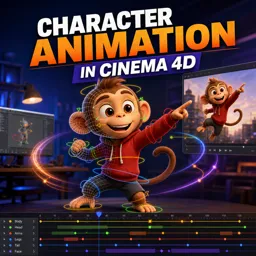
Free CourseCharacter Animation in Cinema 4D
New
3h22m
5 exercises
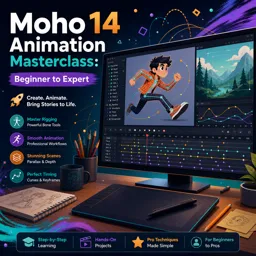
Free CourseMoho 14 Animation Masterclass: Beginner to Expert
New
6h08m
36 exercises
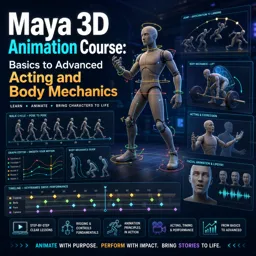
Free CourseMaya 3D Animation Course: Basics to Advanced Acting and Body Mechanics
New
8h32m
18 exercises
Thousands of online courses in video, ebooks and audiobooks.
To test your knowledge during online courses
Generated directly from your cell phone's photo gallery and sent to your email

Download our app via QR Code or the links below:.



Carry knowledge in your pocket.
Download the Cursa app.
There are hundreds of free courses available, with a free certificate of completion that is saved in your mobile image gallery.
Download the app to access the Course Completion Certificate for Free.


+ 10 million
students

Free and Valid
Certificate

60 thousand free
exercises

4.8/5 rating in
app stores

Free courses in
video and ebooks