The course demonstrates animating text with rotation keyframes, then repeating the motion for a seamless loop rendered in Eevee.

Duration of the online course: 9 hours and 21 minutes
5

(1)
Build job-ready 3D animation skills with this free Blender course: model, texture, light, and render looping titles and product scenes fast.
Step into 3D creation with a practical, beginner-friendly learning path built around Blender and modern real-time rendering. This free online course helps you go from opening the software with confidence to producing polished animations that feel ready for a portfolio, social media, or client work. Instead of staying in theory, you will develop repeatable workflows for modeling, materials, lighting, simulation, and camera movement while creating scenes that look professional and purposeful.
You will start by setting up Blender for animation work and getting comfortable with the interface and the core mindset of building assets. From there, the course guides you through modeling fundamentals by shaping everyday objects like a table, training your eye for proportions and clean geometry. As you progress, you explore techniques that quickly add visual richness, such as creating procedural curve patterns, building realistic ground surfaces, and crafting wet materials that respond to light in a convincing way.
Animation is a major focus throughout. You will practice looping motion that feels seamless, work with keyframes to control rotation and timing, and create energetic text-based sequences, including metallic and glossy styles. You will also learn to produce cinematic-looking titles and sci-fi inspired scenes using Blender’s Eevee workflow, allowing you to iterate faster and preview results in real time.
To push realism and motion further, the course introduces simulation-driven effects, including cloth and soft body behavior, as well as rigid body dynamics. You will see how to add variety and storytelling through material changes, object interactions, and controlled chaos, then apply those skills to product-style animations like phones, laptops, watches, and shoes. Camera techniques such as dolly zoom and lighting setups like rim and gradient lighting help you craft shots that feel deliberate, branded, and visually clear.
By the end, you will have a solid foundation in Blender animation and 3D design, with the confidence to prototype ideas quickly and refine them into clean, eye-catching renders. Whether your goal is motion graphics, product visualization, content creation, or a first step into 3D as a creative career path, this course gives you hands-on experience you can build on immediately.

Explore free online Blender courses with certificates and learn 3D modeling, animation, rendering, sculpting, texturing, and visual effects at your own pace. Whether you are a beginner or want to sharpen your creative skills, these flexible Blender classes offer practical training to help you build impressive projects and advance your portfolio.

Explore free online 3D animation courses with certificates and learn essential skills in 3D modeling, character animation, rigging, texturing, lighting, rendering, and visual effects. Study at your own pace, build portfolio-ready projects, and gain practical expertise for careers in animation, games, film, and digital design.

9 hours and 21 minutes of online video course

Digital certificate of course completion (Free)

Exercises to train your knowledge

100% free, from content to certificate
How do I create a looping 3D text animation in Blender using Eevee?
The course demonstrates animating text with rotation keyframes, then repeating the motion for a seamless loop rendered in Eevee.
What Blender tools are used for cloth, rigid body, and soft body animations?
It covers Blender’s physics systems for cloth draping, rigid-body motion, and soft-body product effects.
How can I make realistic wet ground and product lighting in Blender Eevee?
You will learn textured ground materials, surface-detail techniques, and lighting setups such as rim and gradient lights in Eevee.
Ready to get started?Download the app and get started today.
Install the app now
to access the course
Over 5,000 free courses
Programming, English, Digital Marketing and much more! Learn whatever you want, for free.

Study plan with AI
Our app's Artificial Intelligence can create a study schedule for the course you choose.

From zero to professional success
Improve your resume with our free Certificate and then use our Artificial Intelligence to find your dream job.
You can also use the QR Code or the links below.



Free CourseBlender 3.0 basics course
5
(10)

4h48m

23 exercises
Free CourseBlender 3D Animation for Beginners: Complete Tutorial Series
5
(1)
3h27m
14 exercises
Free Course3D modeling
4.8
(69)
27h29m
23 exercises
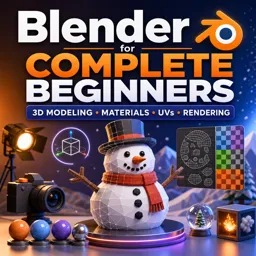
Free CourseBlender for Complete Beginners: Learn 3D Modeling, Materials, UVs and Rendering
4
(1)
5h55m
14 exercises
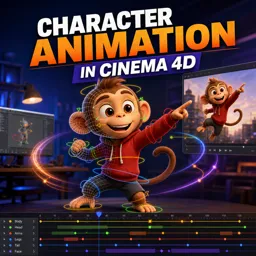
Free CourseCharacter Animation in Cinema 4D
New
3h22m
5 exercises
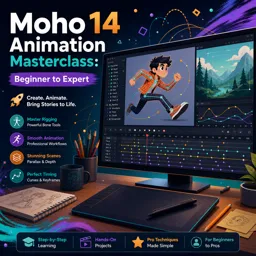
Free CourseMoho 14 Animation Masterclass: Beginner to Expert
New
6h08m
36 exercises
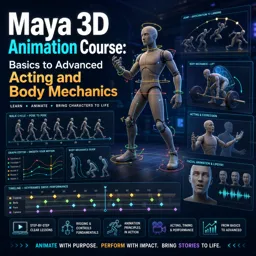
Free CourseMaya 3D Animation Course: Basics to Advanced Acting and Body Mechanics
New
8h32m
18 exercises
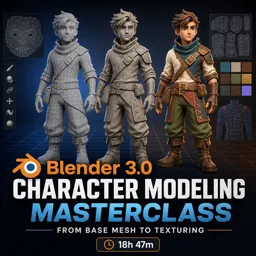
Free CourseBlender 3.0 Character Modeling Masterclass: From Base Mesh to Texturing
New
18h47m
43 exercises
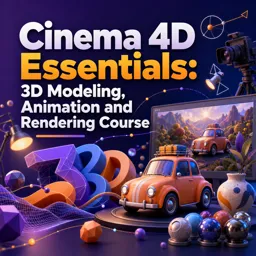
Free CourseCinema 4D Essentials: 3D Modeling, Animation and Rendering Course
New
15h12m
30 exercises
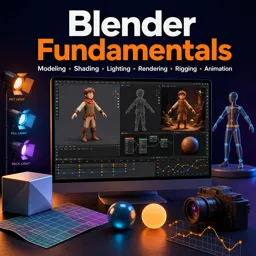
Free CourseBlender Fundamentals: Learn Modeling, Shading, Lighting, Rendering, Rigging and Animation
New
4h59m
39 exercises
Carry knowledge in your pocket.
Download the Cursa app.
There are hundreds of free courses available, with a free certificate of completion that is saved in your mobile image gallery.
Download the app to access the Course Completion Certificate for Free.


+ 10 million
students

Free and Valid
Certificate

60 thousand free
exercises

4.8/5 rating in
app stores

Free courses in
video and ebooks