
Exercises
Explore the essential techniques behind animation for film and television with this engaging quiz. Test your understanding of production tools and workflows, including storyboards, animatics, onion skinning, frame-by-frame animation, and key frames. Questions also cover hand-drawn 2D animation, common software, TV frame rates, motion graphics, digital character modeling and rigging, and lip-syncing. Whether you are a student, aspiring animator, or screen-media enthusiast, this quiz is a useful way to review the creative and technical foundations that bring animated stories, characters, and visuals to life.
Answer the questions below and check the explanation for each answer.
0/11 answered
Auto audio on: the next questions will be read aloud when you click Continue.
Animatics are used to give a preliminary view of how the animation will look, set the timing, and establish the flow of scenes.
Traditional animation requires an artist to draw every single frame by hand, which is a highly detailed and labor-intensive process.
Adobe Animate, formerly known as Flash, is popular for creating animations and interactive content for web and TV.
A frame rate of 30 frames per second is commonly used for TV animations in many parts of the world.
Onion skinning is used to blowout previous frames along with the current one, enabling animators to take advantage of outlines for smooth transitions.
Motion graphics concentrate on the artistic use of shapes and text in motion, rather than focusing on narrative storytelling or character animation.
3D animation involves the creation of digital models, building a skeleton (rig), and bringing them to life through animation.
Lip-syncing is the process of aligning animated characters' lip movements with spoken dialogue to create more believable speech.
A storyboard is a visual representation of an animation's scenes, allowing animators to visualize the sequence and flow before production.
Frame by frame animation involves creating animation by drawing each frame individually to create fluid motion.
Keyframes are critical points that help animators define pivotal moments or changes in motion or shape in animations, serving as guides for the transition into in-betweens.
Free CourseBlender 3.0 basics course
5

(10)

4h48m

23 exercises
Free CourseBlender Tutorials
5
(1)
9h21m
27 exercises
Free CourseBlender 3D Animation for Beginners: Complete Tutorial Series
5
(1)
3h27m
14 exercises
Free Course3D modeling
4.8
(69)
27h29m
23 exercises
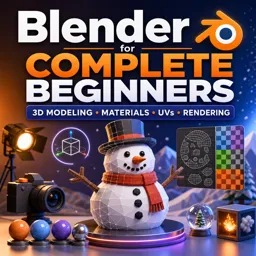
Free CourseBlender for Complete Beginners: Learn 3D Modeling, Materials, UVs and Rendering
4
(1)
5h55m
14 exercises
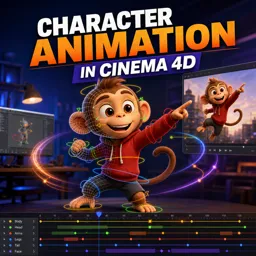
Free CourseCharacter Animation in Cinema 4D
New
3h22m
5 exercises
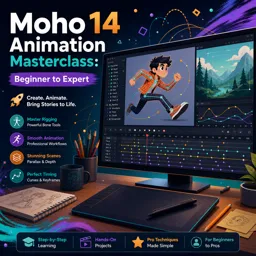
Free CourseMoho 14 Animation Masterclass: Beginner to Expert
New
6h08m
36 exercises
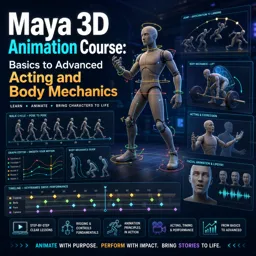
Free CourseMaya 3D Animation Course: Basics to Advanced Acting and Body Mechanics
New
8h32m
18 exercises
Thousands of online courses in video, ebooks and audiobooks.
To test your knowledge during online courses
Generated directly from your cell phone's photo gallery and sent to your email

Download our app via QR Code or the links below:.



Carry knowledge in your pocket.
Download the Cursa app.
There are hundreds of free courses available, with a free certificate of completion that is saved in your mobile image gallery.
Download the app to access the Course Completion Certificate for Free.


+ 10 million
students

Free and Valid
Certificate

60 thousand free
exercises

4.8/5 rating in
app stores

Free courses in
video and ebooks