
This tutorial could not be loaded.
Loading tutorial...
Interactive tutorial
Find what is filling your Windows drive, safely remove unnecessary files and apps, move or offload large files, and configure automatic cleanup. Verify the space recovered and build a maintenance routine using your own PC. Windows 11 is the primary reference, with Windows 10 navigation differences noted.
 Step 1 of 9
2 min
Find What Is Filling Your Drive
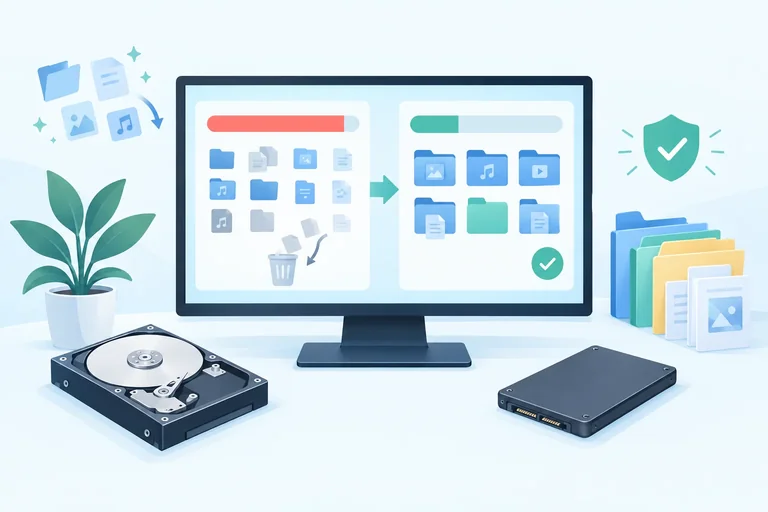
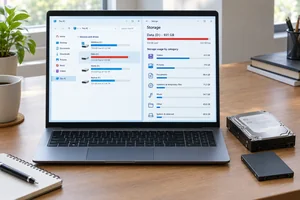
Identify the volume under storage pressure, record a baseline, and inspect the category breakdown for that same drive without changing any files.
Step 1 of 9
2 min
Find What Is Filling Your Drive
Identify the volume under storage pressure, record a baseline, and inspect the category breakdown for that same drive without changing any files.
 Step 2 of 9
2 min
Choose a Safe Cleanup Strategy
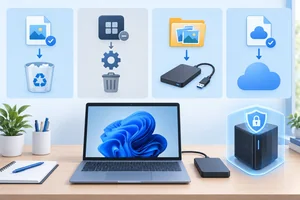
Choose a low-risk storage action by considering what the item is, whether you still need it, and whether it can be recovered.
Step 2 of 9
2 min
Choose a Safe Cleanup Strategy
Choose a low-risk storage action by considering what the item is, whether you still need it, and whether it can be recovered.
 Step 3 of 9
3 min
Remove Selected Temporary Files
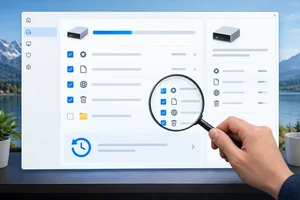
Review Temporary files on the correct Windows volume and remove only categories whose consequences you understand.
Step 3 of 9
3 min
Remove Selected Temporary Files
Review Temporary files on the correct Windows volume and remove only categories whose consequences you understand.
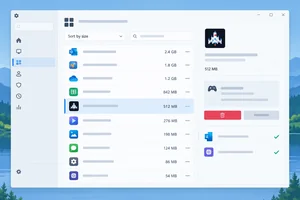 Step 4 of 9
3 min
Uninstall Apps You No Longer Need
Review installed applications by reported size, select a safe candidate based on its value and local data, and use Windows' supported uninstall workflow.
Step 4 of 9
3 min
Uninstall Apps You No Longer Need
Review installed applications by reported size, select a safe candidate based on its value and local data, and use Windows' supported uninstall workflow.
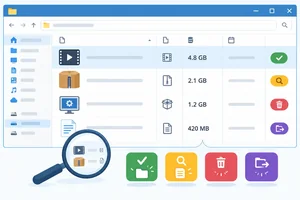 Step 5 of 9
3 min
Review Large Personal Files
Use File Explorer to identify large personal files and make cautious, evidence-based decisions about what to keep, inspect, delete, or relocate later.
Step 5 of 9
3 min
Review Large Personal Files
Use File Explorer to identify large personal files and make cautious, evidence-based decisions about what to keep, inspect, delete, or relocate later.
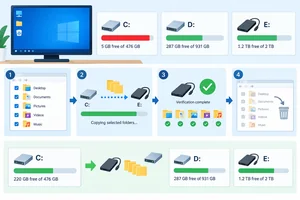 Step 6 of 9
3 min
Move Files Without Losing Access
Move selected personal files to another volume or external drive while preserving access through a copy–verify–remove workflow.
Step 6 of 9
3 min
Move Files Without Losing Access
Move selected personal files to another volume or external drive while preserving access through a copy–verify–remove workflow.
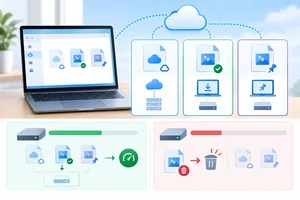 Step 7 of 9
3 min
Use OneDrive Without Confusing Offloading and Deletion
Learn to interpret OneDrive availability states and recover local space without accidentally deleting synchronized files.
Step 7 of 9
3 min
Use OneDrive Without Confusing Offloading and Deletion
Learn to interpret OneDrive availability states and recover local space without accidentally deleting synchronized files.
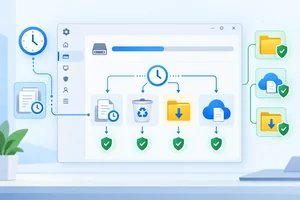 Step 8 of 9
3 min
Configure Storage Sense Conservatively
Configure Storage Sense with retention rules that protect your Downloads, recovery window, and offline cloud access.
Step 8 of 9
3 min
Configure Storage Sense Conservatively
Configure Storage Sense with retention rules that protect your Downloads, recovery window, and offline cloud access.
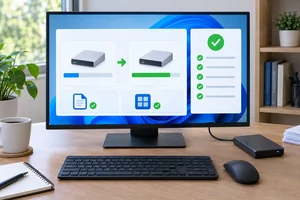 Step 9 of 9
4 min
Verify Your Results and Keep Space Available
Measure your results on the correct drive, confirm that important data remains accessible, and establish a cautious maintenance routine.
Step 9 of 9
4 min
Verify Your Results and Keep Space Available
Measure your results on the correct drive, confirm that important data remains accessible, and establish a cautious maintenance routine.
Free CourseOperating Systems and Systems Programming
5

(4)

38h48m

26 exercises
Free CourseOperating System
5
(3)
16h53m
42 exercises

Free CourseHome Networking 101
5
(1)
1h50m
4 exercises
Free CourseBasic Commands in Linux
4.8

(4)
2h15m
6 exercises
Free CourseComputer operating systems
4.7
(109)
6h00m
23 exercises

Free CourseHardware and Network full course
4.6
(17)
20h08m
23 exercises
Free CourseLinux command line tutorial
4.5
(59)
25h01m
40 exercises
Free CourseUbuntu Linux training
4.5
(32)
4h06m
33 exercises
Thousands of online courses in video, ebooks and audiobooks.
To test your knowledge during online courses
Generated directly from your cell phone's photo gallery and sent to your email

Download our app via QR Code or the links below:.



Carry knowledge in your pocket.
Download the Cursa app.
There are hundreds of free courses available, with a free certificate of completion that is saved in your mobile image gallery.
Download the app to access the Course Completion Certificate for Free.


+ 10 million
students

Free and Valid
Certificate

60 thousand free
exercises

4.8/5 rating in
app stores

Free courses in
video and ebooks