
Exercises
Learn how to prepare edited images for websites and digital interfaces without sacrificing unnecessary quality or performance. This quiz assesses practical knowledge of web-friendly color spaces, raster formats, compression artifacts, transparency, metadata removal, resampling, output sharpening, high-density displays, and export-quality evaluation. Questions range from foundational format choices to diagnosing visual problems that appear after resizing or compression.
Answer the questions below and check the explanation for each answer.
0/11 answered
Auto audio on: the next questions will be read aloud when you click Continue.
sRGB is widely supported by browsers, displays, and online platforms. Wider-gamut spaces can be useful during editing, but unmanaged software may display them incorrectly.
Resizing near the intended display dimensions can greatly reduce download size. Changing only the resolution metadata, such as pixels per inch, does not reduce the image's actual pixel count.
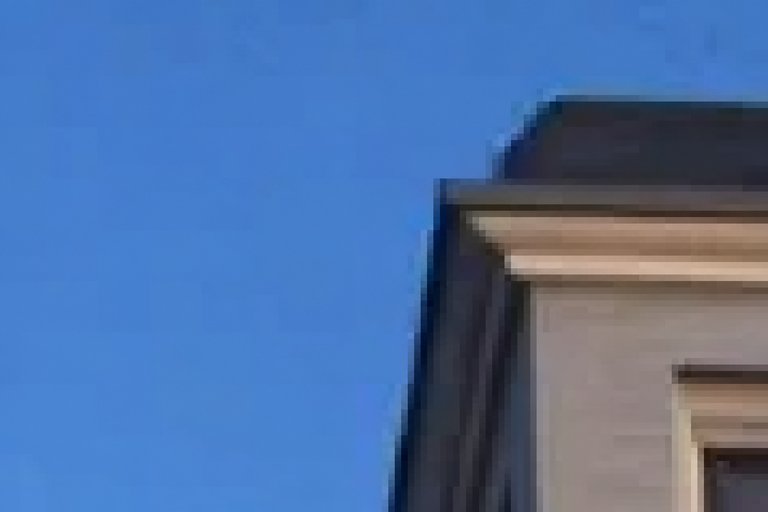
The square boundaries and discontinuities are JPEG blocking artifacts. They become visible when block-based lossy compression is applied too aggressively.

PNG supports lossless compression and full alpha transparency. JPEG lacks transparency, while GIF has limited color and transparency capabilities.
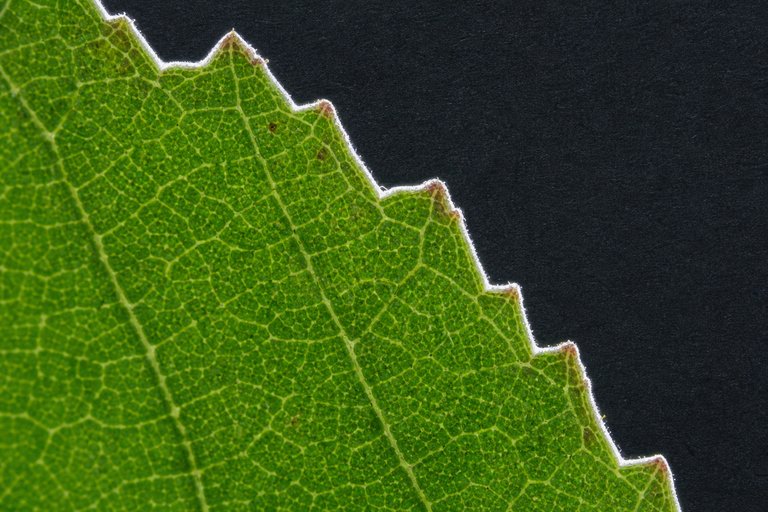
A white matte can contaminate partially transparent boundary pixels. Those pixels become visible as a pale halo when the cutout is displayed over a dark background.
WebP and AVIF can often deliver smaller files than older formats at comparable perceived quality. Support and encoding performance should still be considered for the target environment.
Metadata can contain camera details, timestamps, and GPS coordinates. Removing information that is not needed for publication can improve privacy and may modestly reduce file size.
Resampling changes edge detail, so output sharpening is normally judged and applied after the image reaches its final pixel dimensions. This allows sharpening to match the actual web output.

Nearest-neighbor duplicates whole pixels without blending them. This preserves deliberate square edges in pixel art, although it is generally unsuitable for photographic enlargement.
At a device pixel ratio of 2, each CSS dimension is multiplied by 2. Therefore, 600 × 400 CSS pixels corresponds to an image resource of 1200 × 800 physical pixels.
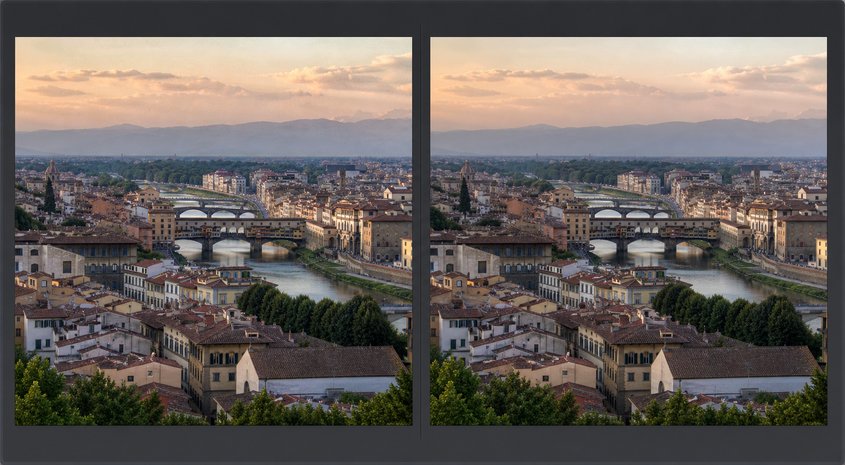
Compression should be evaluated visually because image content affects artifact visibility. Comparing previews at the intended viewing size helps balance acceptable appearance against download size.
Free CourseGimp for image editing
5

(3)

2h26m

17 exercises
Free CoursePhotoshop for Beginners complete course
5
(1)
6h19m
12 exercises

Free CourseLightroom Classic for Image edition
5
(1)
1h09m
6 exercises

Free CourseAdvance Photoshop
4.9
(115)
9h09m
22 exercises
Free CourseAdobe Photoshop for beginners
4.9
(107)
7h57m
22 exercises

Free CourseMaster Photoshop in 30 Days
4.5

(2)
7h15m
26 exercises
Free CoursePhotoshop full course tutorial
4.1
(7)
6h28m
12 exercises

Free CourseAdobe Lightroom training course
4
(1)
2h15m
6 exercises
Thousands of online courses in video, ebooks and audiobooks.
To test your knowledge during online courses
Generated directly from your cell phone's photo gallery and sent to your email

Download our app via QR Code or the links below:.



Carry knowledge in your pocket.
Download the Cursa app.
There are hundreds of free courses available, with a free certificate of completion that is saved in your mobile image gallery.
Download the app to access the Course Completion Certificate for Free.


+ 10 million
students

Free and Valid
Certificate

60 thousand free
exercises

4.8/5 rating in
app stores

Free courses in
video and ebooks