
Exercises
Put your advanced image editing knowledge to the test with this Photoshop-focused quiz. Explore essential techniques for cutting out subjects, balancing color, dodging and blurring, replacing skies, retouching blemishes, converting images to black and white, and correcting perspective. You’ll also be challenged on non-destructive editing with Smart Objects and portrait reshaping tools. Ideal for photographers, designers, content creators, and anyone looking to strengthen their Adobe Photoshop workflow.
Answer the questions below and check the explanation for each answer.
0/10 answered
Auto audio on: the next questions will be read aloud when you click Continue.
The Quick Selection Tool allows you to quickly and easily select parts of an image, such as a single object, by detecting the edges.
The Curves adjustment allows precise control over the brightness levels across different regions of the image, providing powerful color balancing capabilities.
The Dodge tool is used to lighten specific areas of an image, allowing more control over highlights and enhancing details.
Gaussian Blur is primarily used to create a softening effect on an image, often applied to reduce noise or for artistic effects.
Layer Masking allows you to seamlessly replace elements in a photo, such as a sky, by hiding or revealing parts of layers beneath.
The Healing Brush Tool is perfect for removing blemishes or imperfections by blending surrounding pixels seamlessly with the area being corrected.
The Black & White Adjustment layer provides a dedicated method for converting color images to grayscale, with control over how colors are transformed.
Perspective Warp is used to change the perspective of an image by adjusting the spatial relationship between content in a picture.
Smart Objects allow you to apply non-destructive edits to layers, preserving the original data and enhancing flexibility in editing.
The Liquify Tool is extensively used for reshaping, enabling adjustments to features such as body proportions while maintaining natural look.
Free CourseGimp for image editing
5

(3)

2h26m

17 exercises
Free CoursePhotoshop for Beginners complete course
5
(1)
6h19m
12 exercises
Free CourseLightroom Classic for Image edition
5
(1)
1h09m
6 exercises
Free CourseAdvance Photoshop
4.9
(115)
9h09m
22 exercises
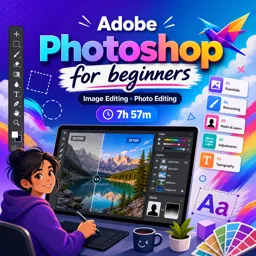
Free CourseAdobe Photoshop for beginners
4.9
(107)
7h57m
22 exercises
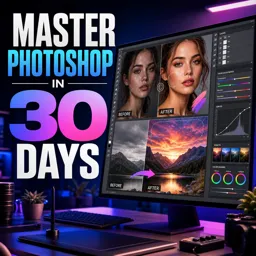
Free CourseMaster Photoshop in 30 Days
4.5

(2)
7h15m
26 exercises
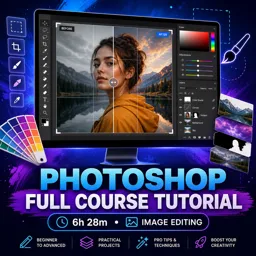
Free CoursePhotoshop full course tutorial
4.1
(7)
6h28m
12 exercises
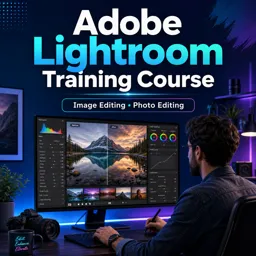
Free CourseAdobe Lightroom training course
4
(1)
2h15m
6 exercises
Thousands of online courses in video, ebooks and audiobooks.
To test your knowledge during online courses
Generated directly from your cell phone's photo gallery and sent to your email

Download our app via QR Code or the links below:.



Carry knowledge in your pocket.
Download the Cursa app.
There are hundreds of free courses available, with a free certificate of completion that is saved in your mobile image gallery.
Download the app to access the Course Completion Certificate for Free.


+ 10 million
students

Free and Valid
Certificate

60 thousand free
exercises

4.8/5 rating in
app stores

Free courses in
video and ebooks