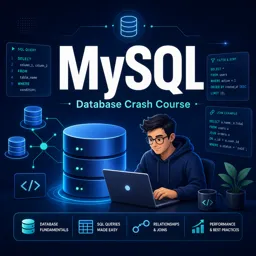
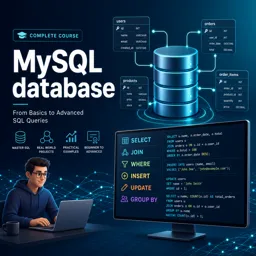
MySQL is one of the most popular open-source relational database management systems (RDBMS) in the world. Designed to efficiently store, retrieve, and manage data, MySQL is widely used in web development, data-driven applications, and enterprise environments. Its robustness, flexibility, and ease of use make it an ideal choice for both newcomers and experienced developers.
Key Concepts of MySQL
Before diving in, it’s important to understand some foundational concepts:
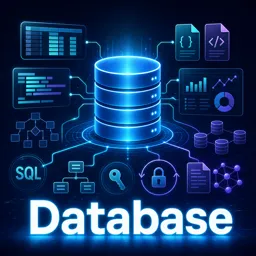
- Database: An organized collection of structured information or data stored electronically.
- Table: A collection of related data entries, consisting of rows and columns.
- Row (Record): A single, complete set of related data in a table.
- Column (Field): An attribute or category of data in a table.
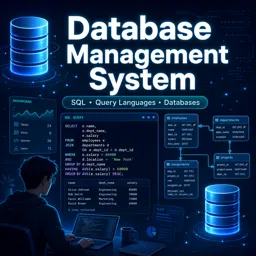
- SQL (Structured Query Language): The standard language used to communicate with MySQL databases.
Installing MySQL
MySQL is available for Windows, macOS, and Linux. Installation is straightforward, and many platforms offer one-click installers. Additionally, cloud-based services provide managed MySQL databases, allowing you to focus on development without worrying about server maintenance.
Basic MySQL Operations
Once installed, you can start creating and managing databases using SQL commands. Essential operations include:
- Creating a Database:
CREATE DATABASE example_db;Inserting Data:
INSERT INTO users VALUES (1, 'Alice');
Querying Data:
SELECT * FROM users;
Updating Data:
UPDATE users SET name = 'Bob' WHERE id = 1;
- Deleting Data:
DELETE FROM users WHERE id = 1;Common Use Cases for MySQL
- Web application backends (content management systems, e-commerce platforms)
- Data warehousing and analytics
- Transaction processing
- Logistics and inventory management systems
Security and Best Practices
MySQL offers strong security features such as user authentication and permissions management. Best practices include:
- Using strong passwords for database users
- Restricting user privileges to only what is necessary
- Regularly backing up your databases
- Keeping your MySQL installation up-to-date
Conclusion
MySQL is a versatile and powerful database system suitable for both beginners and professionals. By learning the basics and following best practices, you can create reliable, scalable, and data-driven applications. Start experimenting with MySQL today to unlock the full potential of structured data management in your projects.