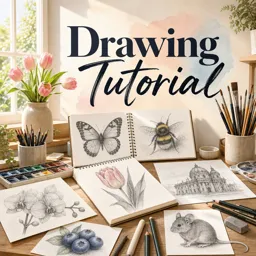
Drawing is one of the most accessible and rewarding ways to express creativity. Whether you dream of sketching lifelike portraits, doodling in your notebook, or exploring abstract forms, picking up a pencil and starting to draw can open up a world of imagination and personal growth. This beginner’s guide will help you embark on your drawing journey with confidence.
Why Everyone Can Draw
One of the biggest myths about drawing is that it requires a special talent. In reality, drawing is a skill—one that can be learned, practiced, and improved over time. The key is to start simple, practice regularly, and not be afraid of making mistakes.
Essential Materials for Beginners
- Pencils: Start with an HB pencil. As you advance, explore softer (2B, 4B) and harder (2H) pencils for different effects.
- Paper: Any paper will do, but smooth sketchbook pages work best for beginners.
- Eraser: A good eraser helps you correct mistakes and lighten areas for shading.
- Sharpener: Essential to keep your lines clean and accurate.
Basic Drawing Techniques
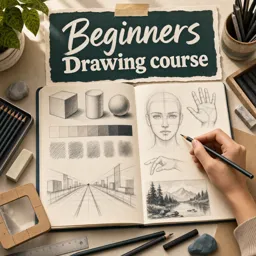
- Lines: Practice drawing straight lines, curves, and zig-zags. Try varying pressure for different thicknesses.
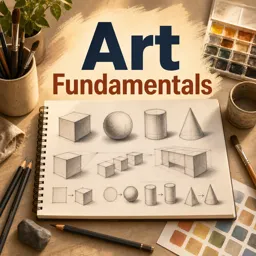
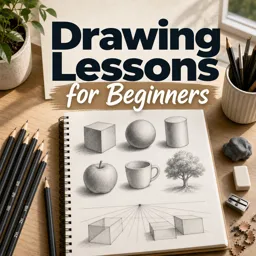
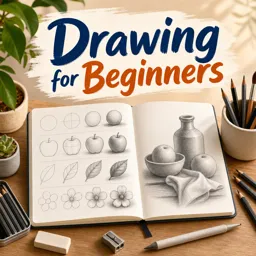
- Shapes: Draw circles, squares, triangles, and ovals. These are the building blocks for more complex subjects.
- Shading: Experiment with shading simple objects to understand light and shadow.
Developing Your Observation Skills
Drawing what you see—rather than what you think you see—is vital. Choose simple objects around the house and practice sketching them. Notice the proportions, angles, and shadows. Observation is a skill that sharpens with practice.
Overcoming Common Challenges
Many beginners feel discouraged by slow progress. Remember: drawing is a journey. Celebrate small improvements and keep experimenting. If a drawing doesn’t turn out as you’d hoped, treat it as a learning experience.
Tips for Creating a Habit
- Set aside a regular time to draw—even 10 minutes a day makes a difference.
- Keep a sketchbook with you and jot down ideas or doodles whenever inspiration strikes.
- Find simple online or in-person drawing challenges for added motivation.
Conclusion
Drawing for beginners is about exploration and enjoyment. With basic materials and a willingness to practice, you’ll quickly find your unique artistic voice blossoming. So grab a pencil, start sketching, and most importantly—have fun!