
Exercises
Put your Word document formatting knowledge to the test. This quiz covers essential Microsoft Word tools used to create clear, polished, and professional documents. Answer questions about applying double line spacing, using heading styles, turning text into bulleted or numbered lists, adjusting page margins, switching to landscape orientation, and using styles for a consistent design. You will also review paragraph highlighting and adding a repeating title with headers. Whether you are learning Word basics or refreshing your office software skills, this quiz helps you assess your understanding of effective document layout and formatting.
Answer the questions below and check the explanation for each answer.
0/8 answered
Auto audio on: the next questions will be read aloud when you click Continue.
To apply double line spacing in a Word document, you need to go to the Home tab. There, you will find the Line and Paragraph Spacing button. Click on it and select 2.0 from the dropdown menu to apply double line spacing to the paragraph.
Styles should be used to create headings as they organize text structurally, providing hierarchy and formatting consistency. Using styles for headings helps with SEO and accessibility, allowing easy navigation and readability.
The correct option is 2. To convert a list of multiple items into a bulleted or numbered list, you need to select the items and then click on the 'Bullets' or 'Numbering' icons in the 'Home' tab of most text editing software. This will automatically format the list with bullets or numbers.
To change the margins of a document, the best method is to go to the 'Page Layout' tab and select 'Margins'. This option directly provides access to modify the margin settings, offering various predefined margin sizes and the ability to set custom margins as needed. The other options provided do not relate to adjusting document margins.
To change the page orientation in most word processing software, you should use the 'Page Layout' tab. This is where you can find options for adjusting layout settings, including page orientation. By selecting 'Orientation' and then 'Landscape', you switch the page from the default 'Portrait' orientation to a horizontal 'Landscape' orientation. This setting is commonly used when a wider layout is preferred.
The Themes feature in a document editing software allows users to apply a consistent set of colors, fonts, and effects throughout the entire document with a single click. This helps maintain uniformity and a professional appearance without the need for individually adjusting each element.
Applying a Text Highlight Color is an effective way to make a paragraph stand out because it adds background color behind the text, drawing attention to the section. It typically provides a strong visual distinction compared to changing the font color or underlining, which can sometimes be less noticeable.
To ensure the title of your document appears on every page, you should insert a header. Headers are designed to contain information like titles or page numbers, which are automatically repeated across all pages of a document.
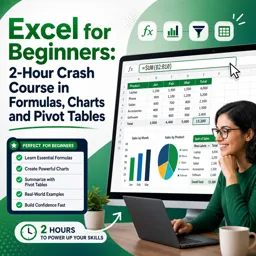
Free CourseExcel for Beginners: 2-Hour Crash Course in Formulas, Charts and Pivot Tables
5

(10)

2h09m

30 exercises

Free CourseExcel Intermediate to Advanced: Formulas, PivotTables, Power Query, Dashboards and VBA
5
(4)
18h53m
28 exercises
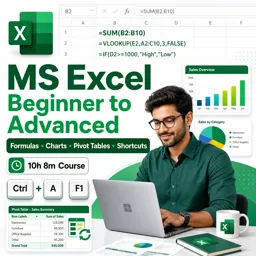
Free CourseMS Excel Beginner to Advanced: Formulas, Charts, Pivot Tables and Shortcuts
5
(4)
10h08m
26 exercises

Free CourseMicrosoft 365 Fundamentals MS-900 Certification Prep Course
5
(3)
3h16m
14 exercises

Free CourseGoogle data studio
5
(1)
3h42m
11 exercises
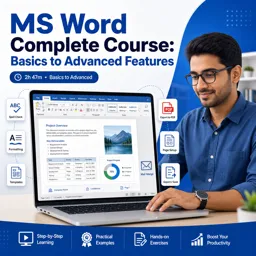
Free CourseMS Word Complete Course: Basics to Advanced Features
5
(1)
2h47m
20 exercises
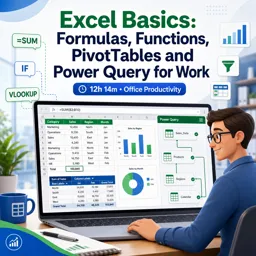
Free CourseExcel Basics: Formulas, Functions, PivotTables and Power Query for Work
5
(3)
12h14m
22 exercises

Free CourseBusiness Applications in Microsoft Excel
5
(1)
46m
7 exercises
Thousands of online courses in video, ebooks and audiobooks.
To test your knowledge during online courses
Generated directly from your cell phone's photo gallery and sent to your email

Download our app via QR Code or the links below:.



Carry knowledge in your pocket.
Download the Cursa app.
There are hundreds of free courses available, with a free certificate of completion that is saved in your mobile image gallery.
Download the app to access the Course Completion Certificate for Free.


+ 10 million
students

Free and Valid
Certificate

60 thousand free
exercises

4.8/5 rating in
app stores

Free courses in
video and ebooks