
Exercises
Assess your Microsoft PowerPoint knowledge with this skills quiz covering essential presentation-building tools and features. Answer questions about changing and duplicating slide layouts, adding transitions, rehearsing timings, inserting videos and hyperlinks, formatting slide backgrounds, and using Slide Master view. You will also test your understanding of recording a slide show and starting a presentation from the beginning with keyboard shortcuts. Ideal for students, educators, and professionals who want to review core PowerPoint skills and build confidence creating polished, effective presentations.
Answer the questions below and check the explanation for each answer.
0/10 answered
Auto audio on: the next questions will be read aloud when you click Continue.
The Slide Layout button on the Home Tab allows you to change the layout of your slide by selecting from a variety of pre-set designs.
Right-clicking on a slide and selecting Duplicate Slide allows you to create an exact copy of an existing slide, preserving its layout and content.
The Transitions Tab contains options to add various transitions between slides, enhancing the presentation flow.
The Rehearse Timings tool in the Slide Show tab allows you to practice your presentation while recording the timings of each slide transition.
To include a video, you should use the Insert Tab where options to add various media files into your presentation are available.
The Slide Master view is used for creating and managing design templates and consistent styling across multiple slides in a presentation.
The Insert Hyperlink option can be found in the Insert Tab and allows you to link text or objects to web pages, documents, or slides.
The Design Tab includes the option to format the background of your slides, providing design and color scheme choices.
The Record Slide Show feature allows users to record narration and the timing of slides, which is useful for creating self-running presentations.
Pressing F5 starts the presentation from the beginning in full screen mode, allowing you to present all slides in sequence.
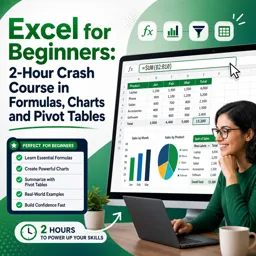
Free CourseExcel for Beginners: 2-Hour Crash Course in Formulas, Charts and Pivot Tables
5

(10)

2h09m

30 exercises
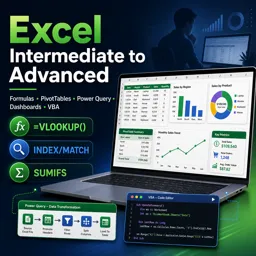
Free CourseExcel Intermediate to Advanced: Formulas, PivotTables, Power Query, Dashboards and VBA
5
(4)
18h53m
28 exercises
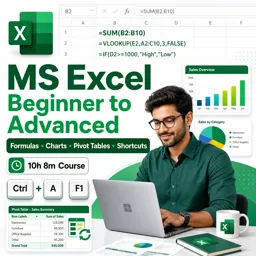
Free CourseMS Excel Beginner to Advanced: Formulas, Charts, Pivot Tables and Shortcuts
5
(4)
10h08m
26 exercises
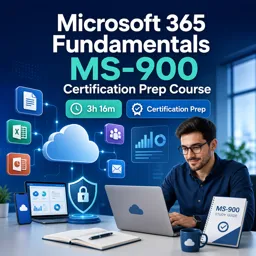
Free CourseMicrosoft 365 Fundamentals MS-900 Certification Prep Course
5
(3)
3h16m
14 exercises

Free CourseGoogle data studio
5
(1)
3h42m
11 exercises
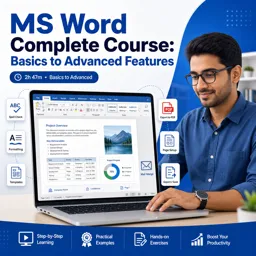
Free CourseMS Word Complete Course: Basics to Advanced Features
5
(1)
2h47m
20 exercises
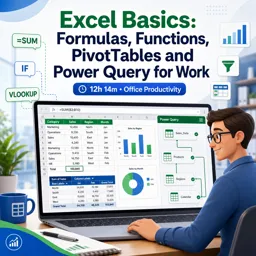
Free CourseExcel Basics: Formulas, Functions, PivotTables and Power Query for Work
5
(3)
12h14m
22 exercises
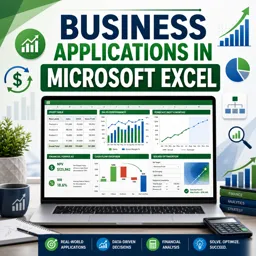
Free CourseBusiness Applications in Microsoft Excel
5
(1)
46m
7 exercises
Thousands of online courses in video, ebooks and audiobooks.
To test your knowledge during online courses
Generated directly from your cell phone's photo gallery and sent to your email

Download our app via QR Code or the links below:.



Carry knowledge in your pocket.
Download the Cursa app.
There are hundreds of free courses available, with a free certificate of completion that is saved in your mobile image gallery.
Download the app to access the Course Completion Certificate for Free.


+ 10 million
students

Free and Valid
Certificate

60 thousand free
exercises

4.8/5 rating in
app stores

Free courses in
video and ebooks