
Exercises
Assess your LibreOffice Writer knowledge with this practical skills quiz. Explore essential document-editing features, including saving files, inserting tables of contents and footnotes, applying paragraph styles, checking word count, correcting spelling, and enabling Track Changes. You will also test your understanding of exporting documents as PDFs and using helpful tools such as Navigator and Styles and Formatting. Ideal for students, office users, and anyone building confidence with LibreOffice Writer.
Answer the questions below and check the explanation for each answer.
0/10 answered
Auto audio on: the next questions will be read aloud when you click Continue.
To insert a table of contents, navigate to Insert > Table of Contents and Index > Table of Contents, Index or Bibliography in LibreOffice Writer.
The Ctrl + S shortcut is a universal command in most document editors to save the file.
You need to go to Insert > Footnote and Endnote > Footnote to add a footnote in LibreOffice Writer.
'Styles and Formatting' helps in applying and maintaining consistent formatting across different sections of a document efficiently.
To find the word count, navigate to Tools > Word Count in LibreOffice Writer.
AutoCorrect automatically corrects typed errors or misspellings in the text.
To enable tracking of changes, go to Edit > Track Changes > Record.
To export as PDF, use File > Export As > Export as PDF. This provides you options before saving your document as a PDF.
The 'Navigator' tool enables users to quickly navigate through headings, tables, and other elements within the document.
You can apply a predefined style by choosing it from Format > Styles and Formatting.
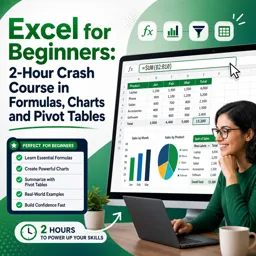
Free CourseExcel for Beginners: 2-Hour Crash Course in Formulas, Charts and Pivot Tables
5

(10)

2h09m

30 exercises
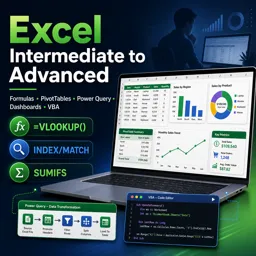
Free CourseExcel Intermediate to Advanced: Formulas, PivotTables, Power Query, Dashboards and VBA
5
(4)
18h53m
28 exercises
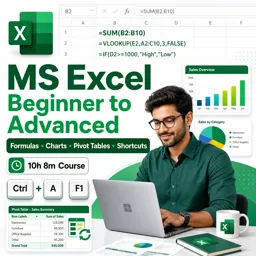
Free CourseMS Excel Beginner to Advanced: Formulas, Charts, Pivot Tables and Shortcuts
5
(4)
10h08m
26 exercises
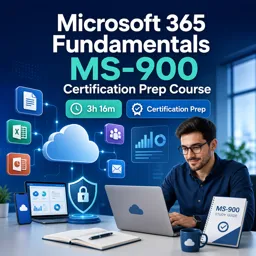
Free CourseMicrosoft 365 Fundamentals MS-900 Certification Prep Course
5
(3)
3h16m
14 exercises

Free CourseGoogle data studio
5
(1)
3h42m
11 exercises
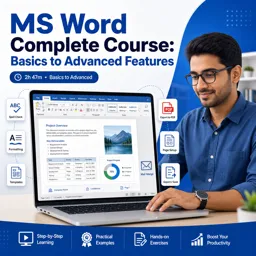
Free CourseMS Word Complete Course: Basics to Advanced Features
5
(1)
2h47m
20 exercises
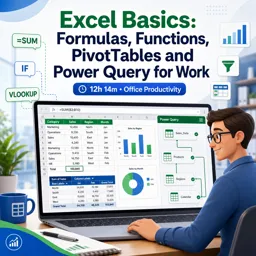
Free CourseExcel Basics: Formulas, Functions, PivotTables and Power Query for Work
5
(3)
12h14m
22 exercises
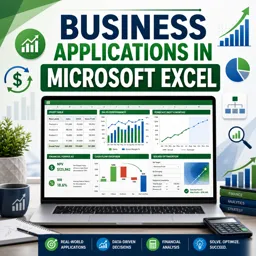
Free CourseBusiness Applications in Microsoft Excel
5
(1)
46m
7 exercises
Thousands of online courses in video, ebooks and audiobooks.
To test your knowledge during online courses
Generated directly from your cell phone's photo gallery and sent to your email

Download our app via QR Code or the links below:.



Carry knowledge in your pocket.
Download the Cursa app.
There are hundreds of free courses available, with a free certificate of completion that is saved in your mobile image gallery.
Download the app to access the Course Completion Certificate for Free.


+ 10 million
students

Free and Valid
Certificate

60 thousand free
exercises

4.8/5 rating in
app stores

Free courses in
video and ebooks