
Exercises
Put your Google Sheets expertise to the test with this Advanced Skills Assessment. Explore essential spreadsheet concepts including conditional formulas such as SUMIF and COUNTIF, lookup functions, keyboard shortcuts, chart creation, conditional formatting, data relationships, sheet protection, automation tools, and what-if analysis. This quiz is ideal for learners, analysts, and professionals who want to evaluate their ability to organize, analyze, visualize, and manage data efficiently in Google Sheets. Answer practical questions based on common workplace tasks and identify areas to strengthen your spreadsheet skills.
Answer the questions below and check the explanation for each answer.
0/10 answered
Auto audio on: the next questions will be read aloud when you click Continue.
The SUMIF function allows you to sum the values in a range that meet specific criteria, making it ideal for conditional summing tasks.
The shortcut Ctrl + Shift + + is used to insert a new row, making it quick and efficient to modify your spreadsheet structure.
The VLOOKUP function looks for a value in the leftmost column of a table, and then returns a value in the same row from a specified column.
Insert > Chart is the correct sequence to create a chart from the selected data, helping visualize the data comprehensively.
Conditional Formatting is used to automatically change the appearance of cells based on specific conditions set by the user.
A Pivot Table is an effective tool for data analysis, allowing users to summarize data sets to discover patterns or insights.
COUNTIF counts the number of cells that meet a particular condition, which is useful for analyzing specific trends or patterns within data sets.
Using the Data > Protect sheets and ranges feature allows you to restrict who can alter or see the data, ensuring data integrity and security.
Macros allow you to record a sequence of actions in Google Sheets and then play them back whenever needed, effectively automating routine tasks.
The Scenario Manager is a less known feature that can be used to create different data sets to analyze how changes would impact the overall calculations as planned.
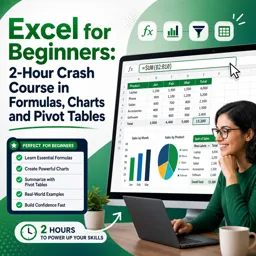
Free CourseExcel for Beginners: 2-Hour Crash Course in Formulas, Charts and Pivot Tables
5

(10)

2h09m

30 exercises
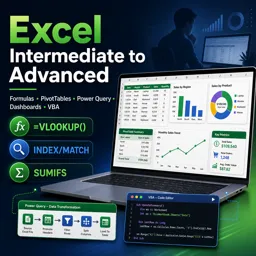
Free CourseExcel Intermediate to Advanced: Formulas, PivotTables, Power Query, Dashboards and VBA
5
(4)
18h53m
28 exercises
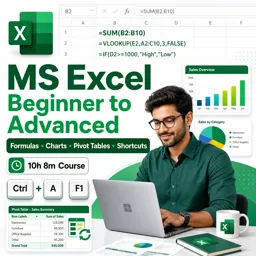
Free CourseMS Excel Beginner to Advanced: Formulas, Charts, Pivot Tables and Shortcuts
5
(4)
10h08m
26 exercises

Free CourseMicrosoft 365 Fundamentals MS-900 Certification Prep Course
5
(3)
3h16m
14 exercises

Free CourseGoogle data studio
5
(1)
3h42m
11 exercises
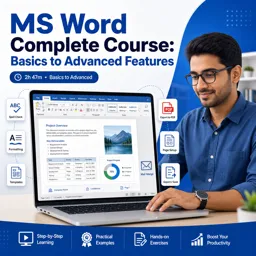
Free CourseMS Word Complete Course: Basics to Advanced Features
5
(1)
2h47m
20 exercises
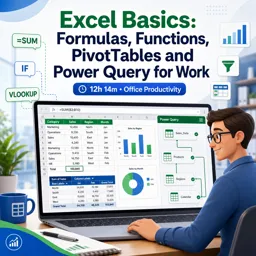
Free CourseExcel Basics: Formulas, Functions, PivotTables and Power Query for Work
5
(3)
12h14m
22 exercises
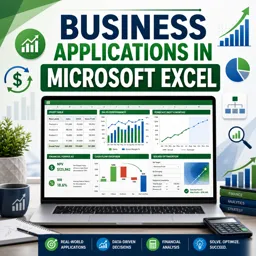
Free CourseBusiness Applications in Microsoft Excel
5
(1)
46m
7 exercises
Thousands of online courses in video, ebooks and audiobooks.
To test your knowledge during online courses
Generated directly from your cell phone's photo gallery and sent to your email

Download our app via QR Code or the links below:.



Carry knowledge in your pocket.
Download the Cursa app.
There are hundreds of free courses available, with a free certificate of completion that is saved in your mobile image gallery.
Download the app to access the Course Completion Certificate for Free.


+ 10 million
students

Free and Valid
Certificate

60 thousand free
exercises

4.8/5 rating in
app stores

Free courses in
video and ebooks