
Exercises
Assess your Excel time management skills with this practical quiz on working smarter and staying organized. Explore essential productivity features, including freezing rows, sorting and organizing data, tracking changes, setting deadline reminders, repeating tasks across worksheets, and using Autofill to save time. You’ll also test your knowledge of tools for handling large datasets, maintaining consistent formatting, performing quick calculations, and using PivotTables to summarize information efficiently. Ideal for students, professionals, and anyone looking to improve Excel workflow, accuracy, and productivity.
Answer the questions below and check the explanation for each answer.
0/10 answered
Auto audio on: the next questions will be read aloud when you click Continue.
To freeze the top row, go to the View tab, select Freeze Panes, and then choose Freeze Top Row.
The Sort & Filter feature helps you organize data in ascending or descending order, making it easier to navigate and analyze.
The Track Changes feature allows you to see modifications done by other users on an Excel sheet, which is useful for collaboration and review.
Using Conditional Formatting, you can create rules to highlight cells with upcoming deadlines based on the date, which can act as automatic reminders.
By grouping sheets together, changes made in one sheet apply to all grouped sheets, saving time and maintaining consistency.
By recording Macros, you can automate repetitive tasks such as calculations, which saves time and increases efficiency.
Autofill saves time by enabling quick filling of data that follows a pattern, like series of numbers or dates, reducing manual entry errors.
Data Tables help manage extensive datasets by organizing the data in a structured format, making analysis and calculations more efficient.
Conditional Formatting lets you apply the same formatting rules across different sheets to maintain consistency, highlighting similar data in the same way.
Pivot Tables consolidate, summarize and analyze vast amounts of data swiftly, helping you focus on decision-making priorities.
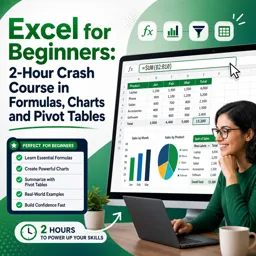
Free CourseExcel for Beginners: 2-Hour Crash Course in Formulas, Charts and Pivot Tables
5

(10)

2h09m

30 exercises
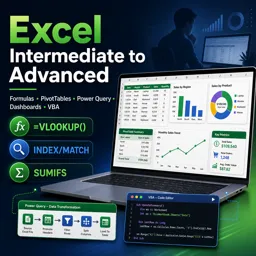
Free CourseExcel Intermediate to Advanced: Formulas, PivotTables, Power Query, Dashboards and VBA
5
(4)
18h53m
28 exercises
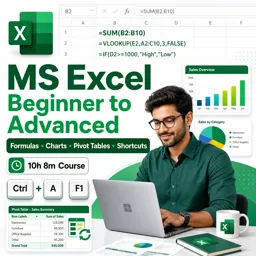
Free CourseMS Excel Beginner to Advanced: Formulas, Charts, Pivot Tables and Shortcuts
5
(4)
10h08m
26 exercises

Free CourseMicrosoft 365 Fundamentals MS-900 Certification Prep Course
5
(3)
3h16m
14 exercises
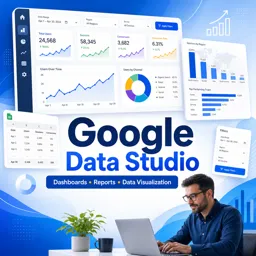
Free CourseGoogle data studio
5
(1)
3h42m
11 exercises
Free CourseMS Word Complete Course: Basics to Advanced Features
5
(1)
2h47m
20 exercises
Free CourseExcel Basics: Formulas, Functions, PivotTables and Power Query for Work
5
(3)
12h14m
22 exercises
Free CourseBusiness Applications in Microsoft Excel
5
(1)
46m
7 exercises
Thousands of online courses in video, ebooks and audiobooks.
To test your knowledge during online courses
Generated directly from your cell phone's photo gallery and sent to your email

Download our app via QR Code or the links below:.



Carry knowledge in your pocket.
Download the Cursa app.
There are hundreds of free courses available, with a free certificate of completion that is saved in your mobile image gallery.
Download the app to access the Course Completion Certificate for Free.


+ 10 million
students

Free and Valid
Certificate

60 thousand free
exercises

4.8/5 rating in
app stores

Free courses in
video and ebooks