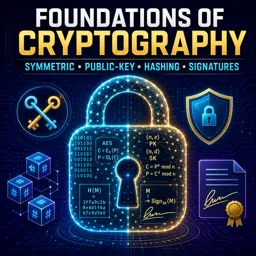
Cryptography is a cornerstone of cybersecurity, going beyond just data confidentiality. It plays a critical role in ensuring data integrity—the assurance that information remains unaltered—and authenticity, verifying that the data genuinely originates from the claimed source. These functions are essential for maintaining trust in digital systems.
Understanding Data Integrity and Authenticity
- Data integrity ensures that data is accurate and has not been tampered with during transmission or storage.
- Authenticity confirms that data or communication comes from a legitimate source, preventing forgery or impersonation.
Both are foundational in secure communications, digital transactions, and system operations.
Cryptographic Hash Functions
Hash functions are mathematical algorithms that convert input data into a fixed-size output (hash). If any part of the original data changes, even slightly, the resulting hash will be completely different. This makes it easy to detect alterations.
Example:
When downloading a software package, the publisher often provides a hash value. Users can compute the hash of the downloaded file and compare it to the published one. A mismatch indicates tampering or corruption.
Message Authentication Codes (MACs)
MACs combine hashing with a secret key to confirm both integrity and authenticity. Only those with the key can generate or verify a valid MAC, making it effective in systems where both parties share a secure secret.
Use case:
MACs are widely used in secure communications and banking systems to verify transaction details and ensure they haven’t been modified.
Digital Signatures
Digital signatures use asymmetric (public-key) cryptography. The sender signs data using their private key. Recipients then use the sender’s public key to verify the signature. If the message is altered or if the sender is not authentic, the signature fails to verify.
Benefits:
- Guarantees the identity of the sender.
- Detects any unauthorized changes to the message.
Practical Applications
- Software Distribution: Signatures confirm the legitimacy and integrity of software updates.
- Email Security: Standards like DKIM and PGP use signatures to authenticate senders and prevent tampering.
- Online Banking: MACs and signatures verify transactions and protect against fraud.
- Blockchain: Hashing and digital signatures ensure tamper-evidence and verify the source of each transaction.
Conclusion
Cryptographic algorithms ensure that data is not only hidden from unauthorized users but also that it remains unchanged and originates from a trusted source. For IT and cybersecurity professionals, understanding these principles is vital to building and maintaining secure systems in today’s interconnected digital world.