
Exercises
Build confidence with essential internet browsing skills in this Fundamentals of Internet Browsing Quiz. Test your knowledge of what web browsers do, how to refresh pages, recognize secure URLs, use private browsing, follow hyperlinks, and navigate back to previous pages. You will also review useful tools for fixing pages that do not load, finding text on a webpage, saving favorite sites with bookmarks, and identifying a browser’s homepage. Ideal for beginners learning safe, efficient web navigation.
Answer the questions below and check the explanation for each answer.
0/10 answered
Auto audio on: the next questions will be read aloud when you click Continue.
Free CourseIBM IT Support course
5

(4)

18h43m

6 exercises
Free CourseIT fundamentals
4.9
(12)
5h33m
22 exercises
Free CourseComputer basics course
4.9
(20)
55m
8 exercises
Free CourseIntroduction to Computer Science
4.8
(40)
17h05m
9 exercises
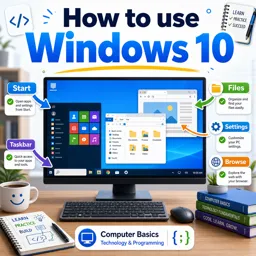
Free CourseHow to use Windows 10
4.8

(4)
3h51m
45 exercises
Free CourseComputer for beginners
4.4
(8)
7h03m
6 exercises
Free CourseWindows 11 for beginners
4
(1)
3h51m
29 exercises
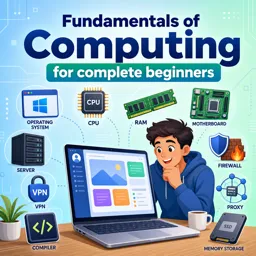
Free CourseFundamentals of Computing for complete beginners
New
46m
13 exercises
Thousands of online courses in video, ebooks and audiobooks.
To test your knowledge during online courses
Generated directly from your cell phone's photo gallery and sent to your email

Download our app via QR Code or the links below:.



Carry knowledge in your pocket.
Download the Cursa app.
There are hundreds of free courses available, with a free certificate of completion that is saved in your mobile image gallery.
Download the app to access the Course Completion Certificate for Free.


+ 10 million
students

Free and Valid
Certificate

60 thousand free
exercises

4.8/5 rating in
app stores

Free courses in
video and ebooks