
It returns a value without automatically printing it to the R console, which is useful for functions that should work quietly.

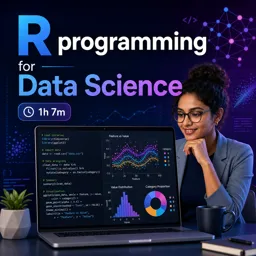
Duration of the online course: 1 hours and 7 minutes
4.7


(3)
Build job-ready data skills with an R programming course—free online lessons, real workflows, and certificate-ready practice for data science projects.
Strengthen your data science foundation by learning R the way analysts and machine learning practitioners actually use it: to explore data, automate repetitive work, and produce reliable results. This free online course is designed for learners who want practical confidence in R programming, whether you are starting from scratch or tightening up skills for AI and machine learning projects.
You will learn how the R environment behaves and how to keep your workspace clean and predictable as your projects grow. Understanding what is stored in memory, how to reset your session, and how objects persist across runs helps you avoid confusing errors and makes your analysis reproducible. Along the way, you will build comfort with core programming habits that are essential in professional settings, especially when working with larger datasets or collaborating with others.
The course also highlights a subtle but powerful concept in R: controlling what gets printed versus what gets returned. You will discover how invisible outputs work, why they matter for clean console logs, and when it is useful to suppress printing while still passing results forward. This is especially valuable when writing your own functions for data workflows, where clarity and usability are just as important as correctness.
To support real analysis scenarios, you will practice reading structured data from common formats like CSV files and preparing it in a shape that tools can use effectively. You will also reinforce how to repeat code efficiently using built-in iteration approaches, enabling you to apply the same transformation across vectors or multiple inputs without rewriting logic. By the end, you will have a stronger grasp of R essentials that translate directly into data science work: cleaner scripts, more reusable functions, and smoother paths from raw data to insight.

1 hours and 7 minutes of online video course

Digital certificate of course completion (Free)

Exercises to train your knowledge

100% free, from content to certificate
What does the invisible() function do in R?
It returns a value without automatically printing it to the R console, which is useful for functions that should work quietly.
How do you remove all objects from the R workspace?
Use rm(list = ls()) to delete all objects currently stored in the global workspace.
How can I import website revenue data from a CSV file in R?
Use read.csv() with a properly structured CSV file: a header row for column names and consistent values in each column.
Ready to get started?Download the app and get started today.
Install the app now
to access the course
Over 5,000 free courses
Programming, English, Digital Marketing and much more! Learn whatever you want, for free.

Study plan with AI
Our app's Artificial Intelligence can create a study schedule for the course you choose.

From zero to professional success
Improve your resume with our free Certificate and then use our Artificial Intelligence to find your dream job.
You can also use the QR Code or the links below.



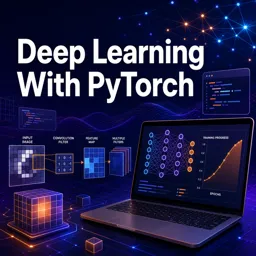
Free CourseDeep Learning With PyTorch
5
(6)

3h39m

19 exercises

Free CourseMachine Learning tutorial
5
(2)
10h20m
6 exercises

Free CourseGoogle Prompting Essentials
4.8
(5)
3h24m
10 exercises

Free CourseData Science
4.8
(4)
5h58m
38 exercises

Free CourseArtificial intelligence
4.7
(69)
12h40m
7 exercises

Free CourseFundamentals of Artificial Intelligence
4.6
(11)
25h26m
34 exercises

Free CourseGenerative AI
4.6
(5)
1h43m
11 exercises

Free CourseArtificial Intelligence Masterclass: Search, Logic, Machine Learning and Deep Learning
4.6
(9)
31h57m
57 exercises
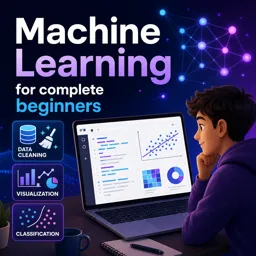
Free CourseMachine Learning for complete beginners
4.6
(9)
1h09m
17 exercises
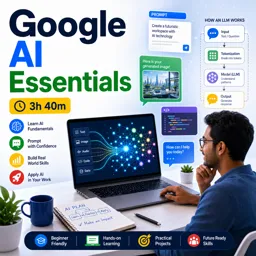
Free CourseGoogle AI Essentials
4.5
(17)
3h40m
13 exercises
Carry knowledge in your pocket.
Download the Cursa app.
There are hundreds of free courses available, with a free certificate of completion that is saved in your mobile image gallery.
Download the app to access the Course Completion Certificate for Free.


+ 10 million
students

Free and Valid
Certificate

60 thousand free
exercises

4.8/5 rating in
app stores

Free courses in
video and ebooks


Course comments: R programming for Data Science
Maki Chavanne
fire class session