
This tutorial could not be loaded.
Loading tutorial...
Interactive tutorial
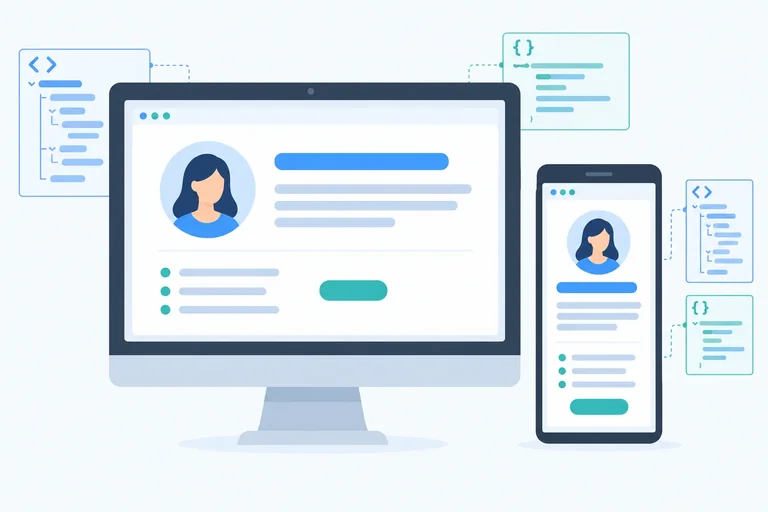
Build an About Me page on your own computer using HTML and CSS. Add structured content, links, and an image; style the page; make it fit smaller screens; and fix common mistakes.
 Step 1 of 9
5 min
Create and Open Your HTML File
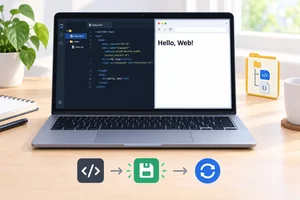
Create a local HTML file, understand its basic document areas, and verify a change in your browser.
Step 1 of 9
5 min
Create and Open Your HTML File
Create a local HTML file, understand its basic document areas, and verify a change in your browser.
 Step 2 of 9
4 min
Give Your Content a Clear Structure
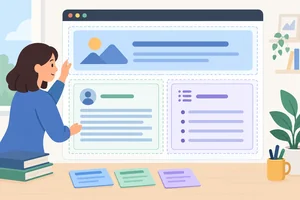
Organize the visible content of your local About Me page with headings, sections, paragraphs, and a list.
Step 2 of 9
4 min
Give Your Content a Clear Structure
Organize the visible content of your local About Me page with headings, sections, paragraphs, and a list.
 Step 3 of 9
5 min
Add a Link and Your Own Image
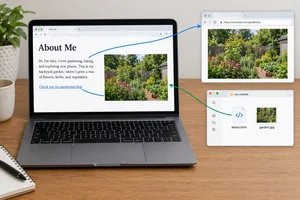
Add an external link and a local image to your About Me page using accurate attributes and meaningful alternative text.
Step 3 of 9
5 min
Add a Link and Your Own Image
Add an external link and a local image to your About Me page using accurate attributes and meaningful alternative text.
 Step 4 of 9
4 min
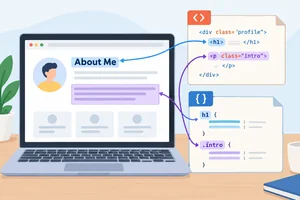
Connect CSS and Target Elements
Create a local stylesheet, connect it to your HTML file, and use element and class selectors for your first reusable styles.
Step 4 of 9
4 min
Connect CSS and Target Elements
Create a local stylesheet, connect it to your HTML file, and use element and class selectors for your first reusable styles.
 Step 5 of 9
4 min
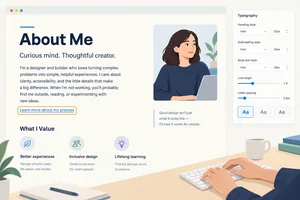
Make the Text Readable
Set readable typography, colors, link styling, and keyboard focus visibility in your local stylesheet.
Step 5 of 9
4 min
Make the Text Readable
Set readable typography, colors, link styling, and keyboard focus visibility in your local stylesheet.
 Step 6 of 9
4 min
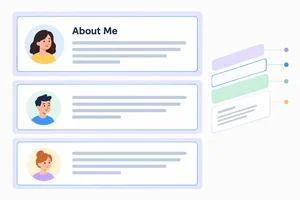
Control Space with the Box Model
Add deliberate inner space, outer separation, borders, and rounded corners to the sections on your local About Me page.
Step 6 of 9
4 min
Control Space with the Box Model
Add deliberate inner space, outer separation, borders, and rounded corners to the sections on your local About Me page.
 Step 7 of 9
4 min
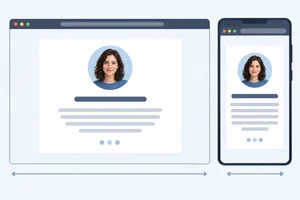
Make the Page Fit Smaller Screens
Make the About Me page comfortable to read on wide and narrow browser windows with a centered container and a flexible local image.
Step 7 of 9
4 min
Make the Page Fit Smaller Screens
Make the About Me page comfortable to read on wide and narrow browser windows with a centered container and a flexible local image.
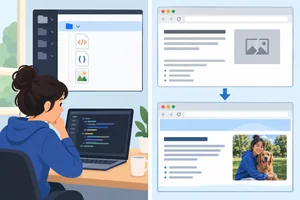 Step 8 of 9
3 min
Fix Common Page Problems
Find common local HTML and CSS problems by checking saved files, paths, selectors, syntax, and document structure in a focused order.
Step 8 of 9
3 min
Fix Common Page Problems
Find common local HTML and CSS problems by checking saved files, paths, selectors, syntax, and document structure in a focused order.
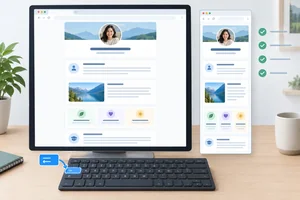 Step 9 of 9
6 min
Finish and Check Your First Page
Complete, personalize, and verify your local About Me page in the browser.
Step 9 of 9
6 min
Finish and Check Your First Page
Complete, personalize, and verify your local About Me page in the browser.

Free CourseLaravel
5

(2)

4h04m

20 exercises
Free CourseProgressive Web Application PWA for Beginners
5
(5)
3h24m
15 exercises
Free CourseLearn Laravel in 30 Days: Beginner to Pro
5
(2)
17h00m
30 exercises
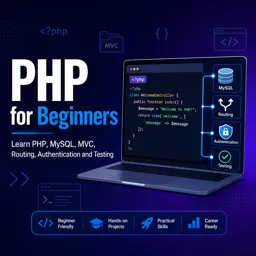
Free CoursePHP for Beginners: Learn PHP, MySQL, MVC, Routing, Authentication and Testing
5
(1)
10h45m
49 exercises
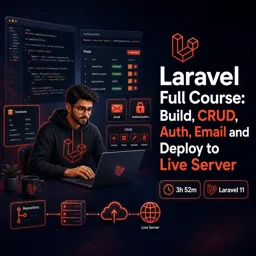
Free CourseLaravel Full Course: Build, CRUD, Auth, Email and Deploy to Live Server
5
(2)
3h52m
15 exercises
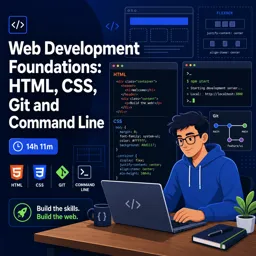
Free CourseWeb Development Foundations: HTML, CSS, Git and Command Line
5
(3)
14h11m
37 exercises
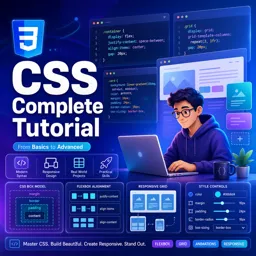
Free CourseCSS Complete Tutorial
5
(1)
8h30m
49 exercises
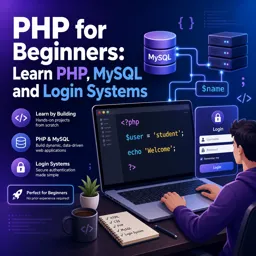
Free CoursePHP for Beginners: Learn PHP, MySQL and Login Systems
5
(3)
10h49m
29 exercises
Thousands of online courses in video, ebooks and audiobooks.
To test your knowledge during online courses
Generated directly from your cell phone's photo gallery and sent to your email

Download our app via QR Code or the links below:.



Carry knowledge in your pocket.
Download the Cursa app.
There are hundreds of free courses available, with a free certificate of completion that is saved in your mobile image gallery.
Download the app to access the Course Completion Certificate for Free.


+ 10 million
students

Free and Valid
Certificate

60 thousand free
exercises

4.8/5 rating in
app stores

Free courses in
video and ebooks