Confirm the correct board model and the serial port assigned to your connected Arduino.

Duration of the online course: 2 hours and 11 minutes
New
Build Arduino skills fast with a free robotics course—wire circuits, code in the IDE, and bring LEDs and buttons to life through hands-on projects.
Take your first confident steps into Arduino and robotics by learning how microcontroller projects are built from the ground up. This beginner-friendly course guides you through the essentials of getting an Arduino board working with your computer, writing your first sketch, and understanding how code turns into real-world actions. You will learn the core structure behind Arduino programs and develop an intuitive sense of what happens when the board powers on, runs setup, and continuously executes the loop.
Instead of stopping at theory, you will practice with small, satisfying builds that help the basics stick. You will install and configure the Arduino IDE, confirm the right board and port settings, upload code reliably, and use the Serial Monitor to observe what your program is doing. This ability to verify behavior, spot mistakes early, and adjust your logic is what separates random tinkering from purposeful building.
As you move forward, you will get comfortable with breadboards and simple components, so wiring stops feeling like a mystery. You will learn why resistors matter, how to interpret their values, and how to protect your LEDs while making clean, dependable connections. You will also see how Arduino digital output works and what it means to set a pin HIGH or LOW when controlling an external device.
Once you can blink an LED on command, you will expand your control with PWM to create smooth fades and adjustable brightness, building a practical understanding of analogWrite and duty cycle. From there, you will add interactivity by wiring a push button input, learning the purpose of pull-down resistance, and reading button states in code to drive behavior. These mini-projects help you develop real embedded programming habits: predictable timing, clear feedback via serial messages, and careful thinking about inputs and outputs.
By the end, you will be able to assemble simple Arduino circuits, write and debug beginner-level sketches, and prototype interactive behaviors that translate directly into larger robotics and DIY electronics projects. Whether your goal is to explore technology and programming, prepare for more advanced robotics builds, or simply gain a practical skill for creative making, this course gives you a solid, hands-on foundation you can build on immediately.

2 hours and 11 minutes of online video course

Digital certificate of course completion (Free)

Exercises to train your knowledge

100% free, from content to certificate
Which Arduino IDE settings should I check before uploading a sketch?
Confirm the correct board model and the serial port assigned to your connected Arduino.
Why does an Arduino LED circuit need a 220Ω resistor?
It limits current through the LED, helping prevent damage to the LED and the Arduino output pin.
What values does analogWrite() use to fade an LED on an Arduino Uno?
Use values from 0 to 255, where 0 is off and 255 is maximum PWM duty cycle.
Ready to get started?Download the app and get started today.
Install the app now
to access the course
Over 5,000 free courses
Programming, English, Digital Marketing and much more! Learn whatever you want, for free.

Study plan with AI
Our app's Artificial Intelligence can create a study schedule for the course you choose.

From zero to professional success
Improve your resume with our free Certificate and then use our Artificial Intelligence to find your dream job.
You can also use the QR Code or the links below.



Free CourseArduino tutorial for beginners
5

(2)

12h28m

24 exercises
Free CourseArduino Masterclass in 90 mins
5
(3)
1h25m
6 exercises

Free CourseAutonomous Drone Systems, Swarm Intelligence and Control Engineering
5
(1)
27h57m
49 exercises
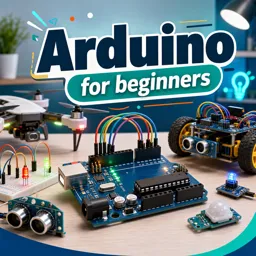
Free CourseArduino for beginners
4.8

(8)
4h04m
9 exercises
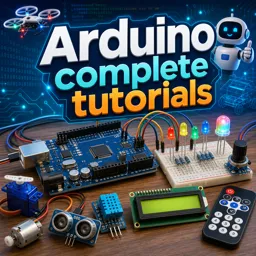
Free CourseArduino complete tutorials
3.9
(9)
32h21m
35 exercises
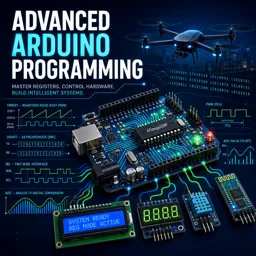
Free CourseAdvanced Arduino Programming
1
(1)
5h41m
36 exercises
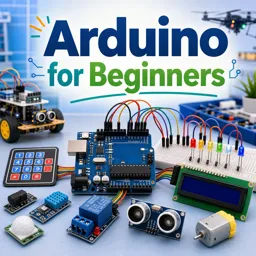
Free CourseArduino for Beginners
New
9h53m
39 exercises

Free CourseFPV Drone Flying for Total Beginners: Racing and Freestyle Basics
New
4h04m
18 exercises
Free CourseBetaflight 4.3 Complete Setup and Tuning Guide
New
7h24m
15 exercises
Carry knowledge in your pocket.
Download the Cursa app.
There are hundreds of free courses available, with a free certificate of completion that is saved in your mobile image gallery.
Download the app to access the Course Completion Certificate for Free.


+ 10 million
students

Free and Valid
Certificate

60 thousand free
exercises

4.8/5 rating in
app stores

Free courses in
video and ebooks